10

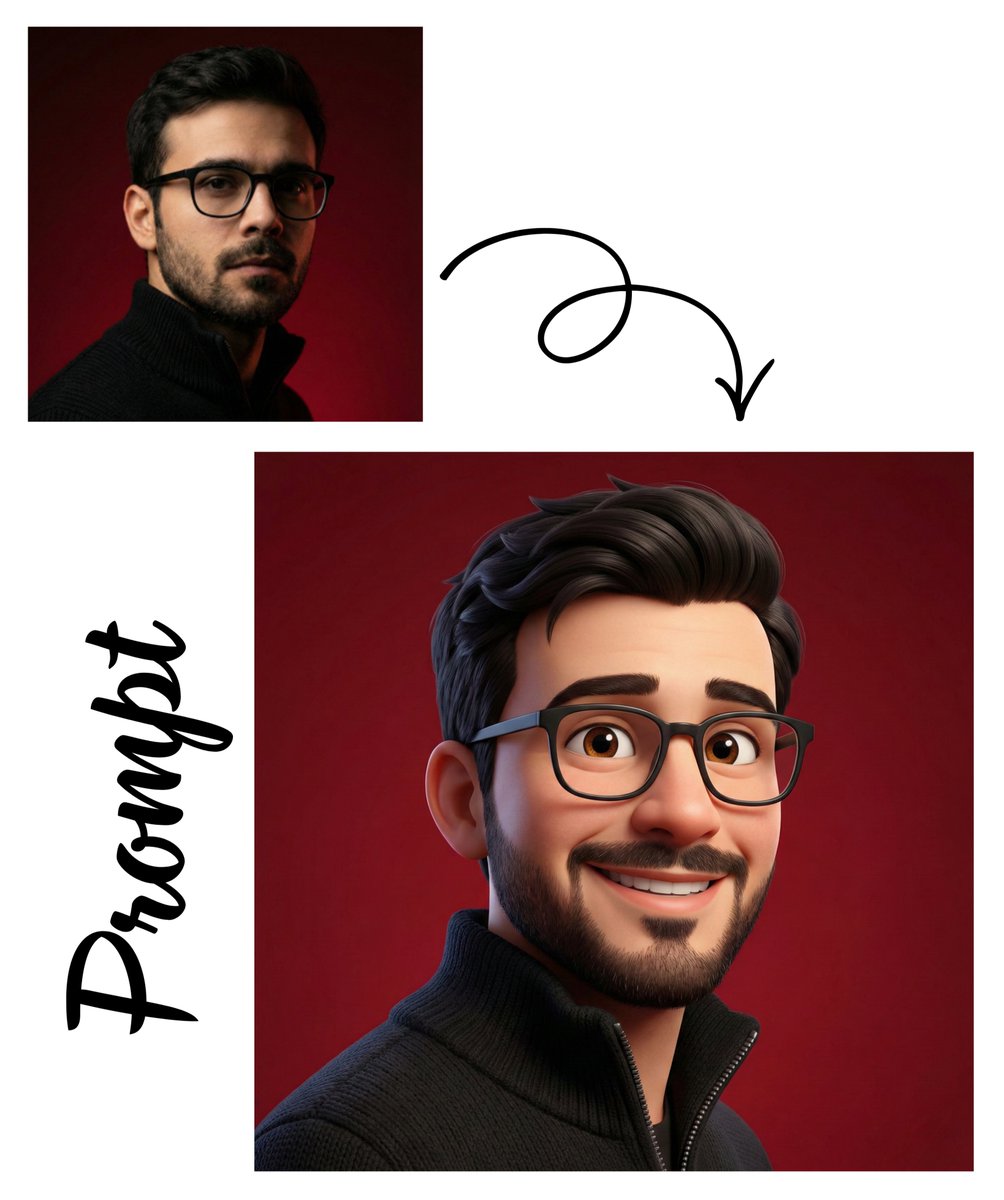
红色背景下的 3D 男性头像
Enlarge

红色背景下的 3D 男性头像

Prompt
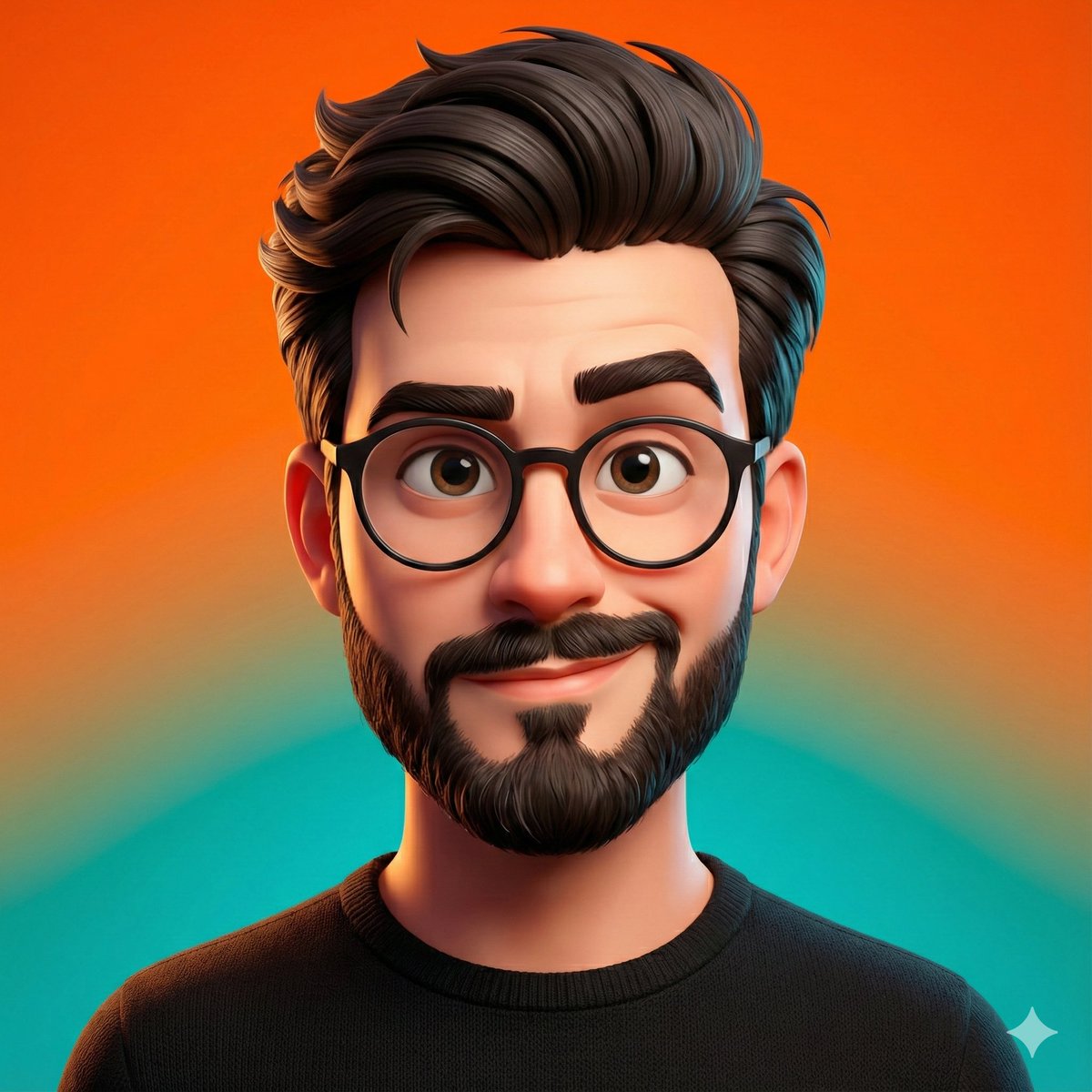
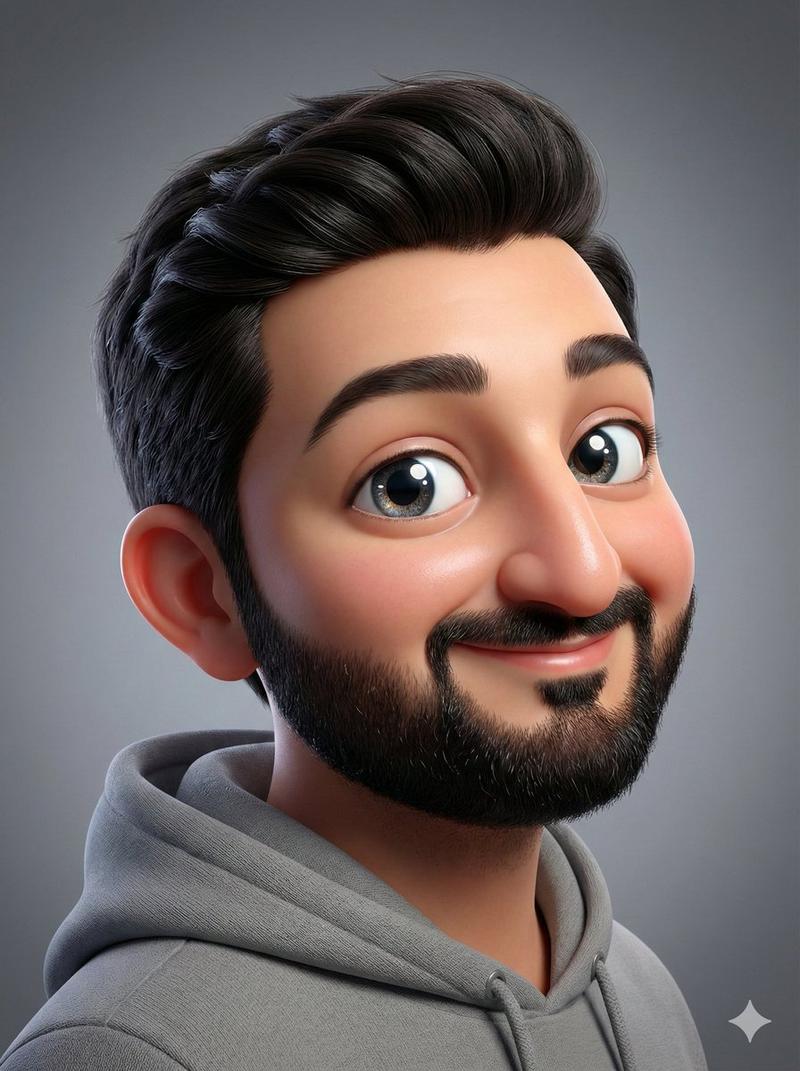
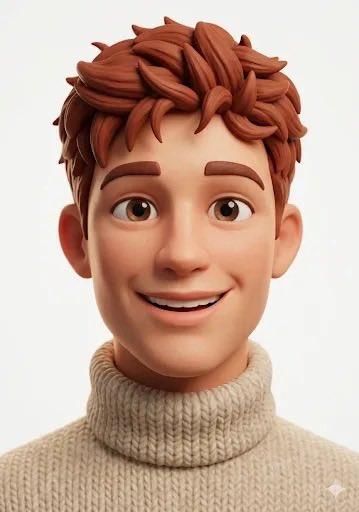
A centered close-up 3D stylized portrait of a young man against a smooth vivid crimson-red studio background, rendered like a polished animated character with realistic lighting and soft subsurface skin shading. He has thick glossy black hair styled in a neat side-parted pompadour with sculpted waves, visible ears, and thin gold round eyeglass frames peeking out at the sides. Show only the head and a little of the upper shoulders, cropped tightly so the hairstyle fills the top of the frame. The character wears a dark top barely visible at the bottom edge. Use a symmetrical front-facing composition, ultra-clean background, high contrast, soft rim lighting, and premium 3D illustration quality similar to a modern animated profile avatar. The face should be fully visible and detailed, with a neutral expression, but keep the overall design minimal and iconic.
Category
Posters & Typography
Model
GPT Image 2
Views16
Source ID
17626
Published
May 1, 2026

Guide

About "红色背景下的 3D 男性头像"

What is this prompt for?

"红色背景下的 3D 男性头像" AI image prompt for GPT Image 2 (Posters & Typography). 一款精致的 3D 男性特写头像,采用醒目的红色背景,非常适合用作个人资料图片、品牌宣传或社交媒体角色艺术。 Copy it on Picva and recreate th…

The full copyable prompt and example visuals above are ready for AI image generation or one-click recreate in Picva.

How to use this prompt

  1. Step 1

    Open the prompt detail

    Review the example visuals, category, and full prompt text for "红色背景下的 3D 男性头像".

  2. Step 2

    Copy the prompt

    Copy the prompt body from this page, or load it directly in Studio.

  3. Step 3

    Pick a model (GPT Image 2)

    Prefer GPT Image 2. If you switch models, keep subject and composition and tweak style terms.

  4. Step 4

    Generate and export

    Recreate the look in Picva, or export into your workflow for editing and publishing.

FAQ

What is the "红色背景下的 3D 男性头像" prompt?
It is an AI image-generation prompt for GPT Image 2 in the Posters & Typography category. This page includes the full prompt text, example visuals, and a one-click recreate path in Picva.
How do I use this prompt to generate an image?
Copy the prompt from this page, or use Generate / Studio. Paste it into a compatible image model, or recreate the look in Picva with optional reference images.
Which model is this prompt for?
This page lists GPT Image 2. Most descriptive prompts also transfer to nearby image models such as GPT Image, Flux, or Midjourney with light style tweaks.
Can I use the result commercially?
You can usually copy the prompt for creation, but commercial use of the final image depends on the model terms, reference-image rights, and the generated content. Follow the source author and platform rules.