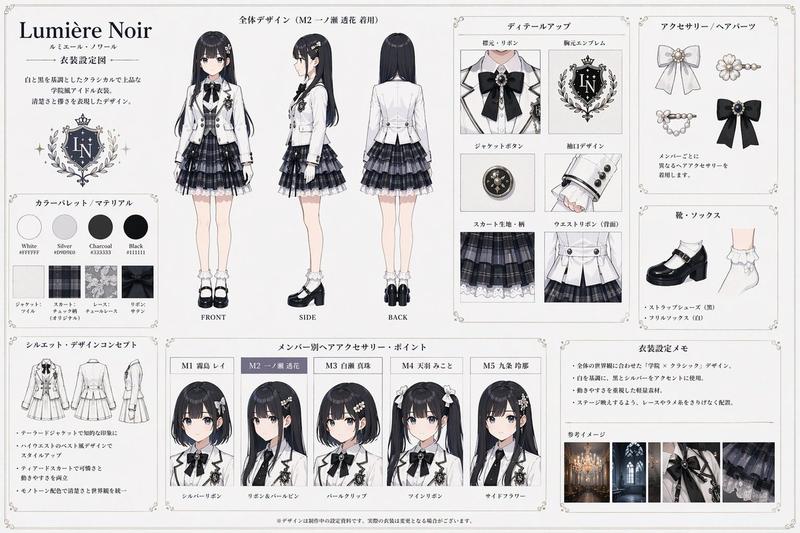
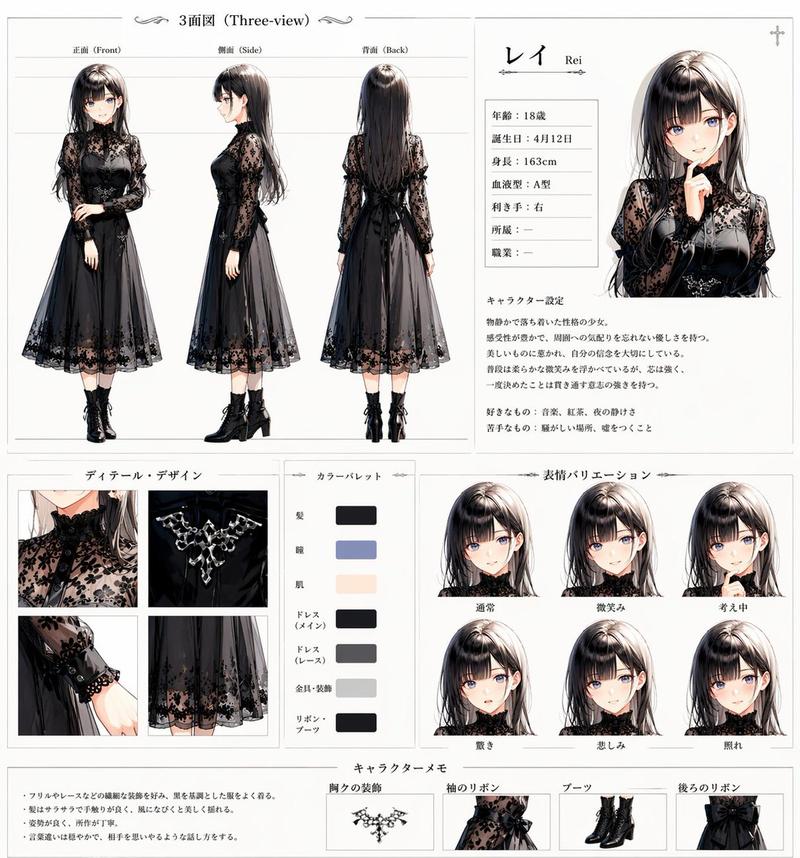
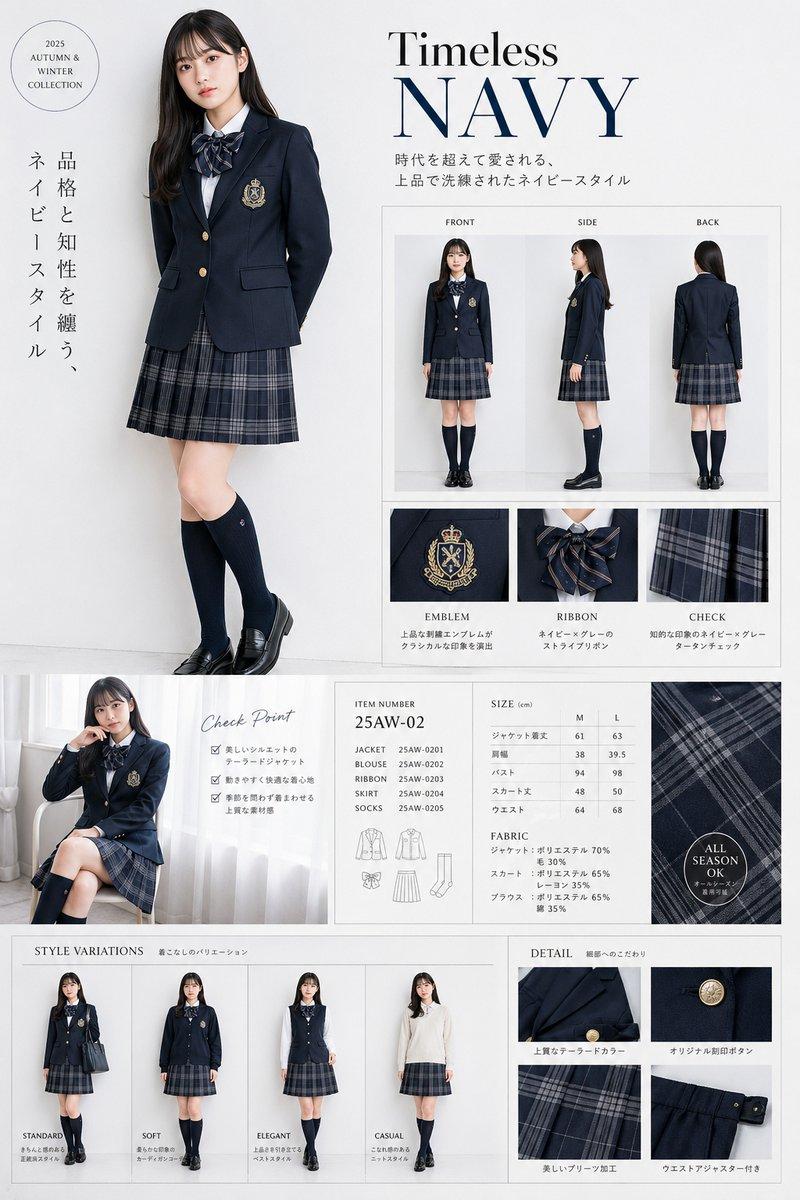
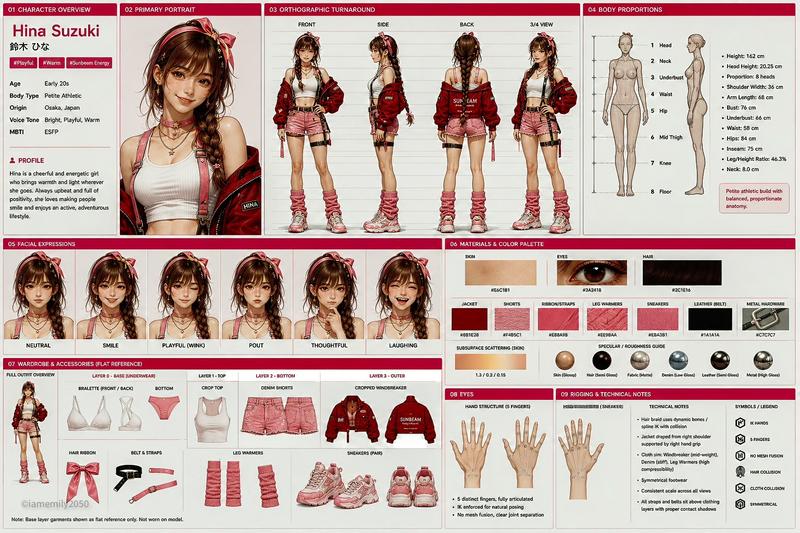
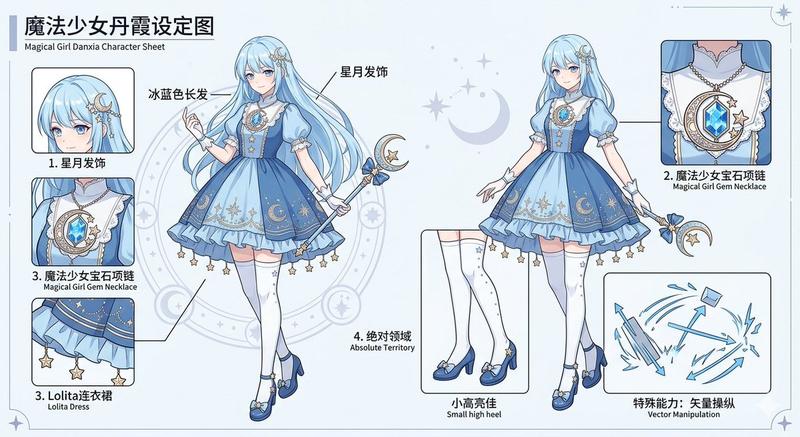
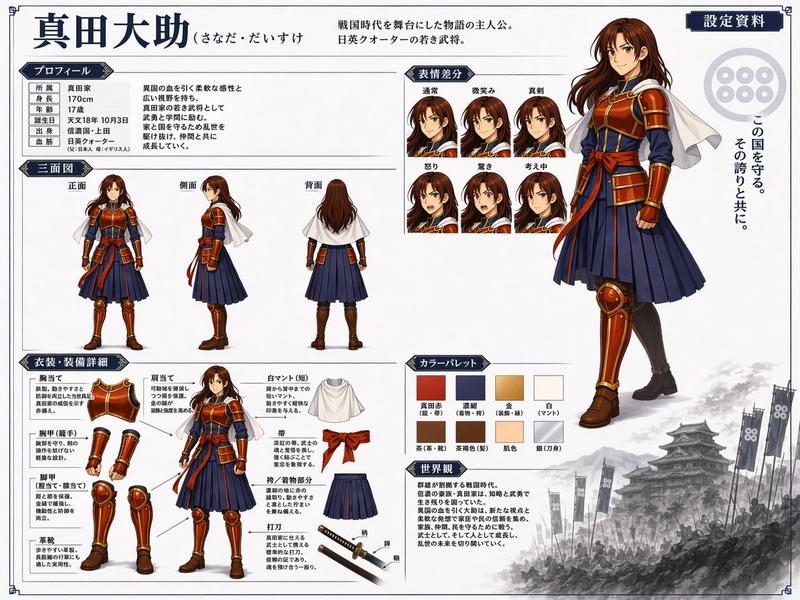
Elegant Academy 角色设定表
Prompt
{"type":"fashion character reference sheet","style":"luxury editorial anime concept board, clean white background, thin divider lines, elegant serif typography mixed with small Chinese subtitles, high-end academy branding, polished full-body character design presentation","character":{"name":"{argument name=\"character name\" default=\"EVELYN GRAY\"}","chinese_name":"伊芙琳·格雷","age":"18","birthday":"December 12","height":"171 cm","blood_type":"A","affiliation":"Whitewing Academy","role":"elite student","personality":["confident","rational","gentle","determined"],"appearance":{"gender_presentation":"young woman","hair":{"color":"{argument name=\"hair color\" default=\"soft golden blonde\"}","style":"short wavy bob with voluminous curled ends, side part, glossy soft curls"},"face":"delicate refined features, elegant academy-girl beauty, face intentionally left blank or softly obscured in all portraits","build":"tall, slim, long-legged"}},"outfit":{"theme":"{argument name=\"outfit color\" default=\"black elite academy uniform with white accents\"}","pieces":[{"name":"jacket","description":"tailored black fitted blazer with structured shoulders and waist shaping"},{"name":"shirt","description":"white high-collar blouse with subtle pleating"},{"name":"ribbon","description":"black bow ribbon at the neck"},{"name":"skirt","description":"black pleated short skirt"},{"name":"socks","description":"black over-the-knee socks"},{"name":"heels","description":"black glossy pointed high heels"},{"name":"badge","description":"academy crest emblem accessory"}]},"layout":{"format":"single-page portrait reference sheet","sections":[{"title":"CHARACTER","position":"upper left","count":8,"labels":["name","English name","age","birthday","height","blood type","affiliation","role"]},{"title":"TURNAROUND","position":"upper center","count":3,"labels":["FRONT","SIDE","BACK"]},{"title":"WORLD","position":"upper right","count":2,"labels":["academy crest","lore paragraph"]},{"title":"EXPRESSIONS","position":"upper right below world","count":6,"labels":["NEUTRAL","SMILE","WINK","SERIOUS","SURPRISED","THOUGHTFUL"]},{"title":"COSTUME & GEAR","position":"middle left","count":6,"labels":["JACKET","RIBBON","SOCKS","SKIRT front","SKIRT back","HEELS"]},{"title":"DETAILS","position":"middle center-right","count":4,"labels":["bow close-up","jacket button and lapel close-up","pleated skirt close-up","high heel close-up"]},{"title":"COLOR PALETTE","position":"middle right","count":6,"labels":["#F5F5F5","#1C1C1E","#EDE6DD","#D7C8B8","#C8B39A","#888B8D"]},{"title":"PROFILE","position":"bottom left","count":1,"labels":["character description paragraph"]},{"title":"STORY KEYWORDS","position":"bottom center","count":6,"labels":["academy","growth","confidence","elegance","responsibility","future"]},{"title":"SIGNATURE","position":"bottom right","count":2,"labels":["cursive signature","feather icon"]}],"centerpiece":"three full-body turnaround renders of the same character in front, side, and back view"},"branding":{"headline":"{argument name=\"headline text\" default=\"EVELYN GRAY\"}","tagline":"{argument name=\"tagline\" default=\"Elegance is the softest expression of strength.\"}","crest":"ornate black-and-silver academy shield with crown and laurel motif"},"rendering":{"materials":"matte wool blazer, crisp cotton blouse, glossy patent leather heels","lighting":"soft studio lighting, shadowless product-sheet presentation","quality":"ultra-detailed, precise garment construction, realistic fabric folds, premium print-ready layout"}}- Category
- Charts & Infographics
- Model
- GPT Image 2
- Creator
- 熊三金Cole🐬TermMax
- Source ID
- 17647
- Published
- May 1, 2026
Views61