17

夜间海滩闪光灯人像
Enlarge

夜间海滩闪光灯人像

Prompt
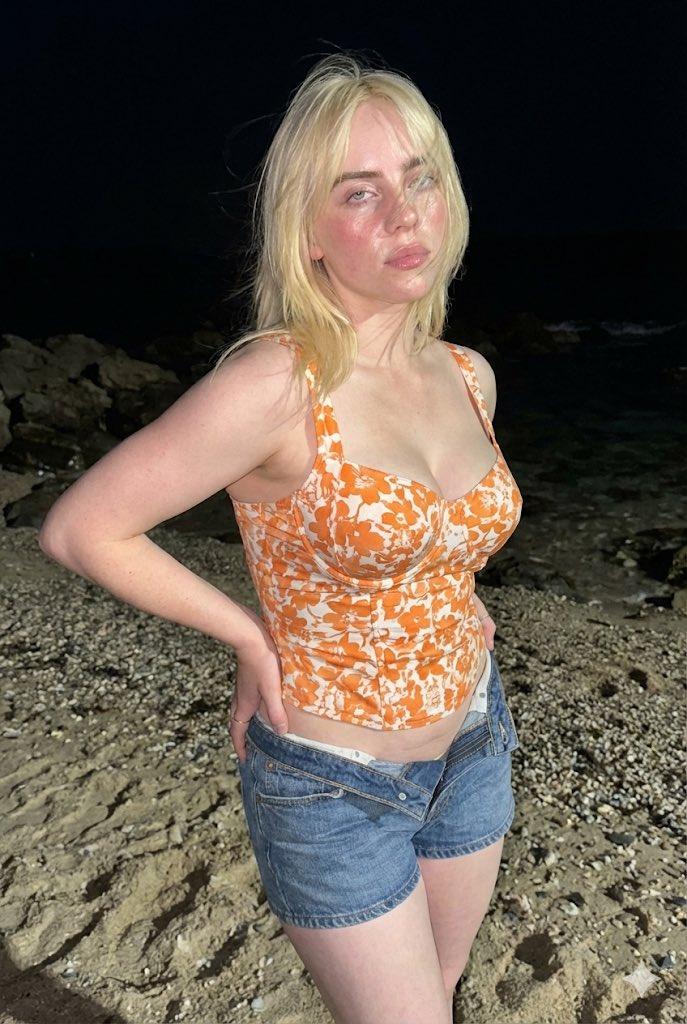
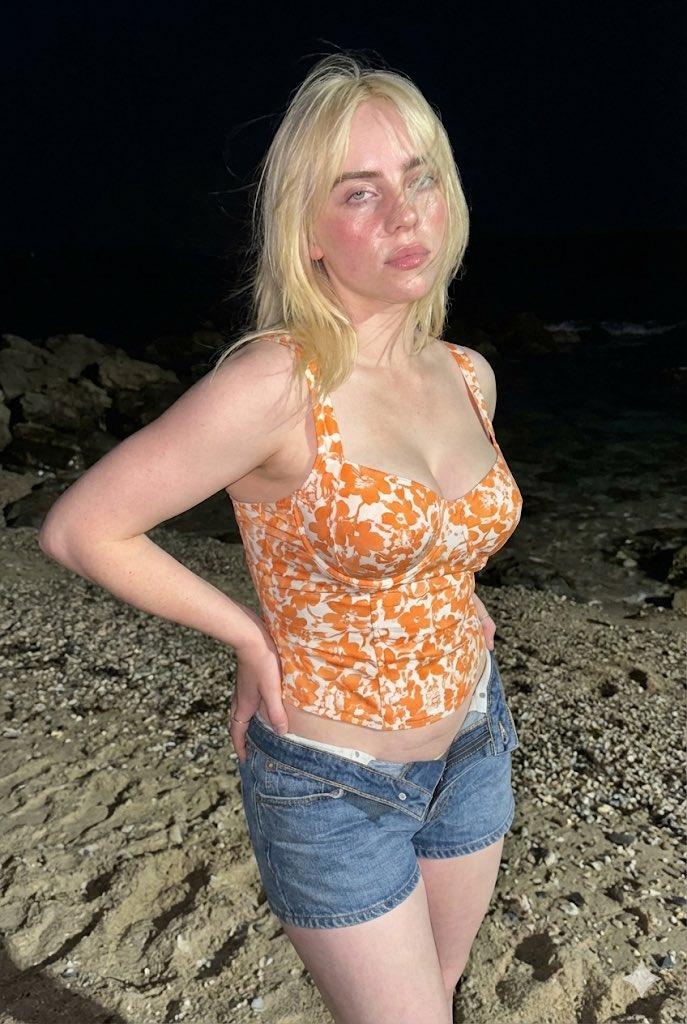
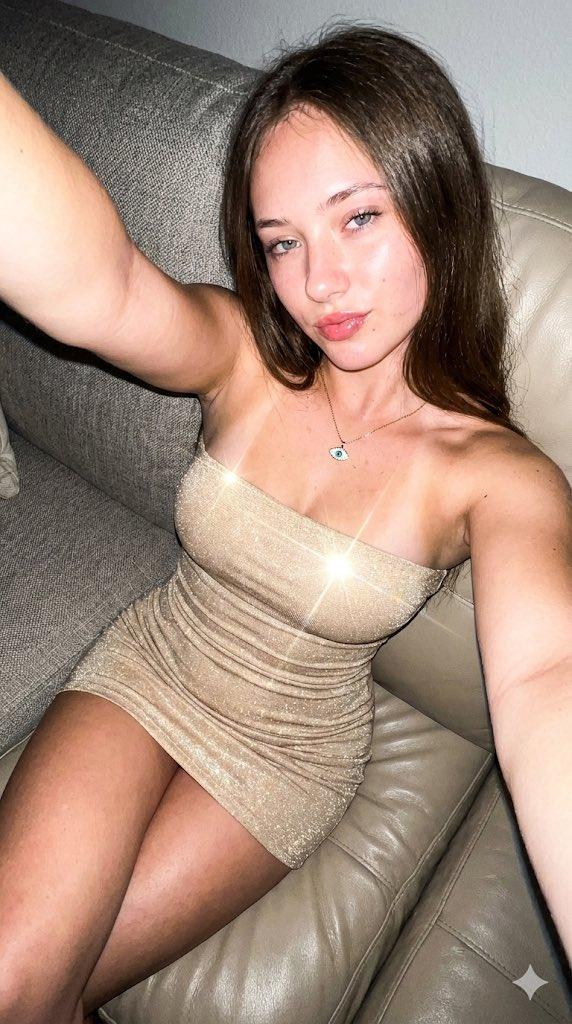
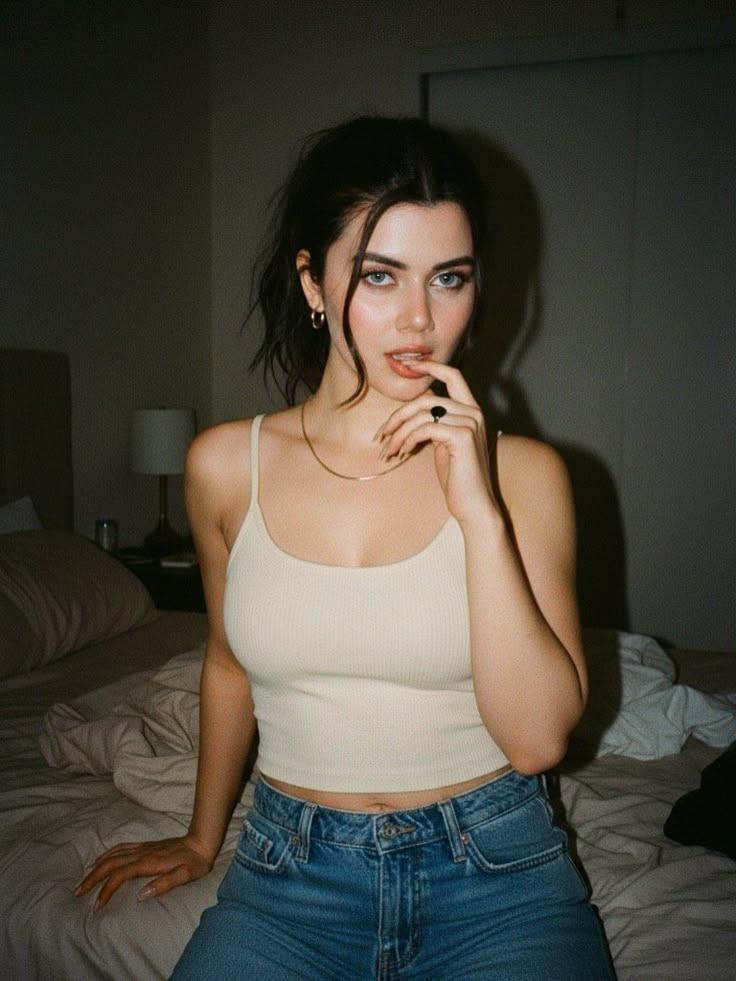
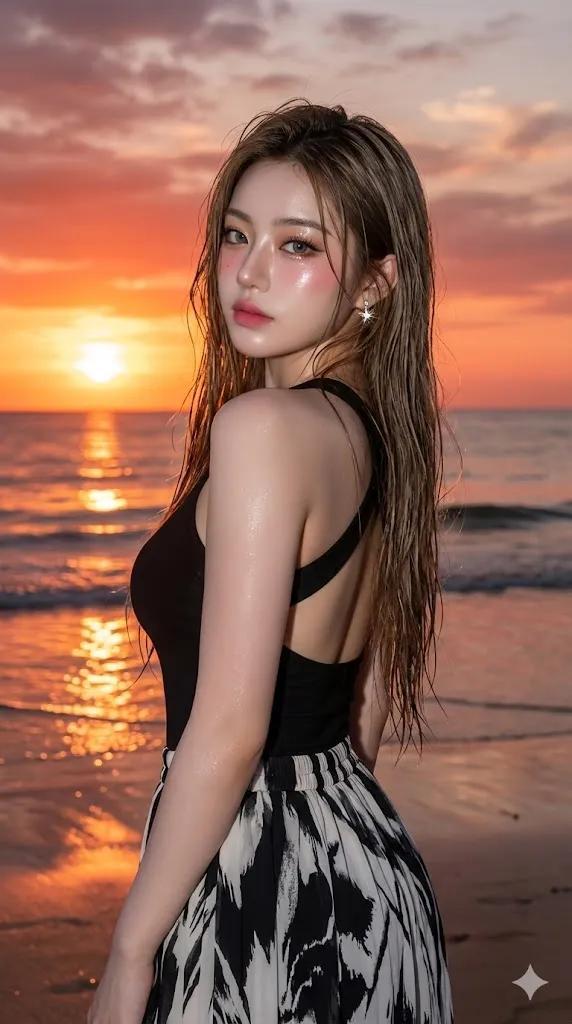
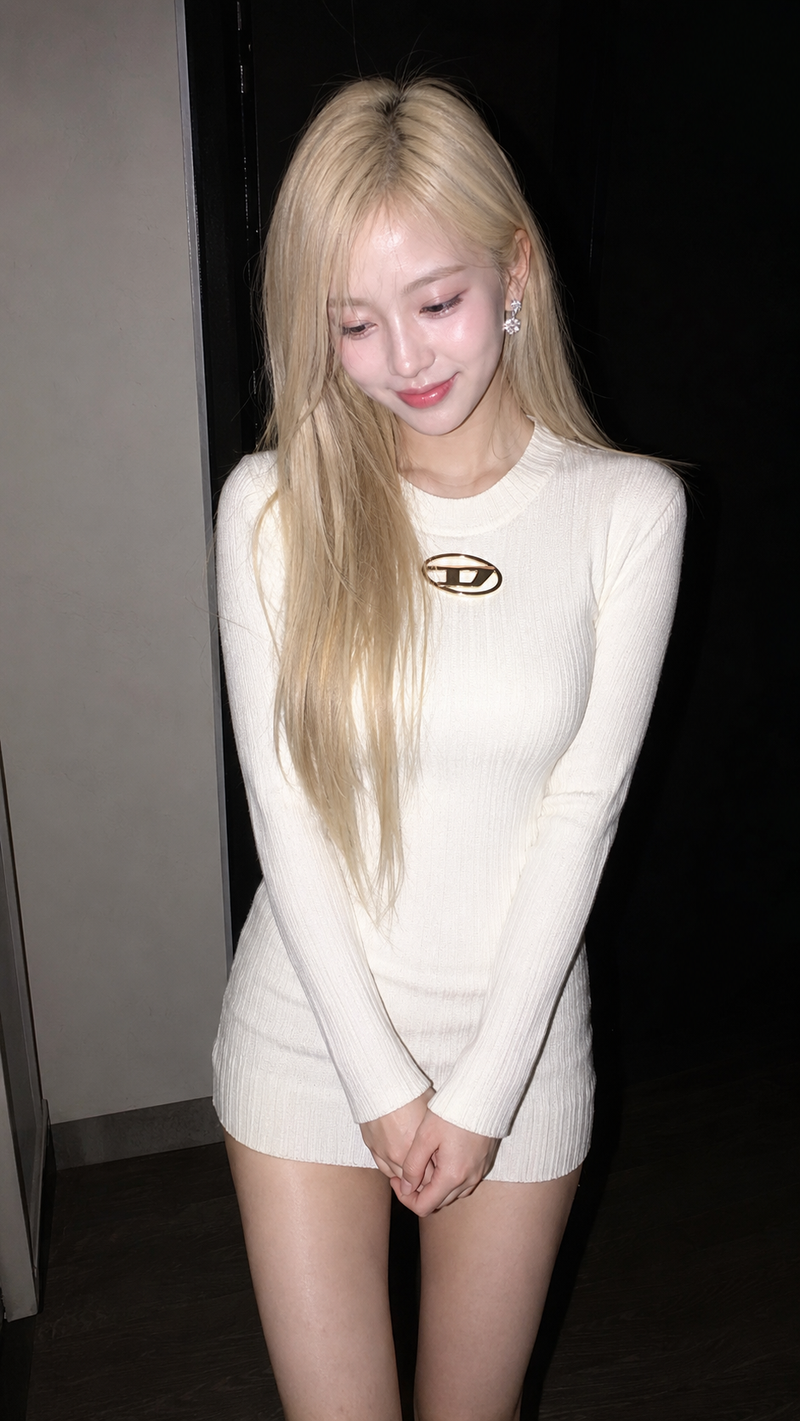
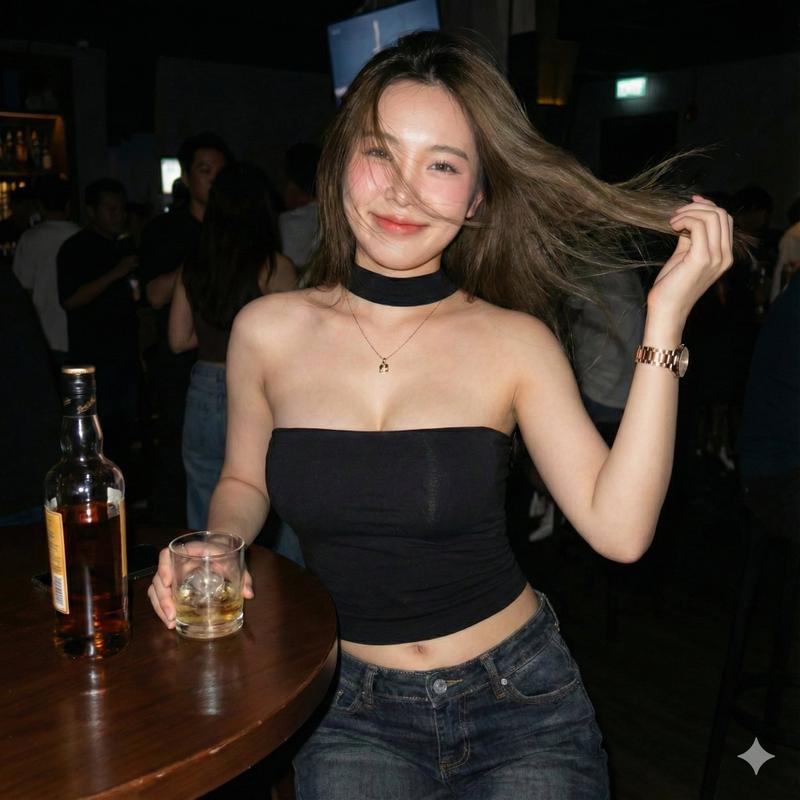
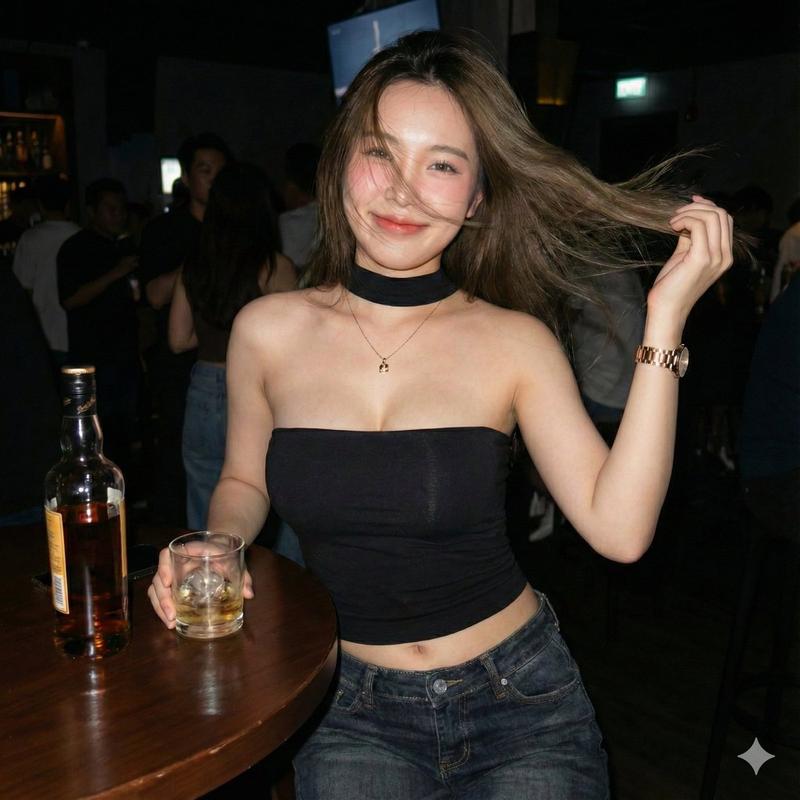
A candid photorealistic night beach portrait of a young woman standing on wet sand near the shoreline, framed from mid-thigh up, facing the camera with a relaxed posture and one arm hanging naturally at her side. She has long straight dark brown hair parted near the center, smooth light-to-medium skin, and wears a fitted strapless bodycon dress with a soft vintage floral print in muted cream, pale yellow, sage green, and dusty blue. Add a delicate gold necklace with a small round pendant and subtle rings on her fingers. The scene is lit with direct on-camera flash, creating sharp realistic highlights on the skin, a crisp subject against a very dark background, and a visible band of foamy ocean waves behind her. The beach and sea should look natural and dim, with the horizon fading into black night sky. Smartphone snapshot aesthetic, realistic skin texture, slight flash harshness, casual social-photo composition, shallow ambient detail, centered subject, authentic nightlife beach vibe.
Category
Photography & Realism
Model
GPT Image 2
Creator
Danna R.
Views4
Source ID
17738
Published
May 1, 2026

Guide

About "夜间海滩闪光灯人像"

What is this prompt for?

"夜间海滩闪光灯人像" AI image prompt for GPT Image 2 (Photography & Realism). 一张写实风格的夜间海滩手机人像,非常适合生成看起来像是由闪光灯自然拍摄的休闲社交媒体照片。 Copy it on Picva and recreate the look in on…

The full copyable prompt and example visuals above are ready for AI image generation or one-click recreate in Picva.

How to use this prompt

  1. Step 1

    Open the prompt detail

    Review the example visuals, category, and full prompt text for "夜间海滩闪光灯人像".

  2. Step 2

    Copy the prompt

    Copy the prompt body from this page, or load it directly in Studio.

  3. Step 3

    Pick a model (GPT Image 2)

    Prefer GPT Image 2. If you switch models, keep subject and composition and tweak style terms.

  4. Step 4

    Generate and export

    Recreate the look in Picva, or export into your workflow for editing and publishing.

FAQ

What is the "夜间海滩闪光灯人像" prompt?
It is an AI image-generation prompt for GPT Image 2 in the Photography & Realism category. This page includes the full prompt text, example visuals, and a one-click recreate path in Picva.
How do I use this prompt to generate an image?
Copy the prompt from this page, or use Generate / Studio. Paste it into a compatible image model, or recreate the look in Picva with optional reference images.
Which model is this prompt for?
This page lists GPT Image 2. Most descriptive prompts also transfer to nearby image models such as GPT Image, Flux, or Midjourney with light style tweaks.
Can I use the result commercially?
You can usually copy the prompt for creation, but commercial use of the final image depends on the model terms, reference-image rights, and the generated content. Follow the source author and platform rules.