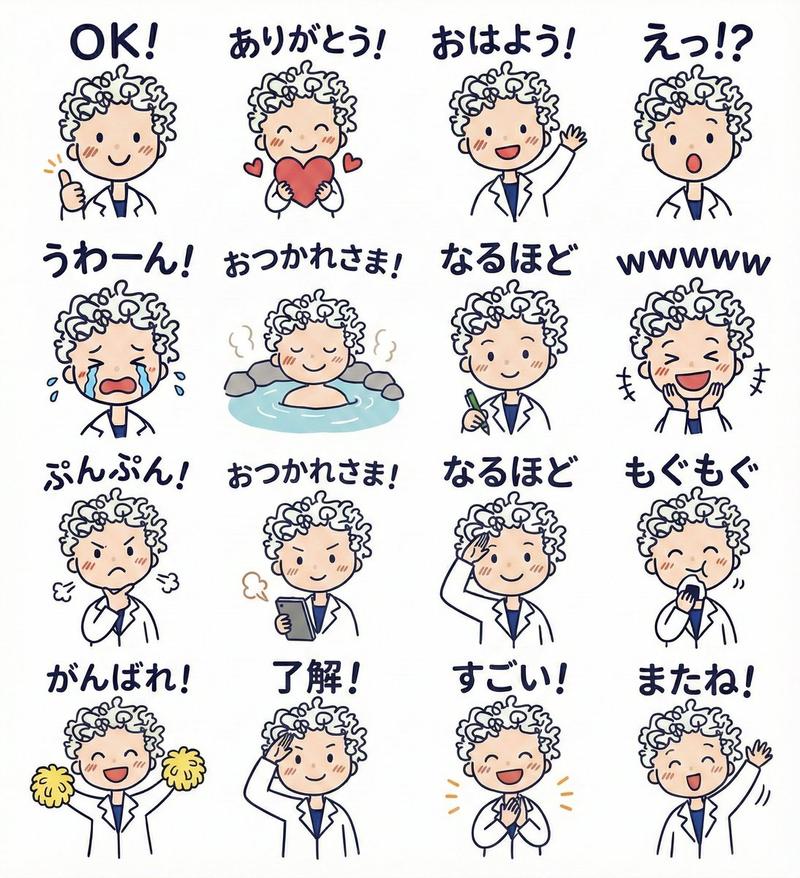
Chaotic MS Paint Sticker Emoji Set
Prompt
Task Objective:
Generate a set of 16 chat-style sticker emojis based on the reference images. The result should feel expressive, highly shareable, and stylistically unified — but intentionally chaotic, low-quality, and humorous.

The final output should look like:
Someone who cannot draw, using a mouse in MS Paint, randomly doodling and writing text at the same time — messy, awkward, low-effort, but unexpectedly funny.

————————
Input Structure:

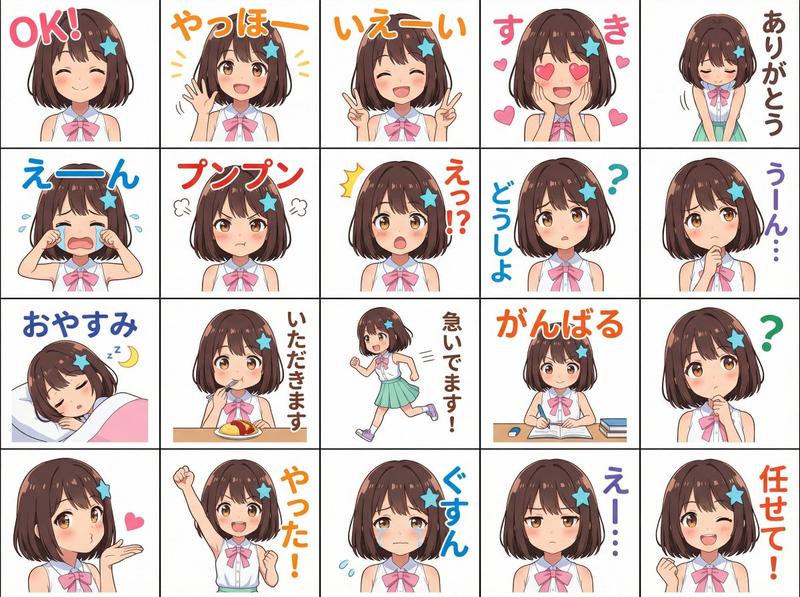
Image 1: Character reference (may include one or multiple subjects such as people, pets, or combinations)
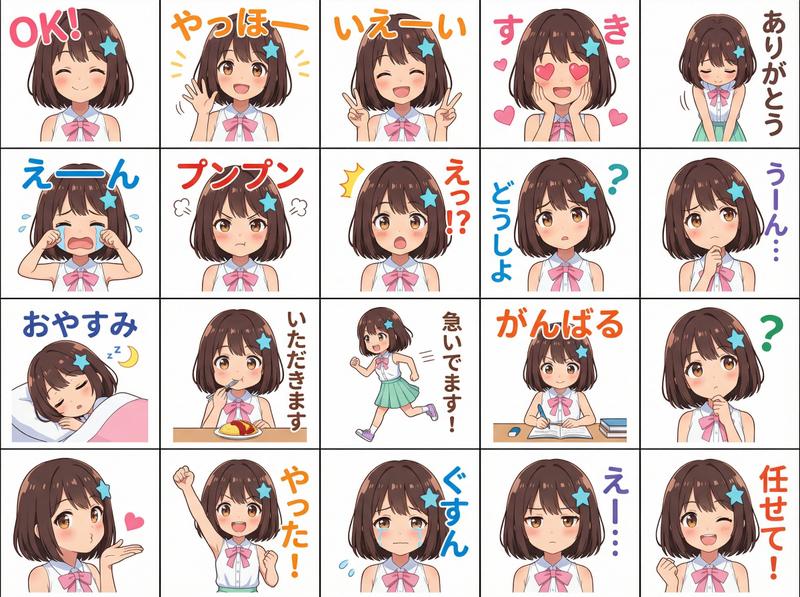
Image 2: Layout reference (only for understanding the 4x4 grid structure, not style)

User Inputs:
- Text content (multiple lines, any language, may be fewer or more than 16)

————————
Character Usage Rules:

- Identify all possible subjects in Image 1 (people, animals, etc.)
- Each subject can act as a main character
- Different stickers can feature different characters
- Some stickers may include multiple characters interacting
- Distribution should feel natural and context-driven

————————
Consistency Definition (Critical Redefinition):

This task prioritizes “consistent imperfection”, NOT realistic consistency.

The same character across stickers:
Does NOT need to look identical,
but must feel like it was drawn by the same unskilled person.

Must be consistent in:
- Drawing behavior (same clumsy hand)
- Simplification logic
- Error patterns (crooked proportions, shaky lines)
- Overall messiness level

Allowed:
- Facial distortion
- Proportion inconsistency
- Structural errors
- Missing details

Must retain:
- Minimal recognizable traits (e.g. silhouette, color, signature features)

Summary:
Consistency = “wrong in the same way”, not “accurate likeness”

————————
Layout & Structure:

- 16 stickers total, arranged in a 4x4 grid
- Each sticker is an independent frame
- Can feature single or multiple characters
- Individual frames can be messy
- Overall grid must remain clear and readable

————————
Text System (Core Expression Layer):

User provides multiple lines of text:

Quantity Handling:
- If fewer than 16 → automatically complete to 16
- If more than 16 → select the most expressive 16

Language Rule:
- Use the same language as the user input
- Do NOT enforce any specific language

Completion Rules:
- Maintain tone consistency (sarcastic, lazy, emotional, clingy, absurd, etc.)
- Prefer internet-style expressions
- Short phrases preferred, but longer lines allowed
- Avoid repetition

Expression Goals:
- Instantly understandable
- Emotionally strong
- Feels like real meme text

Tone Priority:
- Complaints
- Self-talk
- Emotional bursts
- Indifference / annoyance / absurd humor

Avoid:
- Polite responses
- Formal or structured phrasing

————————
Text-Image Integration (Critical):

Text must be DRAWN, not typeset.

Must:
- Look like mouse handwriting (crooked, shaky, uneven size)
- Be messy (tilted, overlapping, misaligned)
- Have inconsistent spacing
- Be placed freely (on face, beside, edges, etc.)

Allowed:
- Repeated letters (aaaaa)
- Stretched words (soooo tired)
- Random punctuation (????!!!)
- Messy or ugly writing

Must:
- Remain readable
- Not block understanding

————————
Expression Generation Mechanism (Most Important):

Simulate this process:

“A person who cannot draw, using a mouse, doodling randomly while writing text at the same time.”

Key Rules:
- Image and text must come from the SAME moment
- Not: draw first, then add text
- But: draw and write simultaneously

Each sticker should feel like:
- Random doodle
- Then spontaneous writing
- Or both happening together

Should feel:
- Unplanned
- Careless
- Immediate

————————
Text-Image Relationship:

Text and visuals should form:
- Commentary
- Emotional amplification
- Self-talk
- Or slightly mismatched humor

Allowed:
- Loose or imperfect alignment
- Absurd or off-topic humor

Goal:
Not accuracy, but humor

————————
Aesthetic DNA (Core Style Driver):

Style origin:
Terrible MS Paint doodles + failed imitation + extremely low drawing skill

Visual Traits:

Lines:
- Shaky, unstable, jagged
- Mouse-drawn look

Forms:
- Bad proportions
- Stick figures or crude shapes
- Distorted structures

Details:
- Minimal or none
- “Cannot draw” feeling

Texture:
- Pixelated
- Rough edges

Composition:
- Frames can be messy
- Grid must stay readable

Emotion:
- Awkward, direct, absurd, funny

Resemblance:
- Only vaguely resembles the original
- Like a failed copy

————————
Style Enforcement (Critical):

When conflict occurs:

Realism vs Style → ALWAYS choose Style

Allowed to break:
- Detail
- Proportion
- Accuracy
- Cleanliness

Strictly forbid:
- Clean lines
- Correct anatomy
- Polished visuals
- Designed aesthetics

Rule:
If it looks “good”, it is WRONG.

Force it back to messy, ugly, low-effort.

————————
Anti-Template & Randomization System (Critical):

Strictly forbid:
- Numbering (1, 2, 3…)
- List-style output
- Sequential planning

Must treat all 16 stickers as:
“16 independent, random expressions”

Randomness Requirements:

- Vary text length
- Vary tone and emotion
- Some complete, some fragmented
- Some minimal or almost empty

Avoid:
- Repetition
- Predictable phrasing
- Common default responses

Allow:
- Abrupt or weird expressions
- Uneven density
- Inconsistent structure

Generation Method:

Do NOT plan all 16.

Instead simulate:
“16 separate spontaneous moments”

Must include:
- Emotional fluctuation
- Instability
- Randomness

Anti-reuse rule:

Each generation must:
- Avoid repeating previous outputs
- Avoid fixed patterns
- Feel freshly created

————————
Sticker Requirements:

- Each sticker visually distinct
- Clear emotional signal
- Usable in chat
- Strong expressive power

————————
Final Goal:

Generate 16 stickers.

The result must feel like:

“A person who cannot draw used a mouse to doodle 16 times,
randomly writing emotional thoughts each time —
messy, inconsistent, but unexpectedly funny.”

NOT:

“A clean, well-designed AI sticker set”
- Category
- Charts & Infographics
- Model
- GPT Image 2
- Creator
- 小小东
- Source ID
- 17739
- Published
- May 2, 2026
Views3