12

香水设计演变海报
Enlarge

香水设计演变海报

Prompt
A vertical 3:4 ultra-minimal luxury design poster showing conceptual evolution of a {argument name="product" default="perfume bottle"} inspired by {argument name="inspiration" default="fluid diffusion"}. Top half: a seamless horizontal sequence of 5 refined sketch panels on a clean white background — (1) ink diffusion in water forming organic plumes, (2) plume expansion with layered fluid motion, (3) soft flowing envelope curves, (4) glass contour emerging around the flow, (5) clean line drawing of a perfume bottle. No borders, continuous transition, small grey labels: DIFFUSION / PLUME EXPANSION / SOFT ENVELOPES / GLASS CONTOUR / BOTTLE. Top-left serif title: ‘ESSENCE TO FORM’ with subtitle ‘INSPIRED BY FLUID MOVEMENT.’
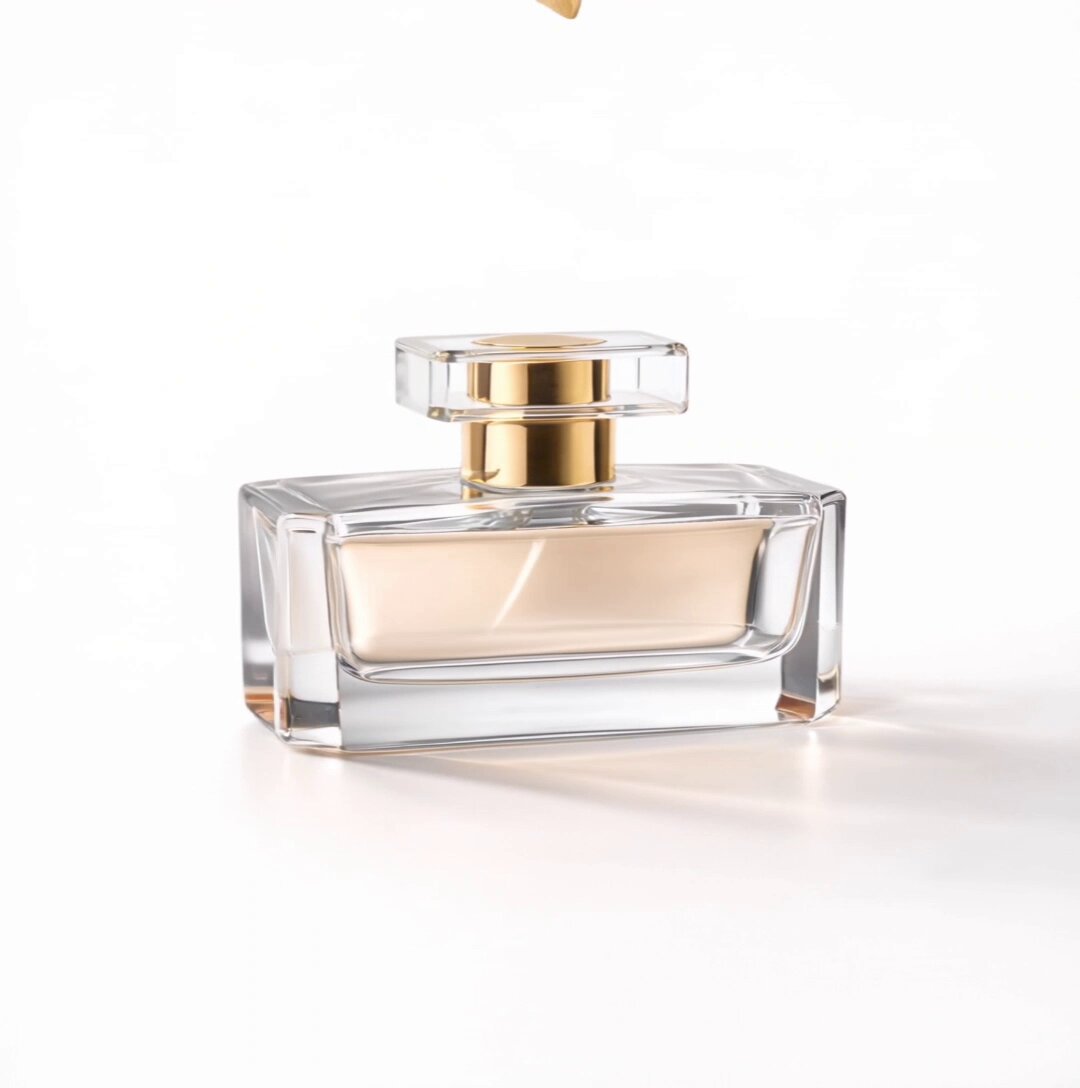
Bottom half: a photorealistic luxury perfume bottle in a natural front 3/4 angle, transparent glass with soft golden liquid, subtle swirling fluid pattern inside, rounded square bottle with thick glass edges and a glossy black cap with gold neck ring. Dark cinematic background with soft smoke-like light rays, matte surface with gentle reflection. Warm studio lighting with golden highlights and soft shadows. Bottom-left branding: minimal fluid swirl logo, elegant serif text ‘{argument name="brand name" default="VELURA"}’, small caps ‘EAU DE PARFUM’, tagline ‘INSPIRED BY FLUID MOVEMENT. MADE TO BE REMEMBERED.’ Ultra-minimal, premium editorial, highly detailed, cinematic lighting.
Category
Charts & Infographics
Model
GPT Image 2
Views4
Source ID
17798
Published
May 2, 2026

Guide

About "香水设计演变海报"

What is this prompt for?

"香水设计演变海报" AI image prompt for GPT Image 2 (Charts & Infographics). 一张极简奢华风格的海报,展示了香水瓶从墨水扩散到最终成品的概念演变过程。 Copy it on Picva and recreate the look in one click.

The full copyable prompt and example visuals above are ready for AI image generation or one-click recreate in Picva.

How to use this prompt

  1. Step 1

    Open the prompt detail

    Review the example visuals, category, and full prompt text for "香水设计演变海报".

  2. Step 2

    Copy the prompt

    Copy the prompt body from this page, or load it directly in Studio.

  3. Step 3

    Pick a model (GPT Image 2)

    Prefer GPT Image 2. If you switch models, keep subject and composition and tweak style terms.

  4. Step 4

    Generate and export

    Recreate the look in Picva, or export into your workflow for editing and publishing.

FAQ

What is the "香水设计演变海报" prompt?
It is an AI image-generation prompt for GPT Image 2 in the Charts & Infographics category. This page includes the full prompt text, example visuals, and a one-click recreate path in Picva.
How do I use this prompt to generate an image?
Copy the prompt from this page, or use Generate / Studio. Paste it into a compatible image model, or recreate the look in Picva with optional reference images.
Which model is this prompt for?
This page lists GPT Image 2. Most descriptive prompts also transfer to nearby image models such as GPT Image, Flux, or Midjourney with light style tweaks.
Can I use the result commercially?
You can usually copy the prompt for creation, but commercial use of the final image depends on the model terms, reference-image rights, and the generated content. Follow the source author and platform rules.