13

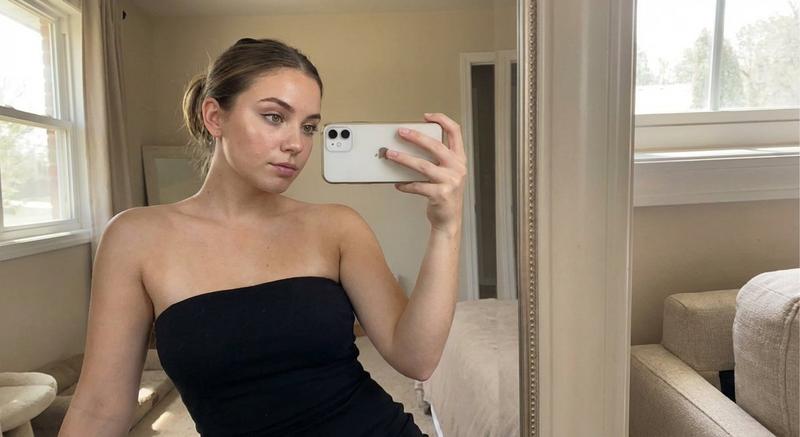
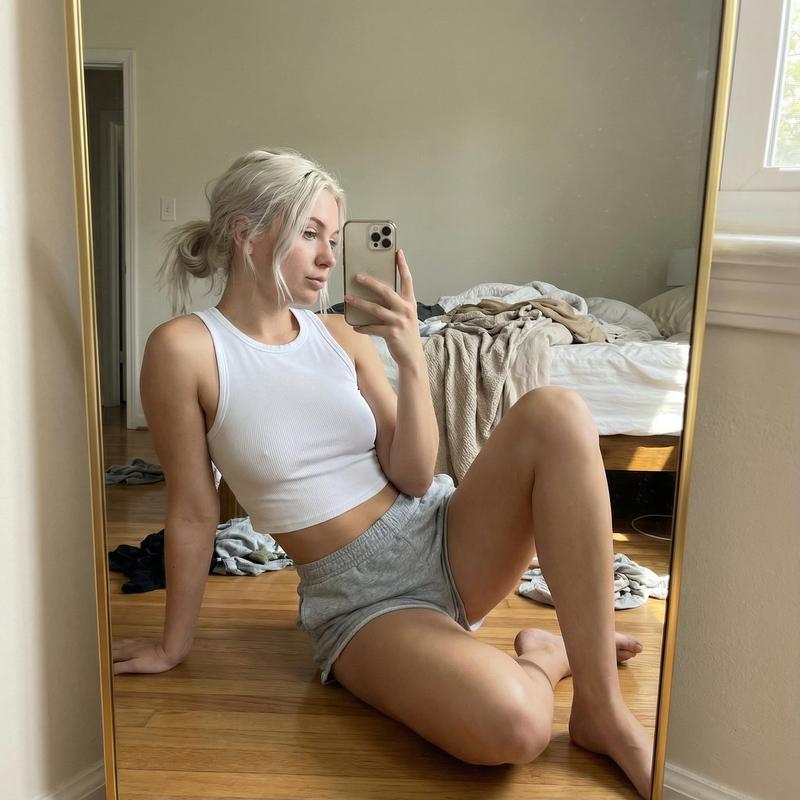
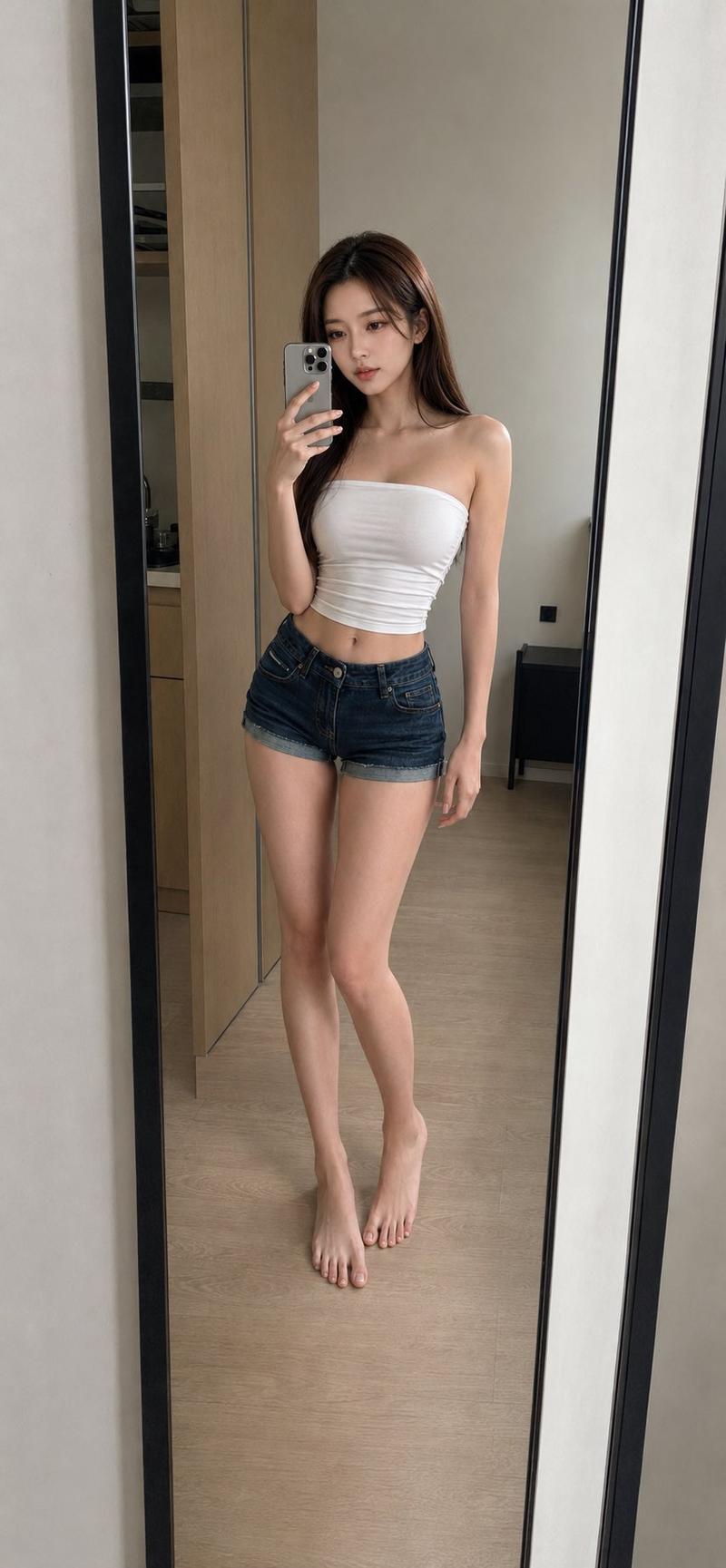
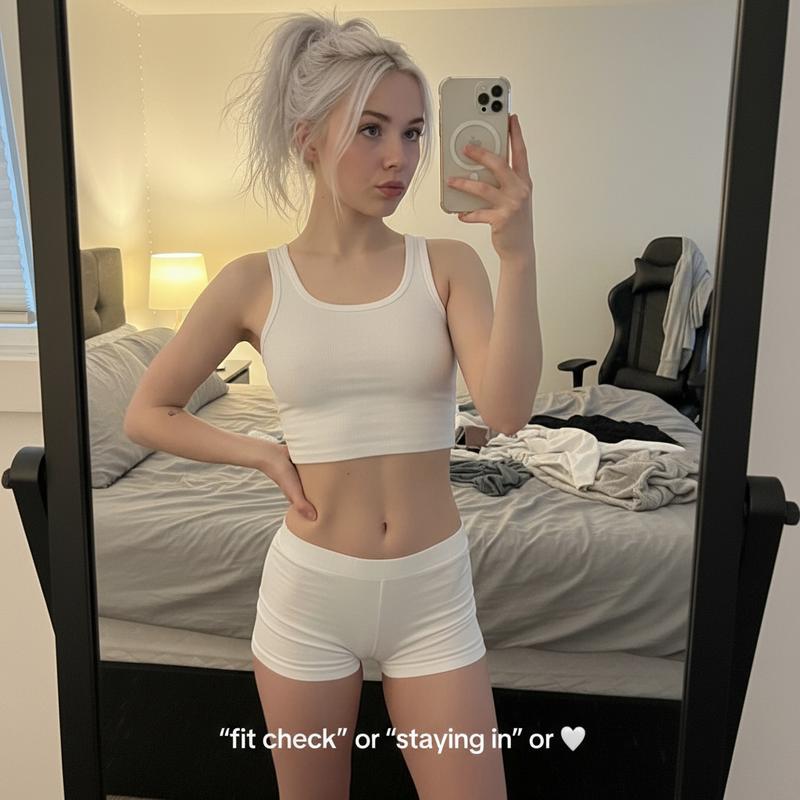
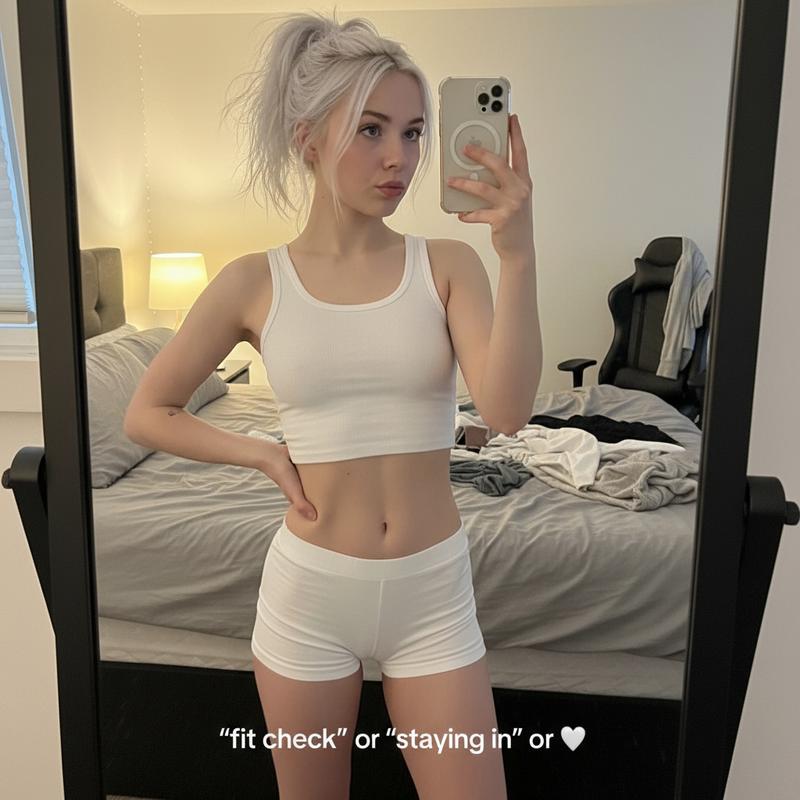
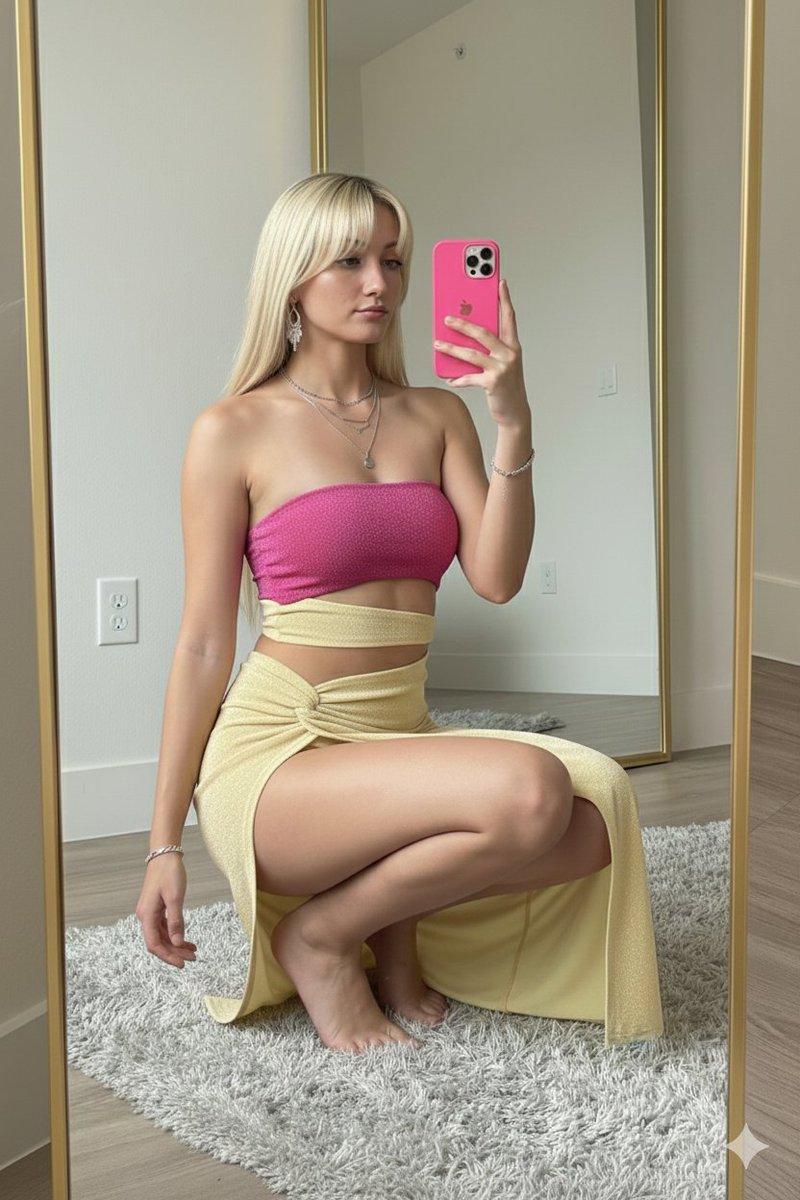
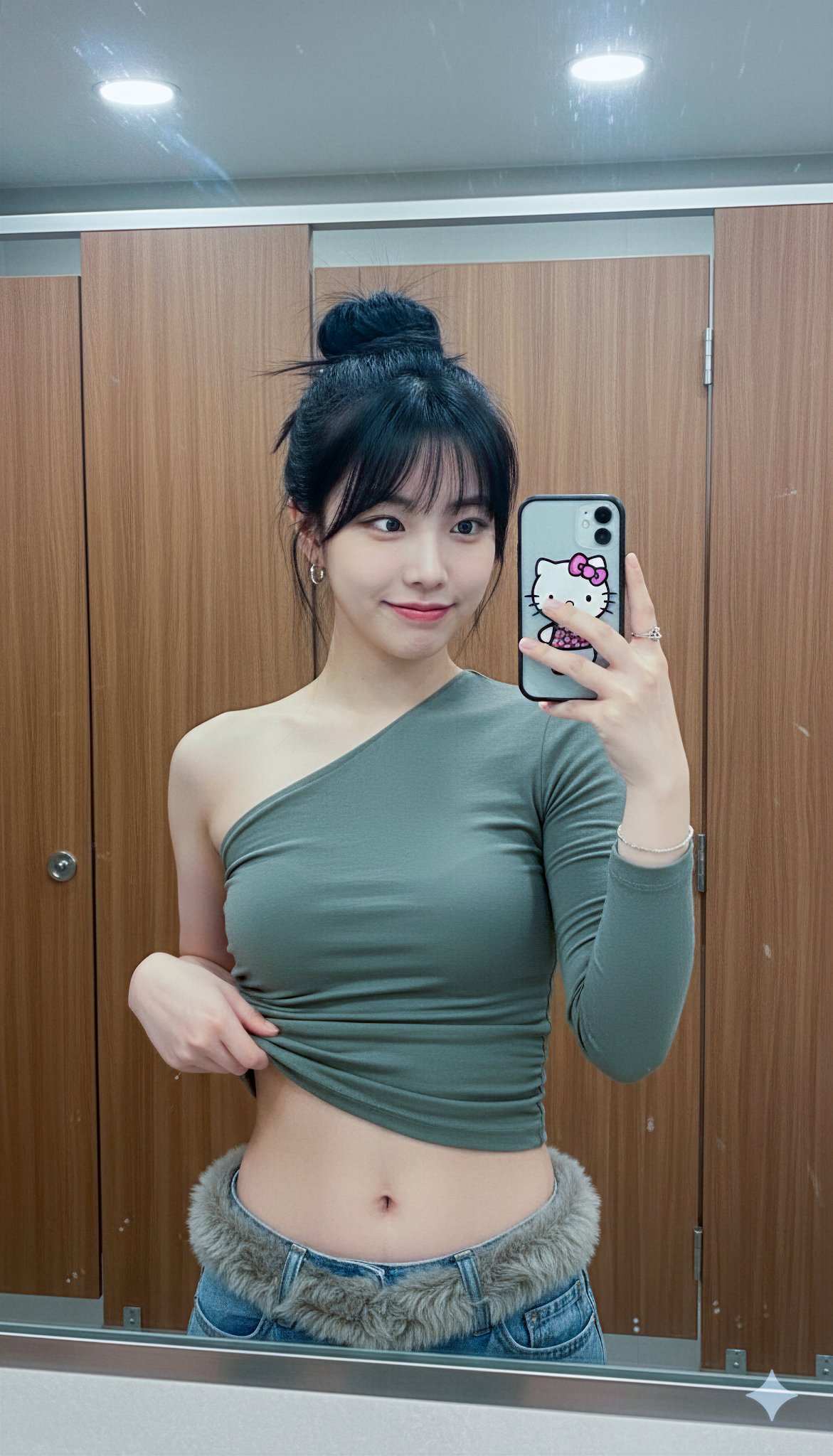
逼真的 iPhone 镜面自拍
Enlarge

逼真的 iPhone 镜面自拍

Prompt
Create an ultra-realistic vertical iPhone mirror selfie of {argument name="subject" default="a young woman"} seated casually on a beige modern sofa in a warm, softly lit living room. The composition is waist-up with the lower body almost entirely cropped out, shot through a tall wooden-framed mirror on the left edge of the image. She wears a fitted {argument name="top color" default="light blue"} half-sleeve crew-neck top with subtle fabric wrinkles, a delicate gold necklace, small gold hoop earrings, and natural pale pink manicured nails. Her {argument name="hair color" default="dark brown"} hair is tied back in a neat low ponytail with a few loose strands around the face. She holds a beige/silver iPhone with three rear cameras in her right hand at chest height, angled slightly outward, partially covering the right side of her face. Add a solid rectangular {argument name="face censor color" default="warm brown"} block over the center of her face, obscuring facial identity. The room has beige walls, a window behind her with daylight and blinds, a framed picture on the wall to the right, a second mirror or framed object in the background, wooden textures, and a clean cozy lived-in interior. Use soft natural indoor daylight with warm color grading, gentle shadows, shallow depth of field, slight mirror reflection imperfections, subtle grain, realistic skin texture, and an authentic casual front-camera selfie look.
Category
Posters & Typography
Model
GPT Image 2
Creator
Jack
Views9
Source ID
17886
Published
May 2, 2026

Guide

About "逼真的 iPhone 镜面自拍"

What is this prompt for?

"逼真的 iPhone 镜面自拍" AI image prompt for GPT Image 2 (Posters & Typography). 生成一张温馨的室内半身 iPhone 镜面自拍,画面中一位女性坐在沙发上,光影效果逼真,面部经过遮挡处理。 Copy it on Picva and recreate t…

The full copyable prompt and example visuals above are ready for AI image generation or one-click recreate in Picva.

How to use this prompt

  1. Step 1

    Open the prompt detail

    Review the example visuals, category, and full prompt text for "逼真的 iPhone 镜面自拍".

  2. Step 2

    Copy the prompt

    Copy the prompt body from this page, or load it directly in Studio.

  3. Step 3

    Pick a model (GPT Image 2)

    Prefer GPT Image 2. If you switch models, keep subject and composition and tweak style terms.

  4. Step 4

    Generate and export

    Recreate the look in Picva, or export into your workflow for editing and publishing.

FAQ

What is the "逼真的 iPhone 镜面自拍" prompt?
It is an AI image-generation prompt for GPT Image 2 in the Posters & Typography category. This page includes the full prompt text, example visuals, and a one-click recreate path in Picva.
How do I use this prompt to generate an image?
Copy the prompt from this page, or use Generate / Studio. Paste it into a compatible image model, or recreate the look in Picva with optional reference images.
Which model is this prompt for?
This page lists GPT Image 2. Most descriptive prompts also transfer to nearby image models such as GPT Image, Flux, or Midjourney with light style tweaks.
Can I use the result commercially?
You can usually copy the prompt for creation, but commercial use of the final image depends on the model terms, reference-image rights, and the generated content. Follow the source author and platform rules.