15

Da Vinci Awards 奖杯领奖场景
Enlarge

Da Vinci Awards 奖杯领奖场景

Prompt
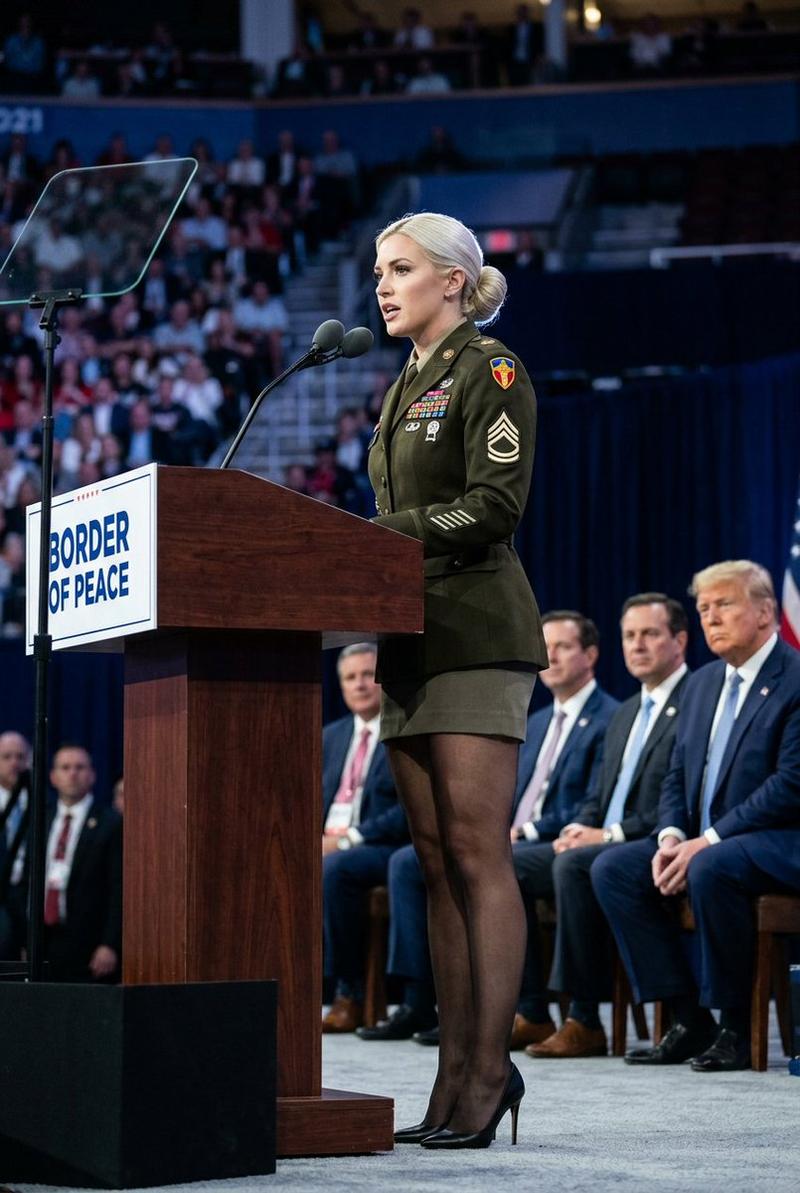
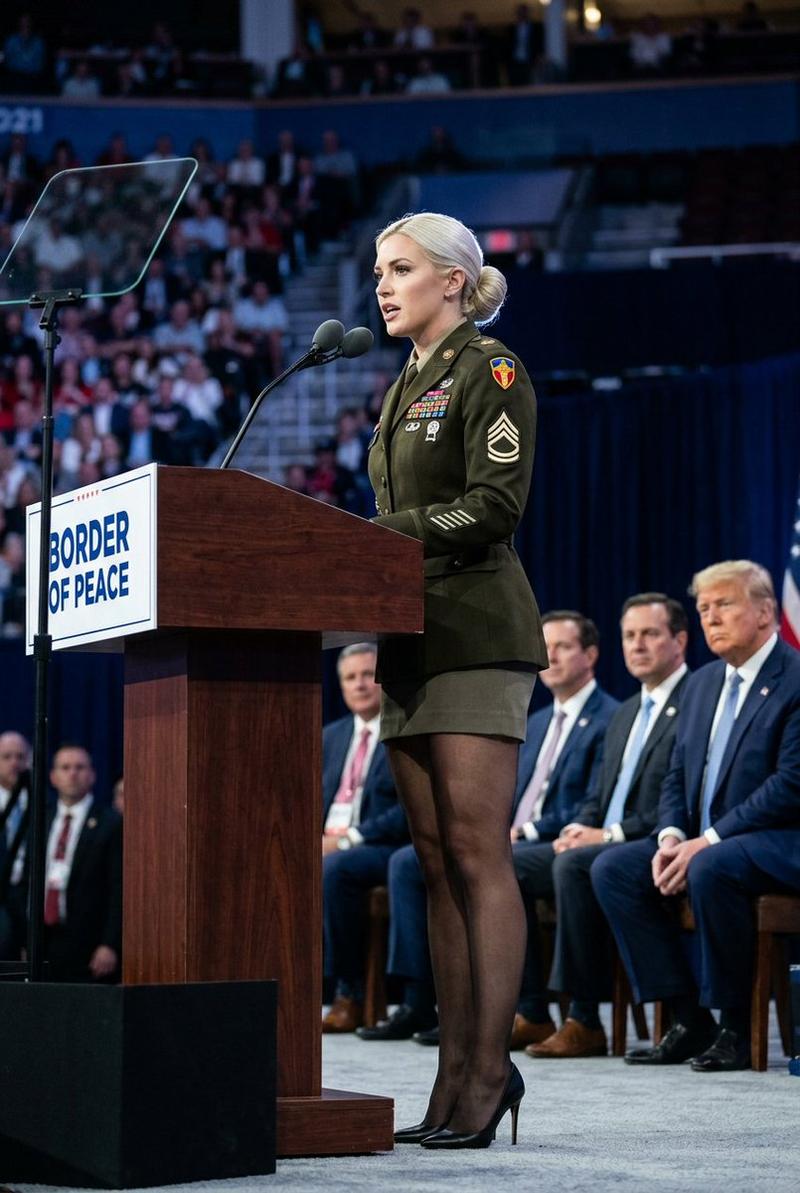
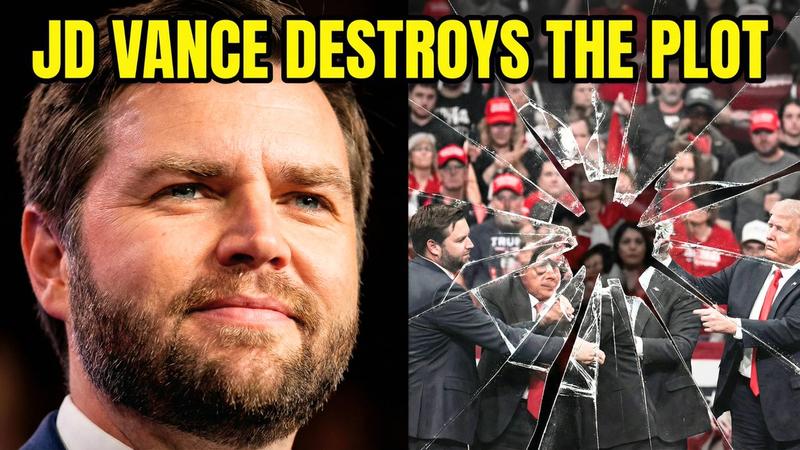
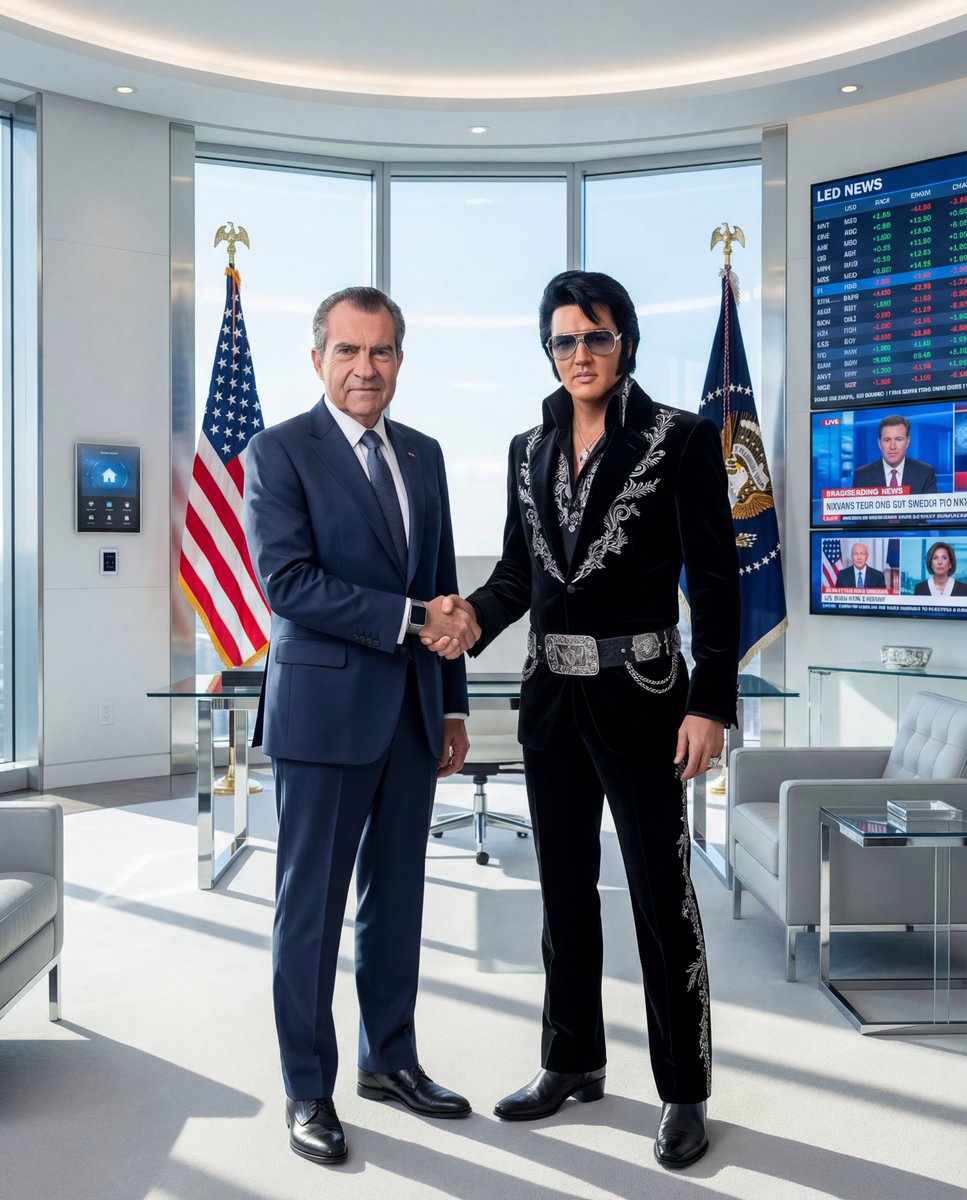
Create a cinematic photorealistic awards-ceremony still of {argument name="character name" default="John C. Swaggert"}, a silver-haired male actor in a black tuxedo with a white shirt, pale silver tie, and white pocket square, standing behind an elegant black-and-gold podium on a grand theater stage. His face is covered by a flat skin-toned rectangular privacy mask, and the audience faces are similarly obscured with small skin-toned blocks. He raises a large ornate gold trophy in his left hand: a circular Vitruvian-man style statuette inside a ring with small round holes, mounted on a black base with a gold nameplate reading "THE VITRUVIAN CINEMATIC ACHIEVEMENT AWARD." The podium front also reads "THE VITRUVIAN CINEMATIC ACHIEVEMENT AWARD" in gold serif lettering with a gold eagle emblem beneath it. Behind him, place a huge draped American flag filling the left background, and on the right a large black stage screen with gold serif text reading "{argument name="event title" default="The 97th Da Vinci Awards"}" plus a small gold eagle icon. Add a single black microphone at center, warm chandelier lights, golden architectural details, spotlights cutting through haze, bokeh audience applause in formal evening wear, and a luxurious patriotic gala atmosphere. Use a wide 4:3 composition, shallow depth of field, realistic lens perspective, rich warm lighting, crisp trophy details, and high-end broadcast-event photography style.
Category
Charts & Infographics
Model
GPT Image 2
Creator
Art Intel
Views9
Source ID
17902
Published
May 2, 2026

Guide

About "Da Vinci Awards 奖杯领奖场景"

What is this prompt for?

"Da Vinci Awards 奖杯领奖场景" AI image prompt for GPT Image 2 (Charts & Infographics). 生成一张照片级逼真的虚构颁奖典礼现场图,包含身着燕尾服的演员、维特鲁威人奖杯、美国国旗背景以及晚宴舞台标识。 Copy it on Picva and r…

The full copyable prompt and example visuals above are ready for AI image generation or one-click recreate in Picva.

How to use this prompt

  1. Step 1

    Open the prompt detail

    Review the example visuals, category, and full prompt text for "Da Vinci Awards 奖杯领奖场景".

  2. Step 2

    Copy the prompt

    Copy the prompt body from this page, or load it directly in Studio.

  3. Step 3

    Pick a model (GPT Image 2)

    Prefer GPT Image 2. If you switch models, keep subject and composition and tweak style terms.

  4. Step 4

    Generate and export

    Recreate the look in Picva, or export into your workflow for editing and publishing.

FAQ

What is the "Da Vinci Awards 奖杯领奖场景" prompt?
It is an AI image-generation prompt for GPT Image 2 in the Charts & Infographics category. This page includes the full prompt text, example visuals, and a one-click recreate path in Picva.
How do I use this prompt to generate an image?
Copy the prompt from this page, or use Generate / Studio. Paste it into a compatible image model, or recreate the look in Picva with optional reference images.
Which model is this prompt for?
This page lists GPT Image 2. Most descriptive prompts also transfer to nearby image models such as GPT Image, Flux, or Midjourney with light style tweaks.
Can I use the result commercially?
You can usually copy the prompt for creation, but commercial use of the final image depends on the model terms, reference-image rights, and the generated content. Follow the source author and platform rules.