20

彩色动漫漫画跨页分镜
Enlarge

彩色动漫漫画跨页分镜

Prompt
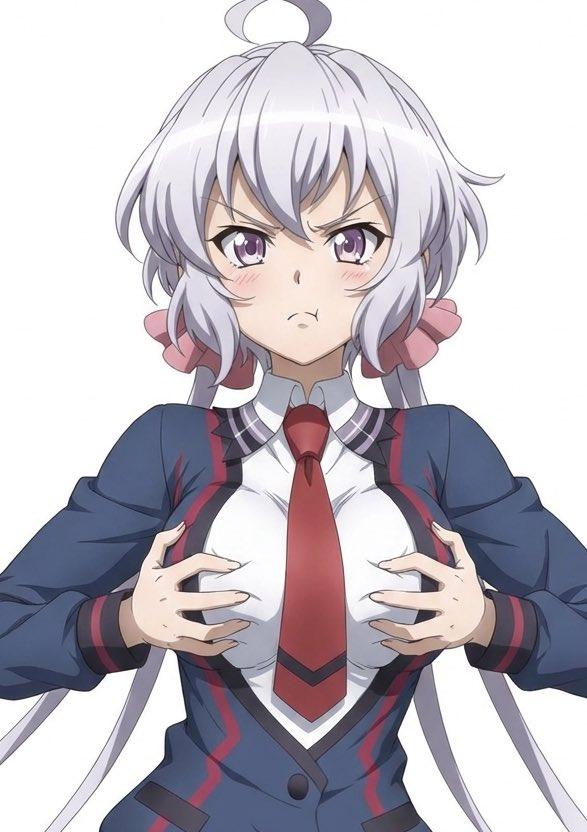
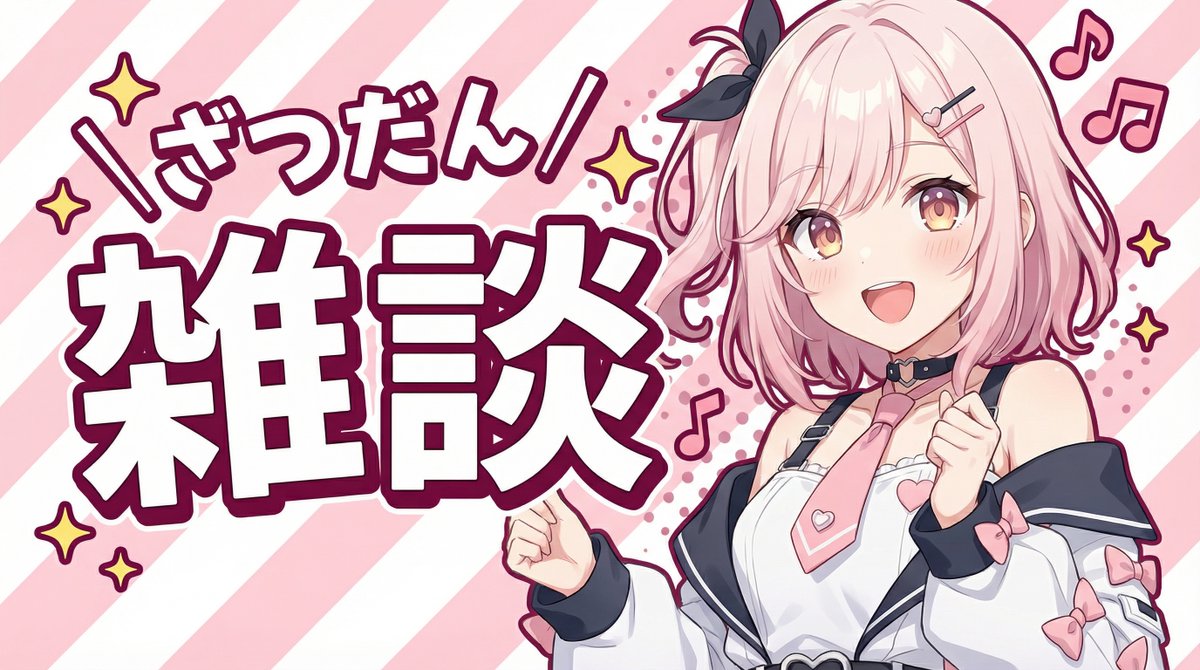
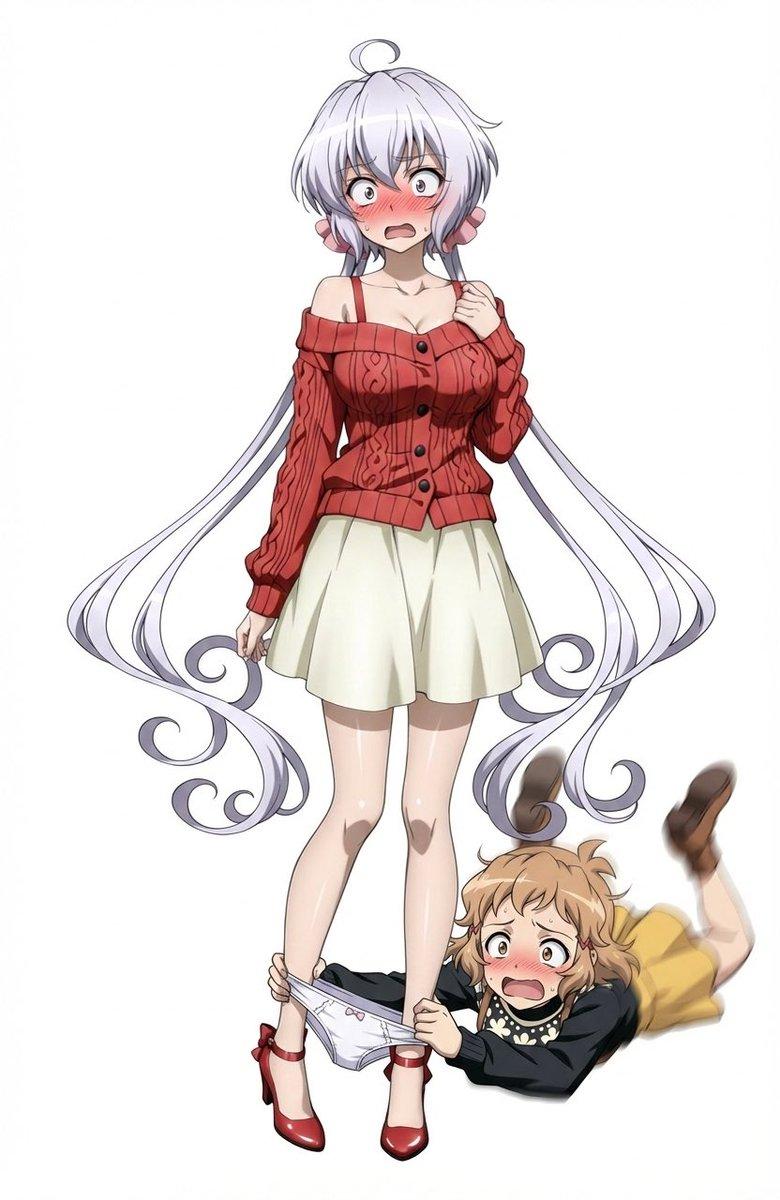
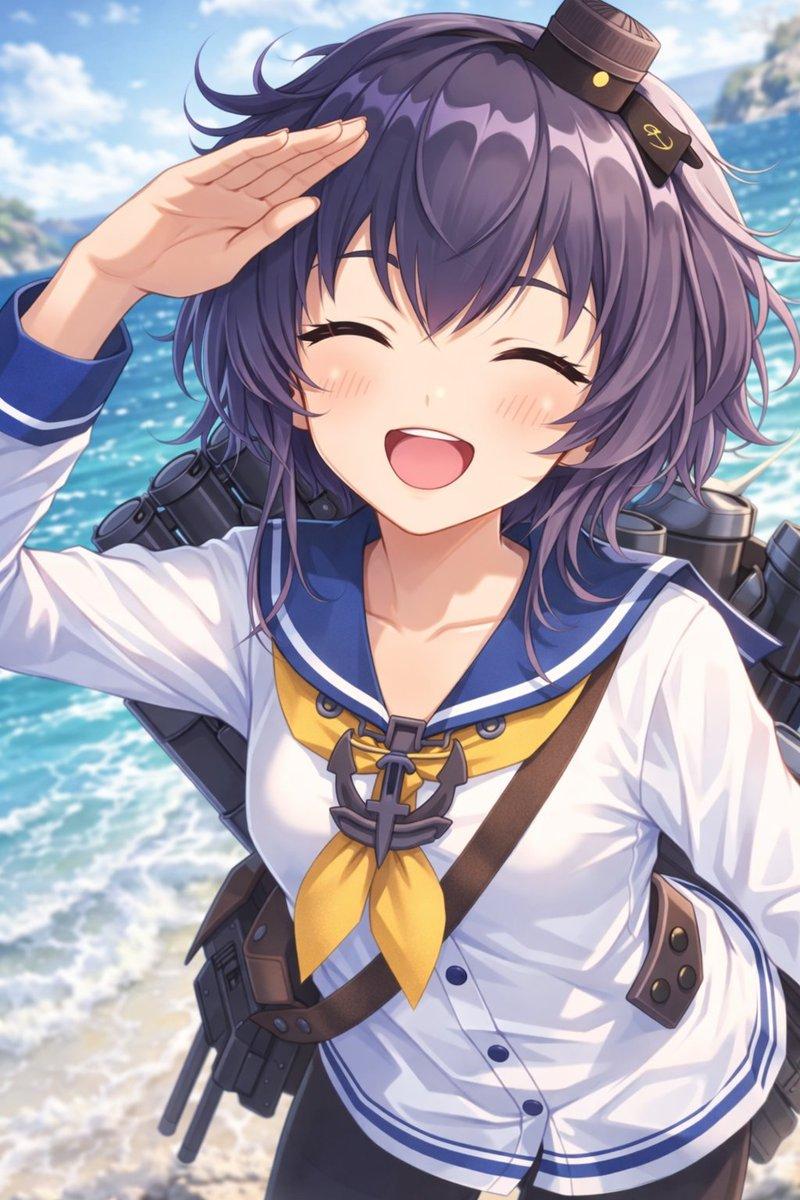
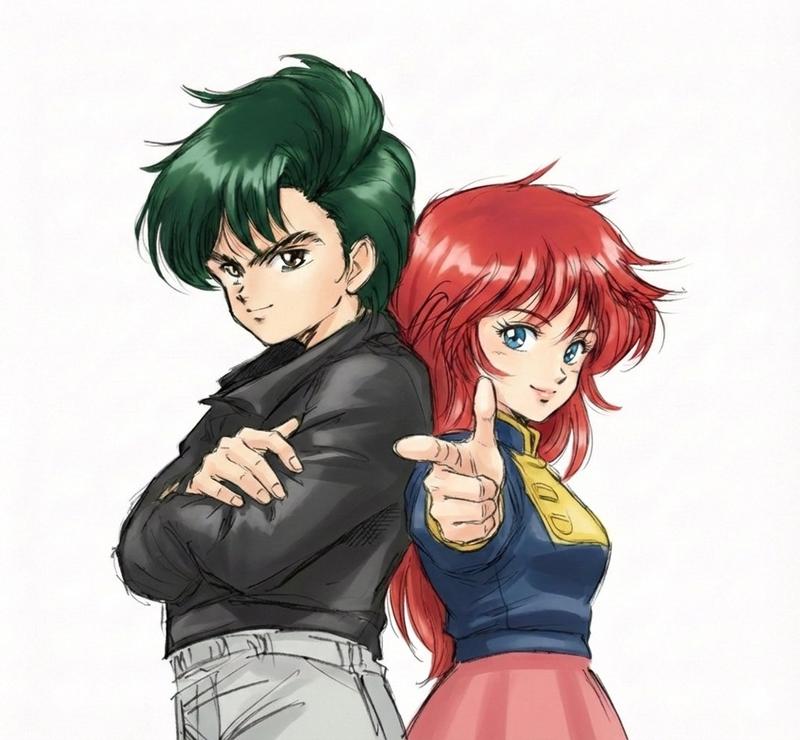
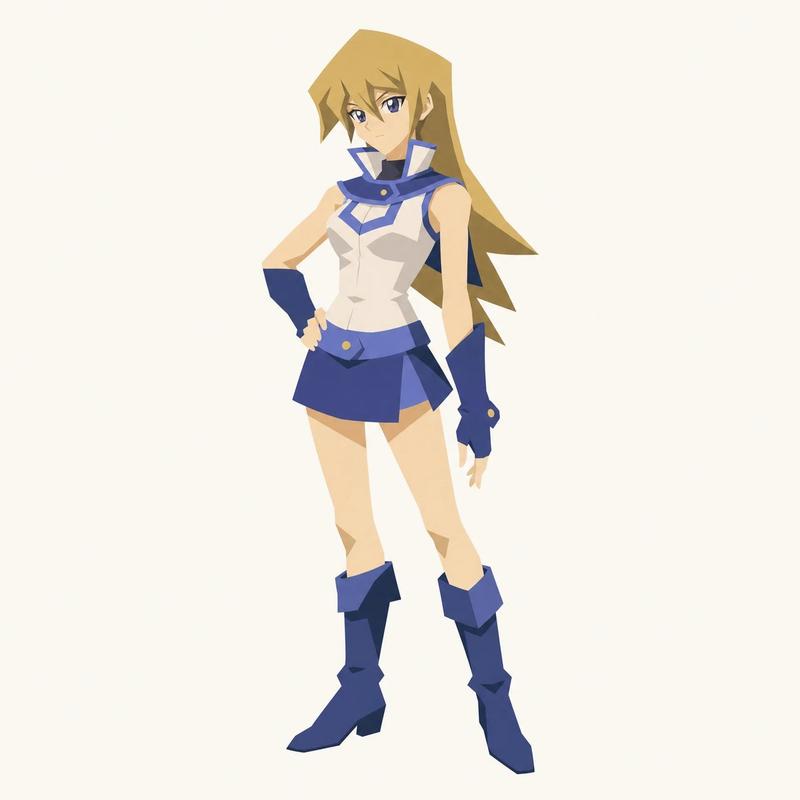
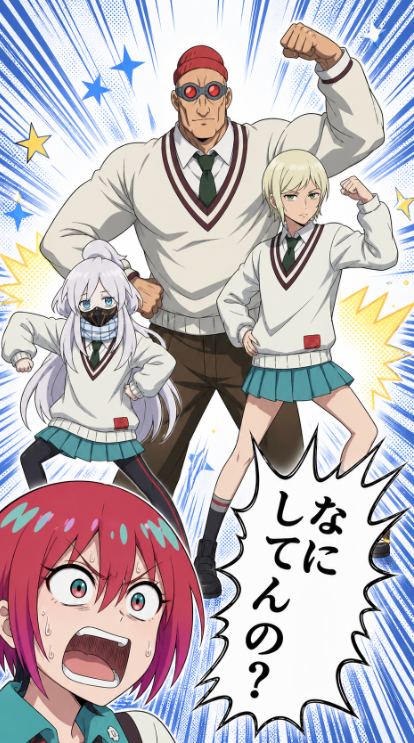
Using REFERENCE_0 as the rough composition guide and REFERENCE_1 as the cleaned pose/layout guide, turn the sketch into a polished full-color anime manga panel. Keep the same 4-character arrangement and poses: 1 large muscular student centered in back flexing, 1 blond student on the right flexing, 1 small white-haired student on the left in a crouched power pose, and 1 red-haired character cropped large in the lower-left foreground reacting in shock. Replace the rough construction lines with clean inked line art, cel shading, and finished school-uniform colors. Add a high-energy manga background that was not in the references: dense blue radial speed lines, halftone texture, blue and yellow star shapes, and yellow comic burst accents. Keep 1 jagged speech bubble at the lower right with vertical Japanese text reading {argument name="speech bubble text" default="なにしてんの?"}. Make the final image look like a dramatic comedic shonen manga splash panel, with crisp outlines, saturated colors, and dynamic impact effects.
Category
Charts & Infographics
Model
GPT Image 2
Views4
Source ID
17917
Published
May 2, 2026

Guide

About "彩色动漫漫画跨页分镜"

What is this prompt for?

"彩色动漫漫画跨页分镜" AI image prompt for GPT Image 2 (Charts & Infographics). 根据粗略的角色布局参考,生成精美的全彩喜剧少年漫画分镜,同时保留姿势并添加动态效果。 Copy it on Picva and recreate the look in one…

The full copyable prompt and example visuals above are ready for AI image generation or one-click recreate in Picva.

How to use this prompt

  1. Step 1

    Open the prompt detail

    Review the example visuals, category, and full prompt text for "彩色动漫漫画跨页分镜".

  2. Step 2

    Copy the prompt

    Copy the prompt body from this page, or load it directly in Studio.

  3. Step 3

    Pick a model (GPT Image 2)

    Prefer GPT Image 2. If you switch models, keep subject and composition and tweak style terms.

  4. Step 4

    Generate and export

    Recreate the look in Picva, or export into your workflow for editing and publishing.

FAQ

What is the "彩色动漫漫画跨页分镜" prompt?
It is an AI image-generation prompt for GPT Image 2 in the Charts & Infographics category. This page includes the full prompt text, example visuals, and a one-click recreate path in Picva.
How do I use this prompt to generate an image?
Copy the prompt from this page, or use Generate / Studio. Paste it into a compatible image model, or recreate the look in Picva with optional reference images.
Which model is this prompt for?
This page lists GPT Image 2. Most descriptive prompts also transfer to nearby image models such as GPT Image, Flux, or Midjourney with light style tweaks.
Can I use the result commercially?
You can usually copy the prompt for creation, but commercial use of the final image depends on the model terms, reference-image rights, and the generated content. Follow the source author and platform rules.