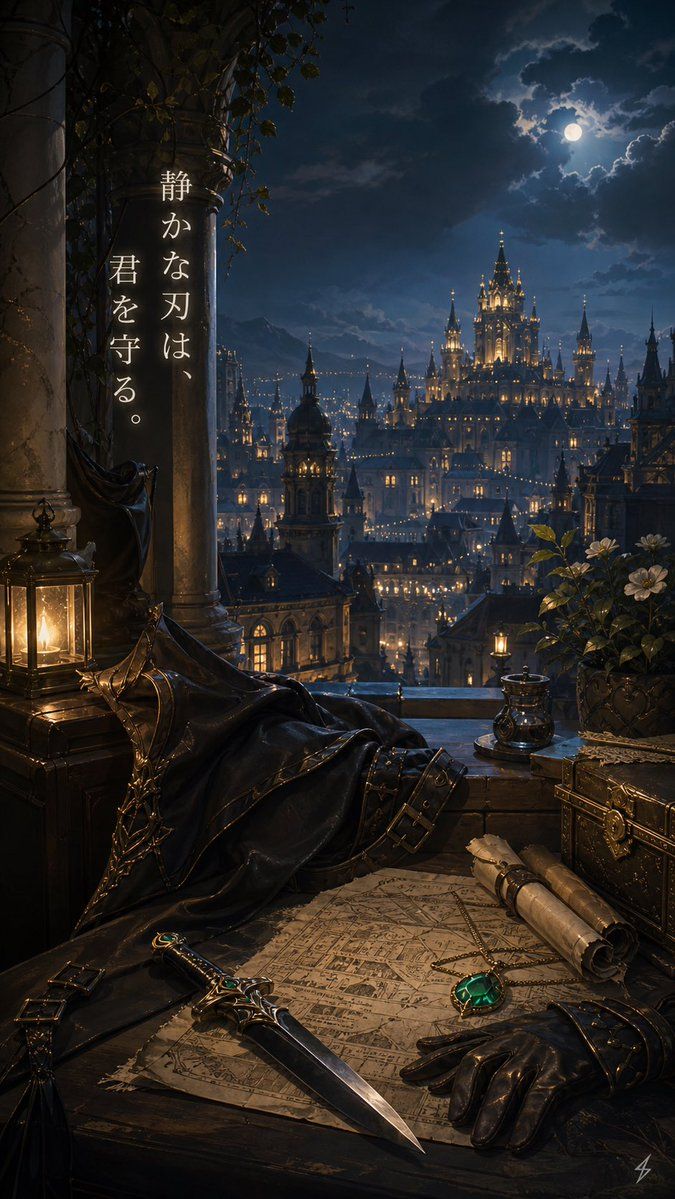
月光守护者阳台
Prompt
Create a vertical fantasy background illustration in a dark romantic gothic style, viewed from a high stone balcony at night. The scene overlooks a vast illuminated castle city with many spires and warm window lights beneath a cloudy deep-blue sky and a bright full moon. In the left foreground place two massive weathered stone columns wrapped with ivy and vines, a black cloak or mantle draped over a chair or railing, and one glowing brass lantern on a wooden chest. Across the lower foreground place one aged parchment map spread on a dark wooden table, one ornate dagger with emerald accents lying diagonally across it, one black leather glove beside it, two rolled scrolls tied with cord, one small metal cup or inkwell near the balcony ledge, one decorative locked treasure chest on the right, and one potted flowering plant with white blossoms. Use warm candlelight in the foreground contrasting with cool moonlight over the distant city, creating a quiet protective mood. Add a short vertical Japanese message on the left column in elegant white serif calligraphy, arranged as two vertical text columns, reading {argument name="message text" default="静かな刃は、君を守る。"}. Make the setting feel like {argument name="setting mood" default="a silent guardian's lookout over a royal capital"}, with {argument name="main foreground item" default="an emerald-inlaid dagger"} as the visual focus, {argument name="sky condition" default="moonlit clouds"}, and {argument name="city style" default="gothic fantasy castle city"}. No characters are visible.- Category
- Charts & Infographics
- Model
- GPT Image 2
- Creator
- 美和
- Source ID
- 17926
- Published
- May 2, 2026
Views2