17

兔子角色精灵图集
Enlarge

兔子角色精灵图集

Prompt
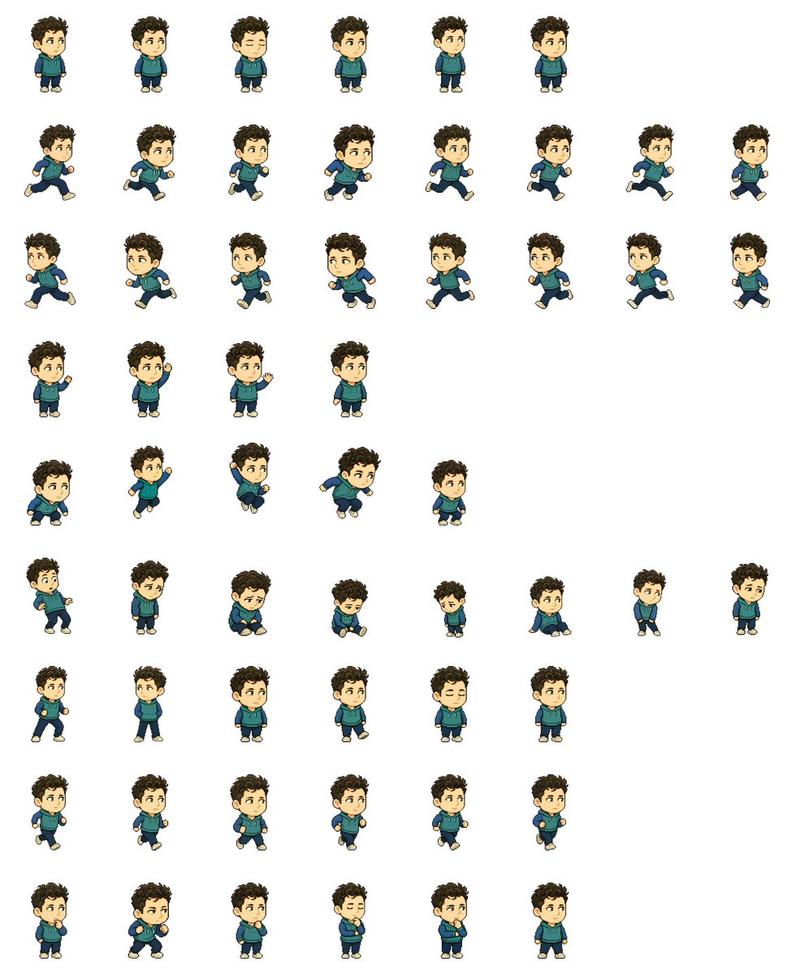
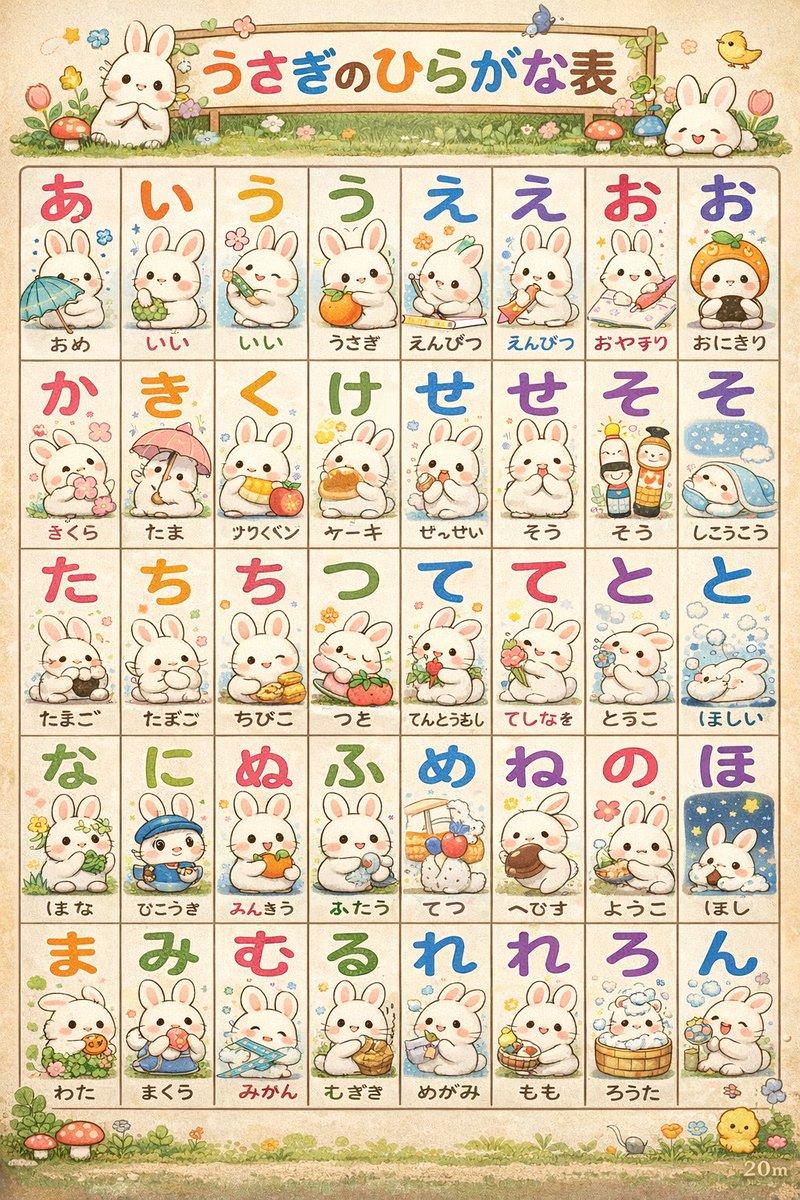
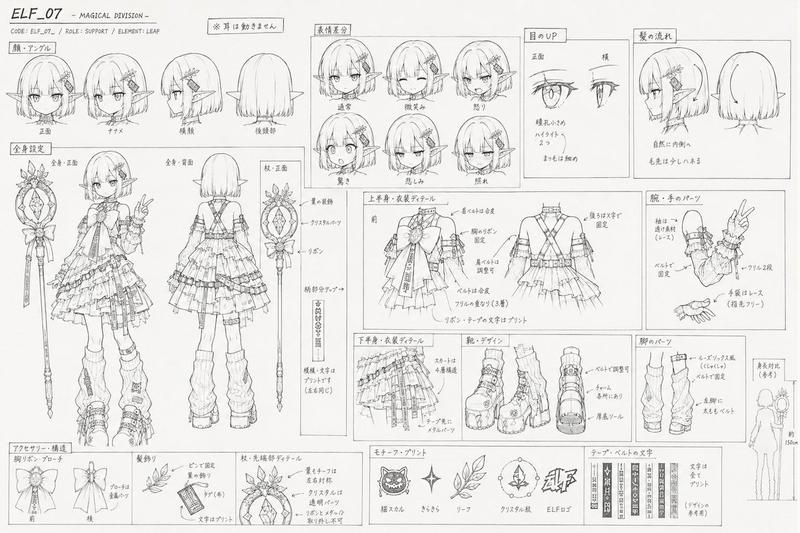
Using REFERENCE_0 as the character-design base, convert the character sheet into a clean 2D game sprite sheet on a {argument name="background color" default="plain white"} background. Preserve the rabbit character’s proportions, black outline style, blue inner ears, blue eyes, small red nose, and fluffy tail, but remove all Japanese labels and reference-sheet headings. Generate {argument name="sprite count" default="57"} separate full-body sprites arranged in a loose grid with transparent-looking spacing between poses. Include these visible rows: 6 small front-facing idle/expression sprites; 8 right-facing running sprites; 8 more right-facing running/stride sprites; 4 front-facing neutral idle sprites; 5 front-facing cute/holding-paws sprites; 8 sleepy, sad, crouching, and low-energy sprites; 6 front-facing cheerful/neutral expression sprites; 6 dynamic running or hopping sprites; and 6 bottom-row cute reaction sprites including shy, surprised, bashful, eyes-closed smiling, tilted-head, and hands-near-mouth poses. Keep the line art simple and consistent, like a hand-drawn cartoon sprite sheet for a {argument name="game type" default="2D platformer or casual mobile game"}, with each sprite isolated and no shadows, props, text, borders, or background scenery.
Category
Posters & Typography
Model
GPT Image 2
Views3
Source ID
17940
Published
May 2, 2026

Guide

About "兔子角色精灵图集"

What is this prompt for?

"兔子角色精灵图集" AI image prompt for GPT Image 2 (Posters & Typography). 将兔子角色参考图转换为多姿态的 2D 游戏精灵图集,同时保留原始设计。 Copy it on Picva and recreate the look in one click.

The full copyable prompt and example visuals above are ready for AI image generation or one-click recreate in Picva.

How to use this prompt

  1. Step 1

    Open the prompt detail

    Review the example visuals, category, and full prompt text for "兔子角色精灵图集".

  2. Step 2

    Copy the prompt

    Copy the prompt body from this page, or load it directly in Studio.

  3. Step 3

    Pick a model (GPT Image 2)

    Prefer GPT Image 2. If you switch models, keep subject and composition and tweak style terms.

  4. Step 4

    Generate and export

    Recreate the look in Picva, or export into your workflow for editing and publishing.

FAQ

What is the "兔子角色精灵图集" prompt?
It is an AI image-generation prompt for GPT Image 2 in the Posters & Typography category. This page includes the full prompt text, example visuals, and a one-click recreate path in Picva.
How do I use this prompt to generate an image?
Copy the prompt from this page, or use Generate / Studio. Paste it into a compatible image model, or recreate the look in Picva with optional reference images.
Which model is this prompt for?
This page lists GPT Image 2. Most descriptive prompts also transfer to nearby image models such as GPT Image, Flux, or Midjourney with light style tweaks.
Can I use the result commercially?
You can usually copy the prompt for creation, but commercial use of the final image depends on the model terms, reference-image rights, and the generated content. Follow the source author and platform rules.