19

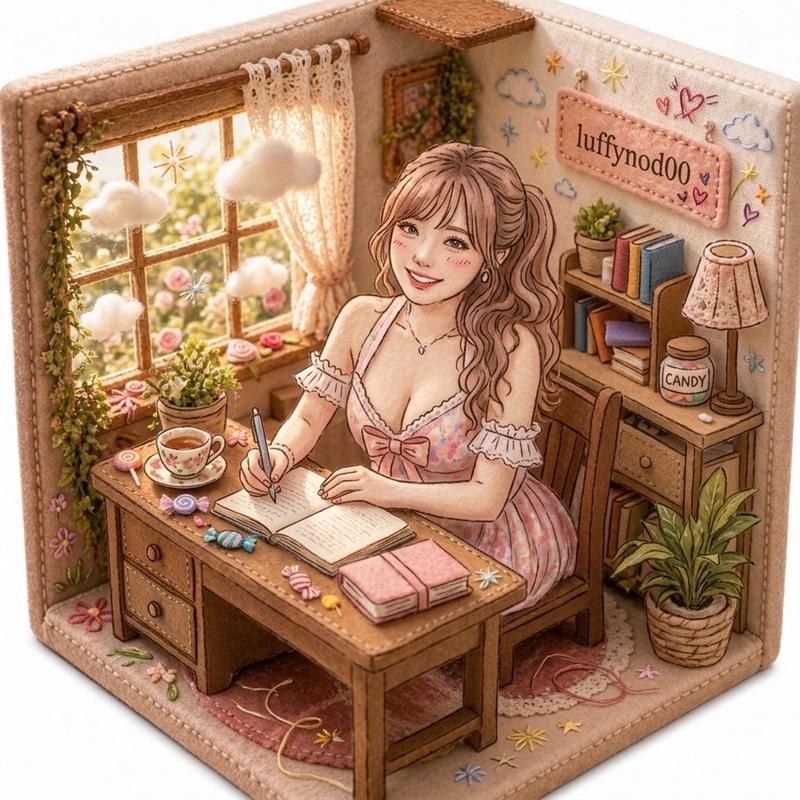
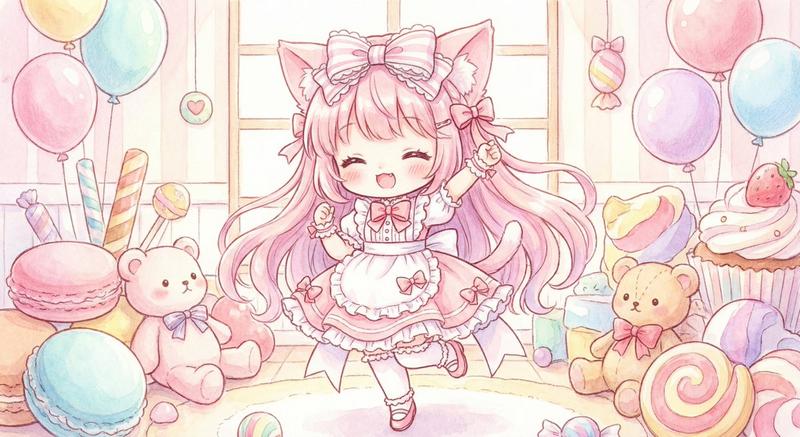
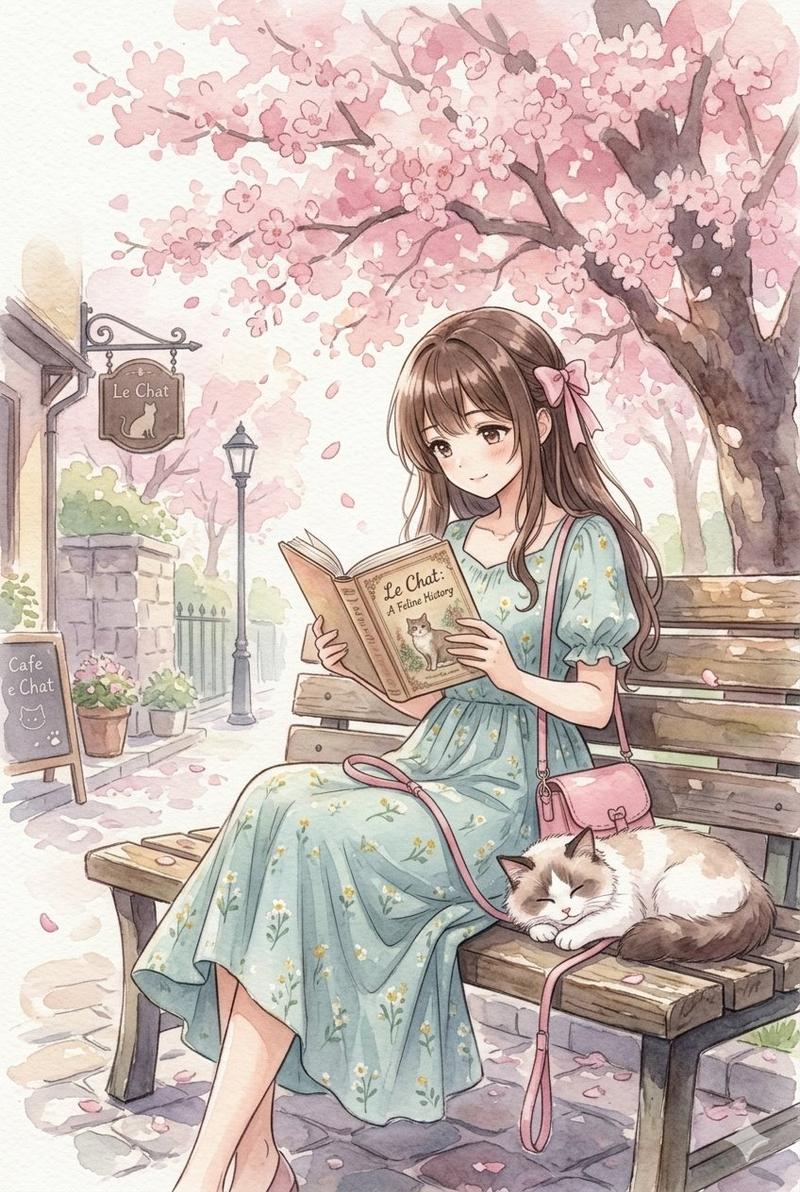
柔和可爱风学习室插画
Enlarge

柔和可爱风学习室插画

Prompt
Create a cozy hand-drawn colored-pencil and crayon style illustration of a cute pastel study room corner, with warm beige paper texture and sketchy brown outlines. Show one young woman with {argument name="hair color" default="long wavy light brown hair"} sitting at a wooden desk and writing in an open journal with a black pen; her face is intentionally covered by a plain beige square censor block. She wears a frilly pink gingham dress with lace trim and a bow, seated on a wooden chair over a pink scalloped rug. The room contains exactly 1 large wooden desk with 2 visible drawers, 1 open notebook, 1 closed pink book stack, 1 teacup on a saucer, 1 pen, 1 wooden chair, 1 curtained window with flowers outside, 1 hanging vine, 4 potted plants, 1 bookshelf with colorful books, 1 small framed photo, 1 floral table lamp, and 1 framed flower picture on the wall. Include exactly 2 visible text labels: a pink hanging wall sign reading {argument name="wall sign text" default="luffynodoo"} and a cloud speech-bubble sign reading {argument name="cloud text" default="ももいろ\nメモリーズ♡"}. Surround the scene with kawaii doodles: 4 large pink flowers, 8 yellow stars, 1 blue smiling cloud, 1 pink lollipop, 1 wrapped candy, small hearts and sparkles. Use soft pastel pink, cream, honey brown, pale yellow, mint green, and baby blue, with a whimsical Japanese stationery aesthetic, delicate crosshatching, cozy sunlight, and no photorealism.
Category
Charts & Infographics
Model
GPT Image 2
Views6
Source ID
17945
Published
May 2, 2026

Guide

About "柔和可爱风学习室插画"

What is this prompt for?

"柔和可爱风学习室插画" AI image prompt for GPT Image 2 (Charts & Infographics). 生成一幅温馨的彩色铅笔可爱风房间场景,包含正在写日记的女孩、可爱的装饰以及可自定义的墙面文字。 Copy it on Picva and recreate the look in…

The full copyable prompt and example visuals above are ready for AI image generation or one-click recreate in Picva.

How to use this prompt

  1. Step 1

    Open the prompt detail

    Review the example visuals, category, and full prompt text for "柔和可爱风学习室插画".

  2. Step 2

    Copy the prompt

    Copy the prompt body from this page, or load it directly in Studio.

  3. Step 3

    Pick a model (GPT Image 2)

    Prefer GPT Image 2. If you switch models, keep subject and composition and tweak style terms.

  4. Step 4

    Generate and export

    Recreate the look in Picva, or export into your workflow for editing and publishing.

FAQ

What is the "柔和可爱风学习室插画" prompt?
It is an AI image-generation prompt for GPT Image 2 in the Charts & Infographics category. This page includes the full prompt text, example visuals, and a one-click recreate path in Picva.
How do I use this prompt to generate an image?
Copy the prompt from this page, or use Generate / Studio. Paste it into a compatible image model, or recreate the look in Picva with optional reference images.
Which model is this prompt for?
This page lists GPT Image 2. Most descriptive prompts also transfer to nearby image models such as GPT Image, Flux, or Midjourney with light style tweaks.
Can I use the result commercially?
You can usually copy the prompt for creation, but commercial use of the final image depends on the model terms, reference-image rights, and the generated content. Follow the source author and platform rules.