17

Split-Time Birthday Portrait
Enlarge

Example images

Split-Time Birthday Portrait

Prompt
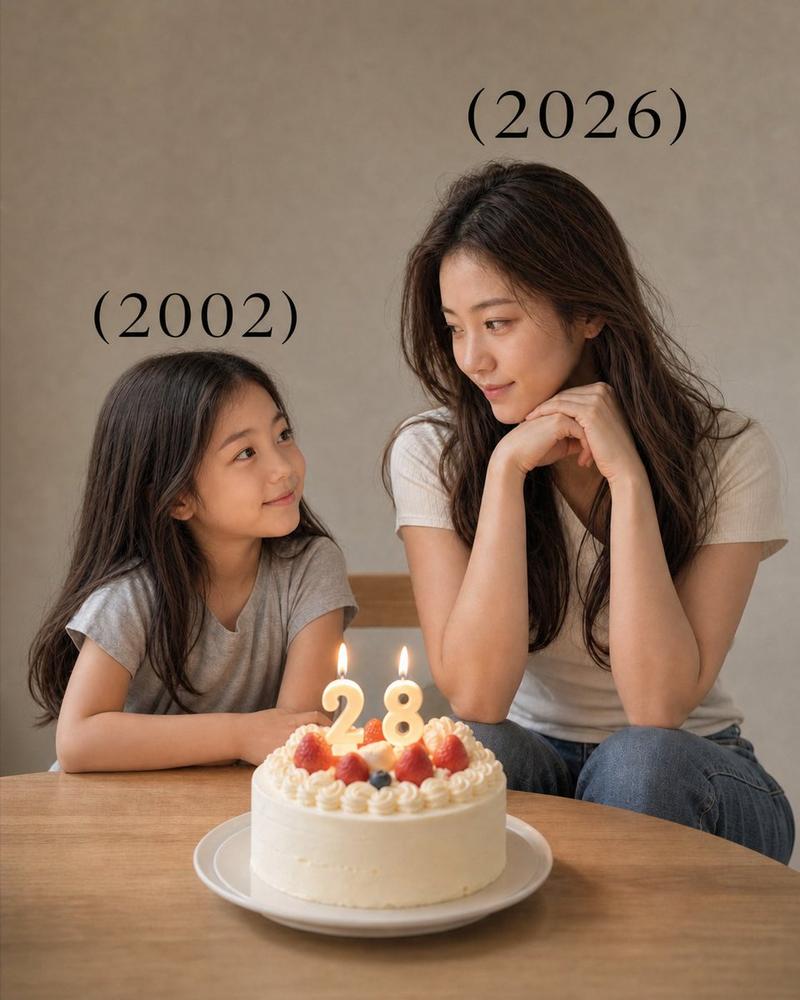
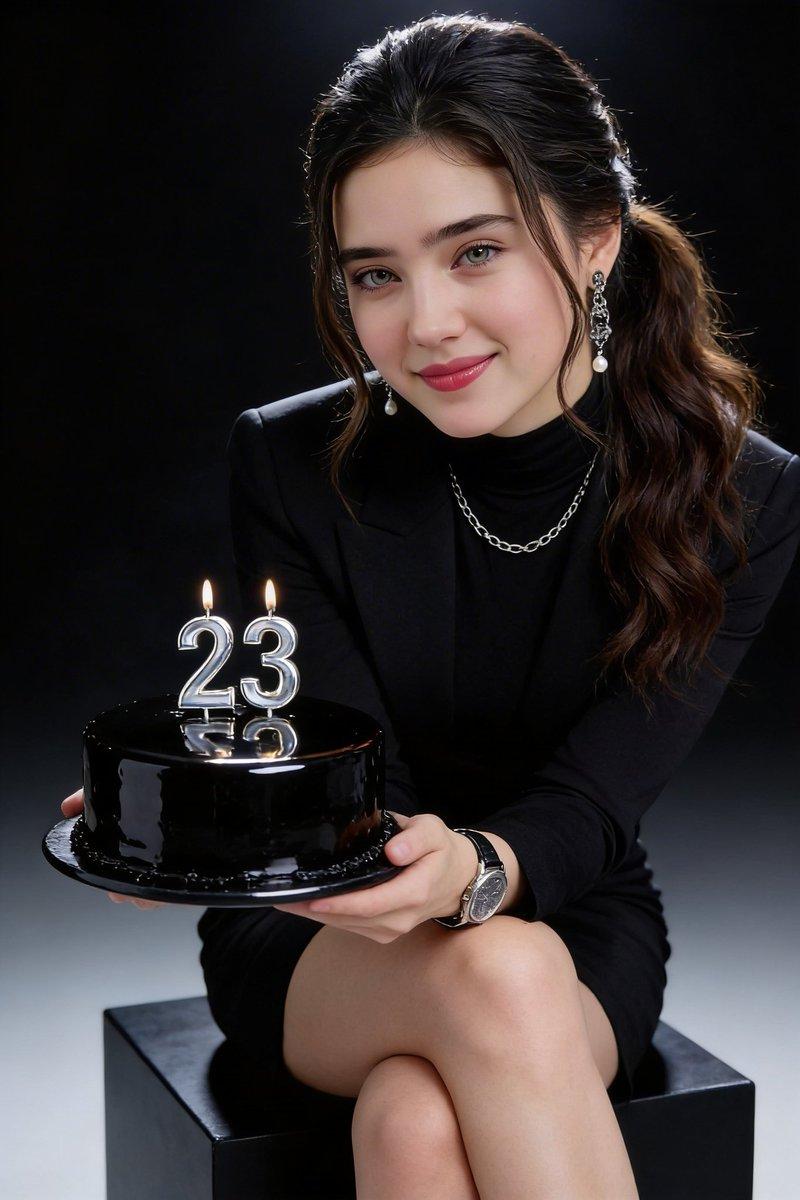
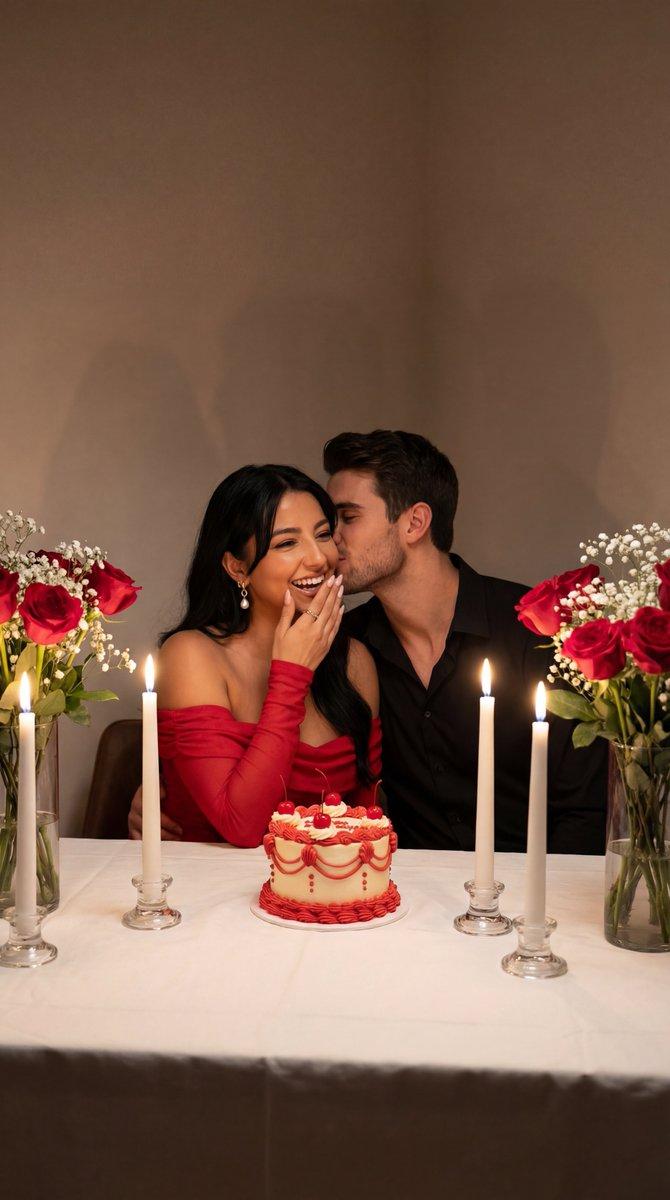
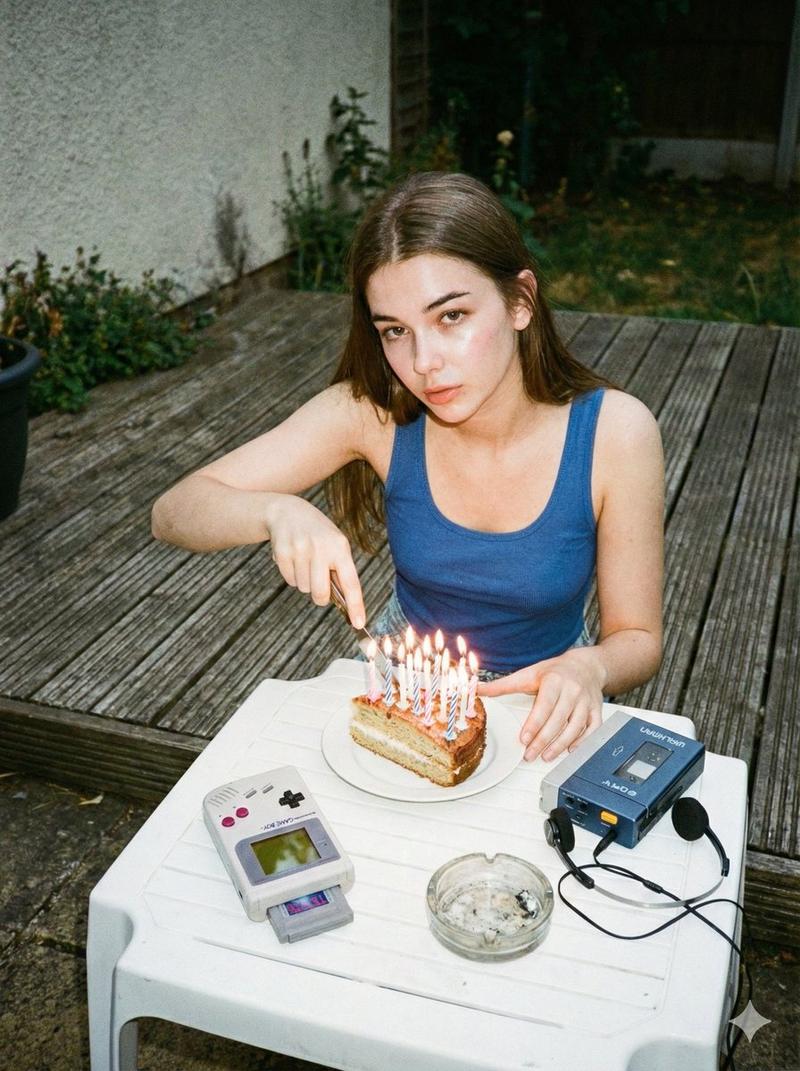
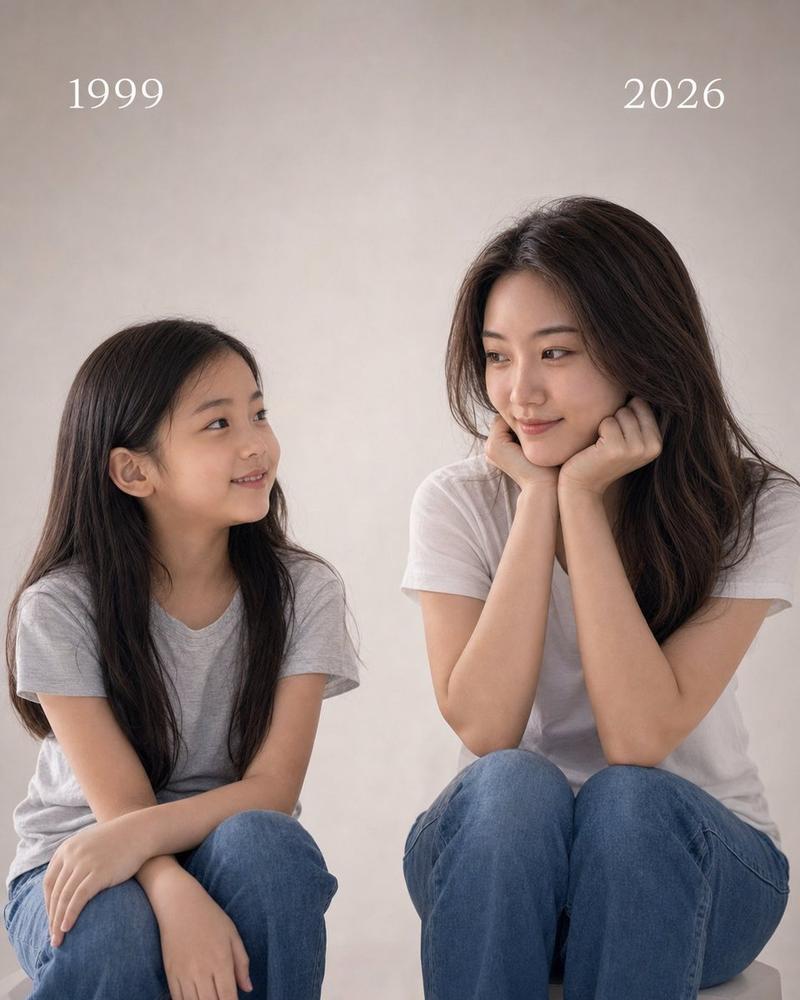
A highly realistic split-time portrait of the same person meeting her younger self. The image is divided vertically into two perfectly aligned halves with identical camera angle and composition. On the left side: a black-and-white photo of a {argument name="child subject" default="young girl (3–4 years old)"}, same facial features as the adult, natural smile, sitting at a table, soft diffused lighting, minimal gray background, nostalgic mood, slightly grainy film texture. On the right side: a realistic color photo of the same person as an adult {argument name="adult age" default="[AGE]"}, identical pose and camera angle, resting her face on her hands, smiling warmly, modern outfit, soft cinematic lighting, shallow depth of field. In the center between them: a birthday cake placed exactly at the middle line, with lit candles forming the number "{argument name="birthday number" default="[AGE]"}", warm candle glow illuminating both sides. Both versions are looking at each other with emotional connection, perfectly aligned eye level. Text "(2000)" above the child side and "(2026)" above the adult side, minimal elegant font. Ultra realistic, 8K, high detail skin texture, soft shadows, cinematic color grading, clean composition, emotional storytelling.
Category
Charts & Infographics
Model
GPT Image 2
Creator
K
Views2
Source ID
18049
Published
May 3, 2026

Guide

About "Split-Time Birthday Portrait"

What is this prompt for?

"Split-Time Birthday Portrait" AI image prompt for GPT Image 2 (Charts & Infographics). A nostalgia-filled split-screen prompt that aligns a child's photo and…

The full copyable prompt and example visuals above are ready for AI image generation or one-click recreate in Picva.

How to use this prompt

  1. Step 1

    Open the prompt detail

    Review the example visuals, category, and full prompt text for "Split-Time Birthday Portrait".

  2. Step 2

    Copy the prompt

    Copy the prompt body from this page, or load it directly in Studio.

  3. Step 3

    Pick a model (GPT Image 2)

    Prefer GPT Image 2. If you switch models, keep subject and composition and tweak style terms.

  4. Step 4

    Generate and export

    Recreate the look in Picva, or export into your workflow for editing and publishing.

FAQ

What is the "Split-Time Birthday Portrait" prompt?
It is an AI image-generation prompt for GPT Image 2 in the Charts & Infographics category. This page includes the full prompt text, example visuals, and a one-click recreate path in Picva.
How do I use this prompt to generate an image?
Copy the prompt from this page, or use Generate / Studio. Paste it into a compatible image model, or recreate the look in Picva with optional reference images.
Which model is this prompt for?
This page lists GPT Image 2. Most descriptive prompts also transfer to nearby image models such as GPT Image, Flux, or Midjourney with light style tweaks.
Can I use the result commercially?
You can usually copy the prompt for creation, but commercial use of the final image depends on the model terms, reference-image rights, and the generated content. Follow the source author and platform rules.