17

Cinematic Soccer Storyboard
Enlarge

Cinematic Soccer Storyboard

Prompt
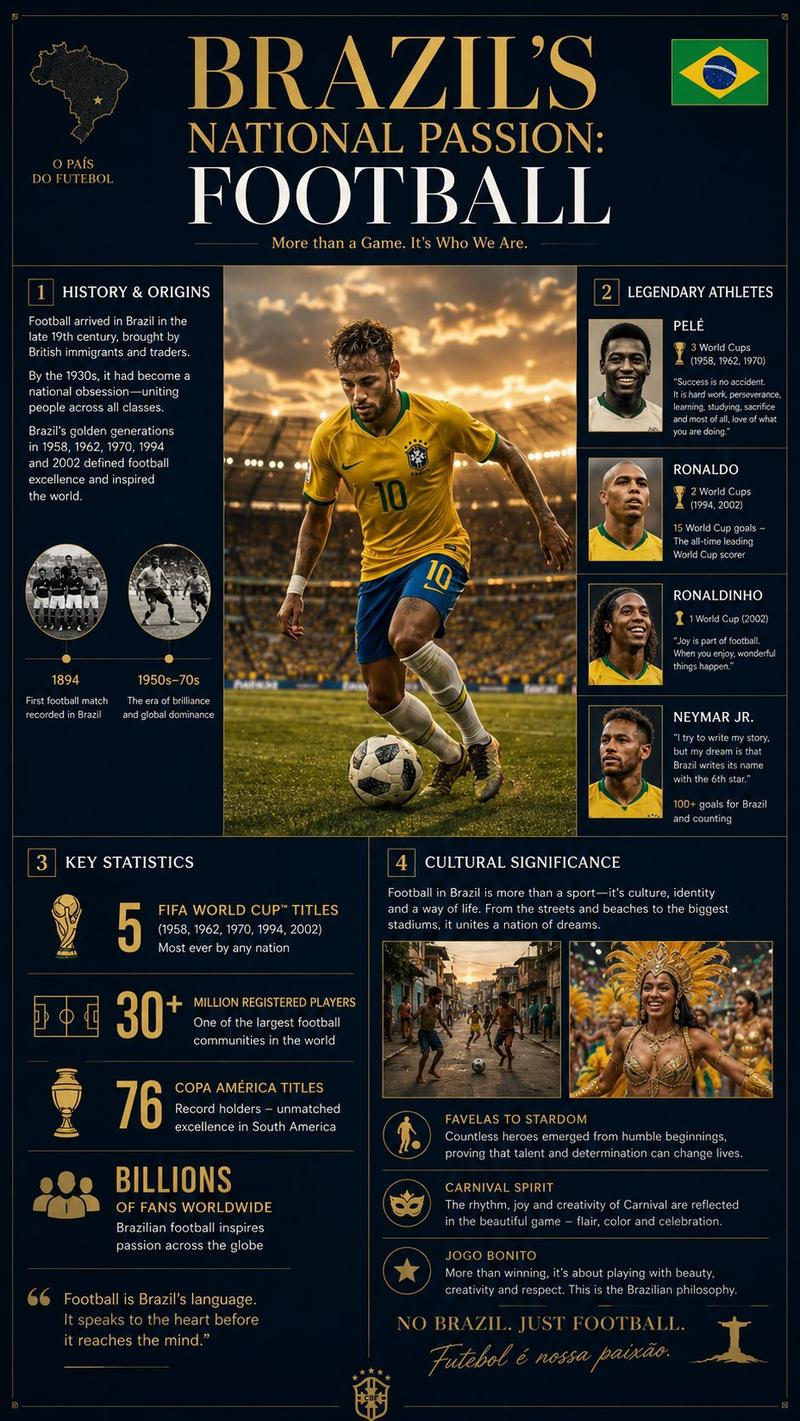
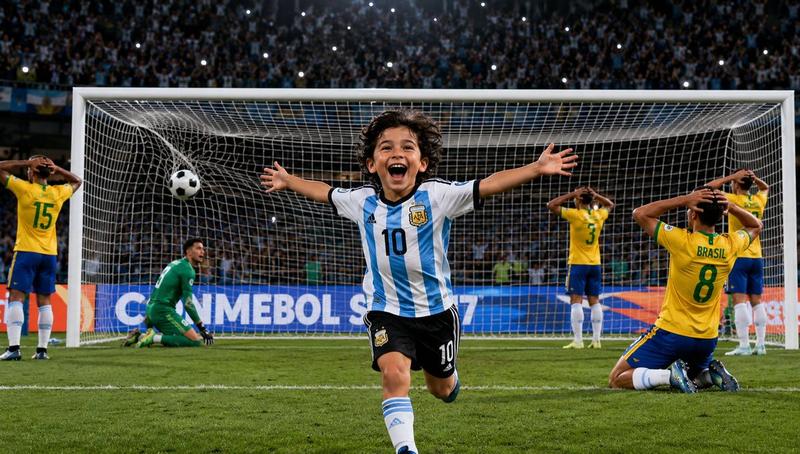
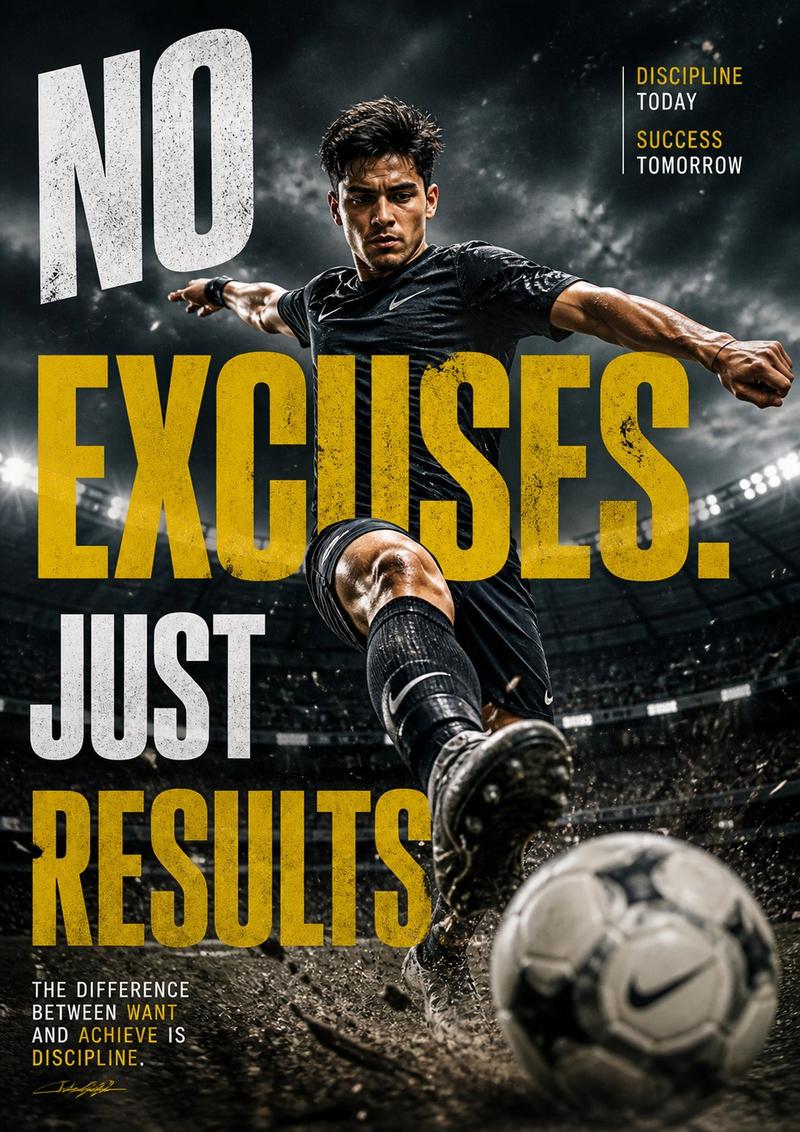
Create a high-quality 4K cinematic {argument name="sport" default="football (soccer)"} storyboard showing a full sequence from {argument name="start action" default="tackle"} to {argument name="end action" default="goal"}, using dynamic lighting, dramatic stadium atmosphere, and professional sports broadcast style. The scene begins with an intense midfield moment where a defender performs a strong sliding tackle, grass and dirt particles flying in slow motion as the ball is cleanly won. Transition immediately into a fast counterattack: the player recovers, pushes the ball forward, and accelerates past opponents with quick footwork. Show close-ups of boots striking the ball, sweat, and focused expressions, mixed with wide shots of the field opening up. Add a key pass moment where the ball is threaded through defenders, followed by a sprint toward goal with the crowd rising in anticipation. Build tension with a slow-motion approach to the penalty box, then a powerful shot on goal—either a clean strike or a curled finish. Show the ball hitting the net with dramatic impact, net rippling, and goalkeeper reaction. End with an emotional celebration: the scorer running, sliding, or raising arms as teammates join, stadium lights glowing and crowd erupting. Use varied camera angles (wide, tracking, close-up, POV, slow motion), strong motion blur, and realistic physics (ball spin, turf impact).
Category
Posters & Typography
Model
GPT Image 2
Views3
Source ID
18051
Published
May 3, 2026

Guide

About "Cinematic Soccer Storyboard"

What is this prompt for?

"Cinematic Soccer Storyboard" AI image prompt for GPT Image 2 (Posters & Typography). A dynamic sports storyboard prompt showing a sequence from a sliding tack…

The full copyable prompt and example visuals above are ready for AI image generation or one-click recreate in Picva.

How to use this prompt

  1. Step 1

    Open the prompt detail

    Review the example visuals, category, and full prompt text for "Cinematic Soccer Storyboard".

  2. Step 2

    Copy the prompt

    Copy the prompt body from this page, or load it directly in Studio.

  3. Step 3

    Pick a model (GPT Image 2)

    Prefer GPT Image 2. If you switch models, keep subject and composition and tweak style terms.

  4. Step 4

    Generate and export

    Recreate the look in Picva, or export into your workflow for editing and publishing.

FAQ

What is the "Cinematic Soccer Storyboard" prompt?
It is an AI image-generation prompt for GPT Image 2 in the Posters & Typography category. This page includes the full prompt text, example visuals, and a one-click recreate path in Picva.
How do I use this prompt to generate an image?
Copy the prompt from this page, or use Generate / Studio. Paste it into a compatible image model, or recreate the look in Picva with optional reference images.
Which model is this prompt for?
This page lists GPT Image 2. Most descriptive prompts also transfer to nearby image models such as GPT Image, Flux, or Midjourney with light style tweaks.
Can I use the result commercially?
You can usually copy the prompt for creation, but commercial use of the final image depends on the model terms, reference-image rights, and the generated content. Follow the source author and platform rules.