19

Flying Maid Knight Doodle
Enlarge

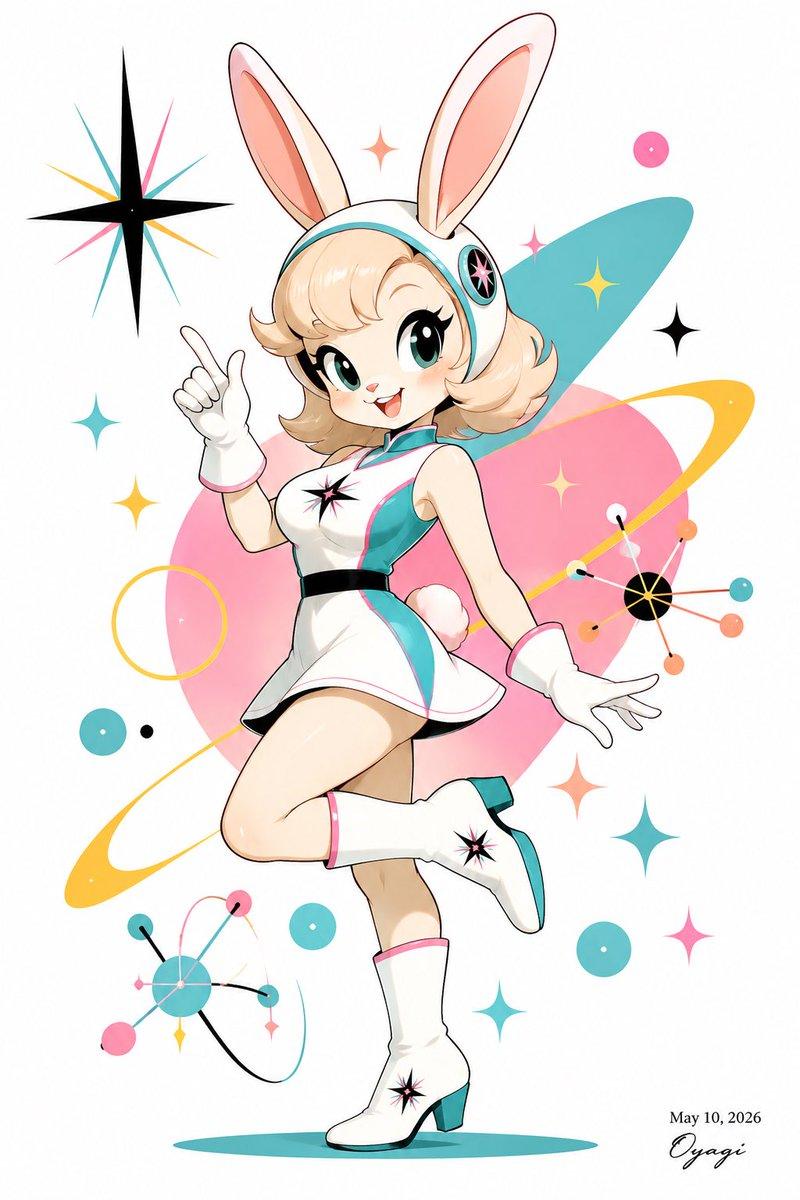
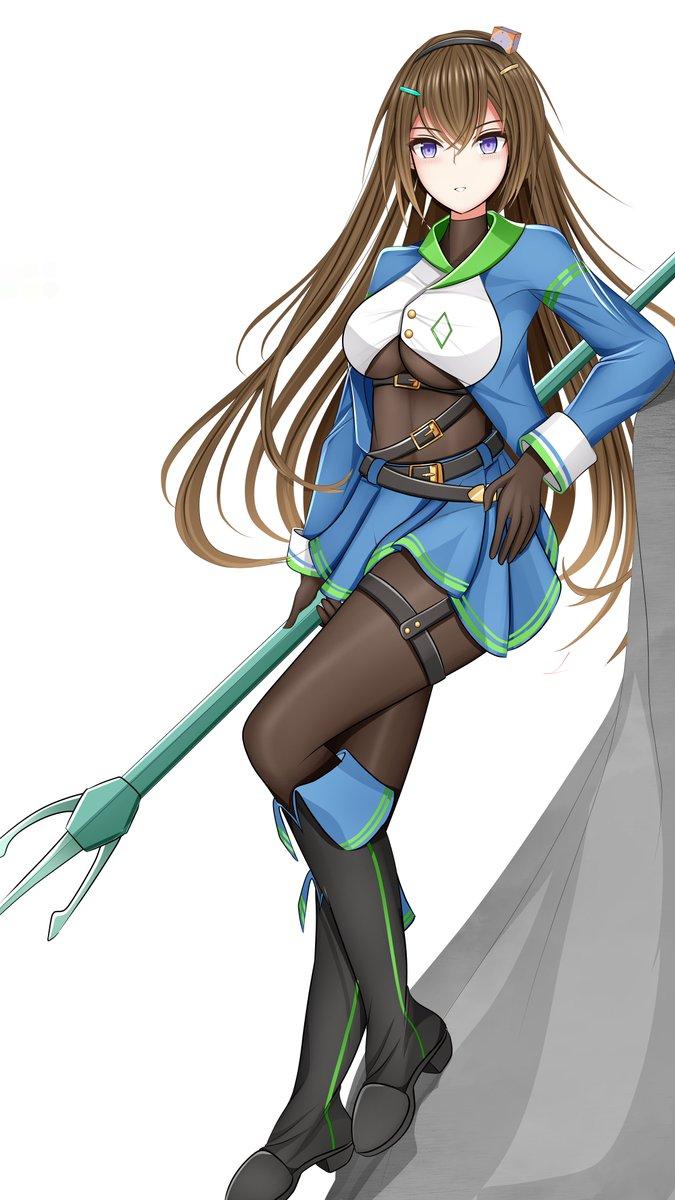
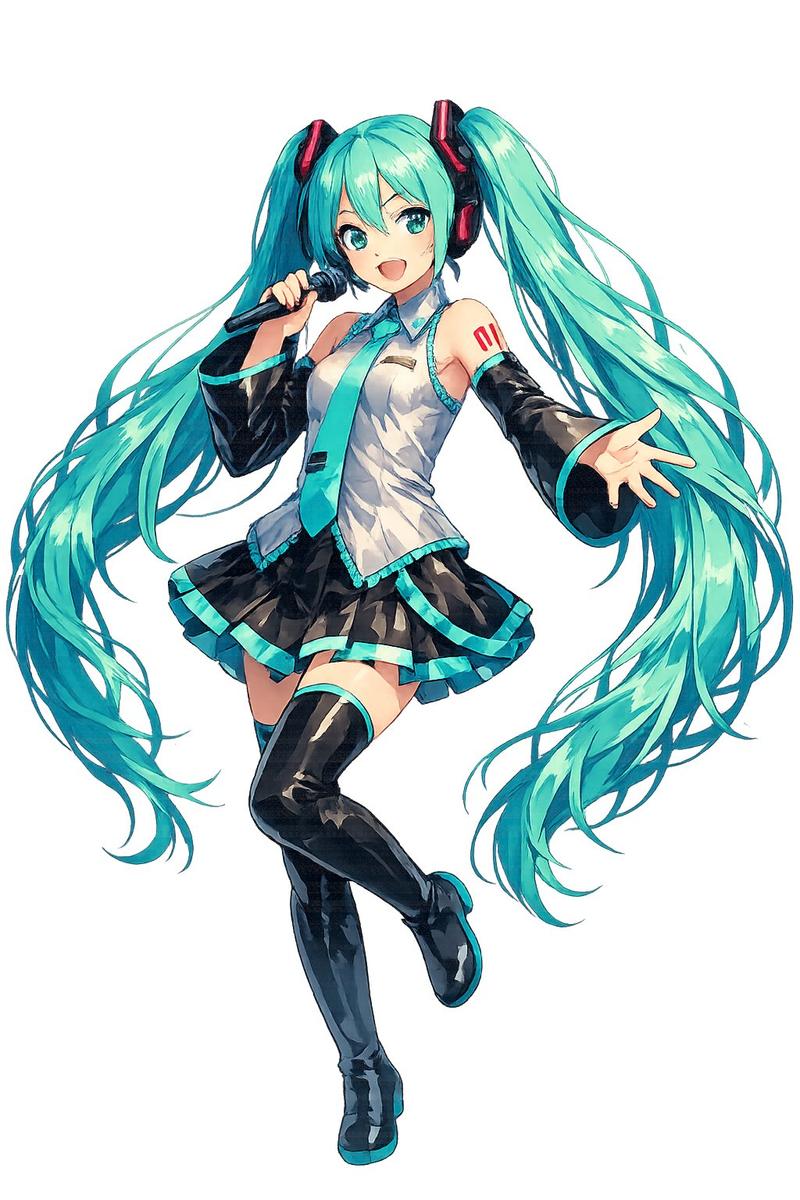
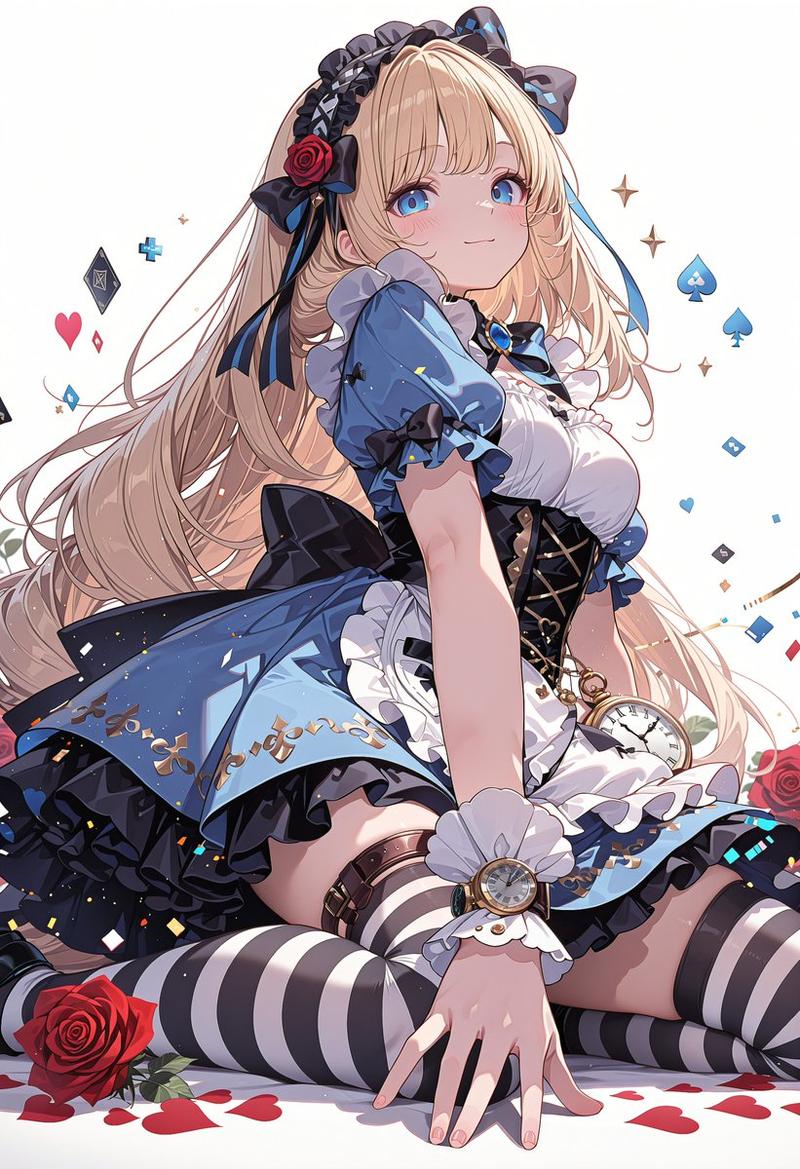
Example images

Flying Maid Knight Doodle

Prompt
Create a deliberately rough, hand-drawn digital doodle on a plain white background, like quick Microsoft Paint line art with uneven black outlines, flat colors, scribbled shading, and a playful amateur anime style. Show a single flying fantasy battle maid knight, a young anime woman with {argument name="hair color" default="bright blonde"} hair streaming wildly backward, large blue eyes, a small open surprised smile, and a white frilly maid headband with tiny dark flower details. She is posed diagonally as if lunging through the air from upper left to lower right, holding one thin rapier in her forward hand, with the blade extending far to the left and a simple circular hand guard. Her outfit combines maid clothing and armor: shiny silver shoulder pauldrons and chest armor over a white bodice, brown belts and a gold buckle at the neck, a short white frilled skirt with circular spiral decorations, white thigh-high stockings with lace trim, and white armored shoes with small gold accents. Add a dramatic {argument name="scarf color" default="turquoise blue"} scarf or cape whipping behind her to the right, painted with energetic scribble strokes and darker blue at the far end. Use minimal detail but clear recognizable shapes, visible construction-like sketch lines, messy yellow hair strokes, gray armor strokes, and a whimsical action-fantasy feeling, with no text and no background scenery.
Category
Charts & Infographics
Model
GPT Image 2
Views1
Source ID
18144
Published
May 2, 2026

Guide

About "Flying Maid Knight Doodle"

What is this prompt for?

"Flying Maid Knight Doodle" AI image prompt for GPT Image 2 (Charts & Infographics). Generates a rough anime-style digital doodle of a blonde maid knight flyin…

The full copyable prompt and example visuals above are ready for AI image generation or one-click recreate in Picva.

How to use this prompt

  1. Step 1

    Open the prompt detail

    Review the example visuals, category, and full prompt text for "Flying Maid Knight Doodle".

  2. Step 2

    Copy the prompt

    Copy the prompt body from this page, or load it directly in Studio.

  3. Step 3

    Pick a model (GPT Image 2)

    Prefer GPT Image 2. If you switch models, keep subject and composition and tweak style terms.

  4. Step 4

    Generate and export

    Recreate the look in Picva, or export into your workflow for editing and publishing.

FAQ

What is the "Flying Maid Knight Doodle" prompt?
It is an AI image-generation prompt for GPT Image 2 in the Charts & Infographics category. This page includes the full prompt text, example visuals, and a one-click recreate path in Picva.
How do I use this prompt to generate an image?
Copy the prompt from this page, or use Generate / Studio. Paste it into a compatible image model, or recreate the look in Picva with optional reference images.
Which model is this prompt for?
This page lists GPT Image 2. Most descriptive prompts also transfer to nearby image models such as GPT Image, Flux, or Midjourney with light style tweaks.
Can I use the result commercially?
You can usually copy the prompt for creation, but commercial use of the final image depends on the model terms, reference-image rights, and the generated content. Follow the source author and platform rules.