18

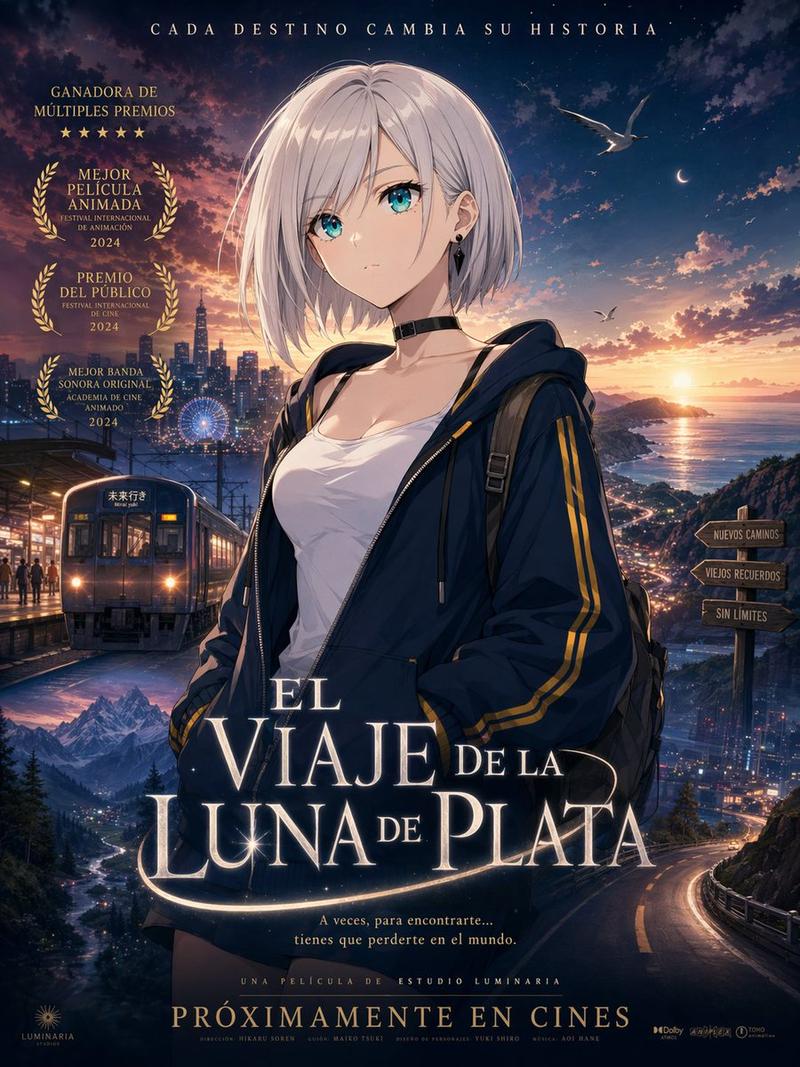
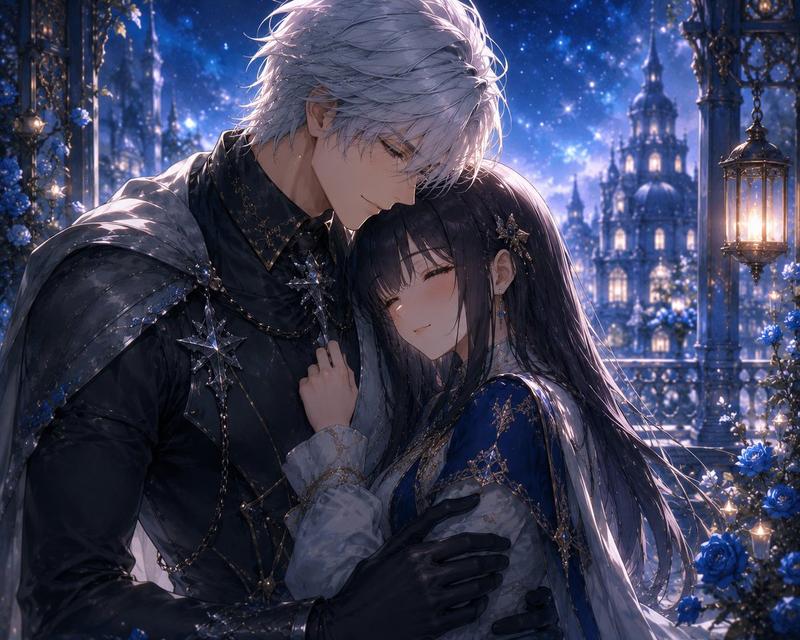
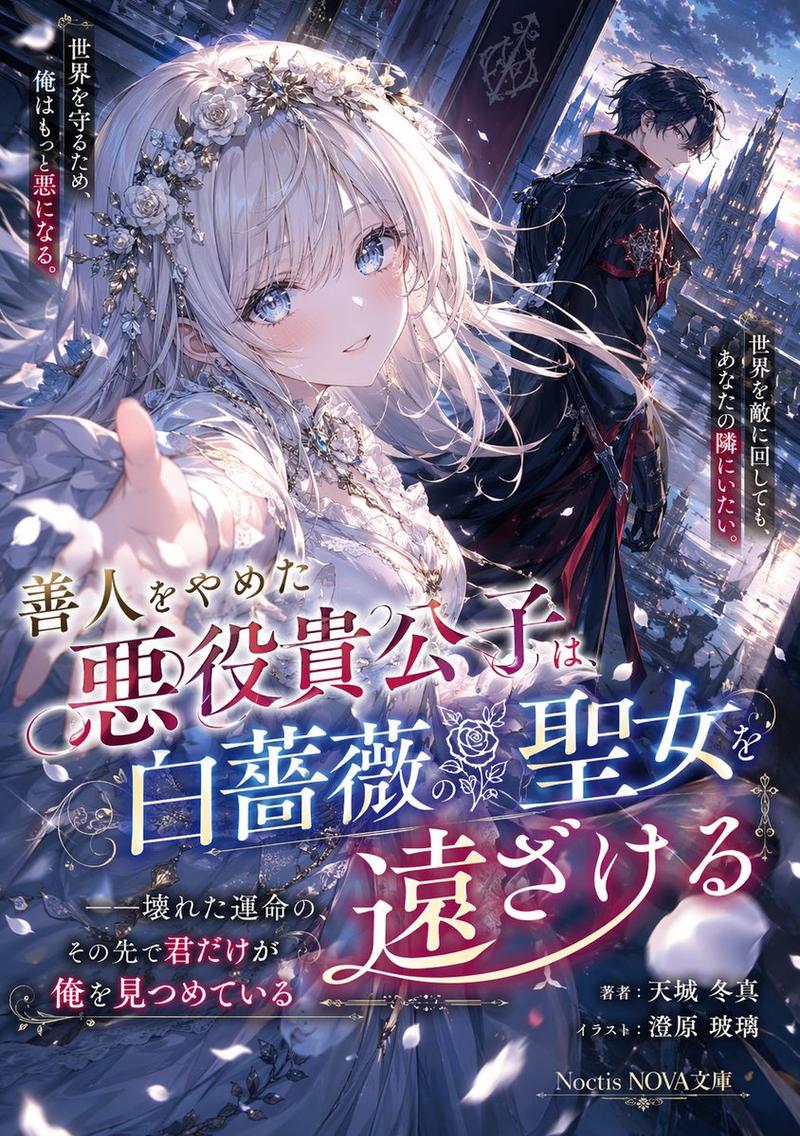
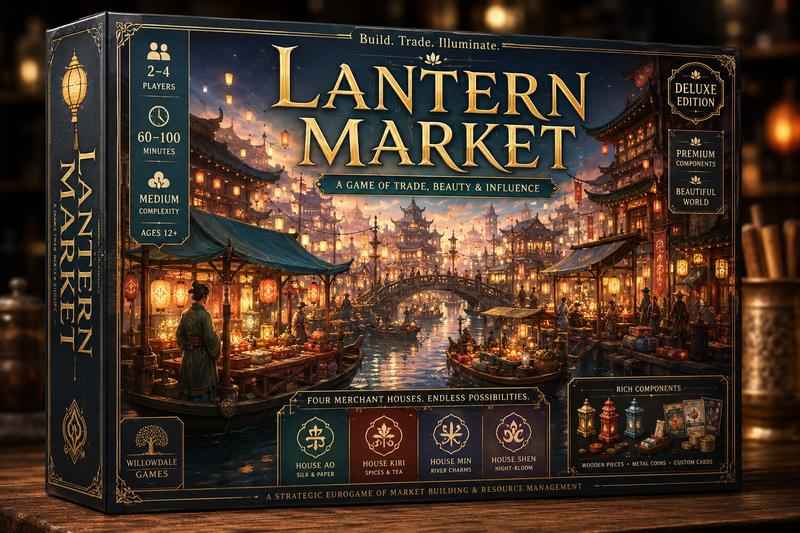
Cleaned Taisho Mystery Game Title Screen
Enlarge

Cleaned Taisho Mystery Game Title Screen

Prompt
Using the provided reference image, create a cleaned-up revised version of the same Taisho-romantic mystery game title screen. Preserve the overall composition, Japanese logo text, ornate UI frame, character placement, moonlit Ginza street setting, and all interface elements unchanged, including the 2 top circular buttons and the 6 bottom menu buttons labeled 「はじめから」, 「つづきから」, 「記録」, 「設定」, 「資料室」, and 「特典」. Redraw the linework and repaint the colors for a sharper, higher-quality illustration with clearer edges, richer but still dark antique tones, and more polished lighting. Correct the streetcar so it has a more believable vintage tram shape, perspective, windows, rails, and front details. Greatly reduce GPT-image-style tiny dot garbage, speckle noise, random artifacts, muddy textures, and messy broken lines while keeping the cinematic nighttime atmosphere, falling petals, wet pavement reflections, newspapers, mask, pocket watch, telescope, pen, and decorative border.
Category
UI & Interfaces
Model
GPT Image 2
Views3
Source ID
18210
Published
May 3, 2026

Guide

About "Cleaned Taisho Mystery Game Title Screen"

What is this prompt for?

"Cleaned Taisho Mystery Game Title Screen" AI image prompt for GPT Image 2 (UI & Interfaces). Generates a polished revision of a Taisho-romantic mystery visual…

The full copyable prompt and example visuals above are ready for AI image generation or one-click recreate in Picva.

How to use this prompt

  1. Step 1

    Open the prompt detail

    Review the example visuals, category, and full prompt text for "Cleaned Taisho Mystery Game Title Screen".

  2. Step 2

    Copy the prompt

    Copy the prompt body from this page, or load it directly in Studio.

  3. Step 3

    Pick a model (GPT Image 2)

    Prefer GPT Image 2. If you switch models, keep subject and composition and tweak style terms.

  4. Step 4

    Generate and export

    Recreate the look in Picva, or export into your workflow for editing and publishing.

FAQ

What is the "Cleaned Taisho Mystery Game Title Screen" prompt?
It is an AI image-generation prompt for GPT Image 2 in the UI & Interfaces category. This page includes the full prompt text, example visuals, and a one-click recreate path in Picva.
How do I use this prompt to generate an image?
Copy the prompt from this page, or use Generate / Studio. Paste it into a compatible image model, or recreate the look in Picva with optional reference images.
Which model is this prompt for?
This page lists GPT Image 2. Most descriptive prompts also transfer to nearby image models such as GPT Image, Flux, or Midjourney with light style tweaks.
Can I use the result commercially?
You can usually copy the prompt for creation, but commercial use of the final image depends on the model terms, reference-image rights, and the generated content. Follow the source author and platform rules.