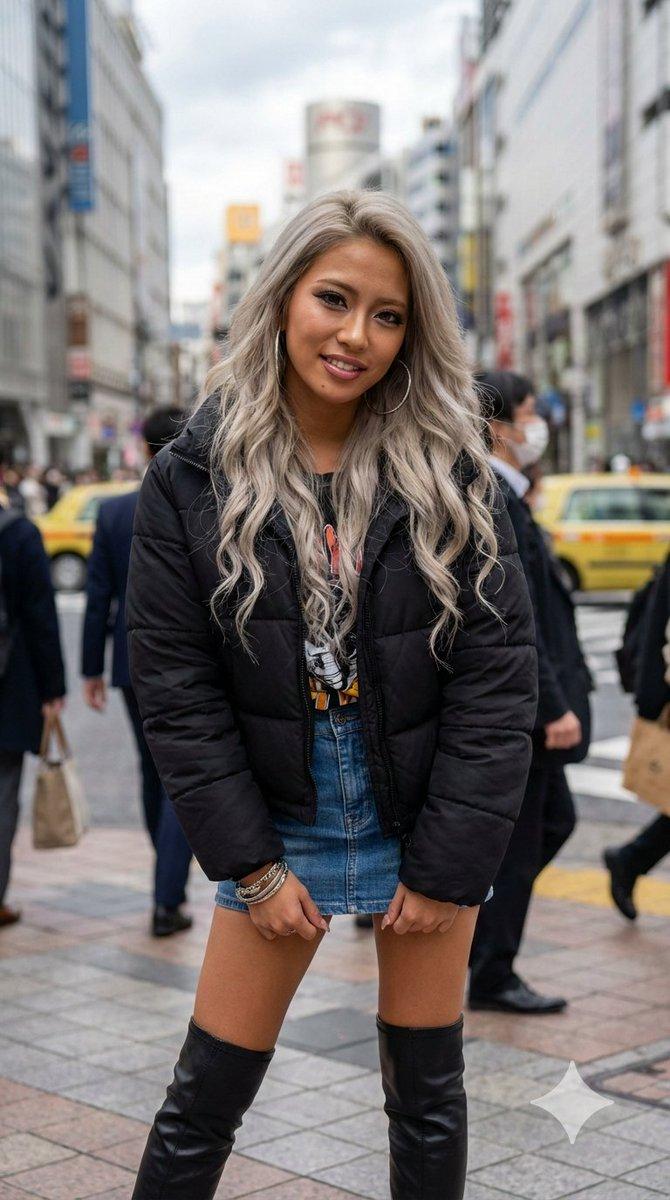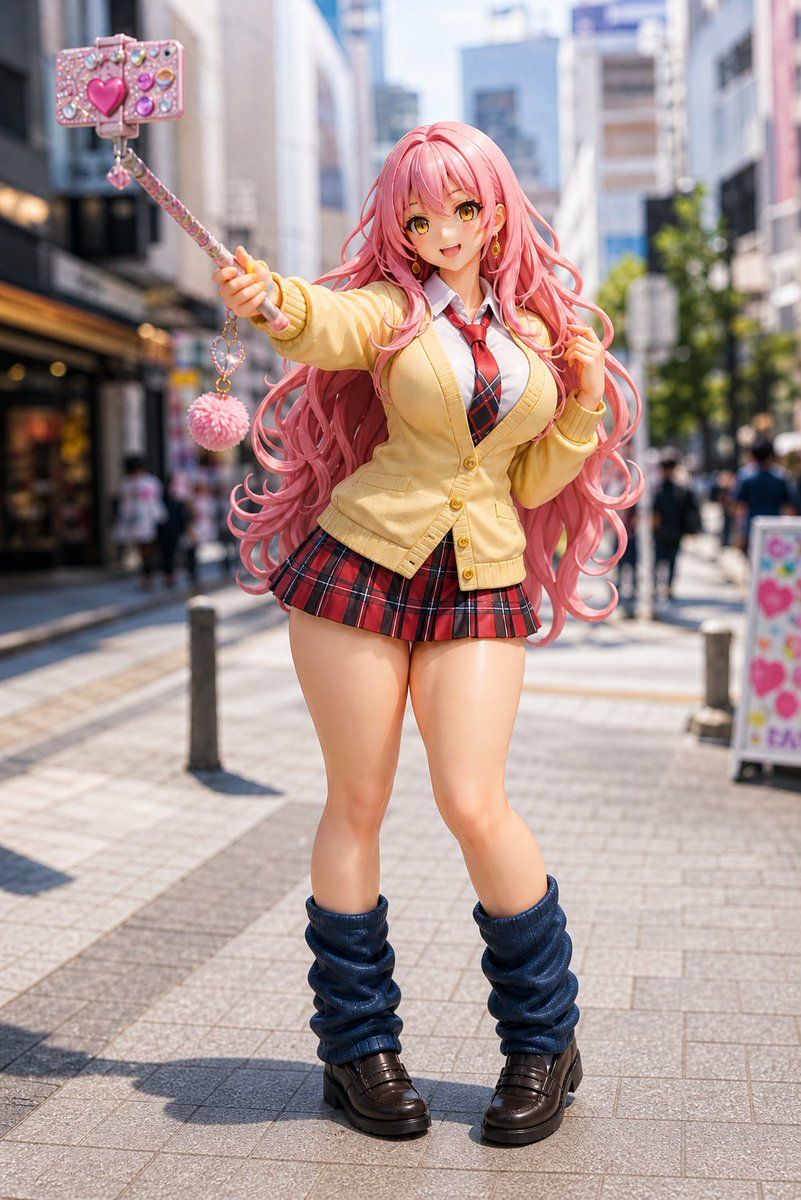
Pink Gyaru Figurine Street Photo
Prompt
Create a full-body, photorealistic image of a life-size anime-style PVC figurine of a cheerful gyaru schoolgirl standing on a sunny modern Japanese shopping street, with shallow depth of field and blurred pedestrians/buildings in the background. The character has very long, voluminous, wavy {argument name="hair color" default="pastel pink"} hair flowing around her shoulders and down past her waist, glossy plastic skin, exaggerated doll-like proportions, and a deliberately obscured face covered by a smooth square blur matching skin tones. She wears a Japanese school uniform consisting of exactly 6 visible outfit pieces: a white collared shirt, a red-and-black striped necktie, a pale yellow buttoned cardigan, a short red-and-black plaid pleated skirt, loose dark navy leg warmers, and chunky dark brown loafers. Pose her confidently facing the camera, one arm extended upward and outward holding a decorated selfie stick, the other hand lightly touching her hair. Include exactly 4 visible phone/accessory elements on the selfie stick: a jewel-covered pink smartphone case, a large glossy heart decoration, a dangling small heart charm, and a fluffy pink pom-pom keychain. Use bright midday sunlight, crisp shadows on the paved pedestrian walkway, realistic urban bokeh, high-detail figure texture, glossy toy-like finish, fashion doll photography, 85mm lens look, vertical composition, centered subject, vibrant kawaii colors, and a playful Harajuku/Shibuya street atmosphere. Customize the character as {argument name="character style" default="pink-haired gyaru schoolgirl figurine"} in {argument name="location" default="a Japanese city shopping street"} with {argument name="lighting" default="bright sunny midday lighting"}.- Category
- Charts & Infographics
- Model
- GPT Image 2
- Creator
- サブサン
- Source ID
- 18219
- Published
- May 3, 2026
Views4