Crouching Tribal Warrior Portrait
Prompt
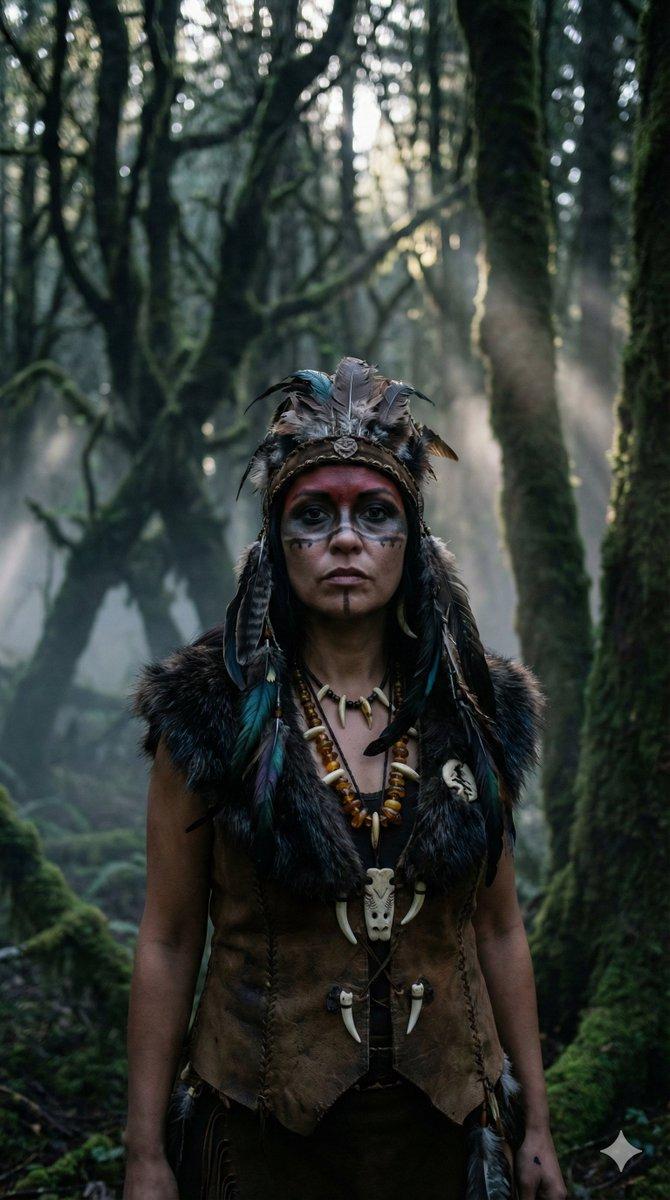
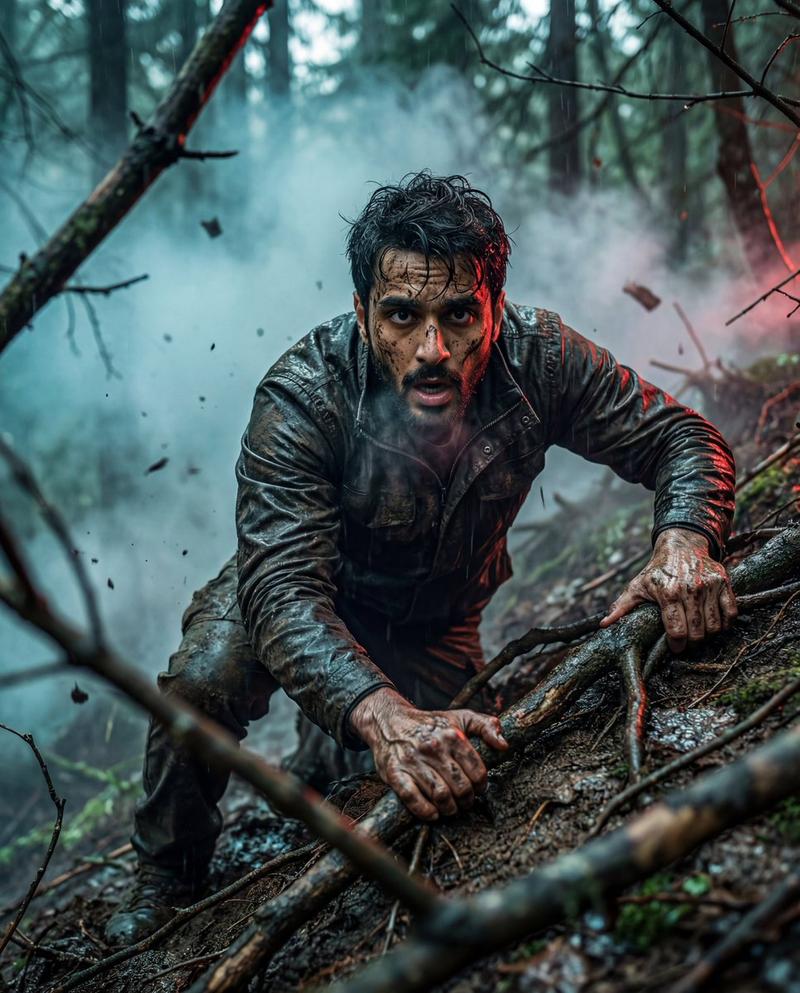
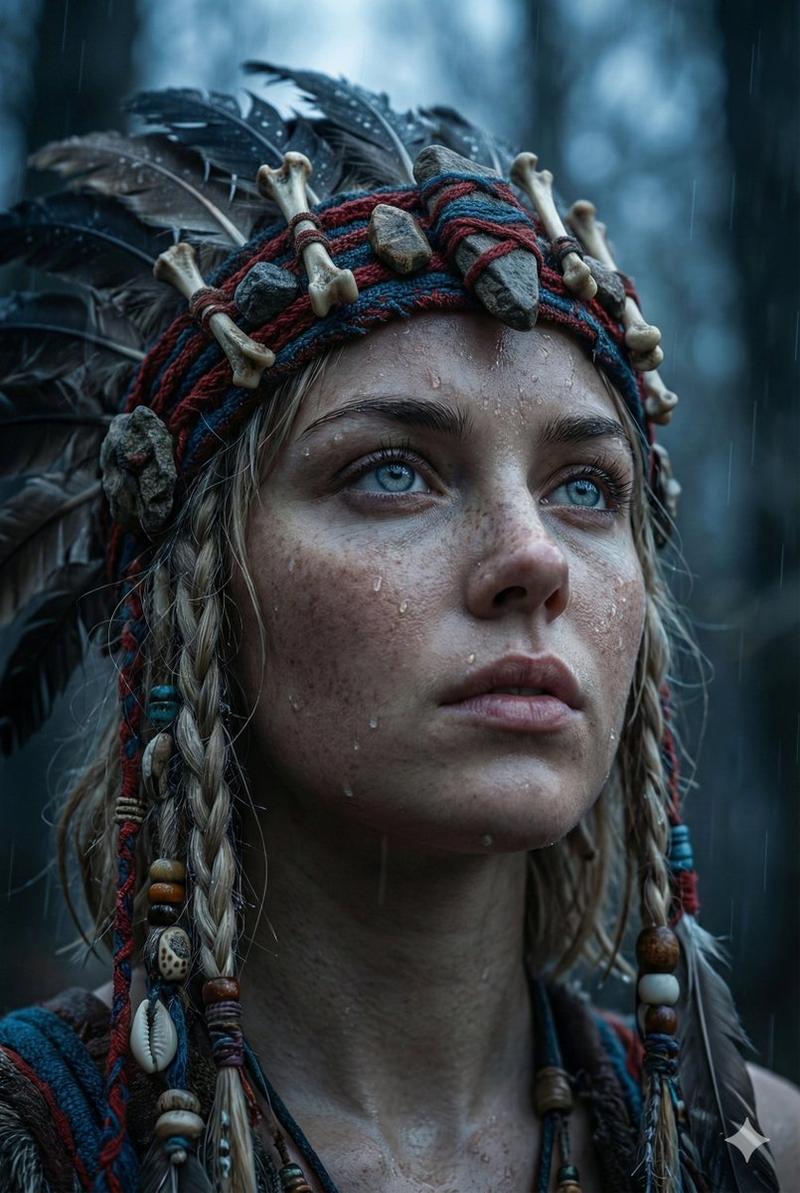
Create a cinematic, hyper-realistic portrait of a {argument name="subject" default="powerful indigenous tribal warrior"} crouching on a grassy mountain ridge, facing the camera in a low, dominant pose. The subject has dark weathered skin with white ritual body-paint markings across the arms, chest, shoulders, and legs, and wears a dramatic feather headdress made of many tall dark green, brown, and gray feathers radiating upward. The face is deliberately hidden by a centered, flat dark-brown square censor block. The warrior holds one long wooden spear vertically in the left hand, with a dark stone spearhead wrapped in rough cord. Clothing and accessories are primitive and handmade: layered fur and bark-fiber cloak over the shoulders, rope armbands and wrist wraps, a rough woven loincloth, dangling cords, and a necklace of carved bones, teeth, and beads. The figure is muscular, grounded, and tense, with one hand planted on the mossy earth in the foreground. Set the scene against distant misty green mountains under a dramatic {argument name="sky mood" default="stormy gray overcast sky"}. Use moody natural light, high contrast, desaturated earthy colors, sharp texture detail on skin, feathers, rope, fur, mud, grass, and stone, shallow depth of field, epic documentary photography style, vertical portrait composition, realistic 85mm lens look, no text.- Category
- Charts & Infographics
- Model
- GPT Image 2
- Creator
- ARION
- Source ID
- 18236
- Published
- May 3, 2026
Views2



![Prompt share: Epic Cinematic Fusion 💬Prompt: A [subject] blending cultural infl](https://cdn.pixshop.app/prompt-library/tweet-2004869913463415115/preview-0-1768180253107-xdzn5w9d.jpeg)