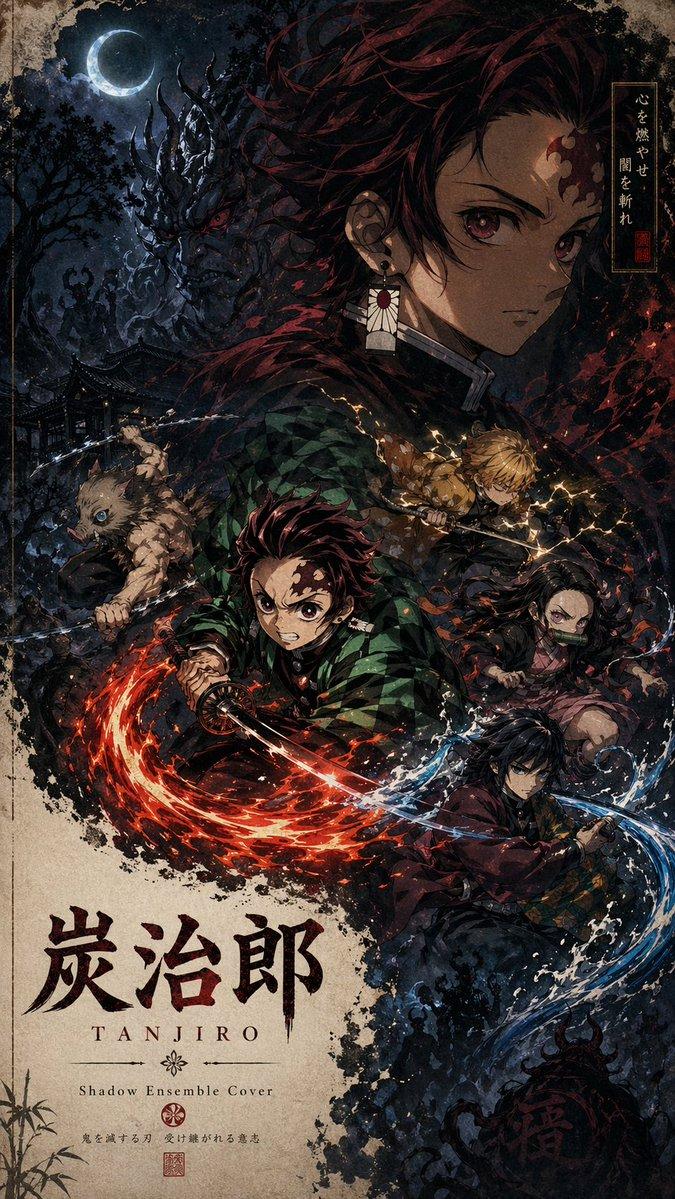
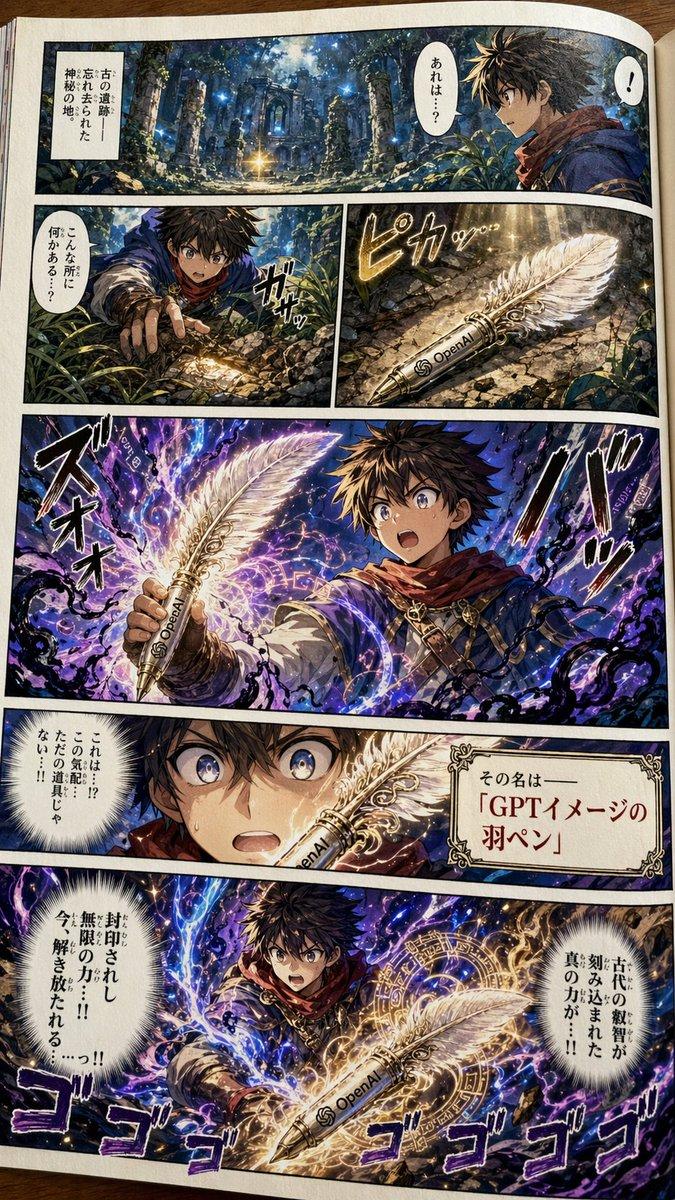
16

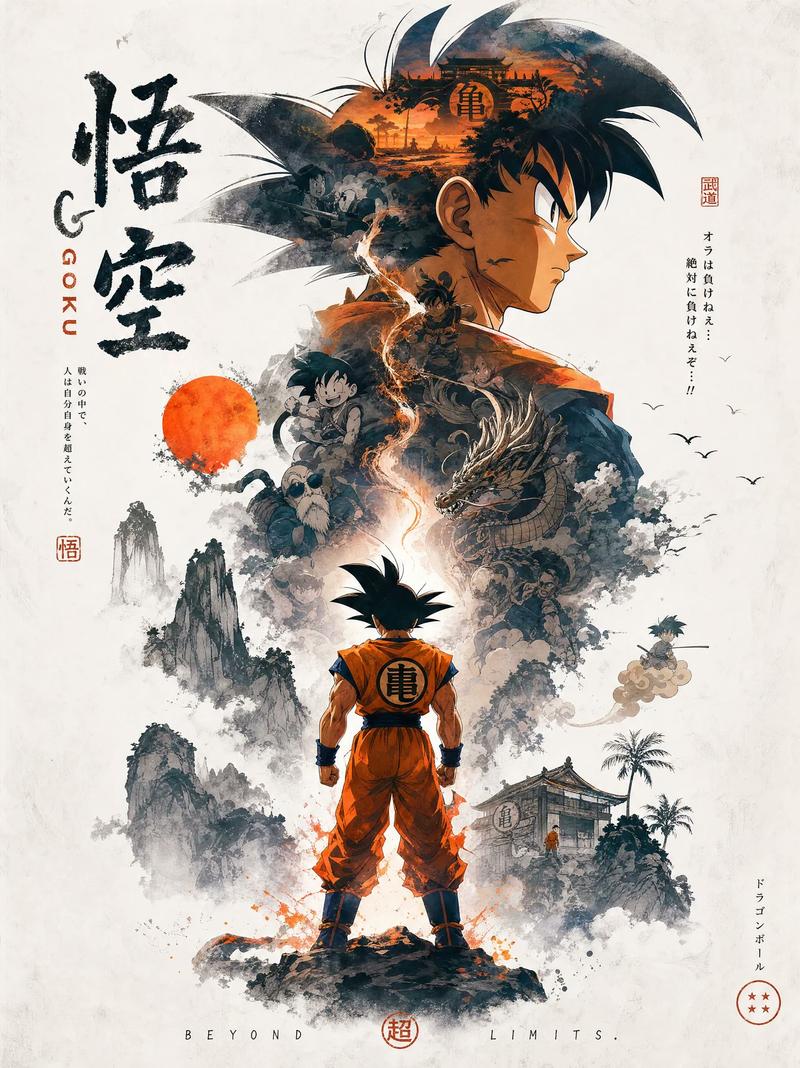
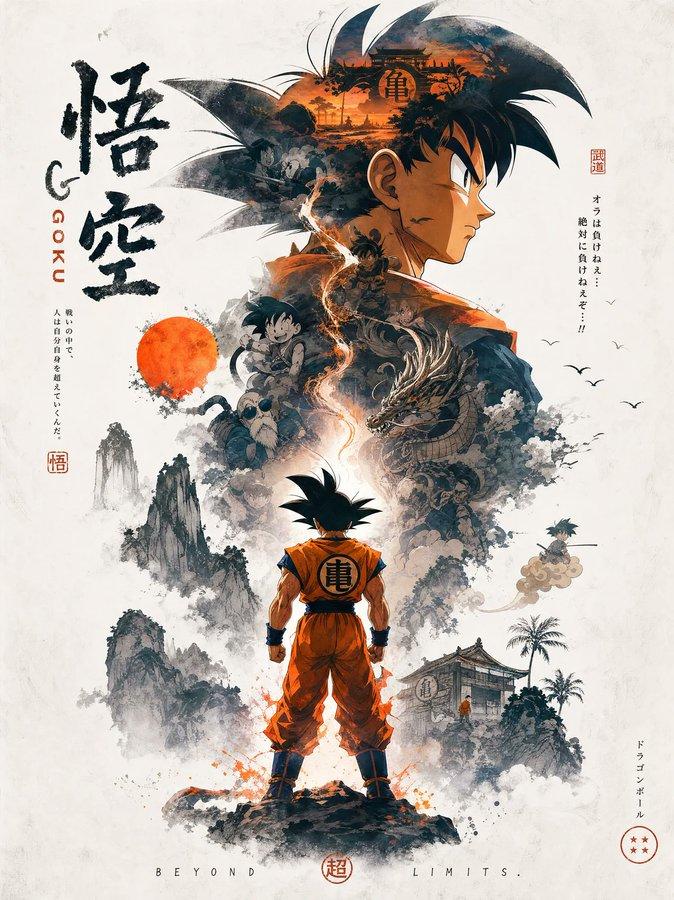
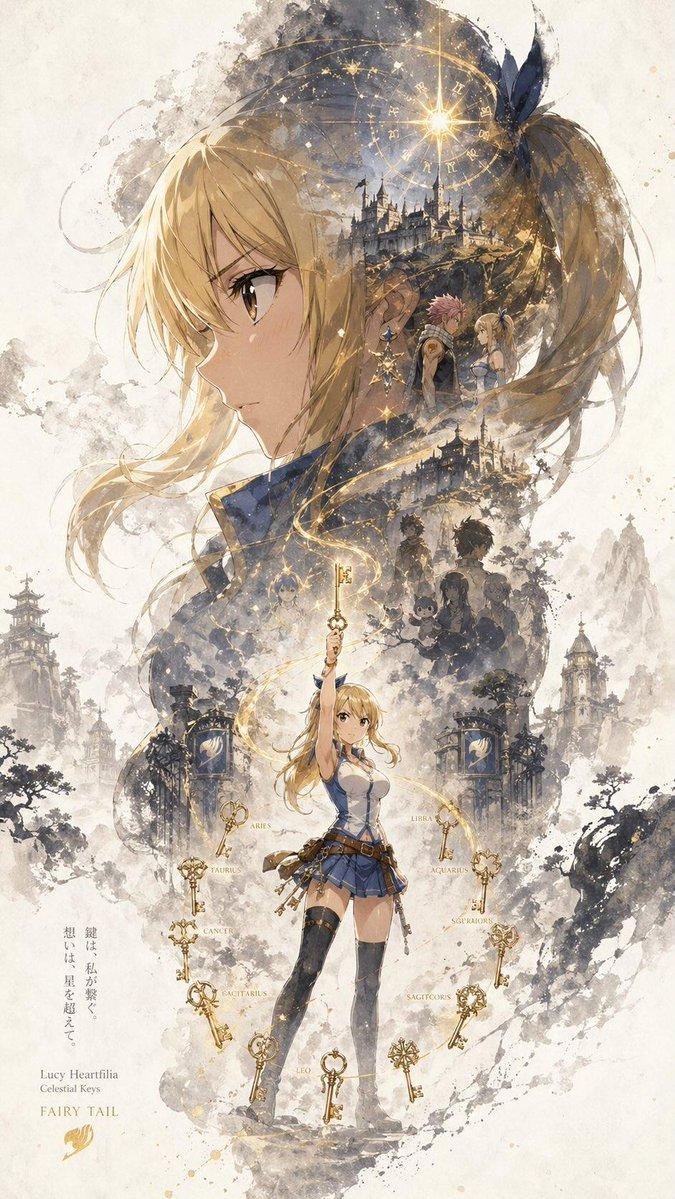
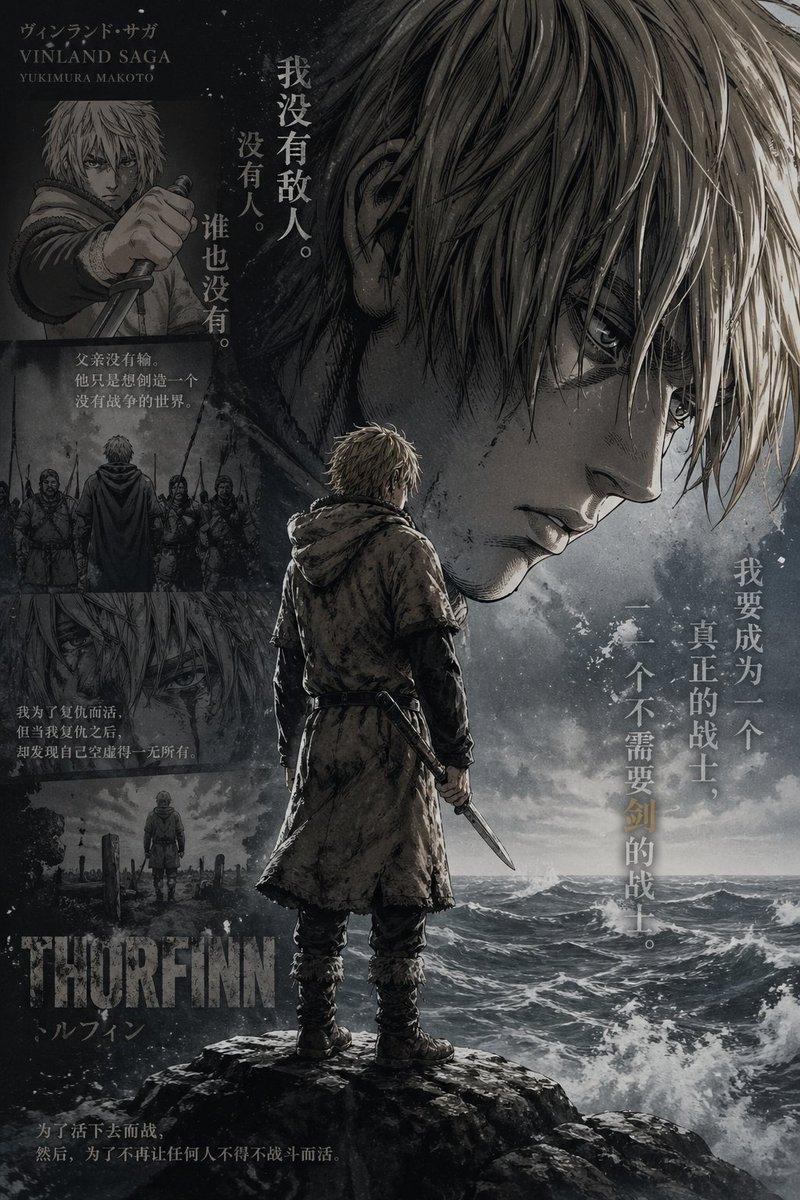
动漫剪影叙事海报
Enlarge

Example images

动漫剪影叙事海报

Prompt
Based on {argument name="theme" default="Attack on Titan"}, automatically generate a collectible, epic narrative poster: use the side-profile silhouette of {argument name="character" default="Mikasa Ackerman with her red scarf flowing"} as the outer contour. Within the silhouette, let a complete world organically grow that best fits the theme. The burning streets of Shiganshina reflect in her eyes; young Eren Yeager’s smile fades within the smoke; the Ackerman bloodline crest appears subtly like a watermark; the sea breeze of the final battlefield carries away all memories; fragments of a countdown hourglass transform into falling cherry blossoms, then dissolve into ashes.

The overall composition should not be a simple collage, but a refined silhouette-filled narrative synthesis. It should carry a double-exposure associative effect, yet lean more toward a fusion of cinematic poster and dreamy watercolor illustration. Use soft atmospheric perspective, gentle mist transitions, paper grain texture, white edges with brushstroke marks, and large areas of negative space. The layout should feel restrained, premium, quiet, grand, sacred, nostalgic, poetic, and legendary.

Color palette: {argument name="colors" default="crimson blended with gray, muted pink, deep obsidian black"}.

All elements—style, color, scenes, materials—must automatically adapt to the theme, with every detail strongly bound to it. Instantly recognizable at a glance. Avoid clutter, forced collage, template-style backgrounds, or cheap fantasy assets.
Category
Charts & Infographics
Model
GPT Image 2
Creator
Anissa
Views4
Source ID
18333
Published
May 4, 2026

Guide

About "动漫剪影叙事海报"

What is this prompt for?

"动漫剪影叙事海报" AI image prompt for GPT Image 2 (Charts & Infographics). 一个受《进击的巨人》启发,融合双重曝光与水彩风格,充满诗意与宏大叙事感的剪影海报提示词。 Copy it on Picva and recreate the look in one…

The full copyable prompt and example visuals above are ready for AI image generation or one-click recreate in Picva.

How to use this prompt

  1. Step 1

    Open the prompt detail

    Review the example visuals, category, and full prompt text for "动漫剪影叙事海报".

  2. Step 2

    Copy the prompt

    Copy the prompt body from this page, or load it directly in Studio.

  3. Step 3

    Pick a model (GPT Image 2)

    Prefer GPT Image 2. If you switch models, keep subject and composition and tweak style terms.

  4. Step 4

    Generate and export

    Recreate the look in Picva, or export into your workflow for editing and publishing.

FAQ

What is the "动漫剪影叙事海报" prompt?
It is an AI image-generation prompt for GPT Image 2 in the Charts & Infographics category. This page includes the full prompt text, example visuals, and a one-click recreate path in Picva.
How do I use this prompt to generate an image?
Copy the prompt from this page, or use Generate / Studio. Paste it into a compatible image model, or recreate the look in Picva with optional reference images.
Which model is this prompt for?
This page lists GPT Image 2. Most descriptive prompts also transfer to nearby image models such as GPT Image, Flux, or Midjourney with light style tweaks.
Can I use the result commercially?
You can usually copy the prompt for creation, but commercial use of the final image depends on the model terms, reference-image rights, and the generated content. Follow the source author and platform rules.