11

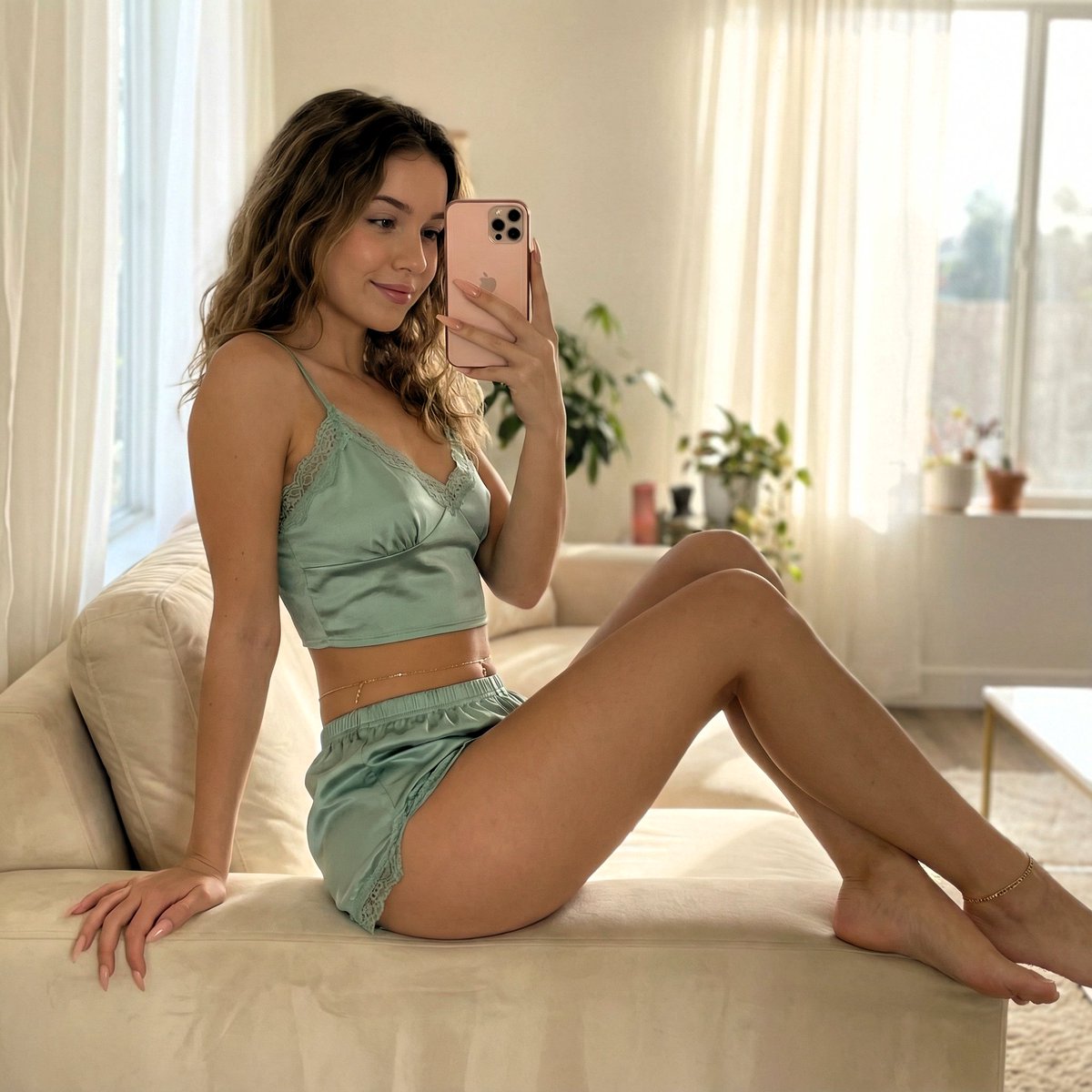
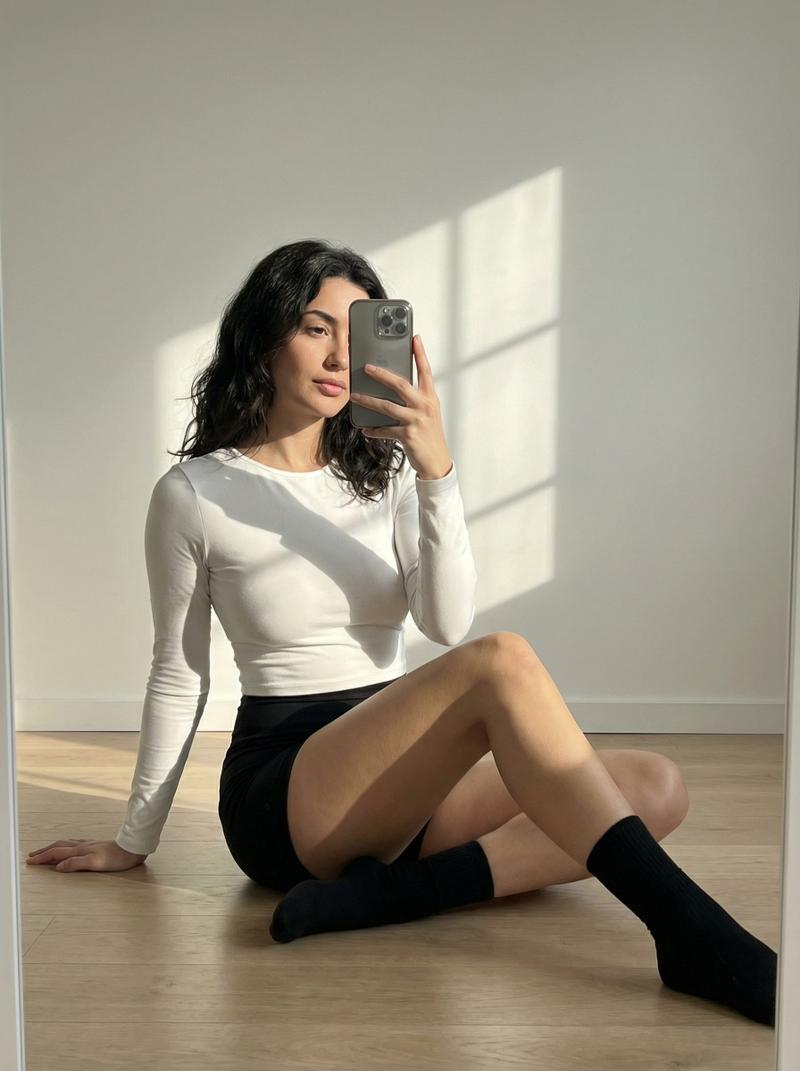
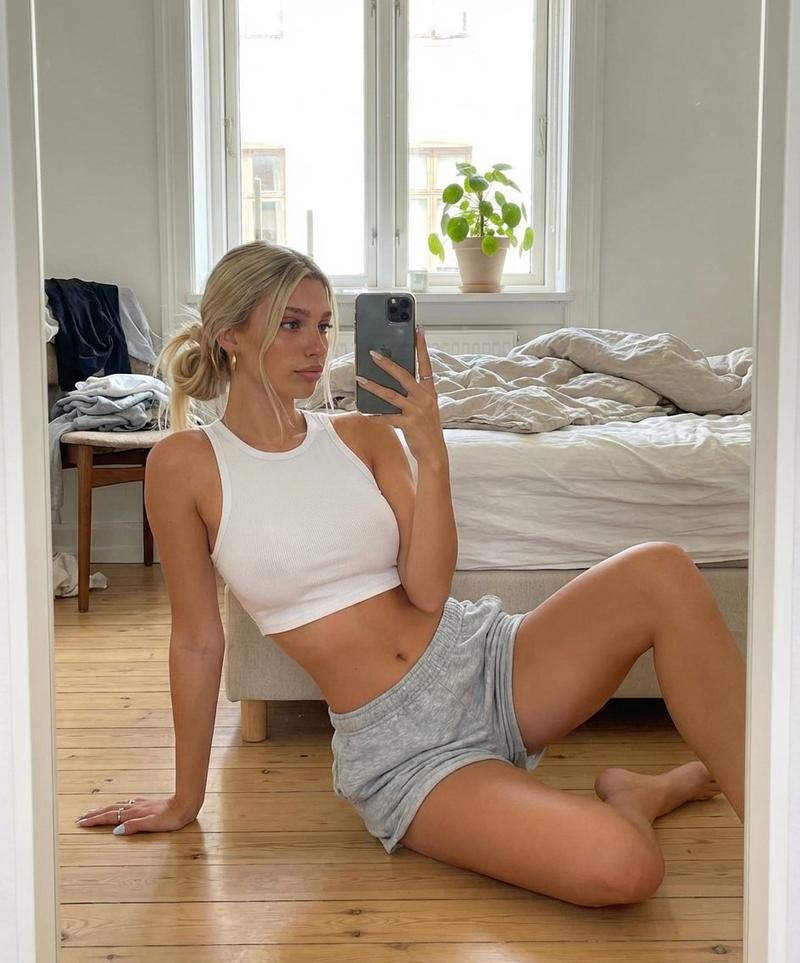
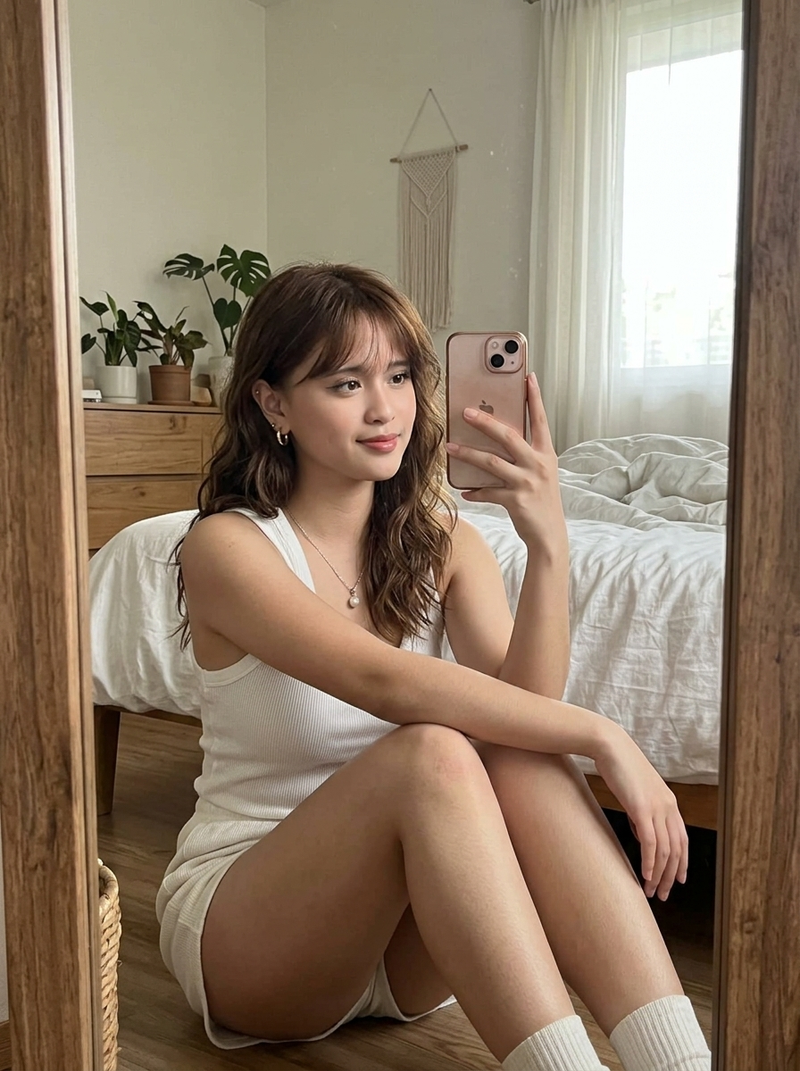
温馨客厅镜面自拍
Enlarge

温馨客厅镜面自拍

Prompt
Create a realistic, high-end lifestyle mirror selfie photograph of an adult woman lounging sideways on a modern beige sofa in a warm minimalist living room. She has {argument name="hair color" default="short dark brown"} chin-length bob hair and a slim figure, reclining with her upper body propped against the left sofa arm, one hand resting on the cushion and the other holding a dark smartphone in front of her face; her face is intentionally hidden by a plain rectangular privacy blur/censor block. She wears a fitted {argument name="top style" default="white ribbed long-sleeve turtleneck cropped top"} and a {argument name="skirt style" default="brown gray plaid mini skirt"}, with bare legs extended diagonally across the sofa toward the right side of the frame. Compose the image in a wide horizontal 16:9 aspect ratio, full-body from head to toes, slightly low eye-level perspective, casual elegant pose, natural anatomy, soft skin texture, realistic fabric folds. The room has beige plaster walls, a cream sofa with square arms and a matching throw pillow, a black dome table lamp glowing warmly on a dark side table at the far left, wooden flooring, and a tall sculptural gray ceramic vase with delicate leafy branches on the far right. Use warm ambient lighting with soft shadows, cozy evening atmosphere, shallow depth of field, muted neutral palette, editorial interior photography style, ultra-realistic detail, no visible text, no extra people, no distorted hands or feet.
Category
Charts & Infographics
Model
GPT Image 2
Views7
Source ID
18412
Published
May 4, 2026

Guide

About "温馨客厅镜面自拍"

What is this prompt for?

"温馨客厅镜面自拍" AI image prompt for GPT Image 2 (Charts & Infographics). 生成一张逼真的生活方式自拍,展示一位女性在温馨简约风格的室内,斜倚在米色沙发上,适用于时尚或社交媒体视觉素材。 Copy it on Picva and recreate the l…

The full copyable prompt and example visuals above are ready for AI image generation or one-click recreate in Picva.

How to use this prompt

  1. Step 1

    Open the prompt detail

    Review the example visuals, category, and full prompt text for "温馨客厅镜面自拍".

  2. Step 2

    Copy the prompt

    Copy the prompt body from this page, or load it directly in Studio.

  3. Step 3

    Pick a model (GPT Image 2)

    Prefer GPT Image 2. If you switch models, keep subject and composition and tweak style terms.

  4. Step 4

    Generate and export

    Recreate the look in Picva, or export into your workflow for editing and publishing.

FAQ

What is the "温馨客厅镜面自拍" prompt?
It is an AI image-generation prompt for GPT Image 2 in the Charts & Infographics category. This page includes the full prompt text, example visuals, and a one-click recreate path in Picva.
How do I use this prompt to generate an image?
Copy the prompt from this page, or use Generate / Studio. Paste it into a compatible image model, or recreate the look in Picva with optional reference images.
Which model is this prompt for?
This page lists GPT Image 2. Most descriptive prompts also transfer to nearby image models such as GPT Image, Flux, or Midjourney with light style tweaks.
Can I use the result commercially?
You can usually copy the prompt for creation, but commercial use of the final image depends on the model terms, reference-image rights, and the generated content. Follow the source author and platform rules.