18

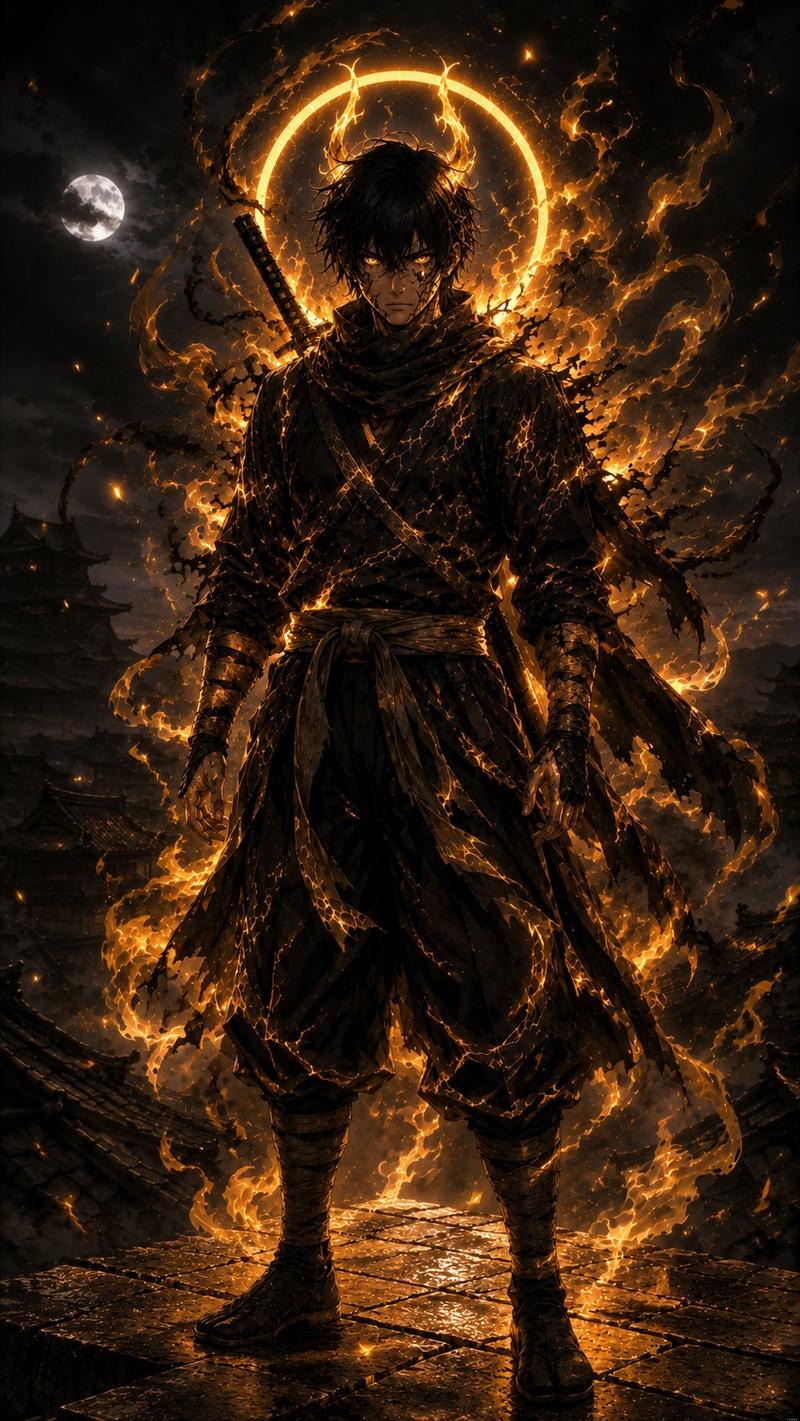
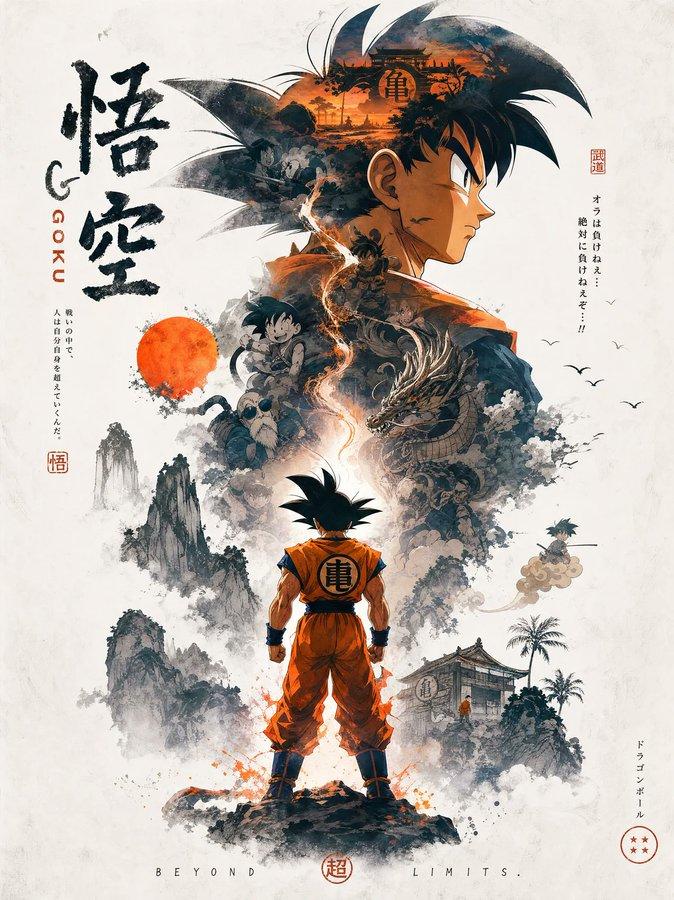
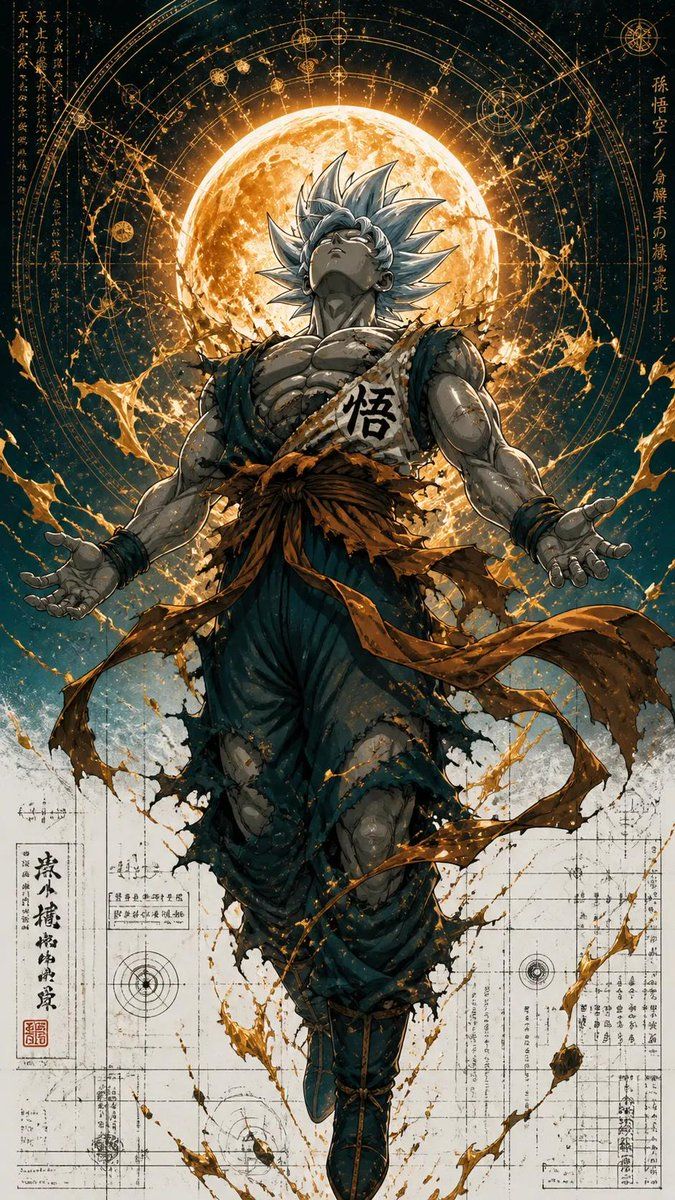
超精细少年漫战士
Enlarge

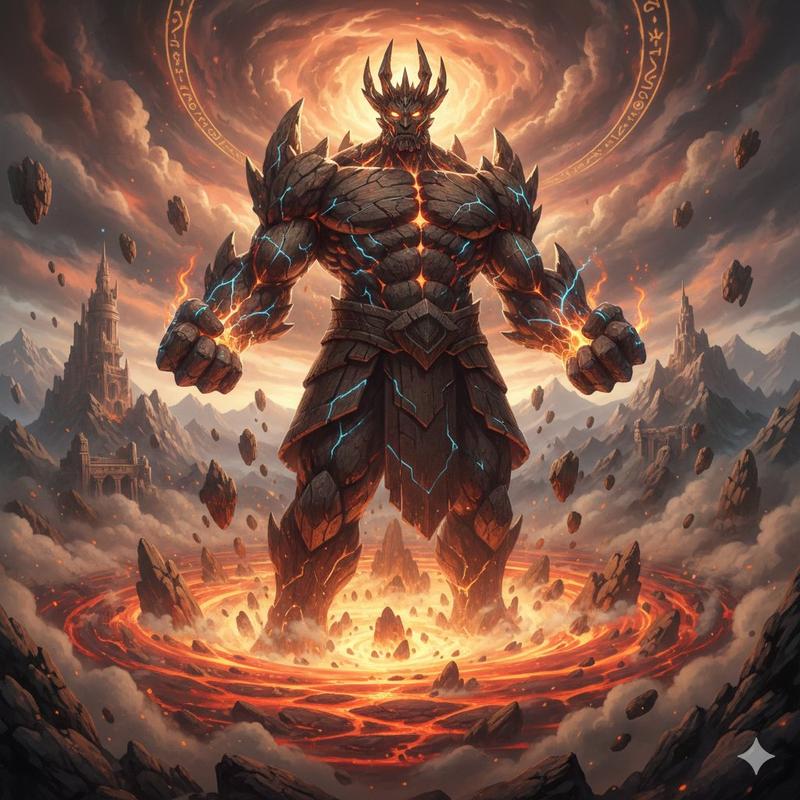
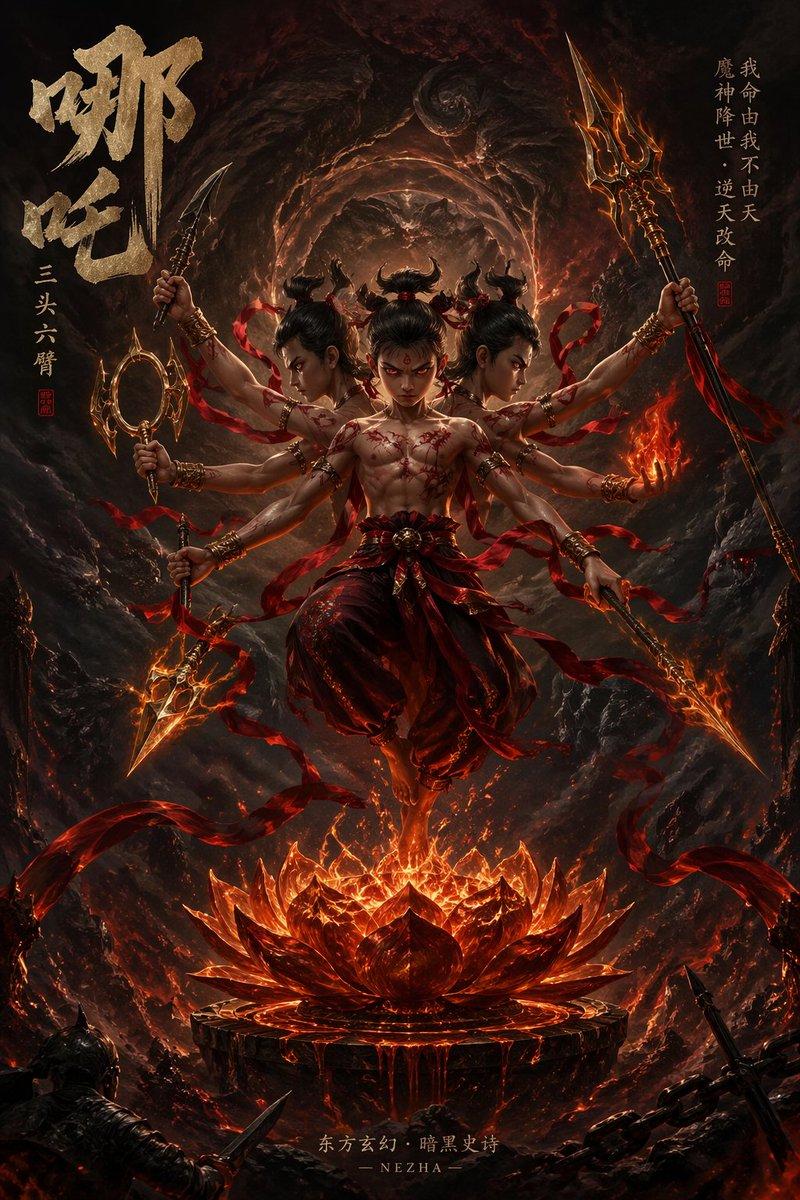
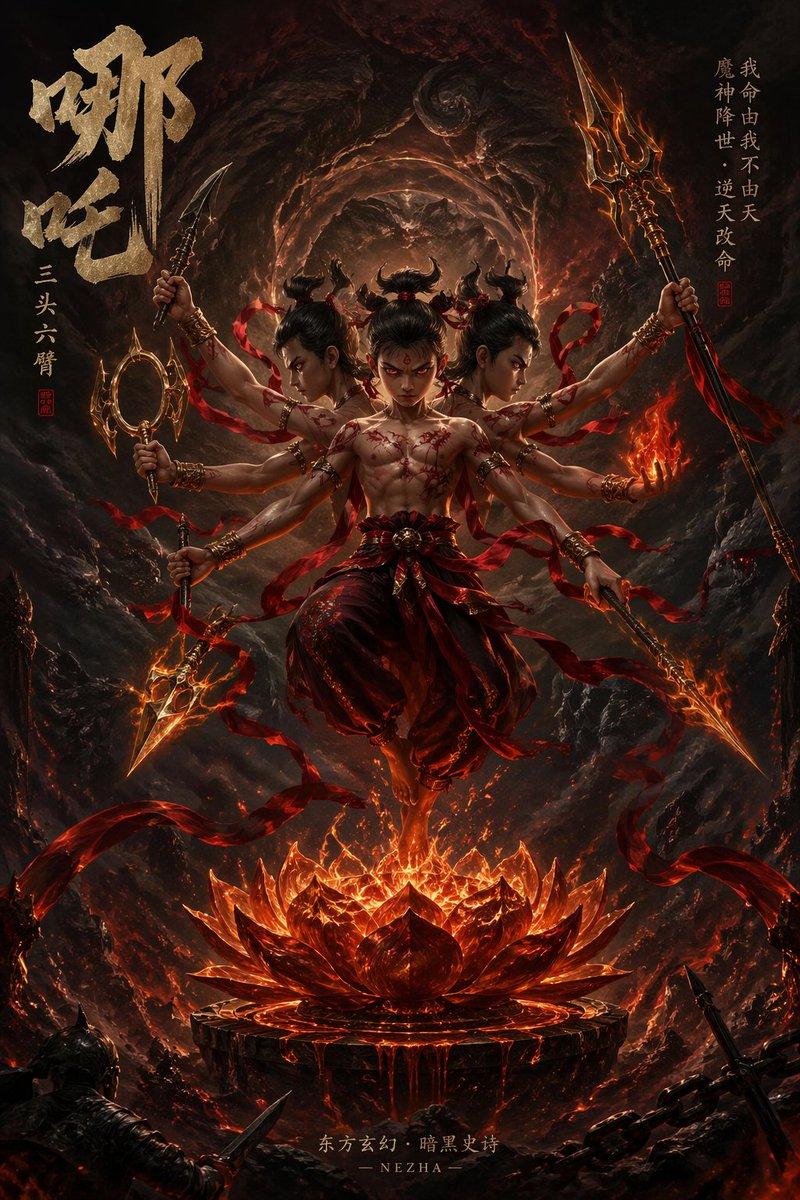
Example images

超精细少年漫战士

Prompt
Ultra-detailed {argument name="character type" default="anime warrior"} illustration inspired by legendary shonen power-up scenes, full-body low-angle composition, floating god-like character with torn battle clothes, muscular anatomy, intense {argument name="aura color" default="glowing aura energy"} exploding around the body, celestial magic circle halo behind the character, cosmic symbols and sacred geometry, crackling lightning, floating debris and rocks, galaxy particles, divine transformation moment, dramatic cinematic lighting, hyper detailed ink lines, painterly anime shading, dynamic energy splashes, glowing embers and sparks, dark cosmic background mixed with radiant aura colors, ultra sharp focus, highly detailed textures, epic manga poster aesthetic, vertical composition, masterpiece quality, 8k.
Category
Posters & Typography
Model
GPT Image 2
Creator
Taaruk
Views3
Source ID
18536
Published
May 6, 2026

Guide

About "超精细少年漫战士"

What is this prompt for?

"超精细少年漫战士" AI image prompt for GPT Image 2 (Posters & Typography). 一个用于生成史诗级动漫战士变身的高冲击力提示词,包含发光气场、神圣几何图形以及少年漫画风格的强烈电影级光效。 Copy it on Picva and recreate the loo…

The full copyable prompt and example visuals above are ready for AI image generation or one-click recreate in Picva.

How to use this prompt

  1. Step 1

    Open the prompt detail

    Review the example visuals, category, and full prompt text for "超精细少年漫战士".

  2. Step 2

    Copy the prompt

    Copy the prompt body from this page, or load it directly in Studio.

  3. Step 3

    Pick a model (GPT Image 2)

    Prefer GPT Image 2. If you switch models, keep subject and composition and tweak style terms.

  4. Step 4

    Generate and export

    Recreate the look in Picva, or export into your workflow for editing and publishing.

FAQ

What is the "超精细少年漫战士" prompt?
It is an AI image-generation prompt for GPT Image 2 in the Posters & Typography category. This page includes the full prompt text, example visuals, and a one-click recreate path in Picva.
How do I use this prompt to generate an image?
Copy the prompt from this page, or use Generate / Studio. Paste it into a compatible image model, or recreate the look in Picva with optional reference images.
Which model is this prompt for?
This page lists GPT Image 2. Most descriptive prompts also transfer to nearby image models such as GPT Image, Flux, or Midjourney with light style tweaks.
Can I use the result commercially?
You can usually copy the prompt for creation, but commercial use of the final image depends on the model terms, reference-image rights, and the generated content. Follow the source author and platform rules.