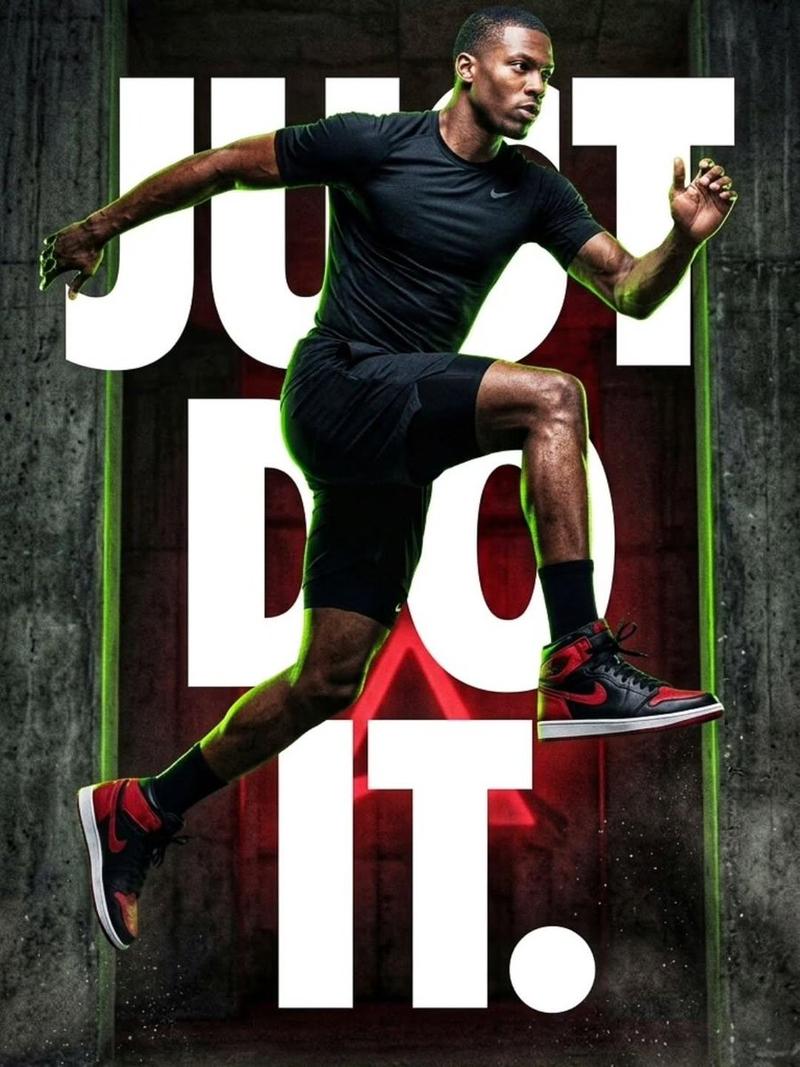
跑酷角色展示页面
Prompt
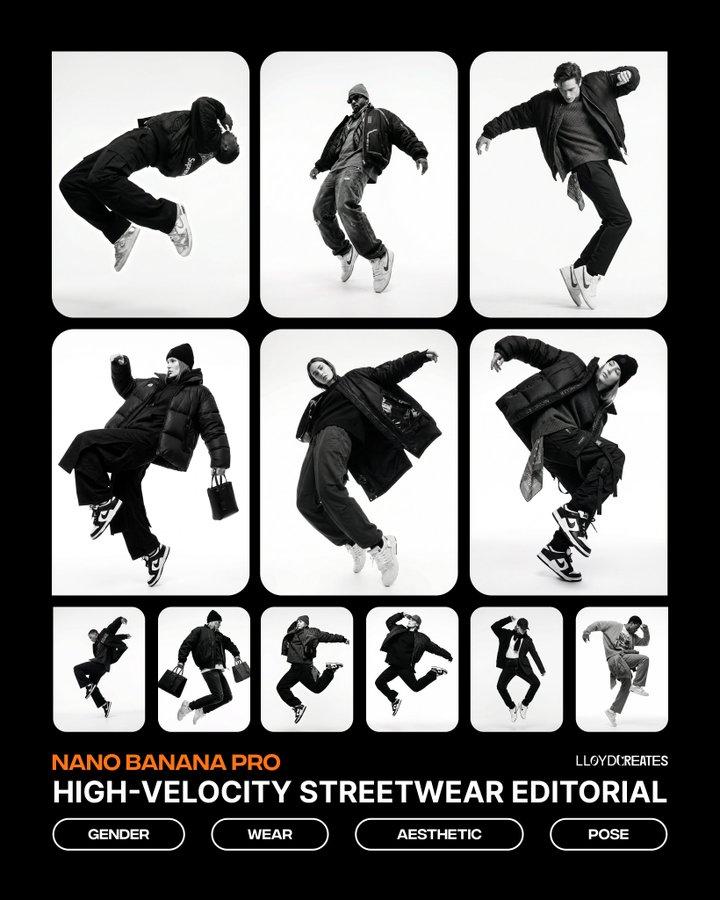
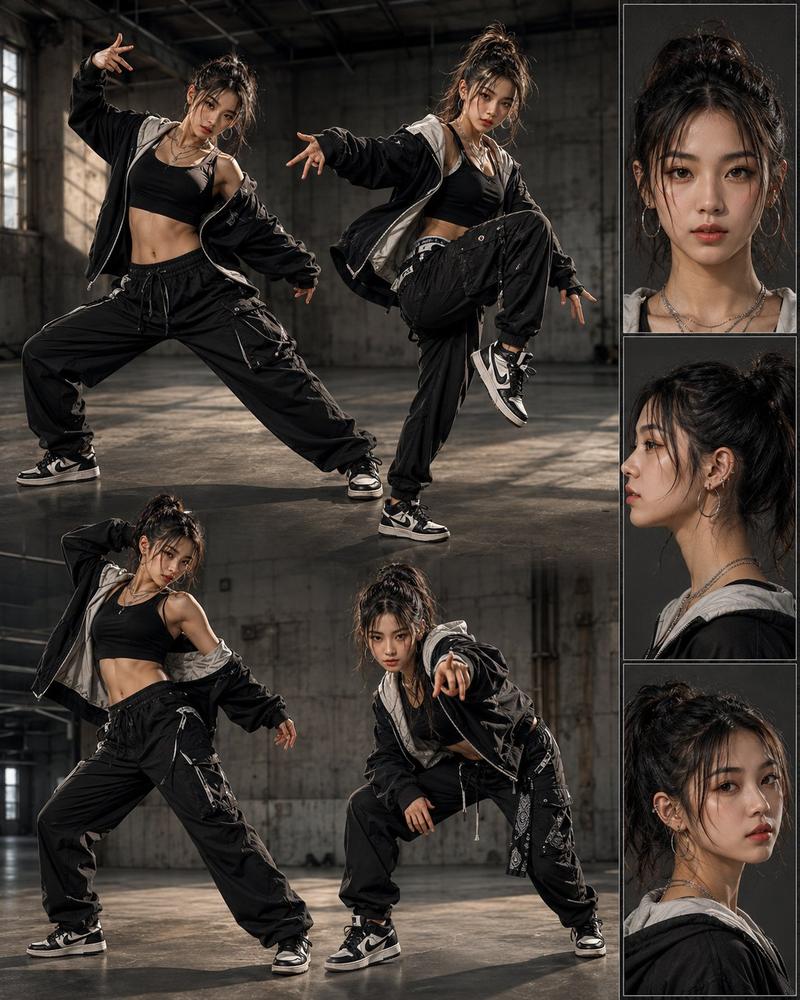
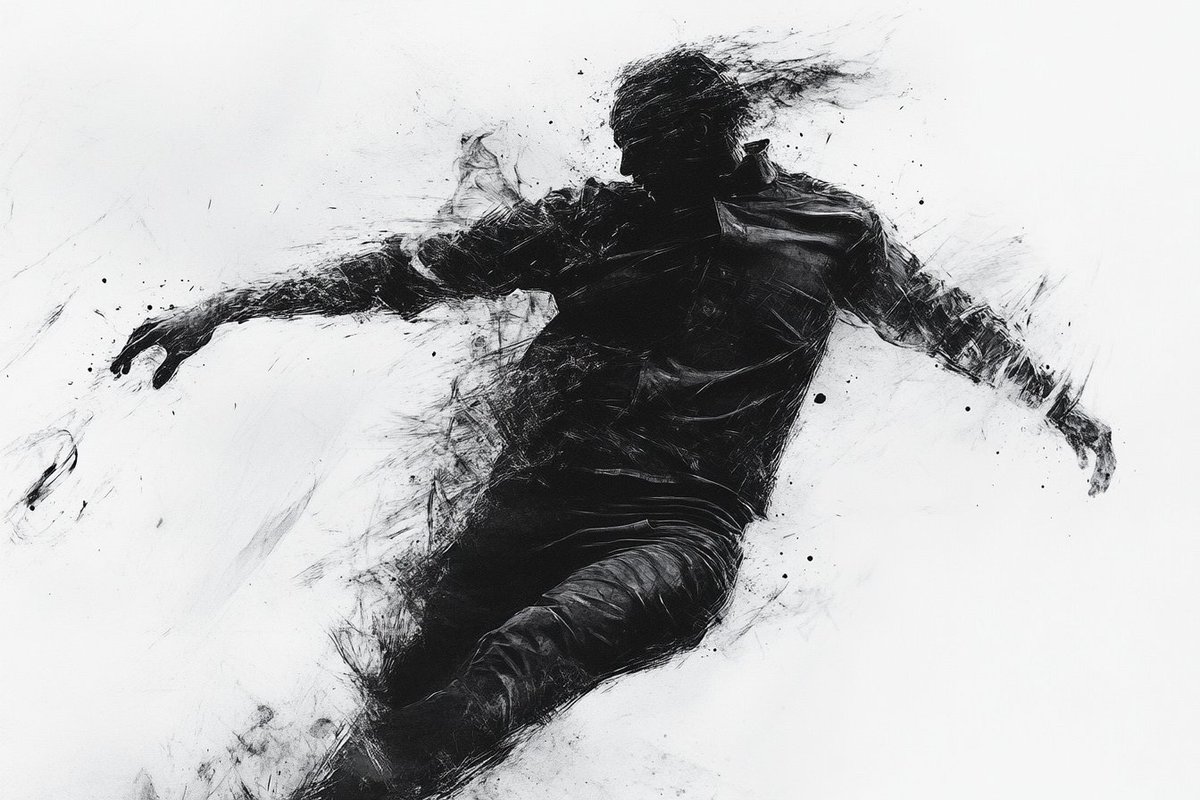
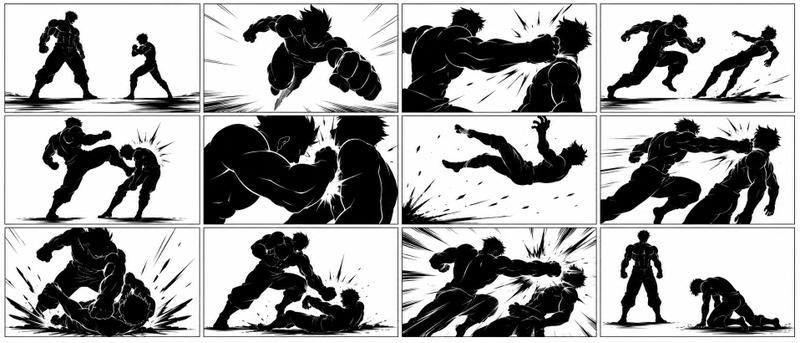
创建一个角色蒙太奇页面,聚焦一位{argument name="性别" default="男性"}{argument name="职业" default="跑酷专家"},穿着宽松的衣服,处于不同姿势和视角。- Category
- Characters & People
- Model
- GPT Image 2
- Creator
- Adam也叫吉米
- Source ID
- 18566
- Published
- May 6, 2026
Views1
18

创建一个角色蒙太奇页面,聚焦一位{argument name="性别" default="男性"}{argument name="职业" default="跑酷专家"},穿着宽松的衣服,处于不同姿势和视角。Guide
"跑酷角色展示页面" AI image prompt for GPT Image 2 (Characters & People). 创建一个角色概念图,重点展示一名男性跑酷专家,包含多种姿势和视角。 Copy it on Picva and recreate the look in one click.
The full copyable prompt and example visuals above are ready for AI image generation or one-click recreate in Picva.
Step 1
Review the example visuals, category, and full prompt text for "跑酷角色展示页面".
Step 2
Copy the prompt body from this page, or load it directly in Studio.
Step 3
Prefer GPT Image 2. If you switch models, keep subject and composition and tweak style terms.
Step 4
Recreate the look in Picva, or export into your workflow for editing and publishing.






![一幅充满活力的混合媒介城市摄影肖像。摄影基础呈现 [变量 1:照片级真实主体的描述、他们的动作,以及具体的城市环境]。照片上动态叠加了大胆、扁平...](https://i.pixshop.app/storage/v1/render/image/public/prompt-source-media/x-captures/2084570290433192303/snapshot-1-f4804b3c6cf64e74.jpg?width=800&quality=75&resize=contain)