18

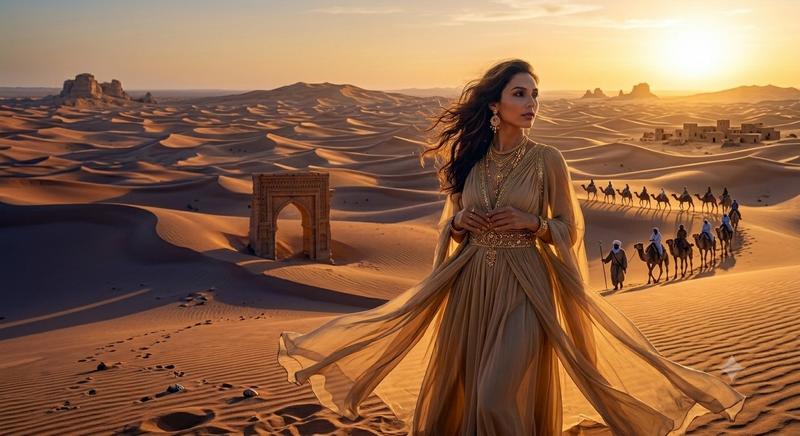
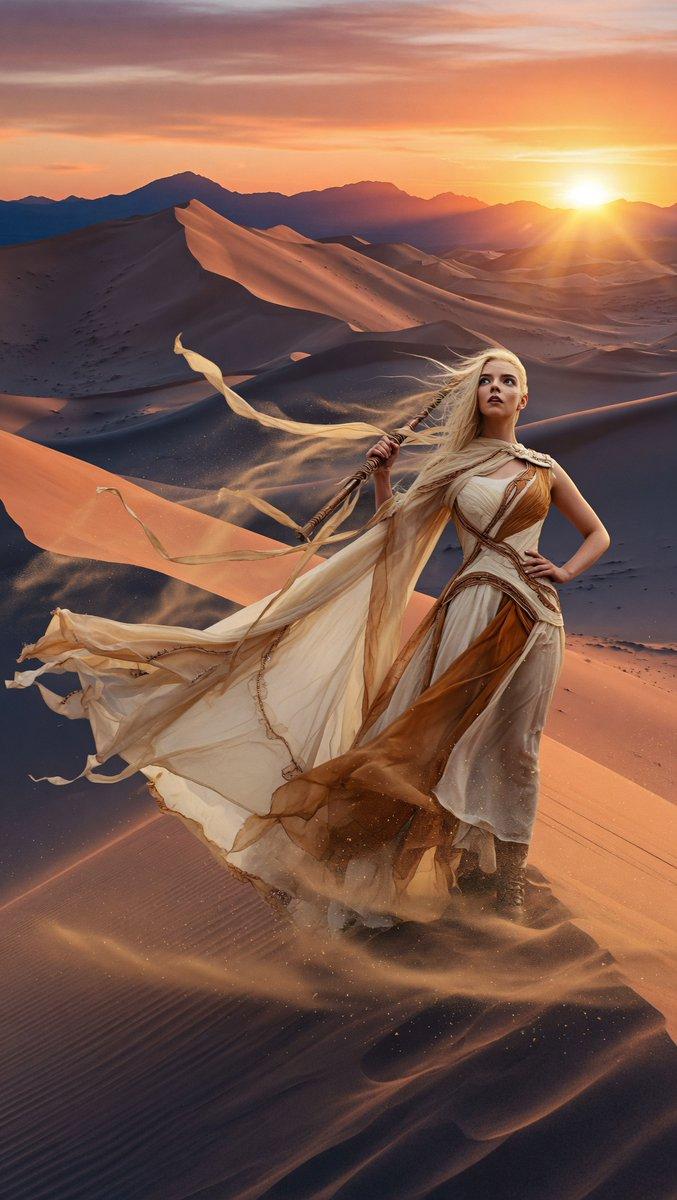
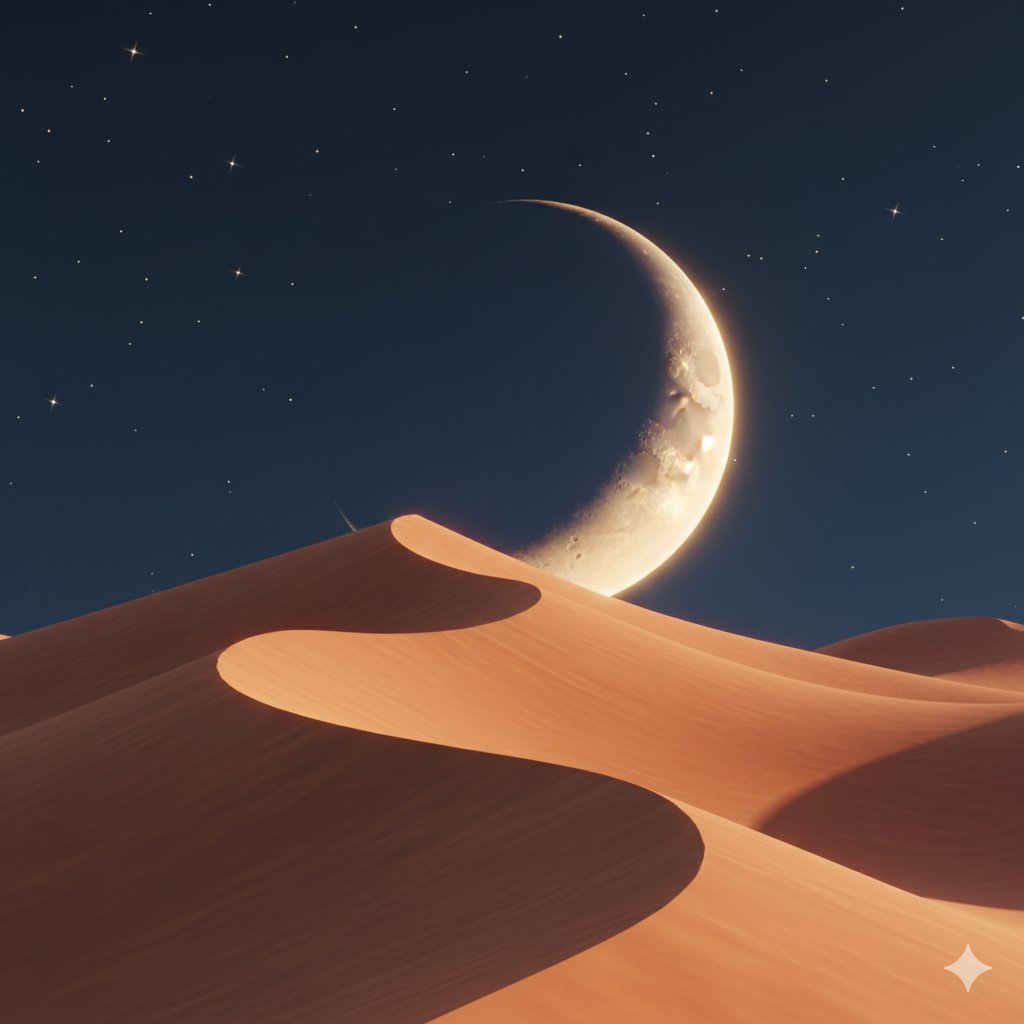
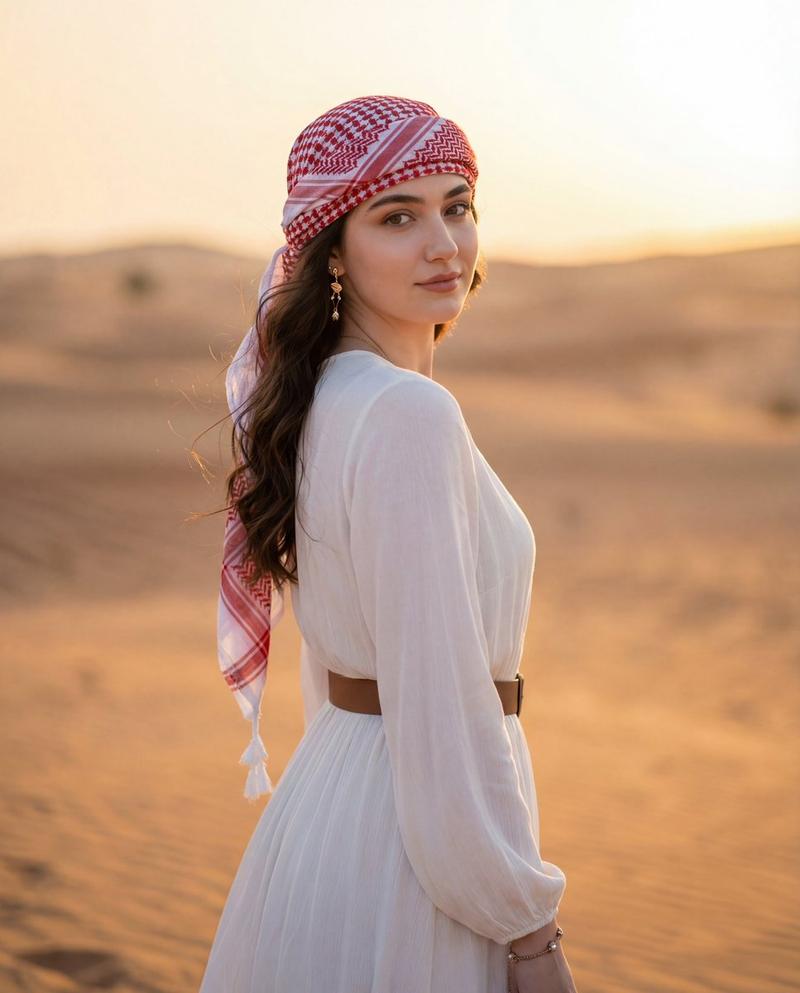
日落时分的电影感沙漠游牧者
Enlarge

日落时分的电影感沙漠游牧者

Prompt
Create a cinematic wide-angle desert landscape at golden hour: a lone {argument name="traveler" default="robed nomad"} seen from behind walks along the crest of a rippled sand dune, leaving a trail of footprints and a long shadow across the foreground. The figure wears flowing earth-toned robes and a wrapped headscarf, slightly backlit by the low sun. In the middle distance, show a small oasis with palm trees and a reflective pool nestled among rolling dunes. The background stretches into endless soft sand hills fading into atmospheric haze, with the bright {argument name="sun position" default="low sun near the upper right horizon"} casting warm orange and amber light over everything. Use photorealistic detail, shallow atmospheric perspective, dramatic cinematic composition, warm desert color grading, subtle lens glow, high dynamic range, natural textures in the sand, and a serene epic travel mood. Aspect ratio 16:9, no text, no borders.
Category
Charts & Infographics
Model
GPT Image 2
Creator
JZ
Views1
Source ID
18830
Published
May 7, 2026

Guide

About "日落时分的电影感沙漠游牧者"

What is this prompt for?

"日落时分的电影感沙漠游牧者" AI image prompt for GPT Image 2 (Charts & Infographics). 一张照片级写实的广角沙漠场景,描绘了一位身穿长袍的孤独旅者在日落时分走向绿洲,非常适合用于电影般的旅行或探险视觉素材。 Copy it on Picva and recre…

The full copyable prompt and example visuals above are ready for AI image generation or one-click recreate in Picva.

How to use this prompt

  1. Step 1

    Open the prompt detail

    Review the example visuals, category, and full prompt text for "日落时分的电影感沙漠游牧者".

  2. Step 2

    Copy the prompt

    Copy the prompt body from this page, or load it directly in Studio.

  3. Step 3

    Pick a model (GPT Image 2)

    Prefer GPT Image 2. If you switch models, keep subject and composition and tweak style terms.

  4. Step 4

    Generate and export

    Recreate the look in Picva, or export into your workflow for editing and publishing.

FAQ

What is the "日落时分的电影感沙漠游牧者" prompt?
It is an AI image-generation prompt for GPT Image 2 in the Charts & Infographics category. This page includes the full prompt text, example visuals, and a one-click recreate path in Picva.
How do I use this prompt to generate an image?
Copy the prompt from this page, or use Generate / Studio. Paste it into a compatible image model, or recreate the look in Picva with optional reference images.
Which model is this prompt for?
This page lists GPT Image 2. Most descriptive prompts also transfer to nearby image models such as GPT Image, Flux, or Midjourney with light style tweaks.
Can I use the result commercially?
You can usually copy the prompt for creation, but commercial use of the final image depends on the model terms, reference-image rights, and the generated content. Follow the source author and platform rules.