天穹蓝幻舞者
Prompt
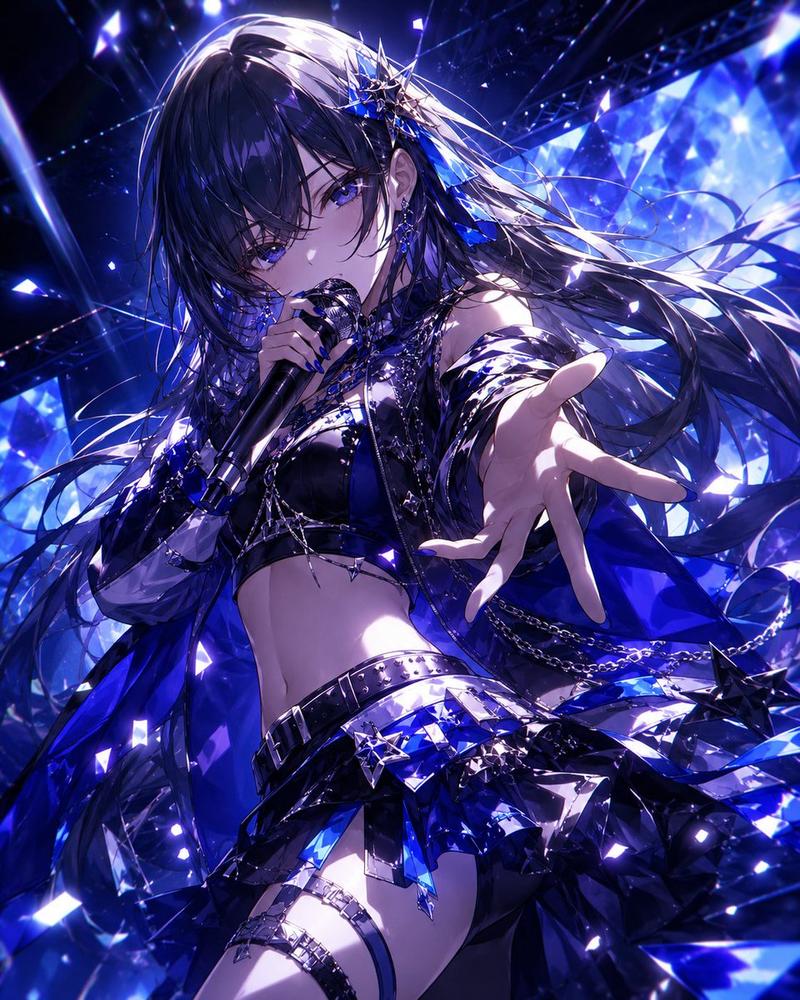
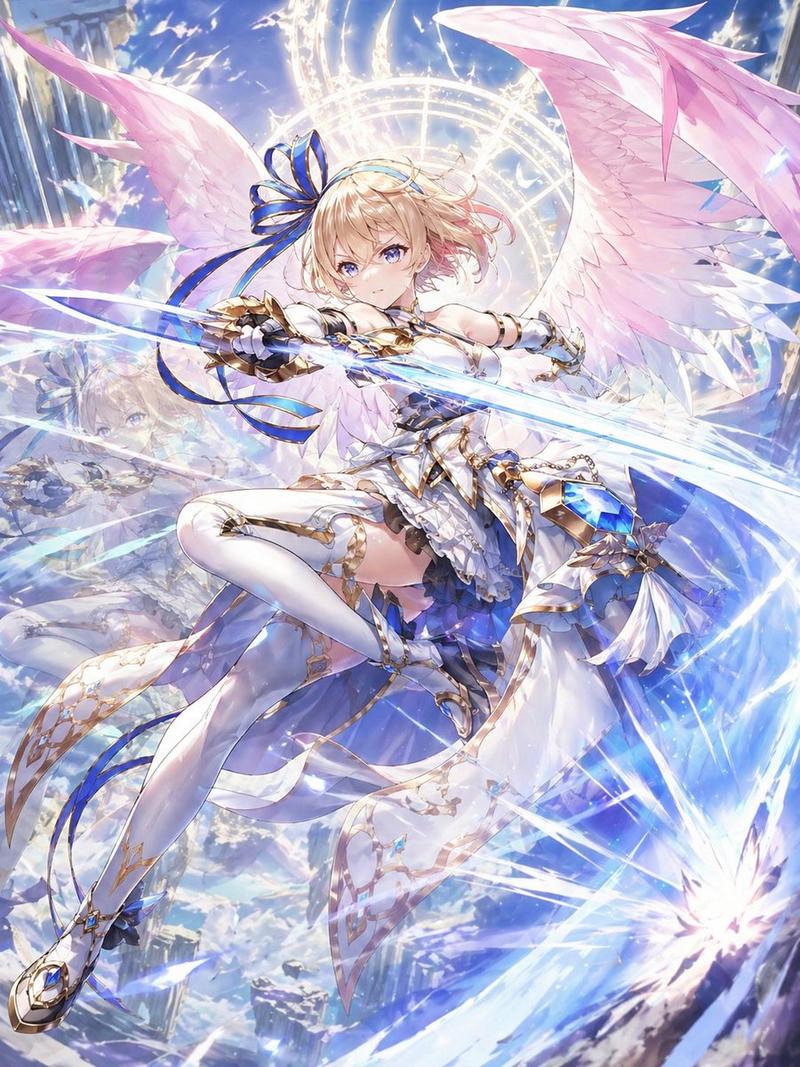
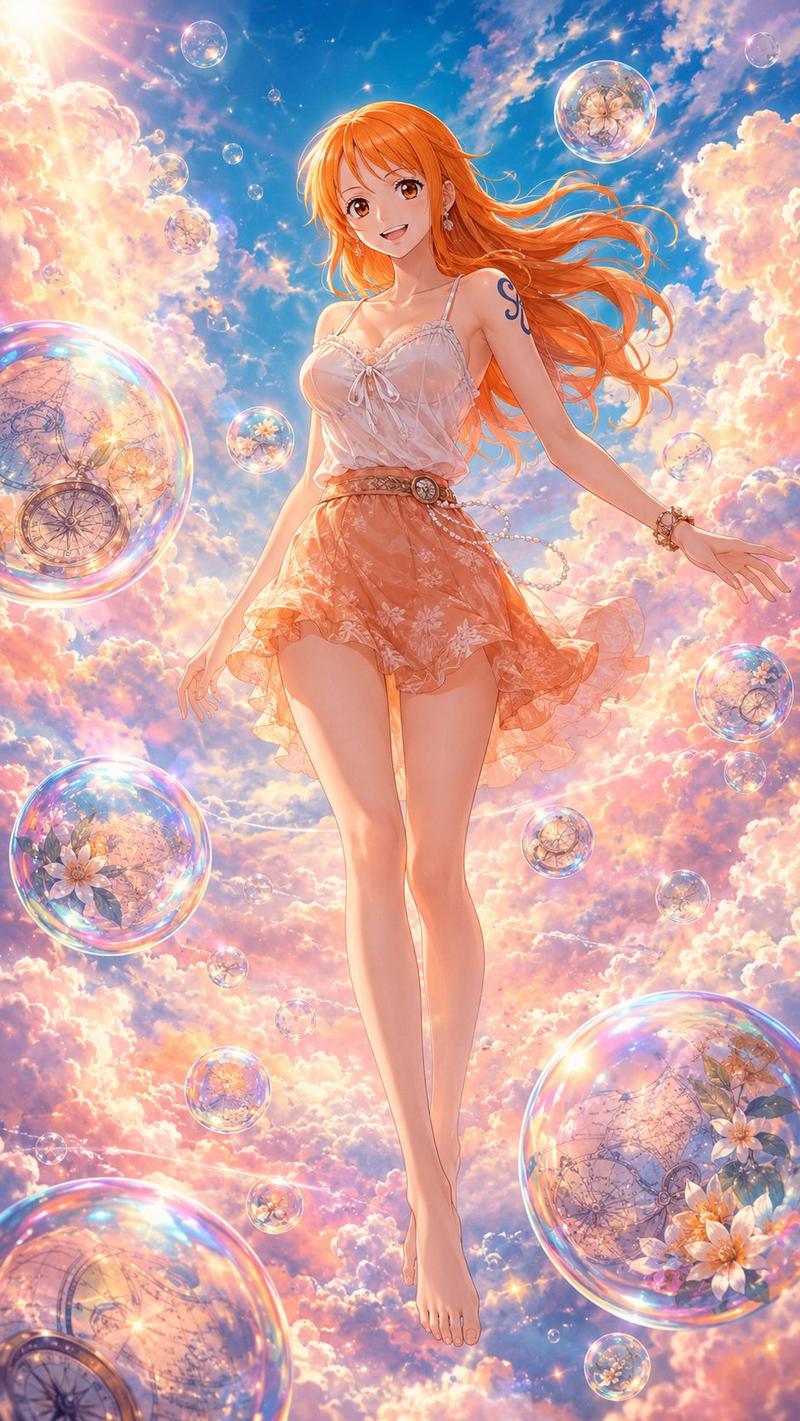
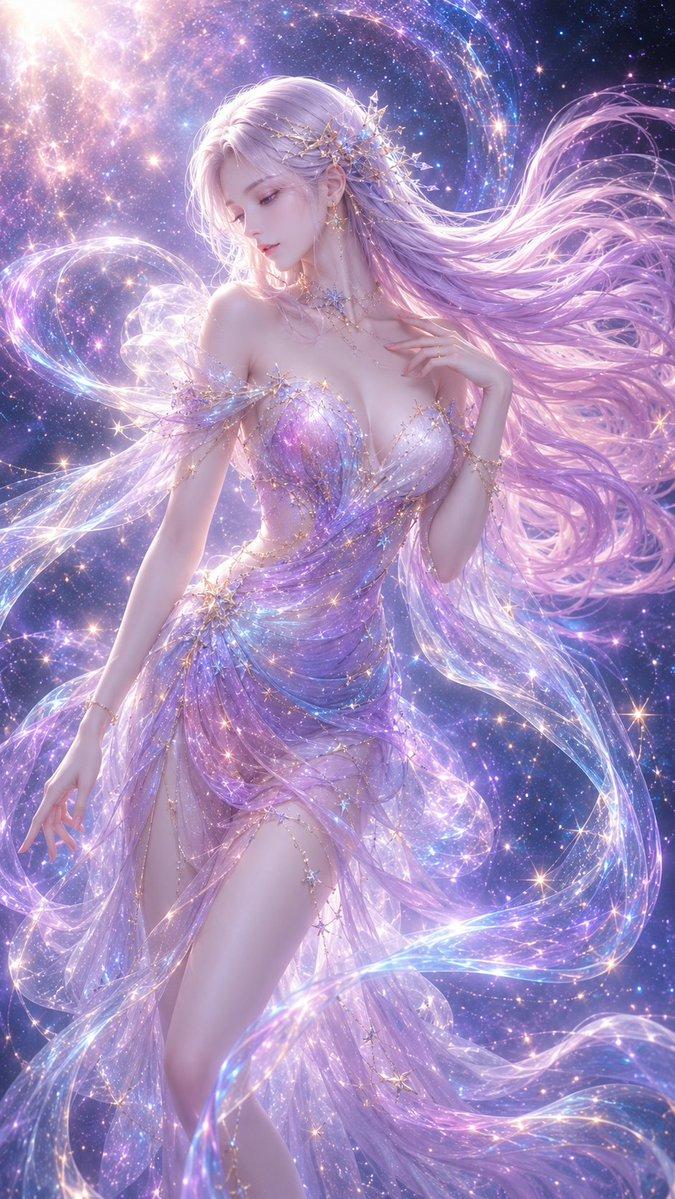
Create a vertical, ultra-detailed fantasy anime illustration of {argument name="character name" default="Rindou"}, a radiant young woman dancing in a magical night sky garden filled with glowing blue gentian-like flowers, glass lanterns, tiny star particles, and floating crystal petals. She has {argument name="hair color" default="silvery white"} long flowing hair streaming dramatically in the wind, an energetic ecstatic pose with one arm reaching toward the viewer and the other extended outward, as if inviting the viewer to dance. Her outfit is an ornate {argument name="outfit color palette" default="white, sapphire blue, and silver"} dancer costume with translucent layered veils, asymmetrical skirt panels, jeweled belts, metallic chains, turquoise gemstones, arm bracers, thigh straps, and fluttering ribbons; make the fabric luminous, sheer, and wind-swept without making the image explicit. Surround her with exactly 9 prominent hanging or floating lantern ornaments and lotus/gentian flower lights: 3 large blue flower lamps, 3 ornate gold-and-glass lanterns with chains, and 3 smaller violet glowing blossoms, all suspended among sparkling threads. The background should feel like a cosmic festival: deep indigo starfield, shimmering dust, blue-violet bokeh, prismatic glass shards, and intense rim lighting. Use a dynamic low-angle composition, cinematic depth of field, diagonal motion, flowing cloth arcs, high contrast moonlit highlights, iridescent reflections, intricate jewelry detail, and a vibrant blue-purple color grade, in the style of a polished high-end anime game key visual.- Category
- Charts & Infographics
- Model
- GPT Image 2
- Creator
- 空想製作所/AI4コマ漫画
- Source ID
- 18938
- Published
- May 7, 2026
Views2