17

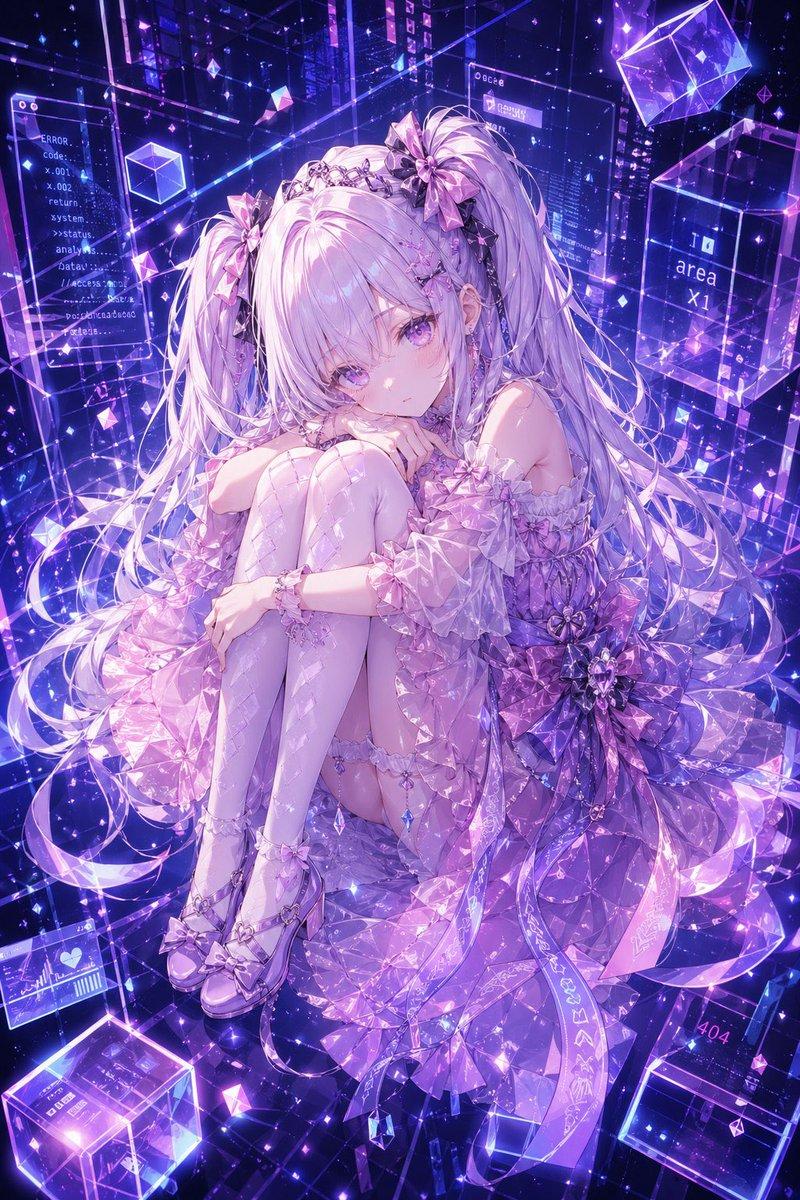
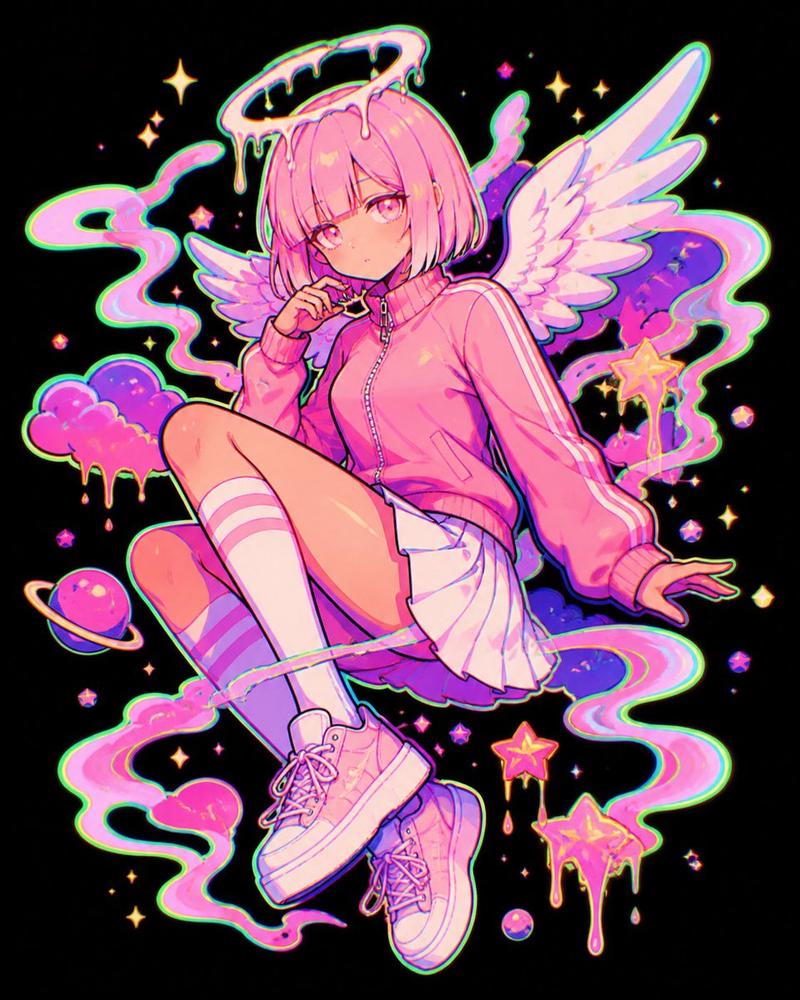
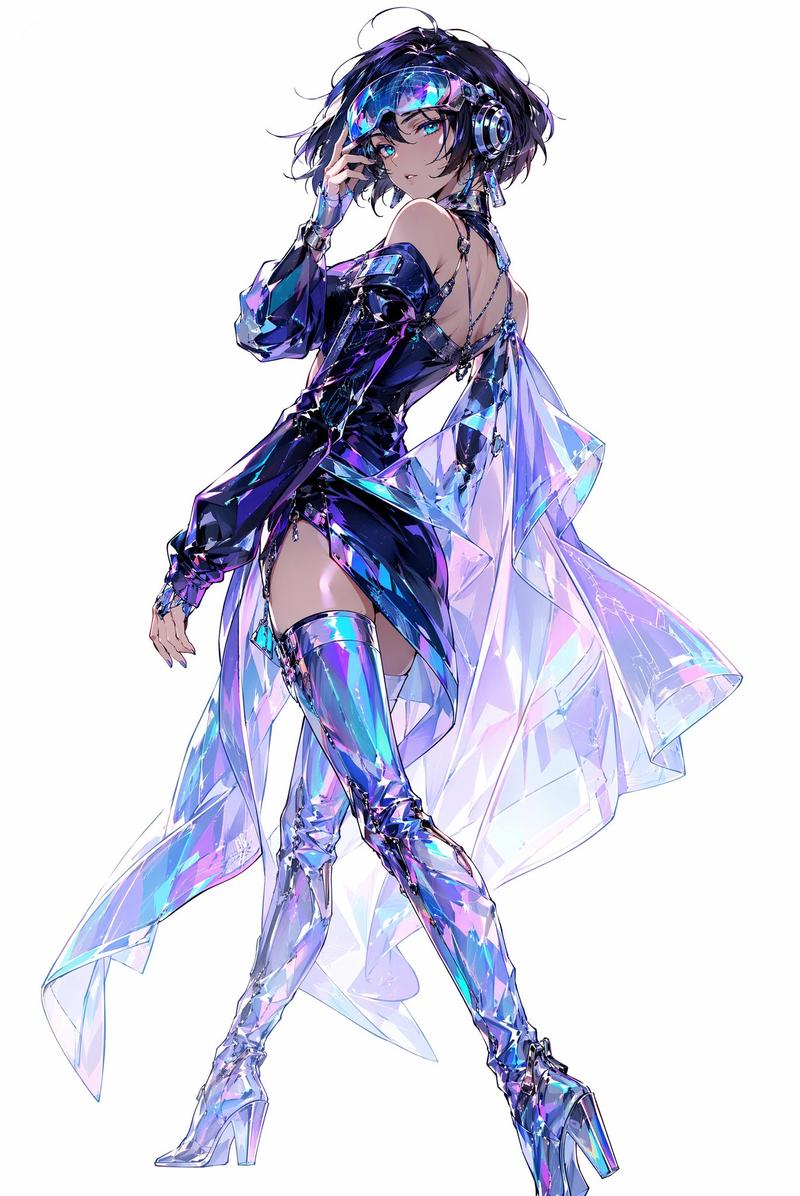
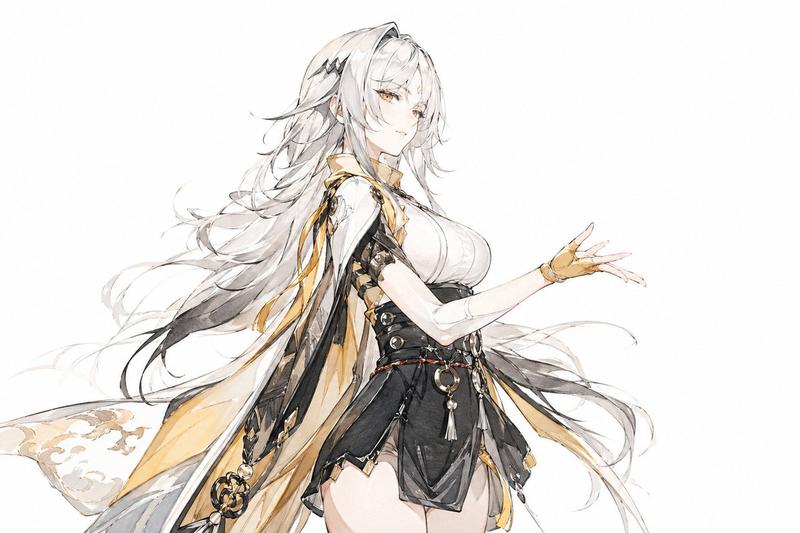
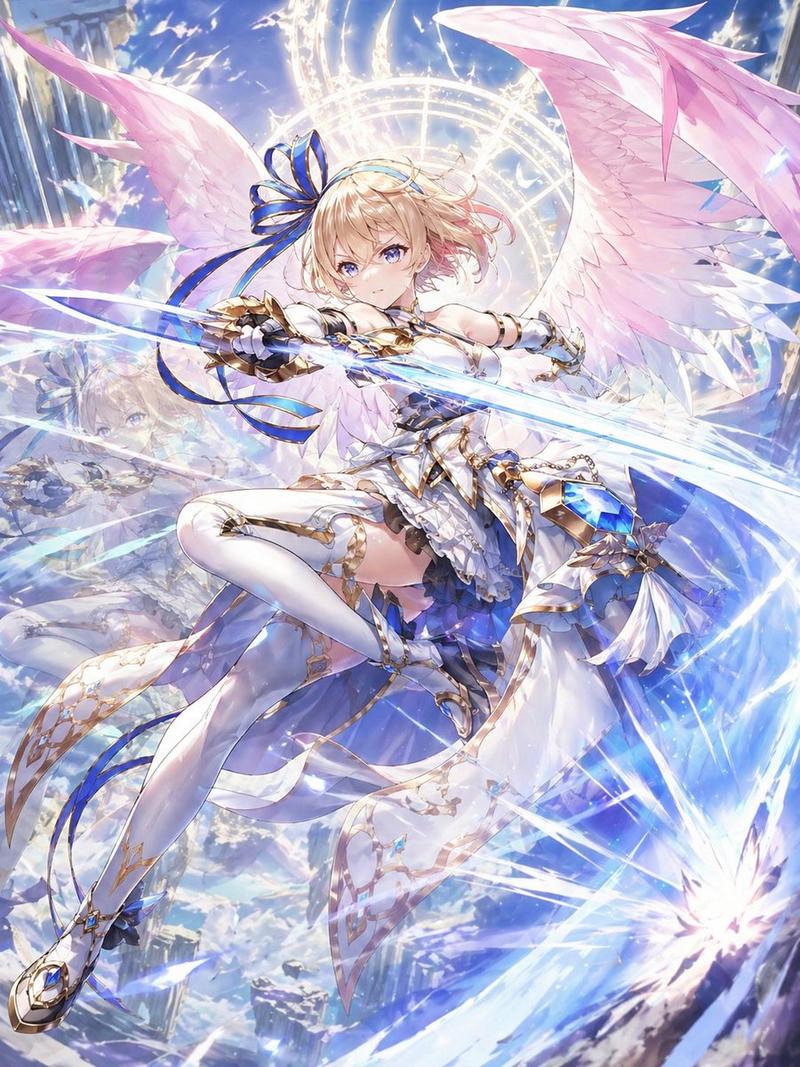
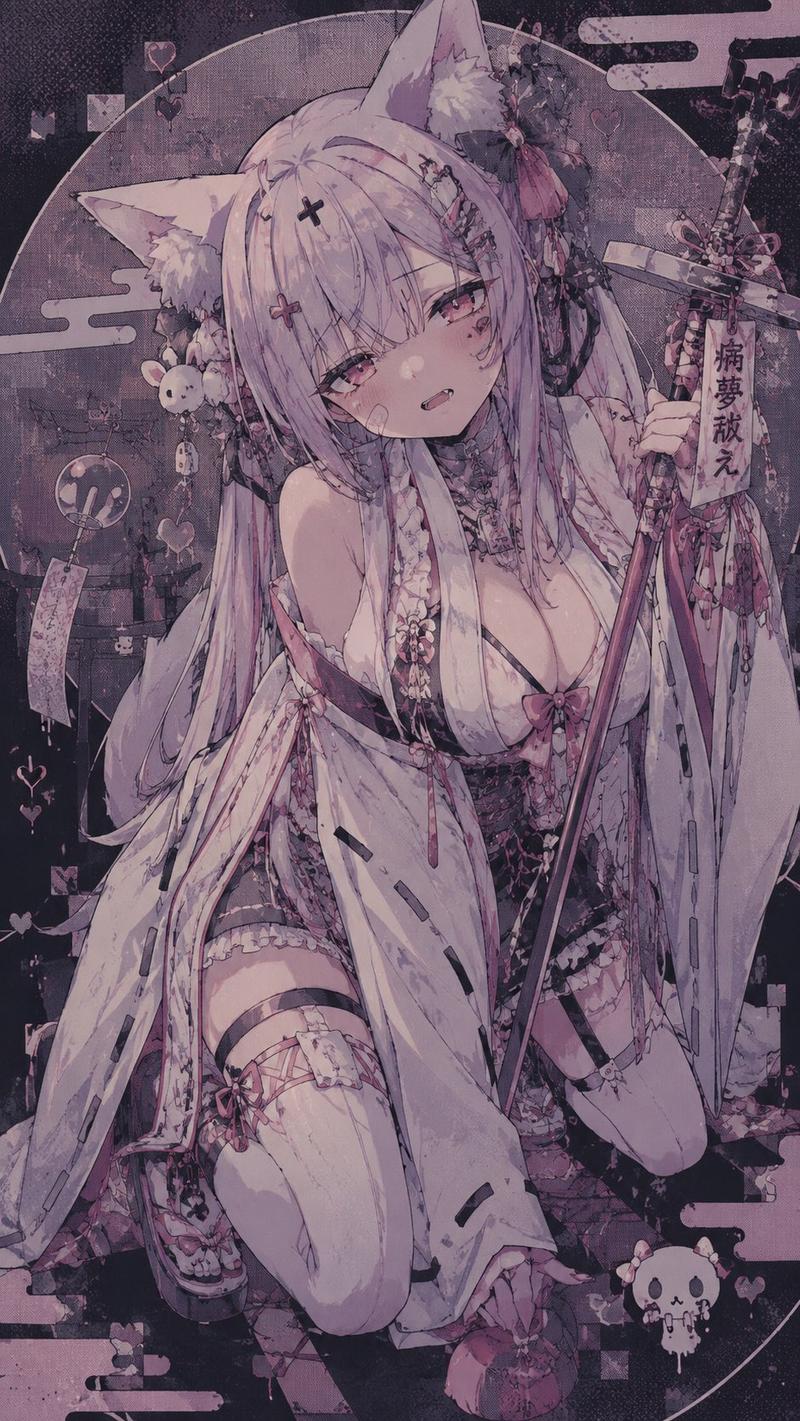
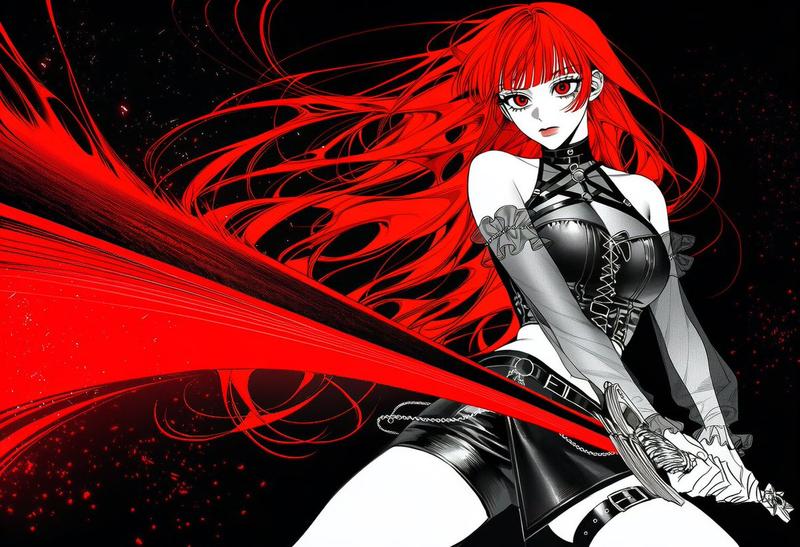
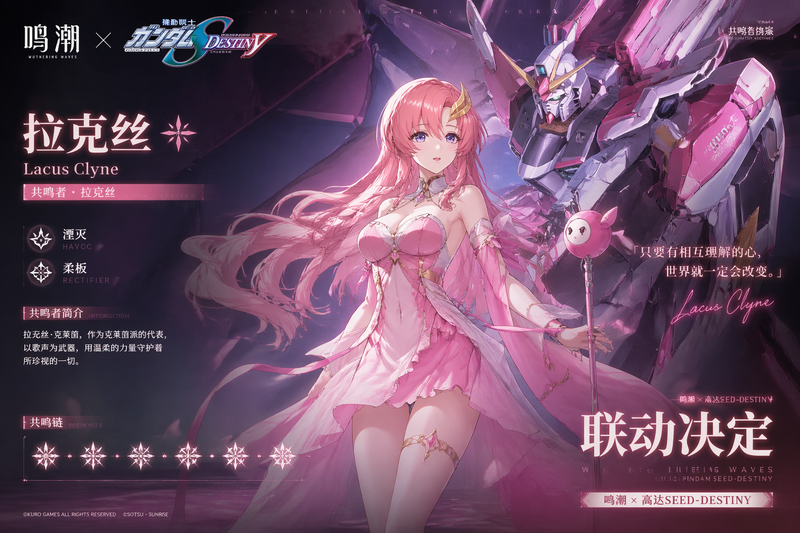
神秘发光轮廓风格
Enlarge

Example images

神秘发光轮廓风格

Prompt
请将此插图转化为神秘且梦幻的发光风格。使用 【glow color: {argument name="glow color" default="rainbow"}】,确保仅角色轮廓、衣物线条、配饰细节以及发丝流向散发出强烈的绚丽光芒。线条应如柔和的霓虹灯般从内部发出微光,缓慢浮现并散发出细微的光粒,轻柔地照亮周围环境。请勿照亮表面,仅让线条成为主要的发光元素,保持其他部分(皮肤、头发、衣物表面)处于极度暗淡的状态。发光的线条应与深色背景形成高对比度,强调 {argument name="glow color" default="rainbow"} 光谱的柔和扩散。整体氛围应冷峻而神秘,创造出一种令人惊叹的唯美剪影,仅呈现出神奇的 {argument name="glow color" default="rainbow"} 轮廓。请务必完整保留原始构图和特征。
Category
Illustration & Art
Model
GPT Image 2
Creator
のとろ
Views4
Source ID
19068
Published
May 8, 2026

Guide

About "神秘发光轮廓风格"

What is this prompt for?

"神秘发光轮廓风格" AI image prompt for GPT Image 2 (Illustration & Art). 一份详细的指令,旨在将现有插图转化为一种神秘的发光风格,使画面仅保留轮廓在深色背景下散发出柔和的霓虹光芒。 Copy it on Picva and recreate the look i…

The full copyable prompt and example visuals above are ready for AI image generation or one-click recreate in Picva.

How to use this prompt

  1. Step 1

    Open the prompt detail

    Review the example visuals, category, and full prompt text for "神秘发光轮廓风格".

  2. Step 2

    Copy the prompt

    Copy the prompt body from this page, or load it directly in Studio.

  3. Step 3

    Pick a model (GPT Image 2)

    Prefer GPT Image 2. If you switch models, keep subject and composition and tweak style terms.

  4. Step 4

    Generate and export

    Recreate the look in Picva, or export into your workflow for editing and publishing.

FAQ

What is the "神秘发光轮廓风格" prompt?
It is an AI image-generation prompt for GPT Image 2 in the Illustration & Art category. This page includes the full prompt text, example visuals, and a one-click recreate path in Picva.
How do I use this prompt to generate an image?
Copy the prompt from this page, or use Generate / Studio. Paste it into a compatible image model, or recreate the look in Picva with optional reference images.
Which model is this prompt for?
This page lists GPT Image 2. Most descriptive prompts also transfer to nearby image models such as GPT Image, Flux, or Midjourney with light style tweaks.
Can I use the result commercially?
You can usually copy the prompt for creation, but commercial use of the final image depends on the model terms, reference-image rights, and the generated content. Follow the source author and platform rules.