11

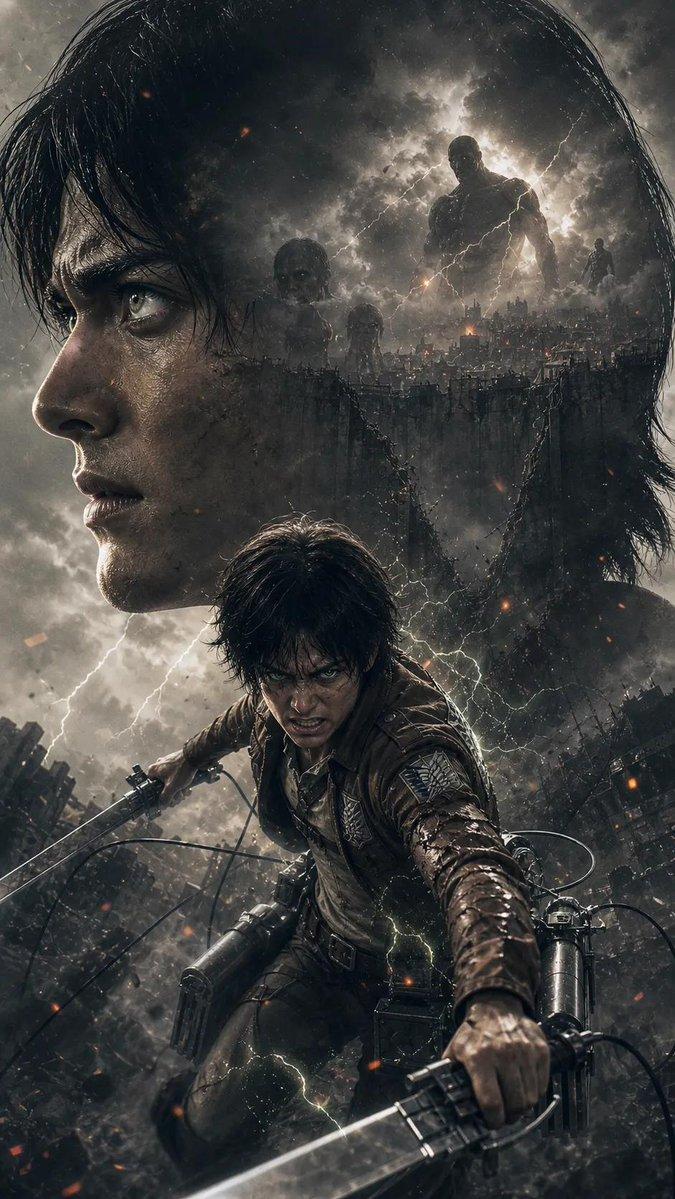
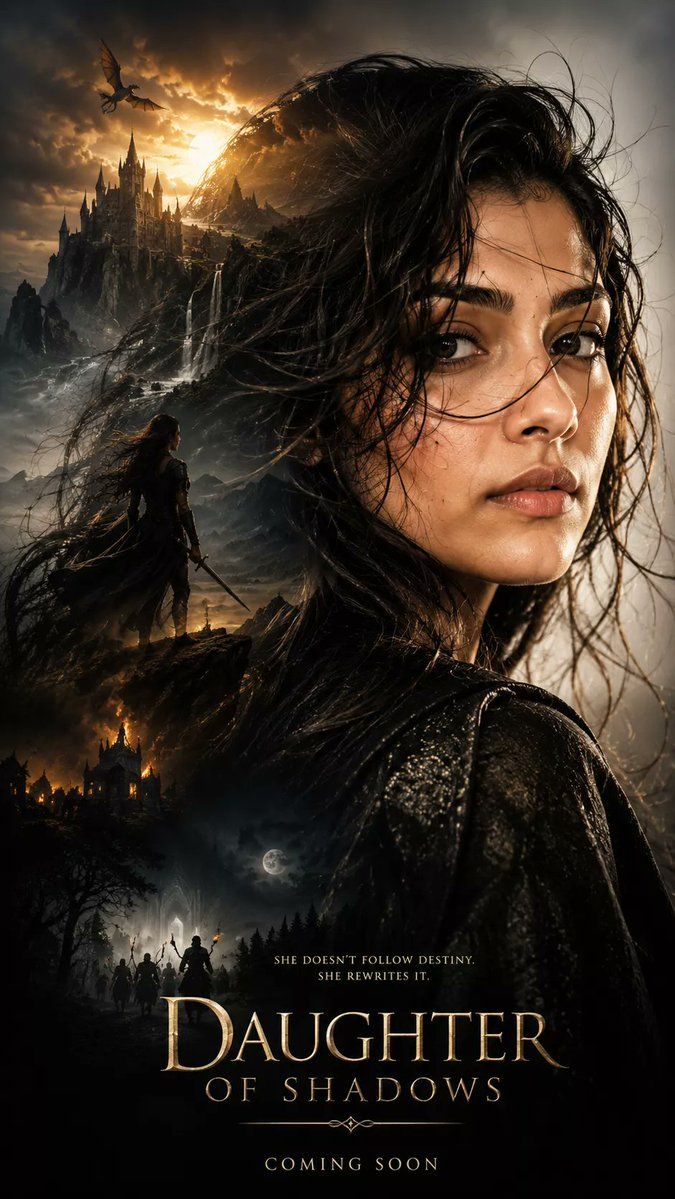
暗黑奇幻双重曝光海报
Enlarge

暗黑奇幻双重曝光海报

Prompt
Generate an ultra-cinematic dark fantasy poster using {argument name="subject profile" default="face and hairstyle from the uploaded reference photo"} as its outline, hyper-realistic portrait composition, a zoomed-in side profile of the subject, detailed skin textures, slightly messy, wet hair blowing in the wind, an intense and mysterious emotional expression, and an epic and dramatic atmosphere. Double exposure composition featuring multiple scenes in realistic silhouette: [ ] Realistic style, dramatic depth, volumetric lighting, {argument name="atmosphere" default="luxurious, girly, live-action, aesthetic, etc."} atmosphere, ultra-detailed textures, movie poster aesthetics, epic storytelling composition, high-contrast shadows, flexible cinematic coloring, ultra-realistic, masterpiece, sharp focus, HDR, 8K detail, Unreal Engine quality, highly detailed faces, photorealistic, fantasy adventure atmosphere. Vertical composition, compact layout, premium movie poster design, 9:16 aspect ratio, ultra HD
Category
Posters & Typography
Model
GPT Image 2
Creator
Sarah
Views1
Source ID
19080
Published
May 8, 2026

Guide

About "暗黑奇幻双重曝光海报"

What is this prompt for?

"暗黑奇幻双重曝光海报" AI image prompt for GPT Image 2 (Posters & Typography). 一个超电影感的提示词,用于创作具有双重曝光效果和高度细腻皮肤纹理的暗黑奇幻电影海报。 Copy it on Picva and recreate the look in one c…

The full copyable prompt and example visuals above are ready for AI image generation or one-click recreate in Picva.

How to use this prompt

  1. Step 1

    Open the prompt detail

    Review the example visuals, category, and full prompt text for "暗黑奇幻双重曝光海报".

  2. Step 2

    Copy the prompt

    Copy the prompt body from this page, or load it directly in Studio.

  3. Step 3

    Pick a model (GPT Image 2)

    Prefer GPT Image 2. If you switch models, keep subject and composition and tweak style terms.

  4. Step 4

    Generate and export

    Recreate the look in Picva, or export into your workflow for editing and publishing.

FAQ

What is the "暗黑奇幻双重曝光海报" prompt?
It is an AI image-generation prompt for GPT Image 2 in the Posters & Typography category. This page includes the full prompt text, example visuals, and a one-click recreate path in Picva.
How do I use this prompt to generate an image?
Copy the prompt from this page, or use Generate / Studio. Paste it into a compatible image model, or recreate the look in Picva with optional reference images.
Which model is this prompt for?
This page lists GPT Image 2. Most descriptive prompts also transfer to nearby image models such as GPT Image, Flux, or Midjourney with light style tweaks.
Can I use the result commercially?
You can usually copy the prompt for creation, but commercial use of the final image depends on the model terms, reference-image rights, and the generated content. Follow the source author and platform rules.