19

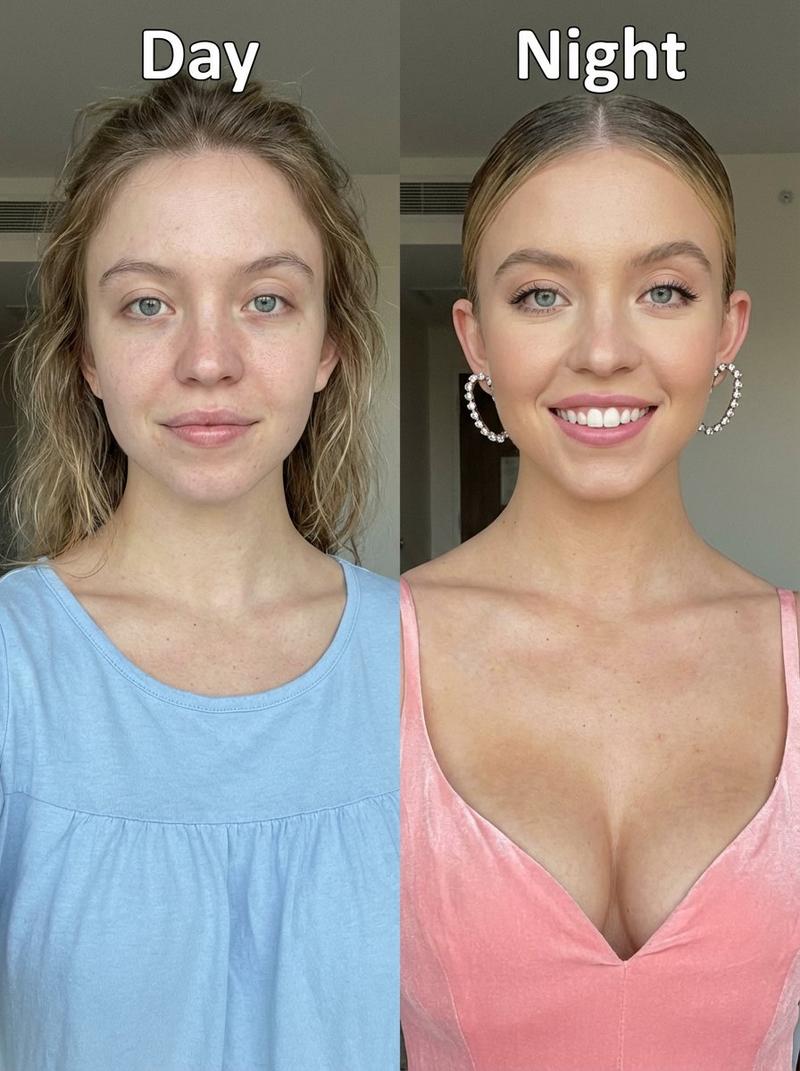
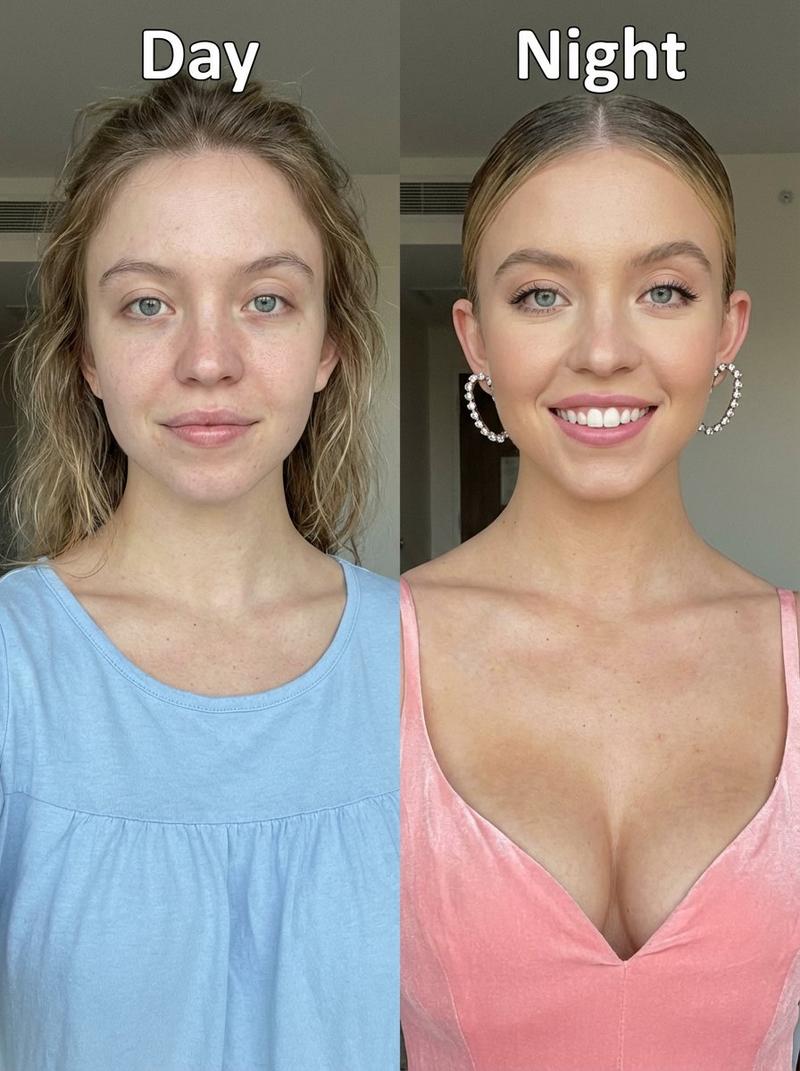
并排对比的“焕新”肖像
Enlarge

并排对比的“焕新”肖像

Prompt
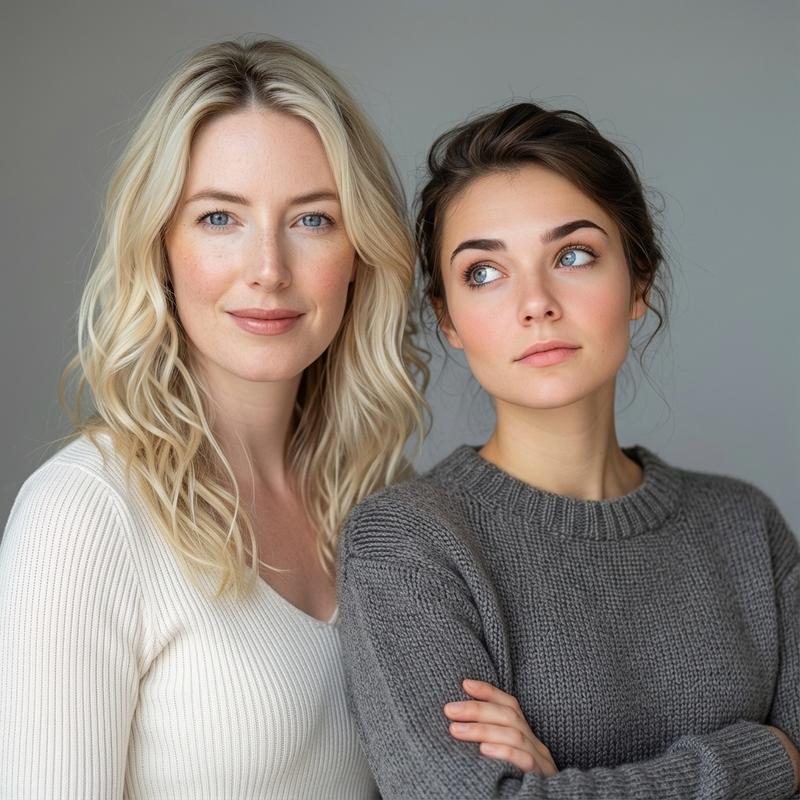
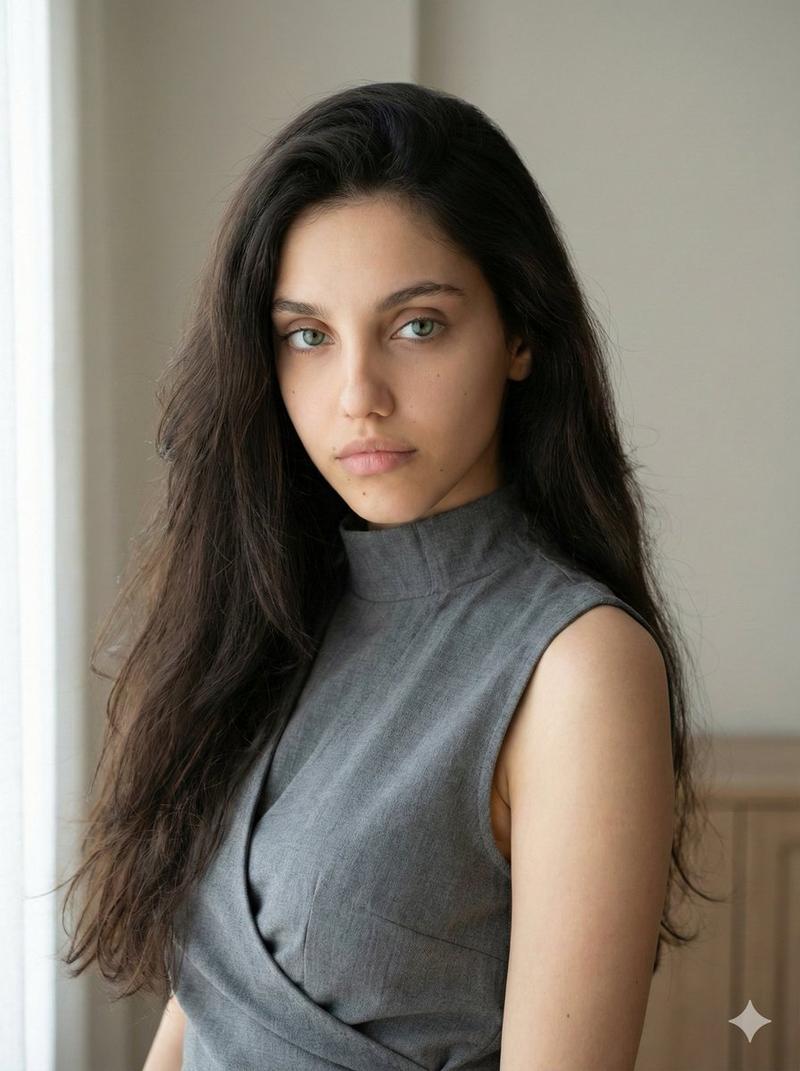
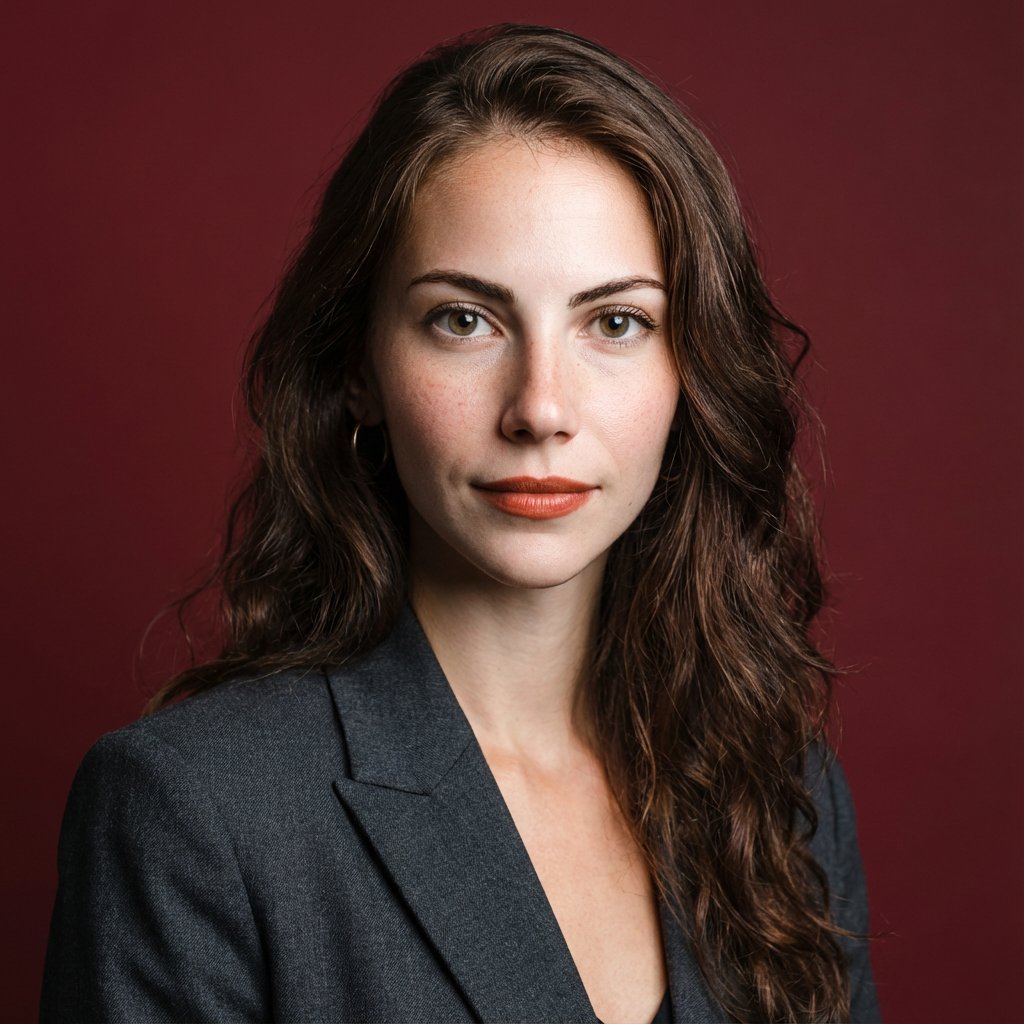
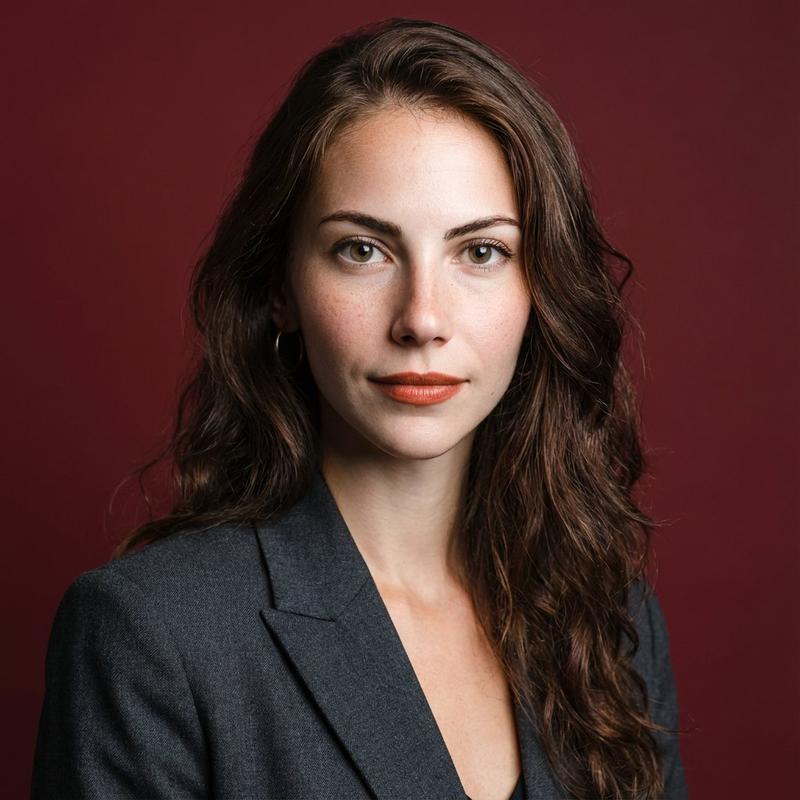
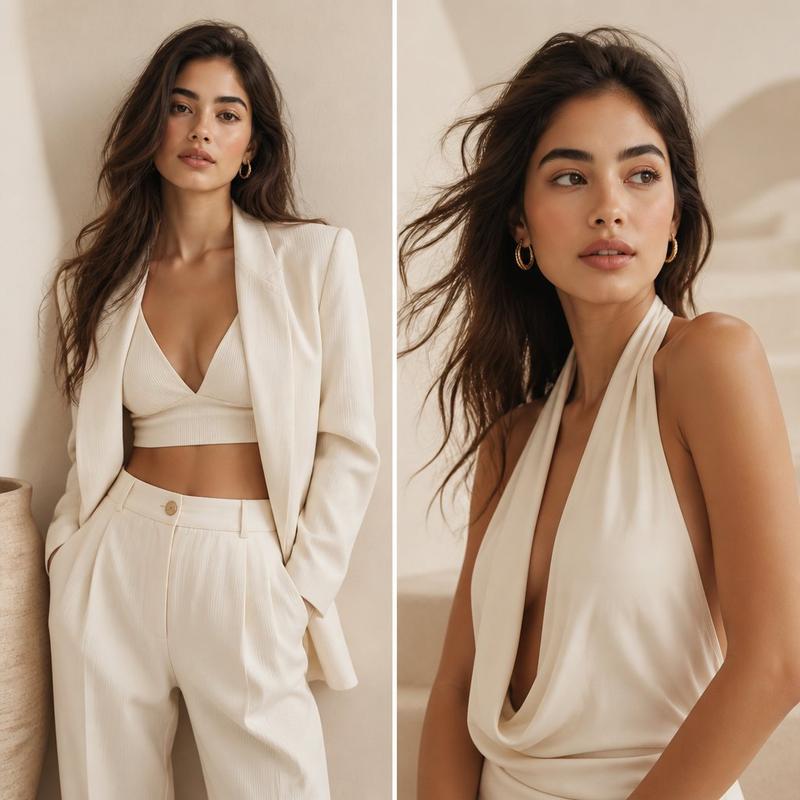
Create a realistic side-by-side photographic glow-up comparison of the same young woman, split vertically into exactly 2 equal panels. The left panel shows her as {argument name="time label left" default="today"}: casual, slightly unpolished, dark brown hair in a messy high bun with loose flyaway strands, wearing an oversized light gray crewneck sweatshirt, neutral gray indoor wall background, soft flat daylight, shoulders-up portrait crop. The right panel shows her as {argument name="time label right" default="5 years later"}: confident and polished, long glossy dark brown hair worn down with a center part, wearing a tailored black blazer over a black satin camisole, warmer studio lighting with dramatic sunlight and shadow on a taupe wall, shoulders-up portrait crop. Keep the same body type, skin tone, posture, and camera angle across both panels so she is clearly the same person after a glow-up. Obscure the face in each panel with a centered solid rectangular privacy block matching the surrounding skin tone, covering the eyes, nose, and mouth. Use a clean vertical divider between the two panels, natural editorial fashion photography, realistic texture, no text, no logos, landscape 3:2 composition.
Category
Charts & Infographics
Model
GPT Image 2
Creator
getimg.ai
Views3
Source ID
19158
Published
May 8, 2026

Guide

About "并排对比的“焕新”肖像"

What is this prompt for?

"并排对比的“焕新”肖像" AI image prompt for GPT Image 2 (Charts & Infographics). 生成一张逼真的双联对比图,展示同一个人在“焕新”前后的样貌,对比今日与五年后的变化。 Copy it on Picva and recreate the look in one…

The full copyable prompt and example visuals above are ready for AI image generation or one-click recreate in Picva.

How to use this prompt

  1. Step 1

    Open the prompt detail

    Review the example visuals, category, and full prompt text for "并排对比的“焕新”肖像".

  2. Step 2

    Copy the prompt

    Copy the prompt body from this page, or load it directly in Studio.

  3. Step 3

    Pick a model (GPT Image 2)

    Prefer GPT Image 2. If you switch models, keep subject and composition and tweak style terms.

  4. Step 4

    Generate and export

    Recreate the look in Picva, or export into your workflow for editing and publishing.

FAQ

What is the "并排对比的“焕新”肖像" prompt?
It is an AI image-generation prompt for GPT Image 2 in the Charts & Infographics category. This page includes the full prompt text, example visuals, and a one-click recreate path in Picva.
How do I use this prompt to generate an image?
Copy the prompt from this page, or use Generate / Studio. Paste it into a compatible image model, or recreate the look in Picva with optional reference images.
Which model is this prompt for?
This page lists GPT Image 2. Most descriptive prompts also transfer to nearby image models such as GPT Image, Flux, or Midjourney with light style tweaks.
Can I use the result commercially?
You can usually copy the prompt for creation, but commercial use of the final image depends on the model terms, reference-image rights, and the generated content. Follow the source author and platform rules.