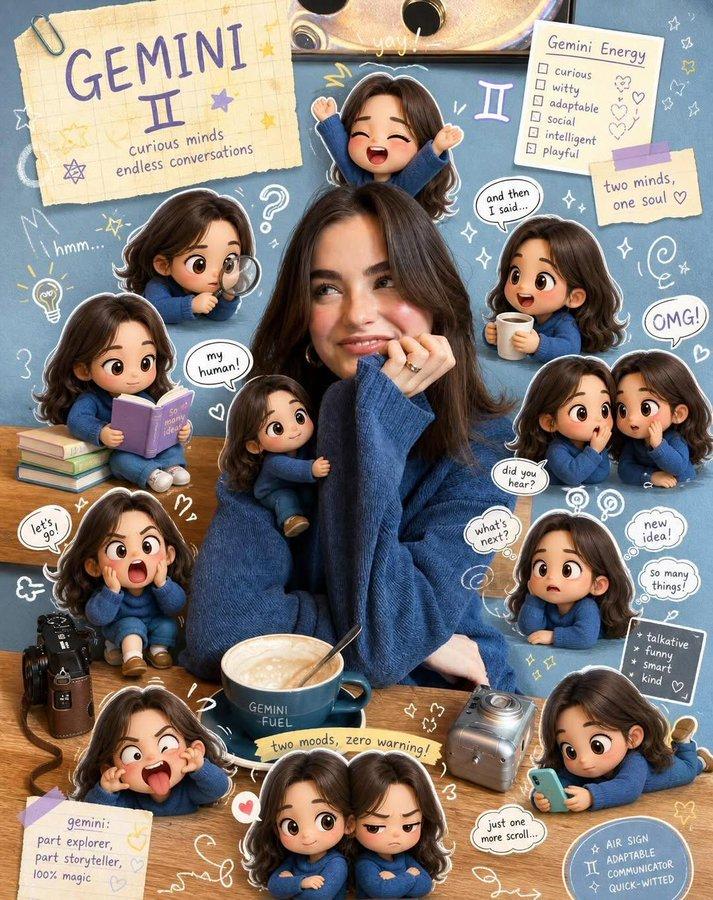
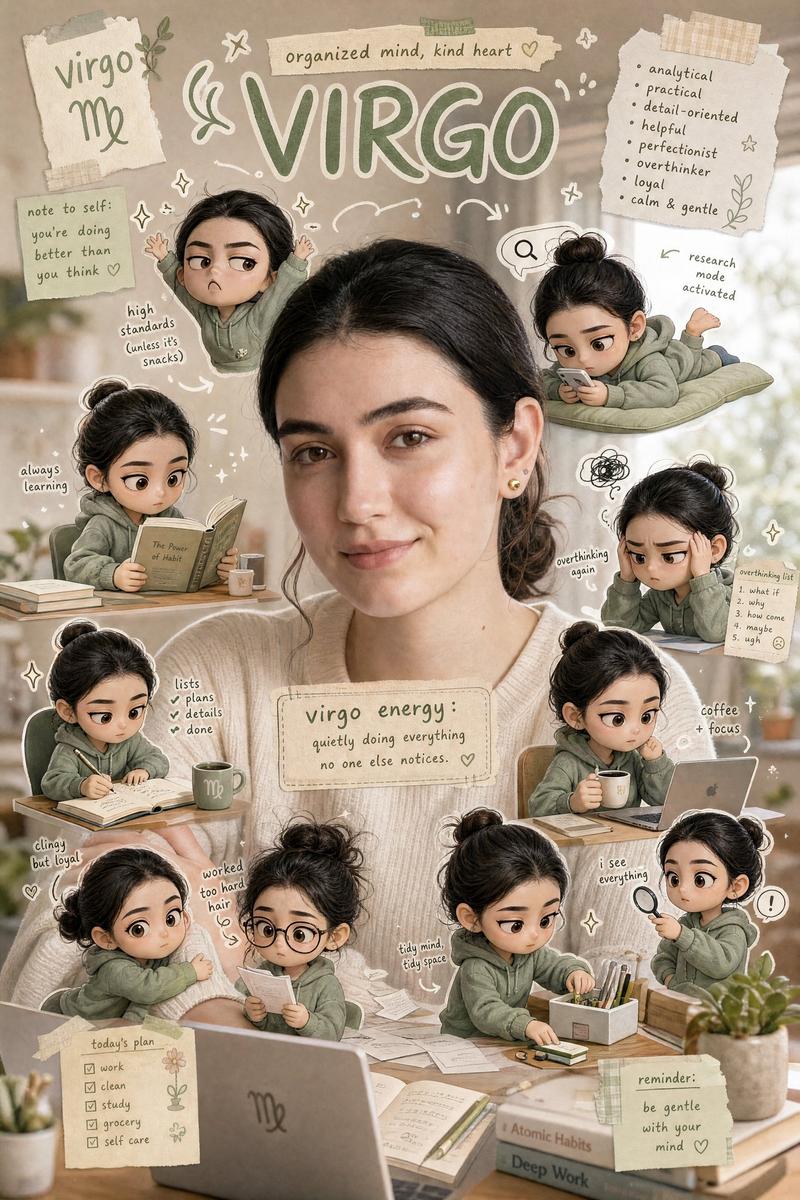
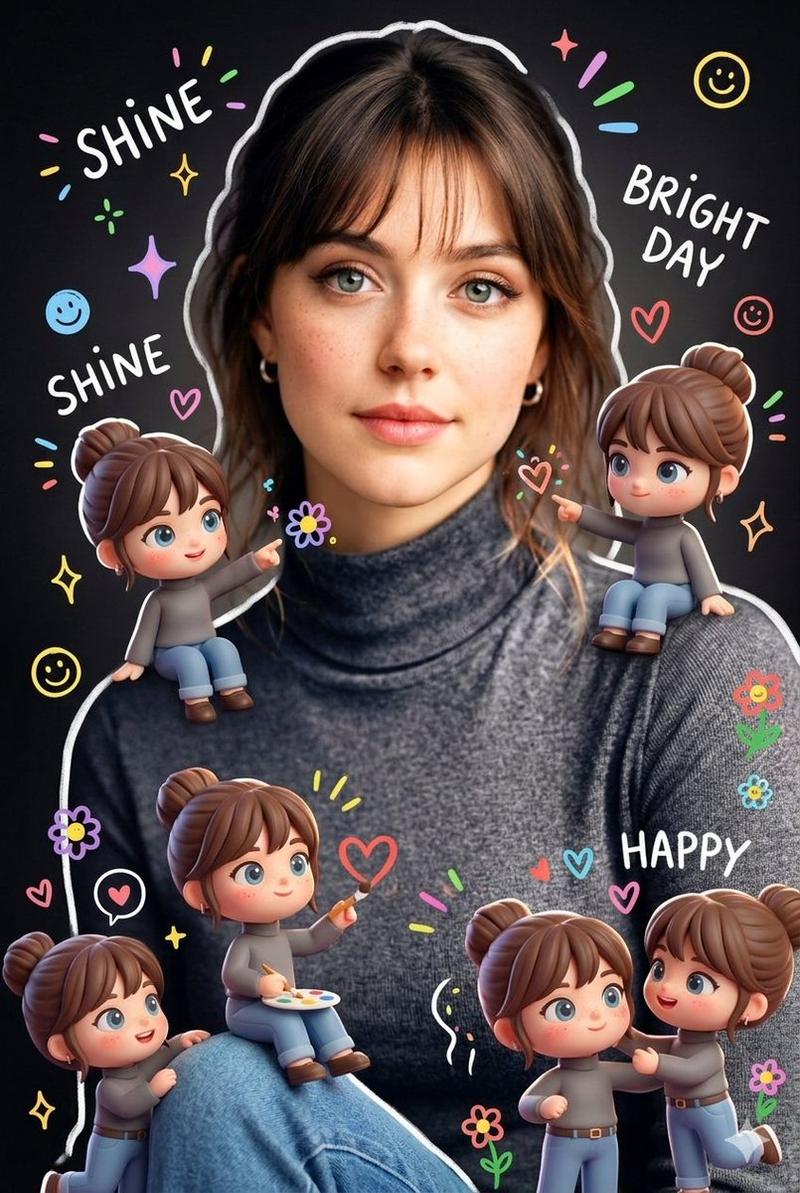
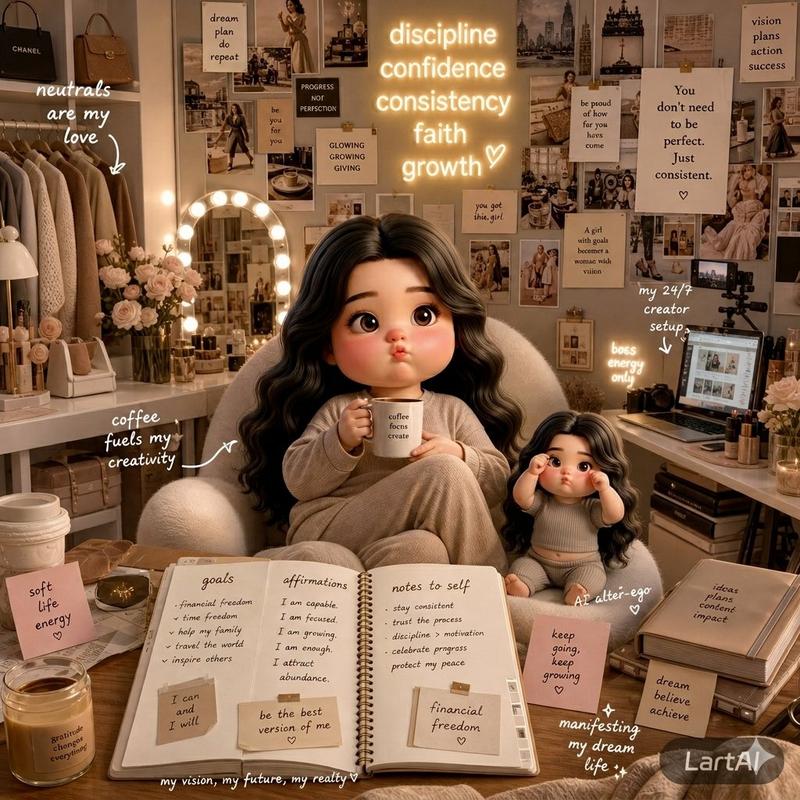
金牛座主题海报设计
Prompt
I am “{argument name="zodiac sign" default="TAURUS"}.” Create a poster inspired by Yumi’s Cells with the same soft, aesthetic, slice-of-life vibe and background style, while fully reflecting the Taurus zodiac theme in the design. The subject’s face must remain completely unchanged and untouched. Surround the subject with multiple small, raw yet realistic cute chibi-style mini 3D versions of the subject, designed like expressive “cells” with oversized heads, glossy high-detail finishes, and playful emotions. Each mini character should reflect Taurus traits such as calmness, loyalty, comfort-loving energy, stubbornness, sensuality, patience, and love for luxury and food. Show them in different actions: one clinging onto the subject’s arm, one relaxing with a cozy blanket, one reading a book peacefully, one drinking coffee or tea, one holding snacks or dessert, one lying down using a phone, one refusing to move with a stubborn expression, one looking sleepy and unbothered, and one with soft messy “just woke up” energy. Add playful hand-drawn doodles interacting directly with the subject and chibi characters—outlining poses, sketching comfy cushions, steam from drinks, tiny flowers, sparkle details, and calm motion accents to enhance storytelling. Use a clean aesthetic composition, white sticker outlines, soft pastel sage green, cream, beige, dusty pink, and warm earthy tones, high-detail glossy 3D chibi look, cute Korean-inspired design, with a raw natural poster feel in a 9:16 vertical aspect ratio, and the Taurus identity clearly integrated into the overall concept.- Category
- Charts & Infographics
- Model
- GPT Image 2
- Creator
- Kashberg
- Source ID
- 19222
- Published
- May 9, 2026
Views3