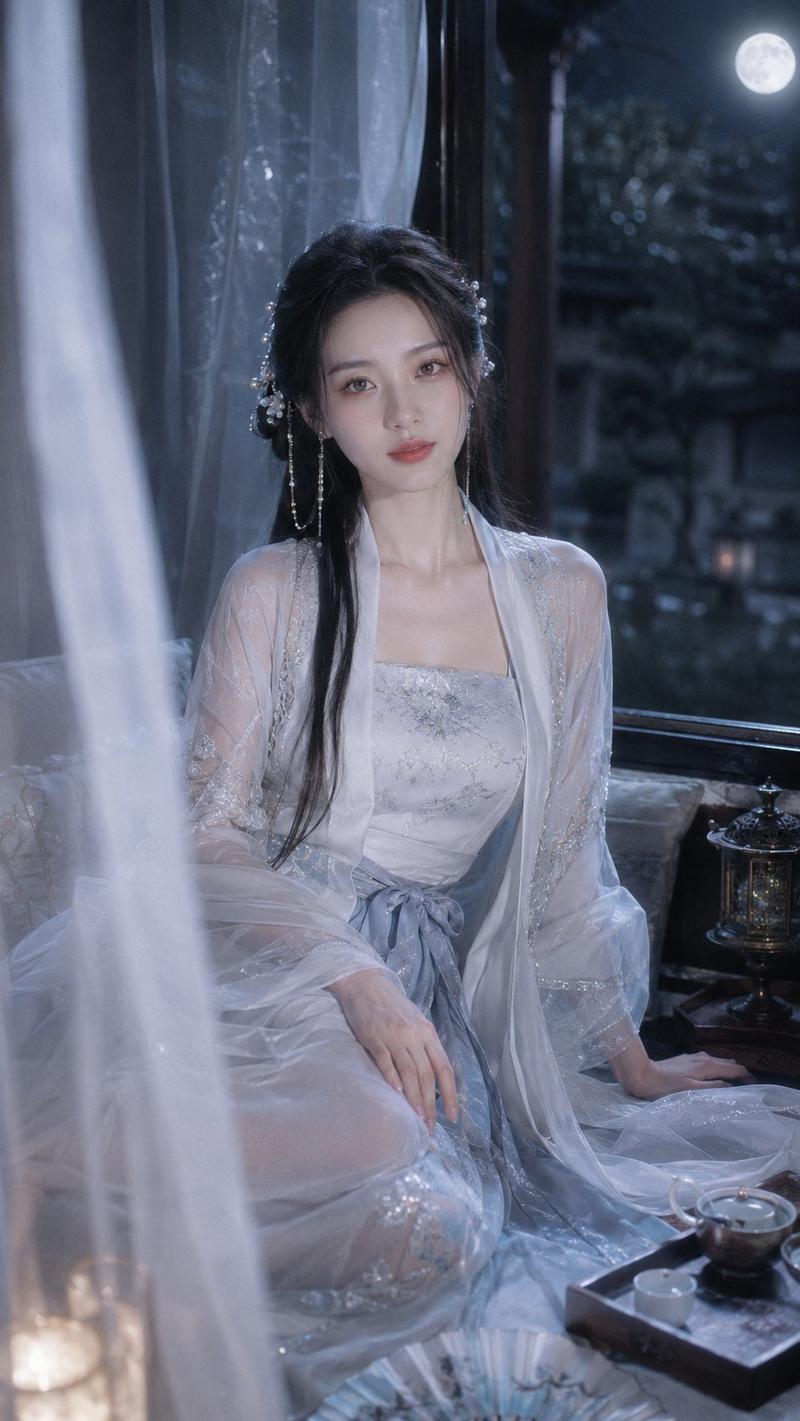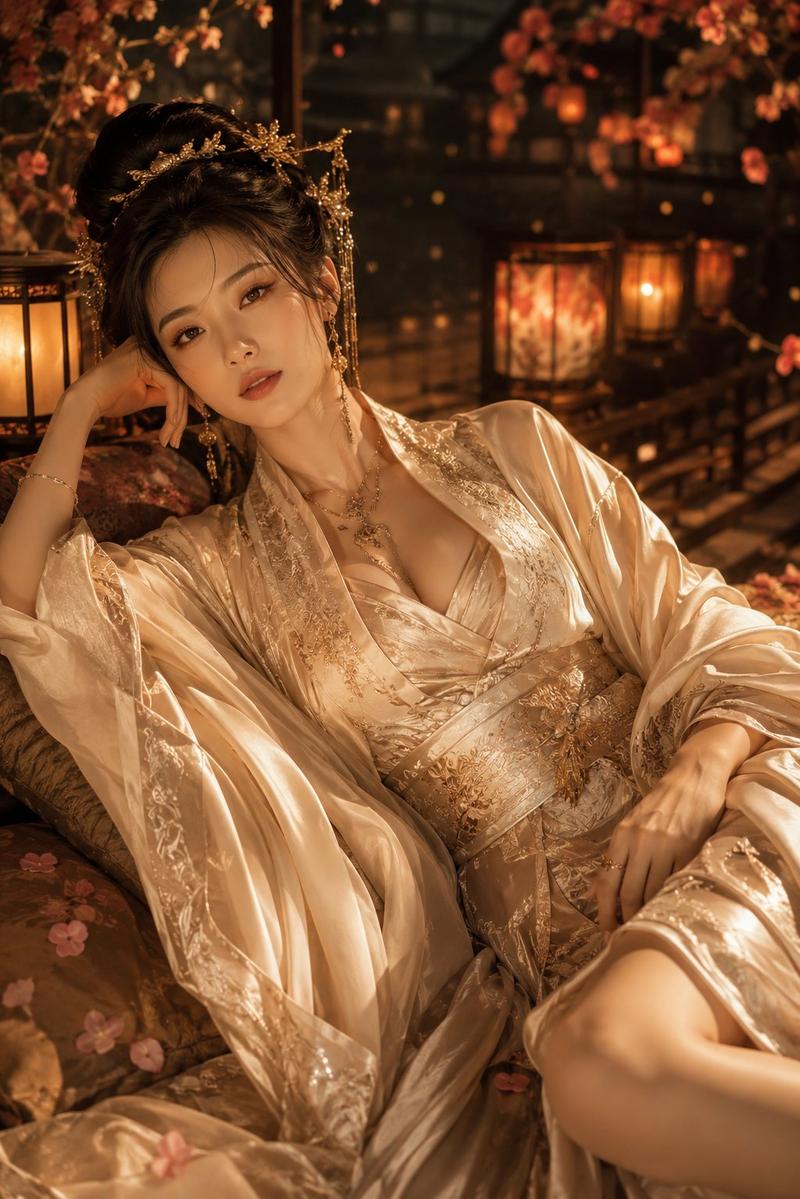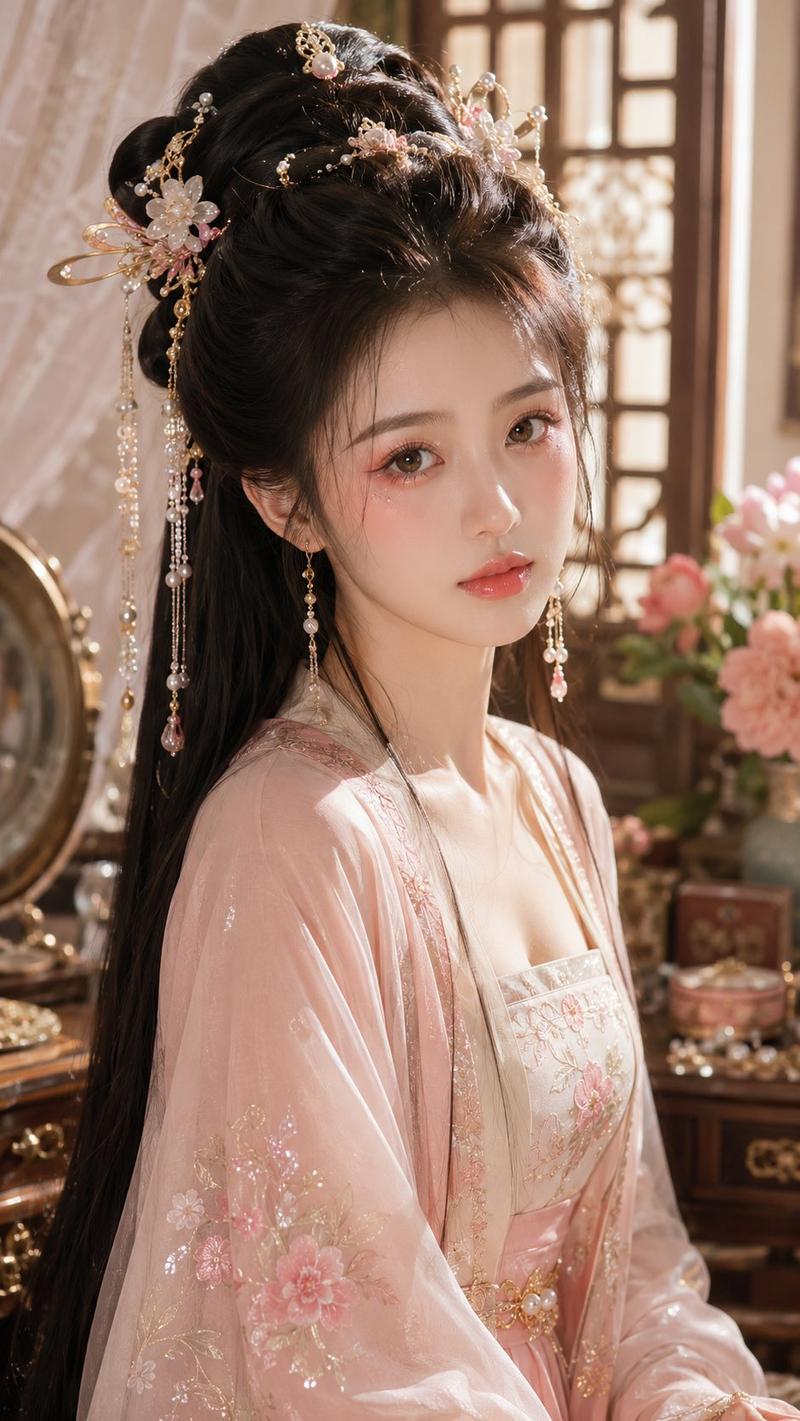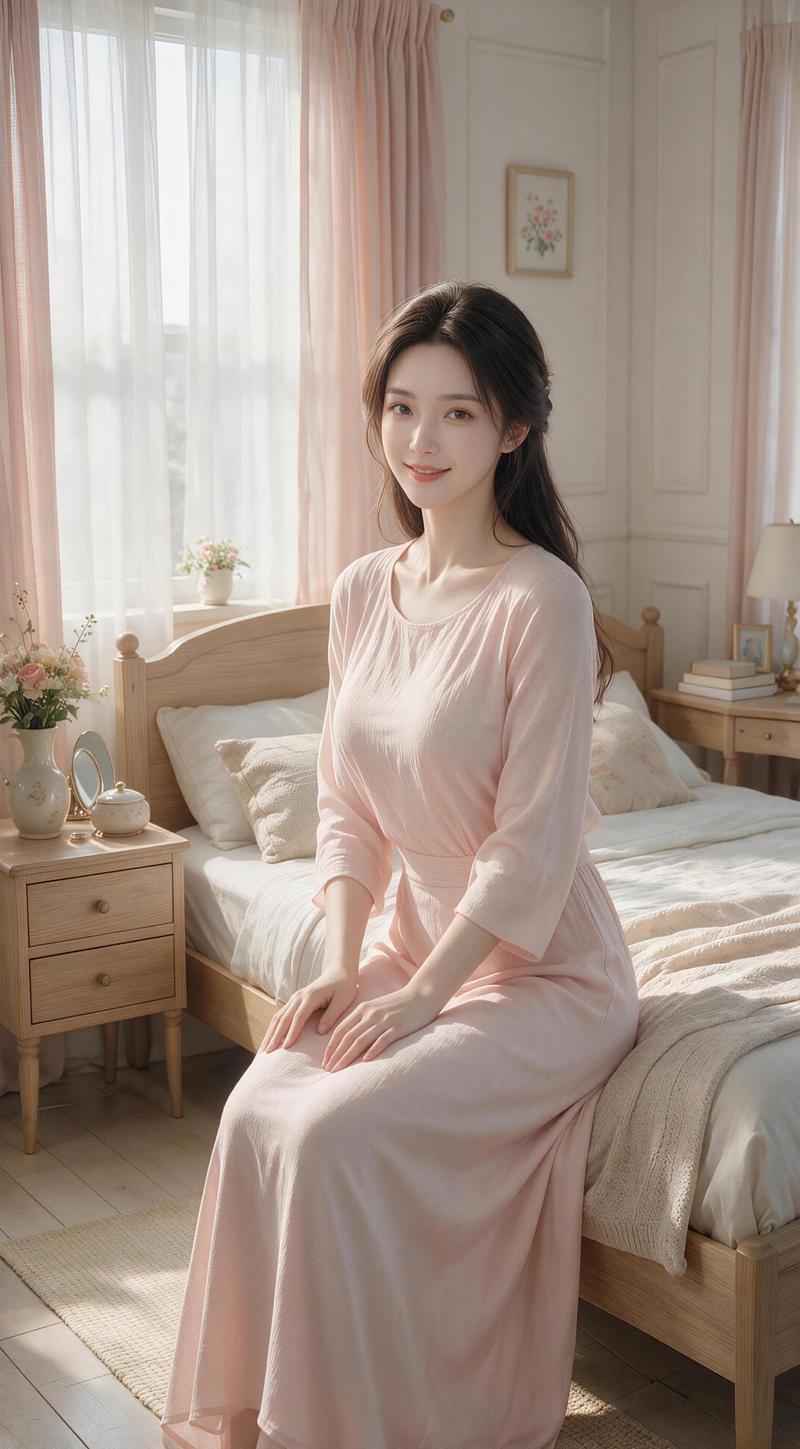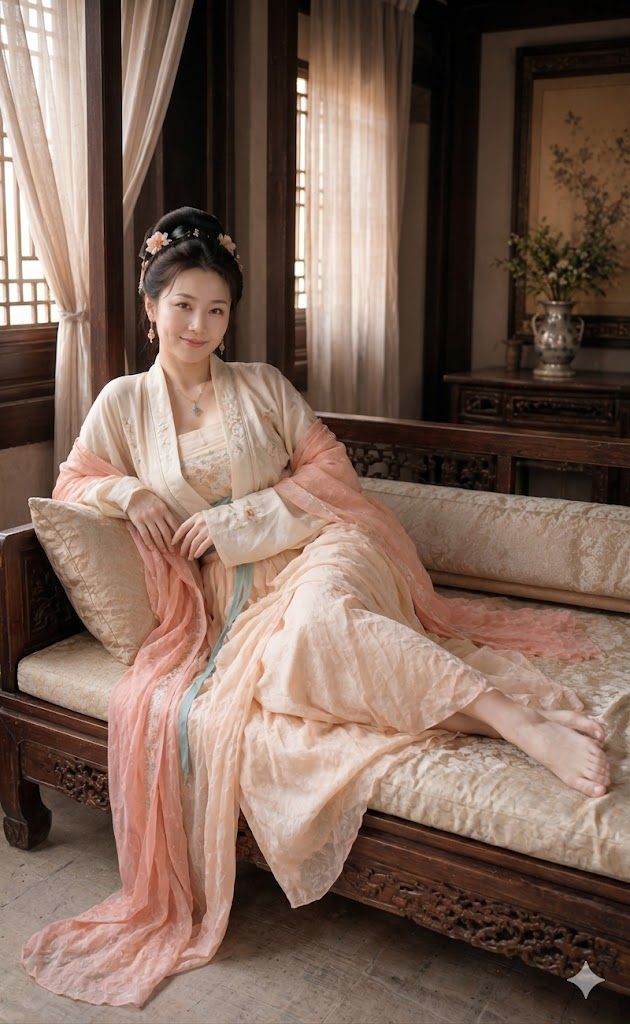
汉服侧卧肖像
Prompt
Create a photorealistic, vertical full-body portrait of an adult East Asian woman in elegant traditional Hanfu reclining on a carved dark-wood daybed inside a quiet classical Chinese room. She wears a layered {argument name="hanfu color palette" default="cream, pale peach, soft pink, and faint turquoise"} outfit with translucent flowing sleeves, embroidered floral details, a low but tasteful wrapped bodice, and a long gauzy pink shawl spilling over the edge of the couch onto the floor. Her face is deliberately obscured with a smooth rectangular blur while her black hair is styled in an ornate updo with small pale flower hairpins and dangling ornaments. Pose her diagonally across the couch, one elbow resting on a cream brocade cushion, relaxed hands in her lap, long skirt draped over her legs, and bare feet visible at the far right end of the daybed. The setting includes exactly two tall wooden lattice windows with sheer white curtains glowing in warm daylight on the left and rear, one carved wooden daybed with cream patterned upholstery, two visible cushions consisting of one square pillow and one long cylindrical bolster, and one rear console table holding a silver vase with green branches beneath a framed floral painting. Use {argument name="lighting style" default="soft warm window light"}, shallow depth of field, realistic fabric texture, carved furniture detail, muted antique browns, creamy whites, and a refined intimate boudoir atmosphere, photographed as if on a high-end editorial camera in a 9:16 composition.- Category
- Charts & Infographics
- Model
- GPT Image 2
- Creator
- 杰尼杰尼PMV
- Source ID
- 19313
- Published
- May 9, 2026
Views1