16

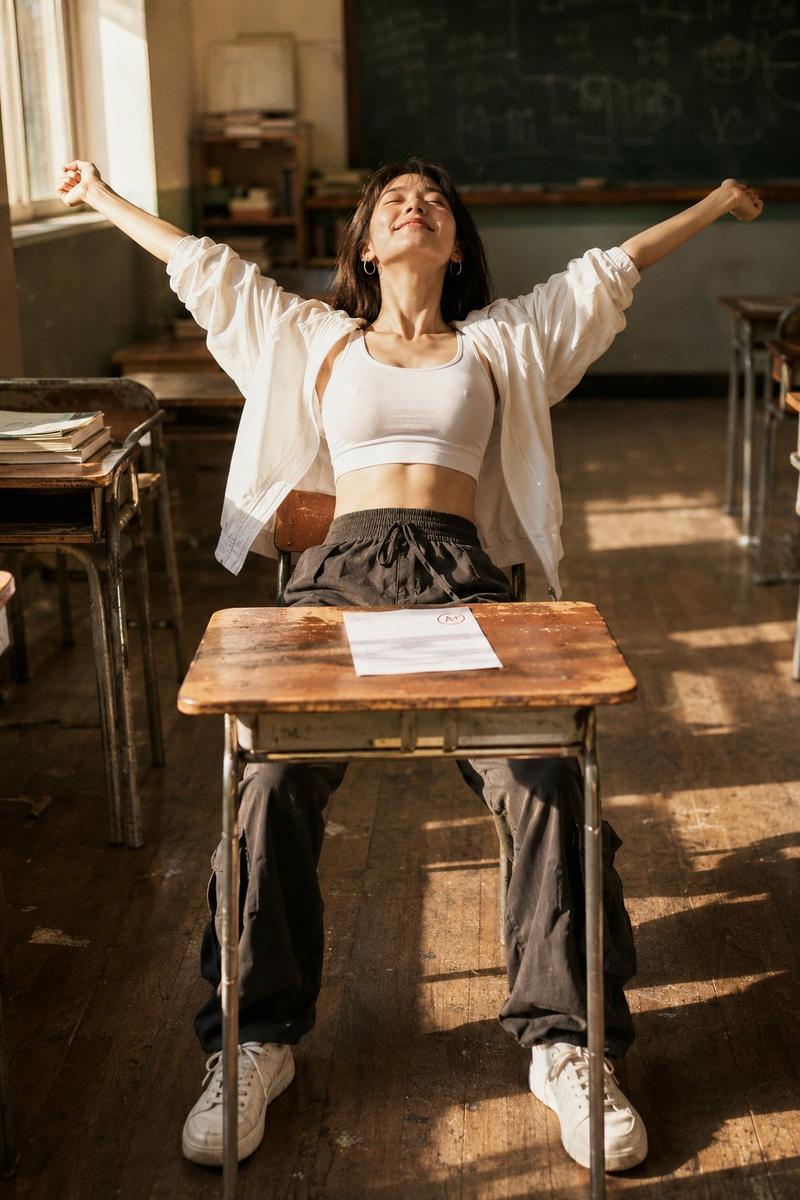
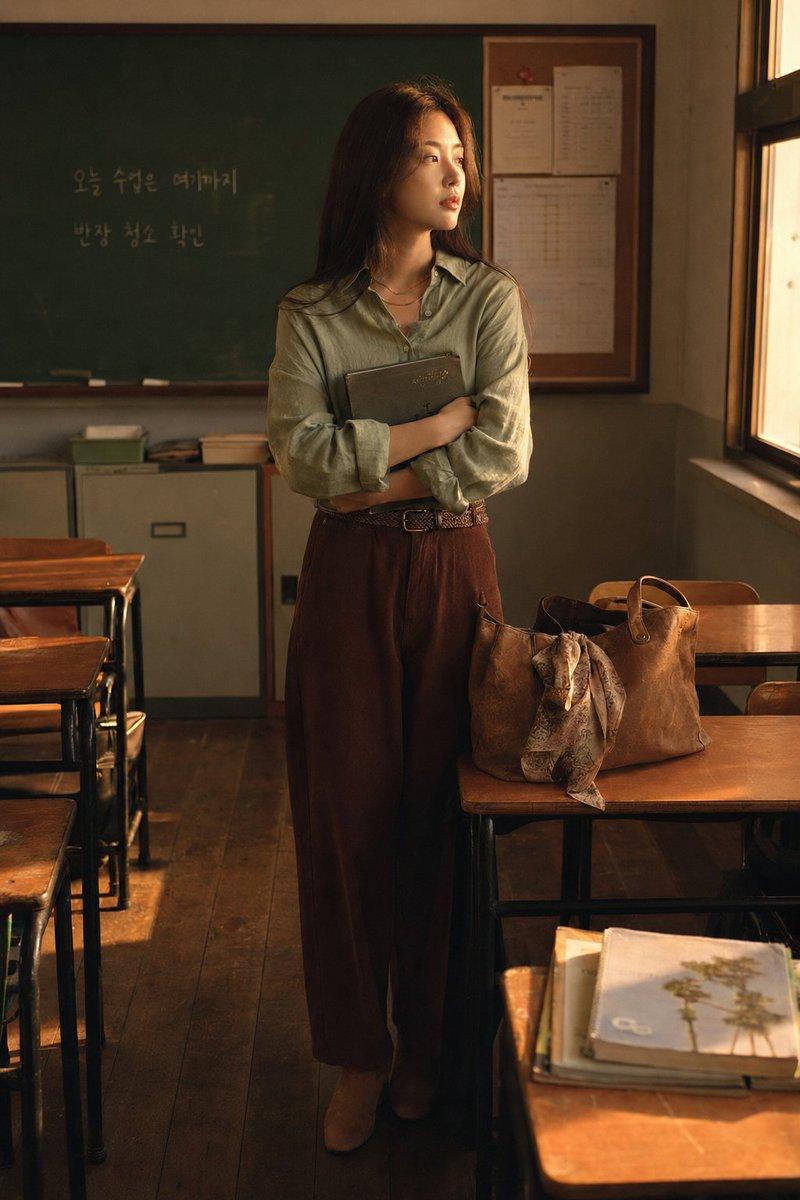
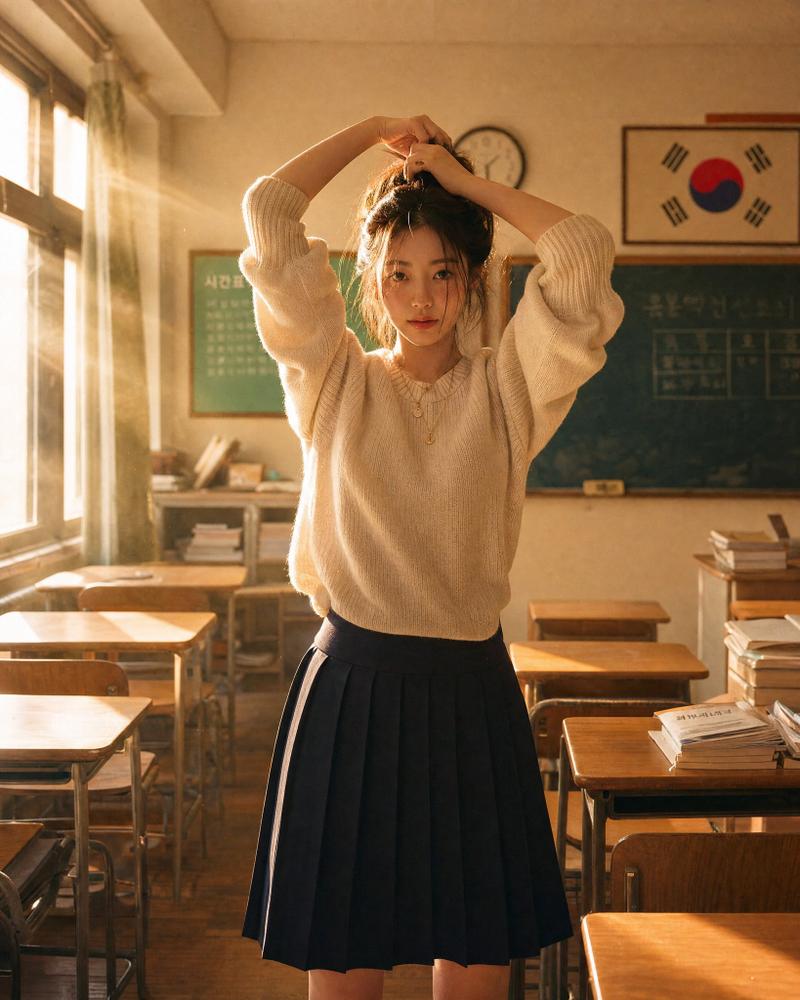
复古教室电影感人像
Enlarge

复古教室电影感人像

Prompt
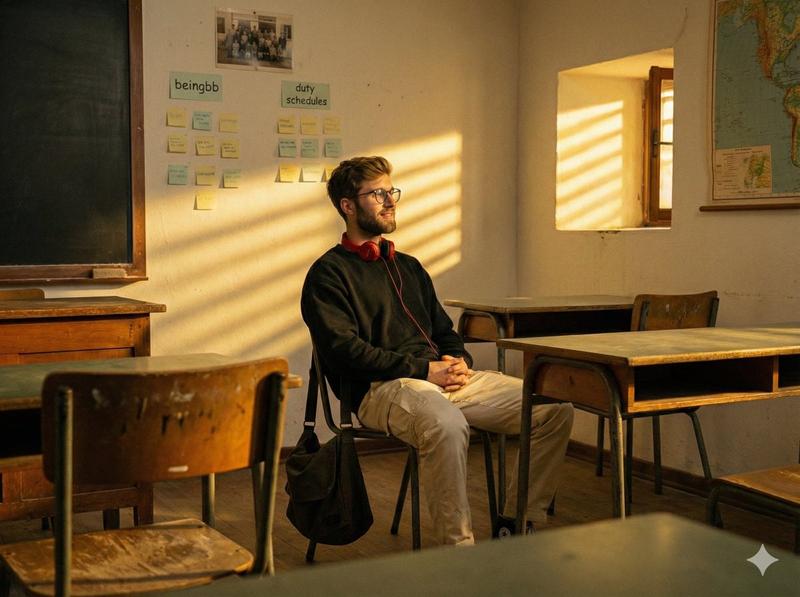
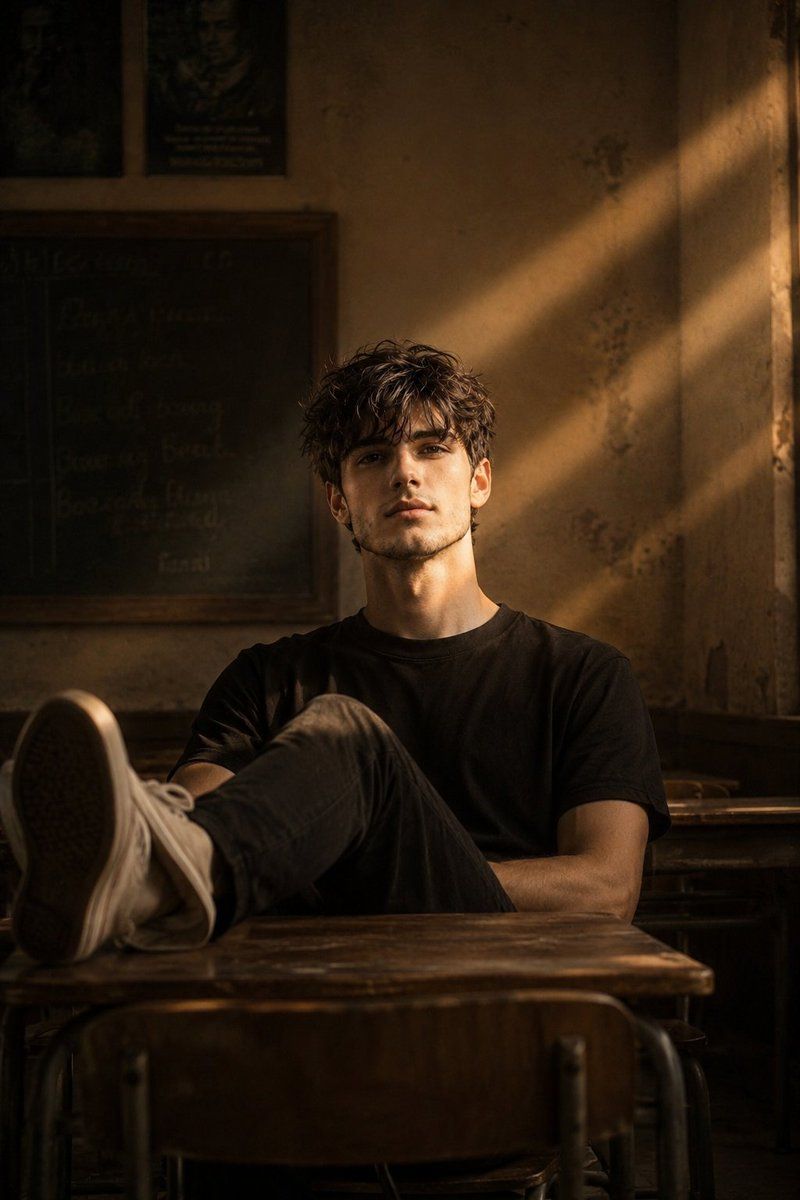
Cinematic portrait of the man in the picture
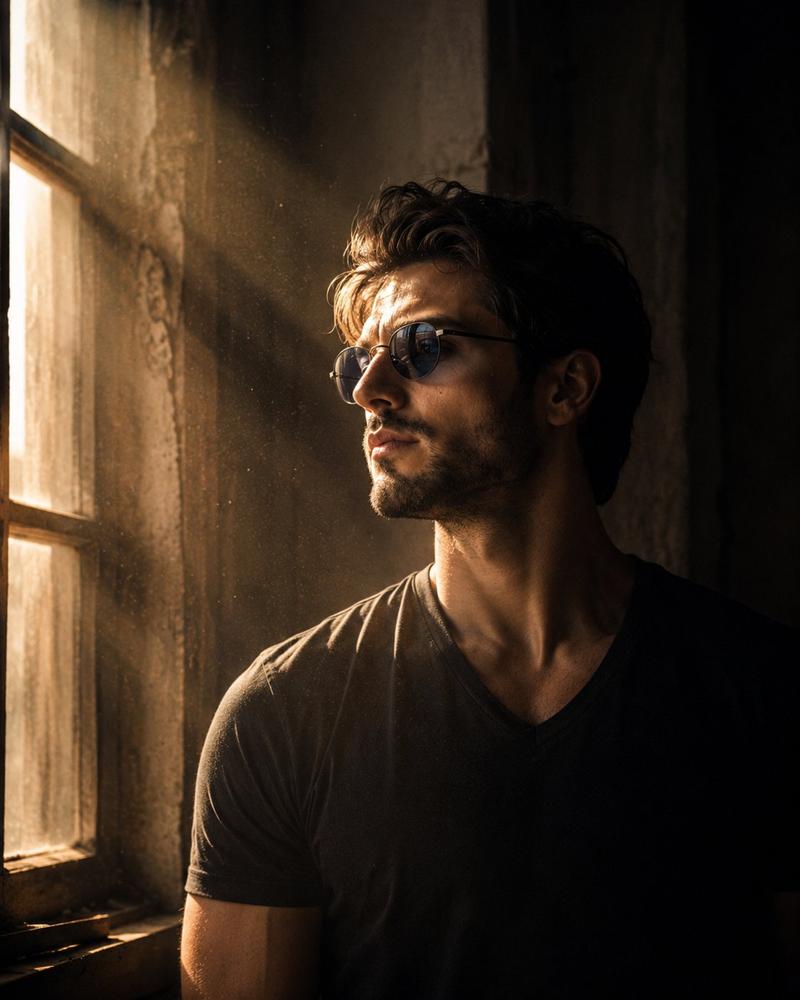
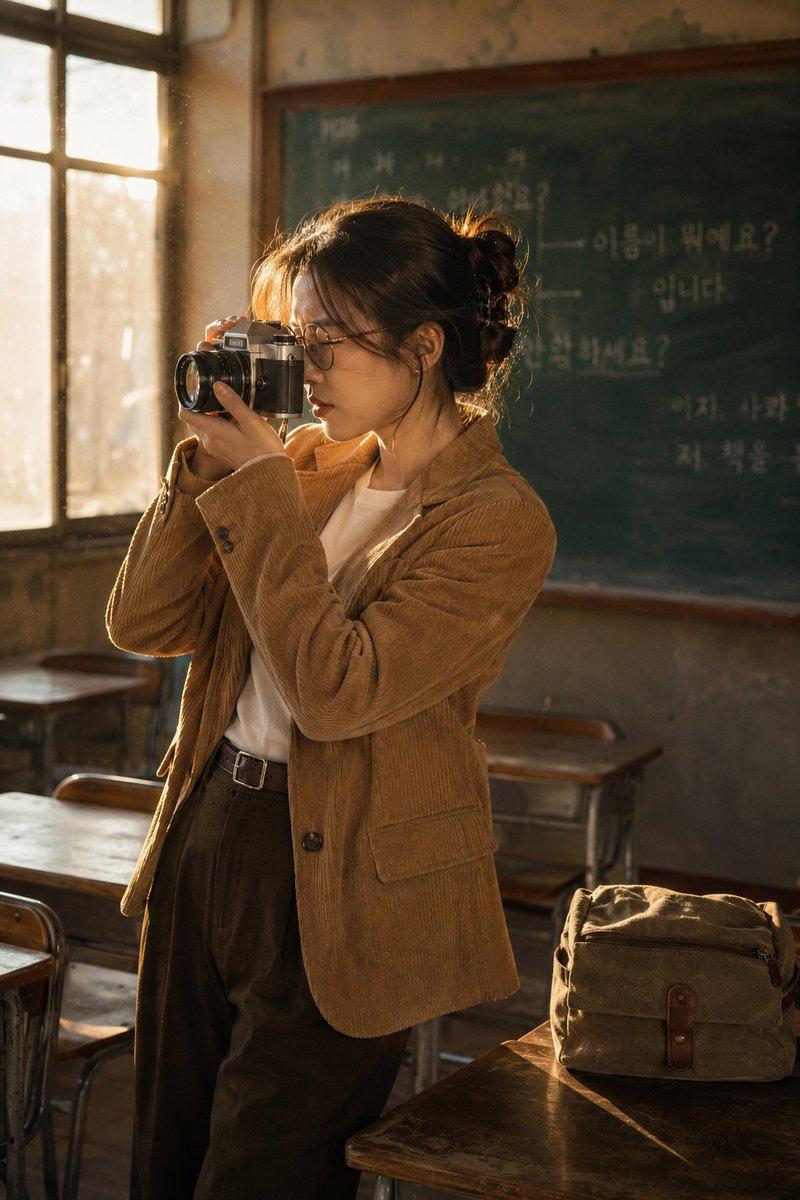
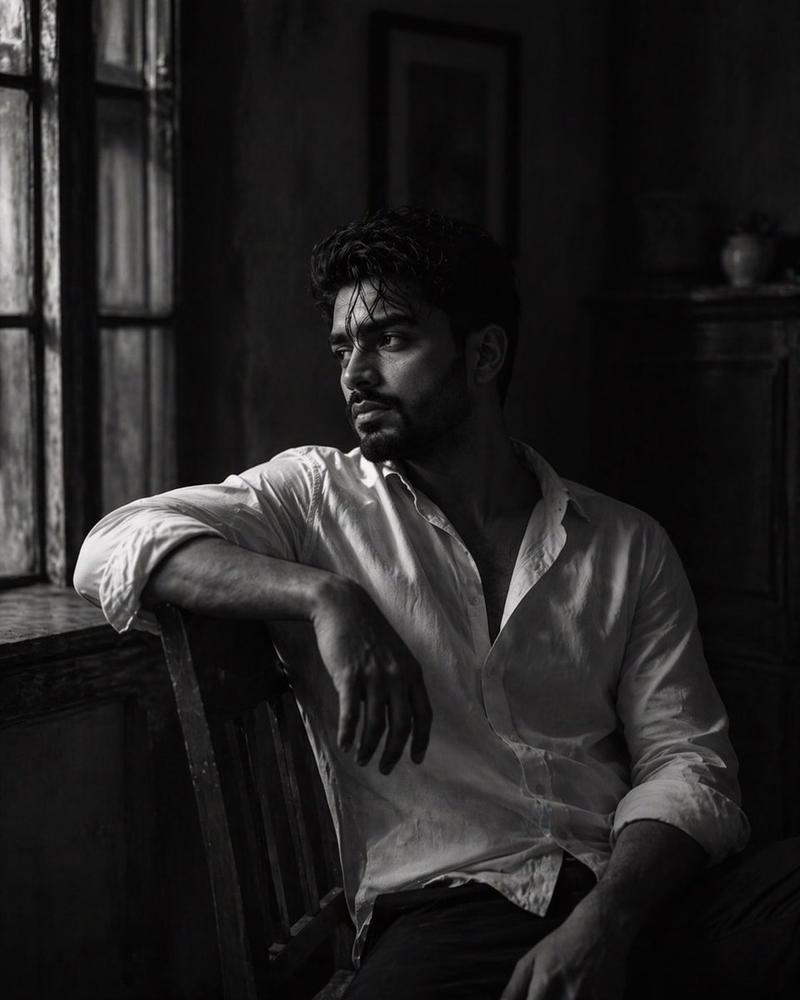
(preserve 100% facial details of this man), {argument name="setting" default="vintage classroom"}. The camera is shot from a distance, with a small section of the chair's back visible in front, as if the photographer was taking the portrait discreetly or in a quiet moment. {argument name="lighting" default="Soft, golden-yellow lighting"} reflects from a small window or gap in the right wall, forming diagonal lines of light that fall directly on the man's face, creating a dramatic and emotional contrast.
The man sits alone in a chair, his feet resting on the desk, with a relaxed and cool expression, as if lost in thought.....
Category
Charts & Infographics
Model
GPT Image 2
Creator
Harboris
Views3
Source ID
19426
Published
May 10, 2026

Guide

About "复古教室电影感人像"

What is this prompt for?

"复古教室电影感人像" AI image prompt for GPT Image 2 (Charts & Infographics). 在复古教室场景中创作一张富有情感的电影感人像,运用戏剧性的金色光影和特定的角色构图。 Copy it on Picva and recreate the look in one c…

The full copyable prompt and example visuals above are ready for AI image generation or one-click recreate in Picva.

How to use this prompt

  1. Step 1

    Open the prompt detail

    Review the example visuals, category, and full prompt text for "复古教室电影感人像".

  2. Step 2

    Copy the prompt

    Copy the prompt body from this page, or load it directly in Studio.

  3. Step 3

    Pick a model (GPT Image 2)

    Prefer GPT Image 2. If you switch models, keep subject and composition and tweak style terms.

  4. Step 4

    Generate and export

    Recreate the look in Picva, or export into your workflow for editing and publishing.

FAQ

What is the "复古教室电影感人像" prompt?
It is an AI image-generation prompt for GPT Image 2 in the Charts & Infographics category. This page includes the full prompt text, example visuals, and a one-click recreate path in Picva.
How do I use this prompt to generate an image?
Copy the prompt from this page, or use Generate / Studio. Paste it into a compatible image model, or recreate the look in Picva with optional reference images.
Which model is this prompt for?
This page lists GPT Image 2. Most descriptive prompts also transfer to nearby image models such as GPT Image, Flux, or Midjourney with light style tweaks.
Can I use the result commercially?
You can usually copy the prompt for creation, but commercial use of the final image depends on the model terms, reference-image rights, and the generated content. Follow the source author and platform rules.