17

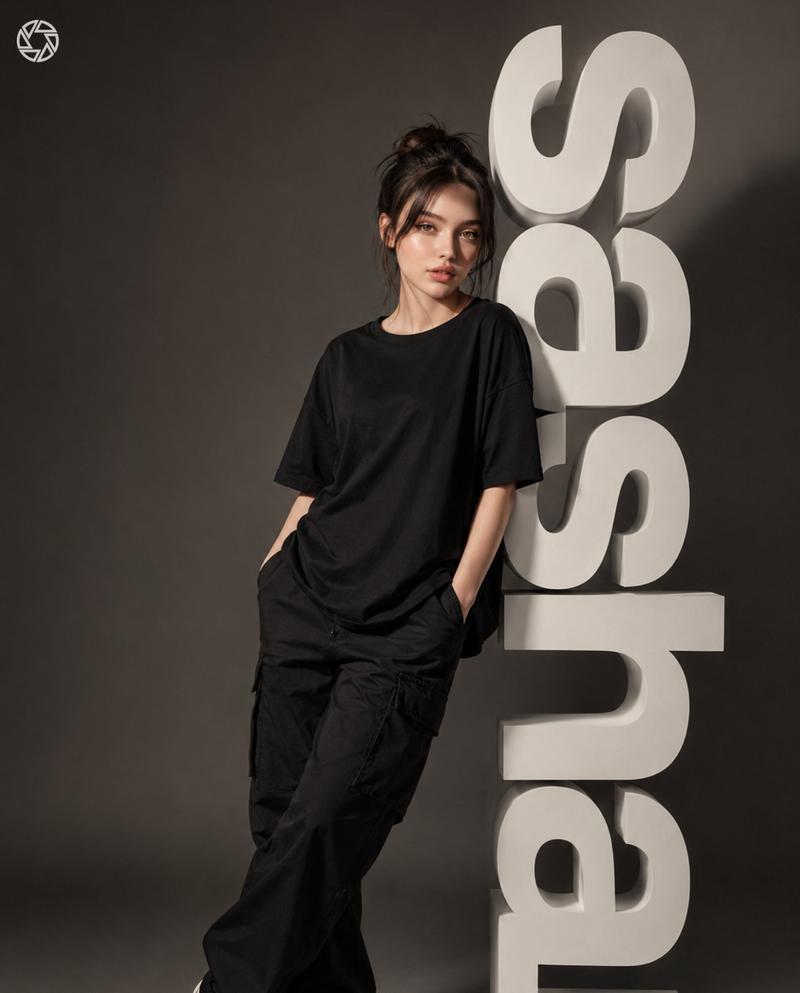
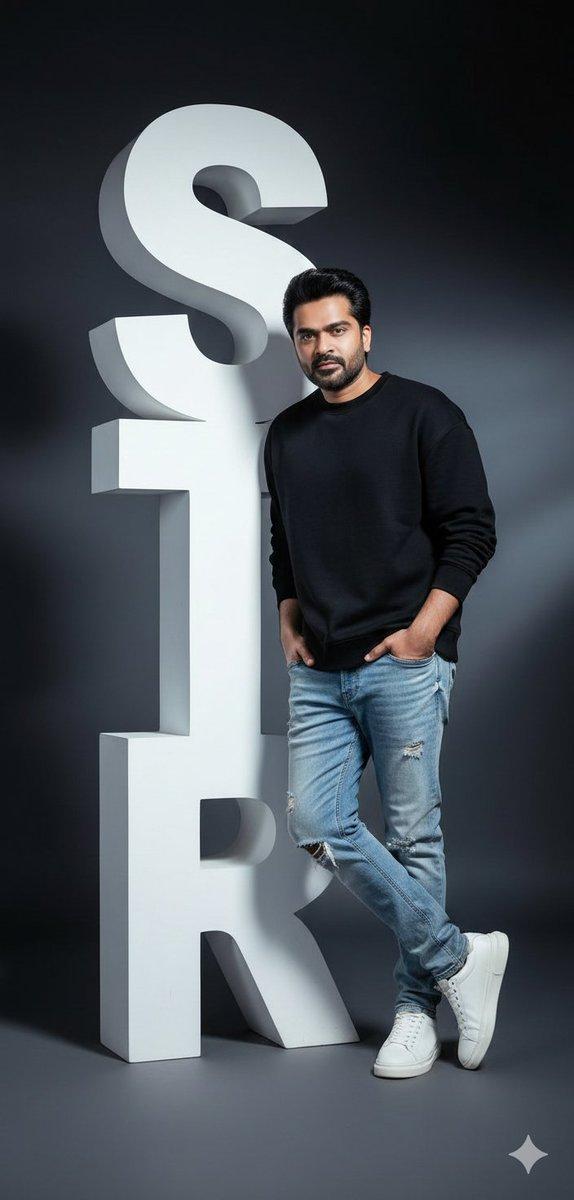
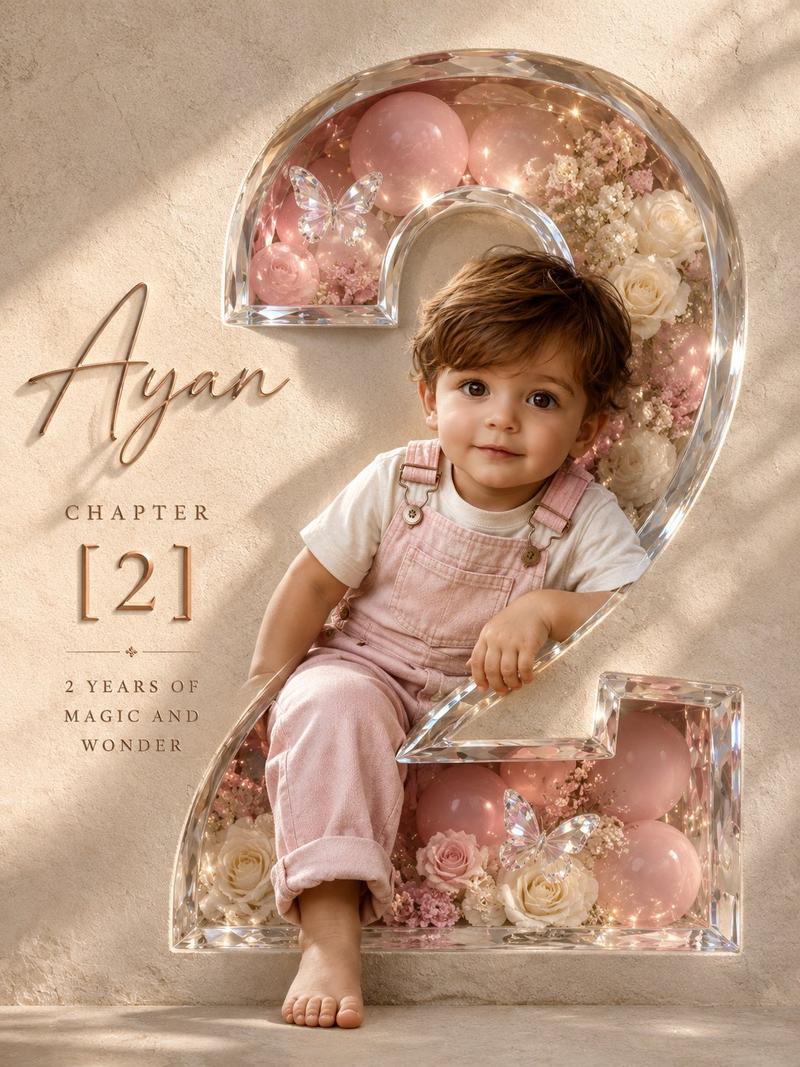
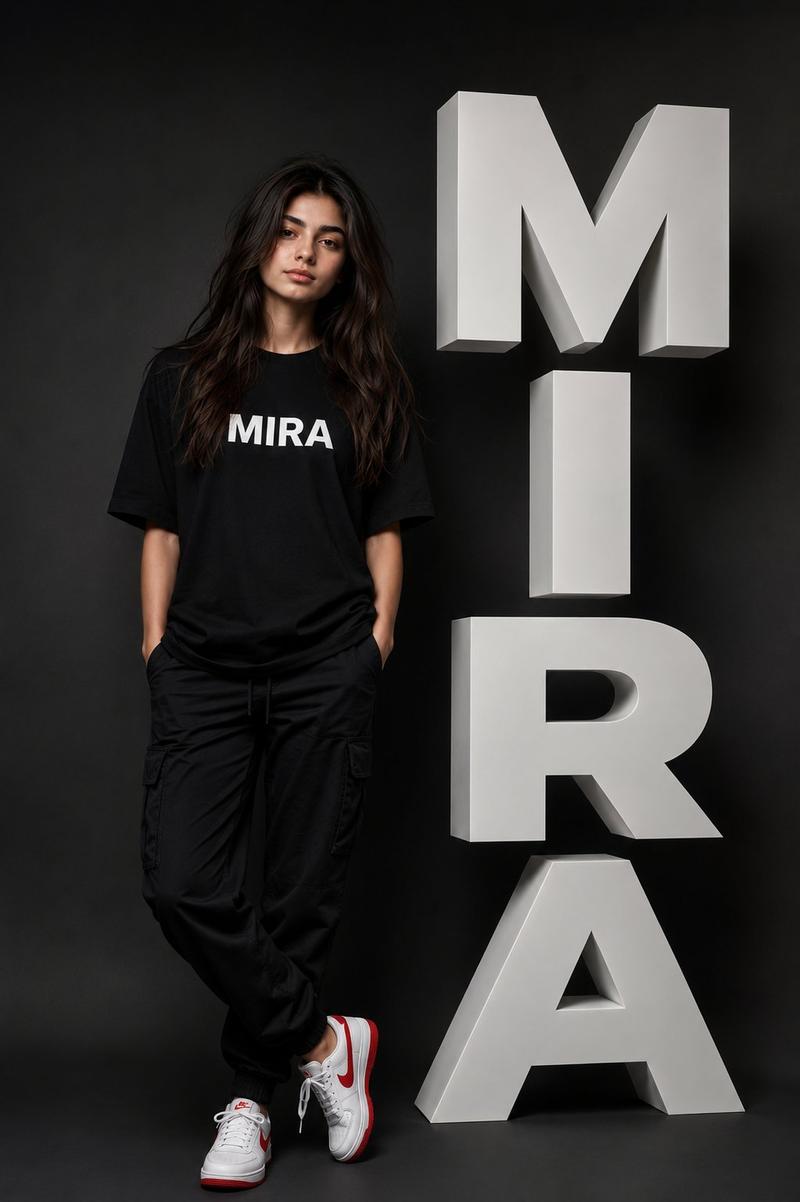
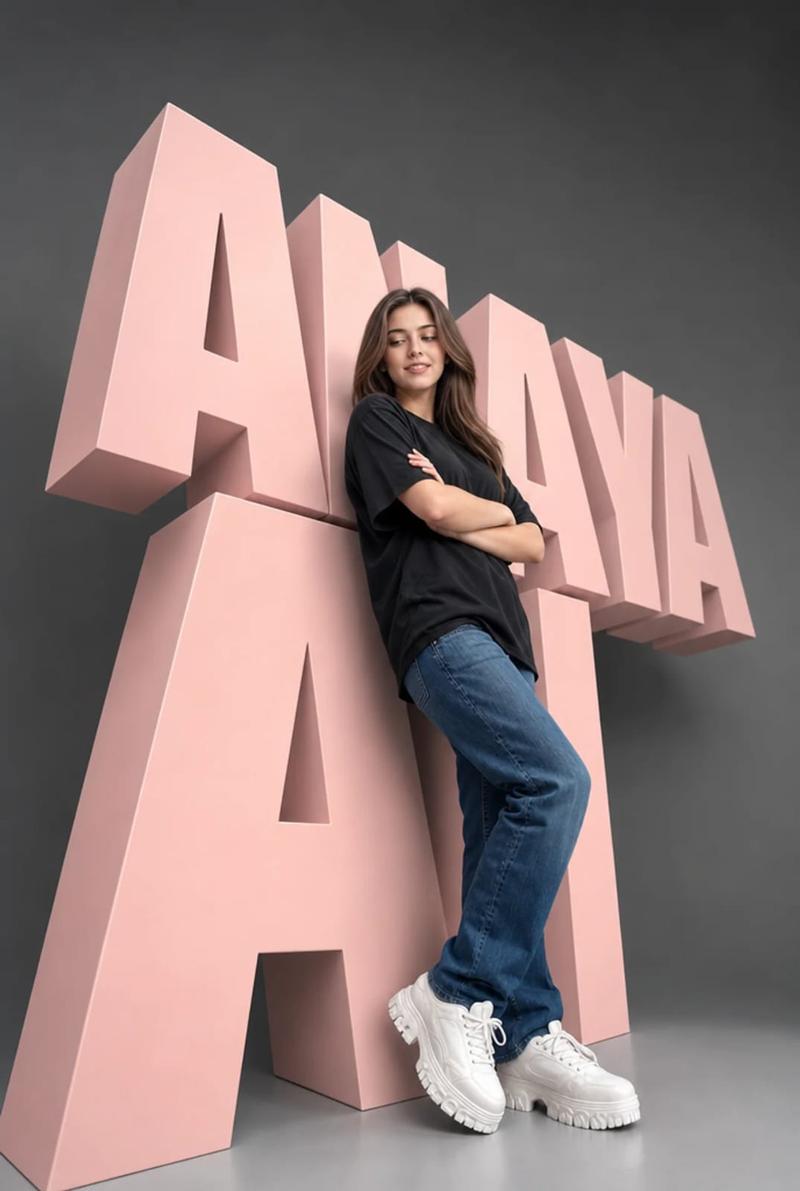
3D 数字时尚艺术作品
Enlarge

3D 数字时尚艺术作品

Prompt
Create a hyper-realistic full-body 3D digital artwork of a beautiful {argument name="subject" default="Moroccan girl"}[use uploaded photo wearing sunglass, face recognition true] sitting confidently on large metallic emboss hot transparent glass glossy 3d letters spelling {argument name="text" default="GPTHIVE"}. That inside the letters should be they have dry leaves and flowers.
Subject: female model (same face & hairstyle as uploaded photo, do not change facial expression). Wearing outfit: {argument name="outfit" default="oversized white sweatshirt, lemon green oversized combat jean"}, styled with footwear: lemon green neutral or Nike sneakers and white ribbed socks.
Environment: muted lemon green-toned studio background.
Lighting: soft cinematic glow highlighting skin and fabric textures.
Style: fashion editorial x futuristic. Composition: model seated elegantly with relaxed posture.
Category
Charts & Infographics
Model
GPT Image 2
Views4
Source ID
19454
Published
May 10, 2026

Guide

About "3D 数字时尚艺术作品"

What is this prompt for?

"3D 数字时尚艺术作品" AI image prompt for GPT Image 2 (Charts & Infographics). 一张充满未来感的时尚杂志风格人像,描绘了一位坐在大型 3D 字母上的女孩,呈现出超写实的质感与柔和的电影级光影。 Copy it on Picva and recreate t…

The full copyable prompt and example visuals above are ready for AI image generation or one-click recreate in Picva.

How to use this prompt

  1. Step 1

    Open the prompt detail

    Review the example visuals, category, and full prompt text for "3D 数字时尚艺术作品".

  2. Step 2

    Copy the prompt

    Copy the prompt body from this page, or load it directly in Studio.

  3. Step 3

    Pick a model (GPT Image 2)

    Prefer GPT Image 2. If you switch models, keep subject and composition and tweak style terms.

  4. Step 4

    Generate and export

    Recreate the look in Picva, or export into your workflow for editing and publishing.

FAQ

What is the "3D 数字时尚艺术作品" prompt?
It is an AI image-generation prompt for GPT Image 2 in the Charts & Infographics category. This page includes the full prompt text, example visuals, and a one-click recreate path in Picva.
How do I use this prompt to generate an image?
Copy the prompt from this page, or use Generate / Studio. Paste it into a compatible image model, or recreate the look in Picva with optional reference images.
Which model is this prompt for?
This page lists GPT Image 2. Most descriptive prompts also transfer to nearby image models such as GPT Image, Flux, or Midjourney with light style tweaks.
Can I use the result commercially?
You can usually copy the prompt for creation, but commercial use of the final image depends on the model terms, reference-image rights, and the generated content. Follow the source author and platform rules.