14

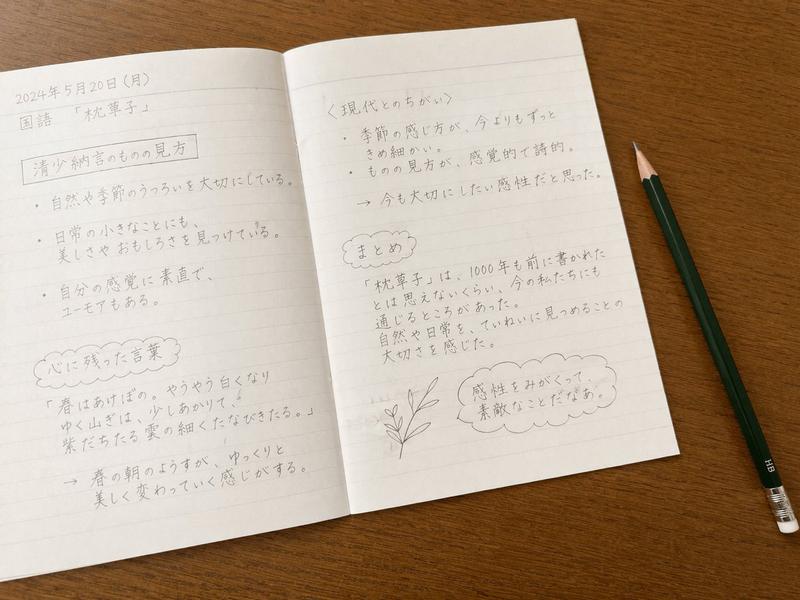
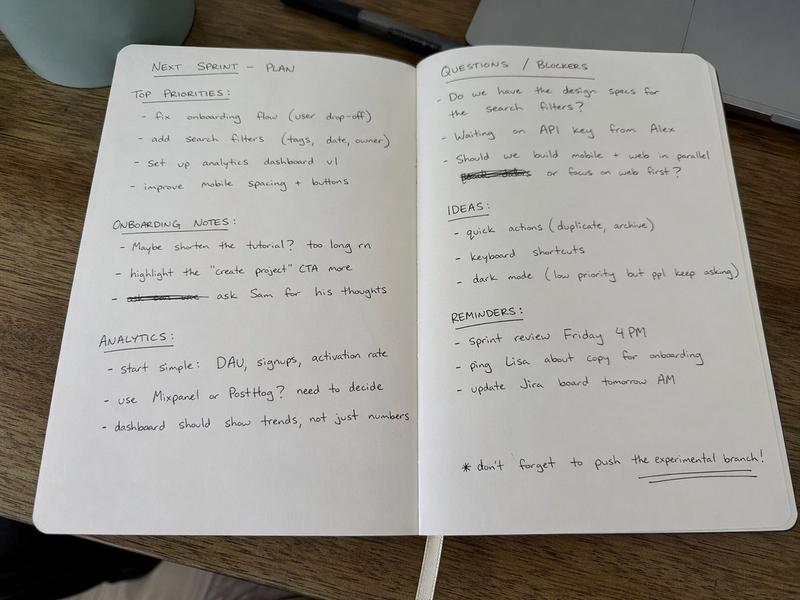
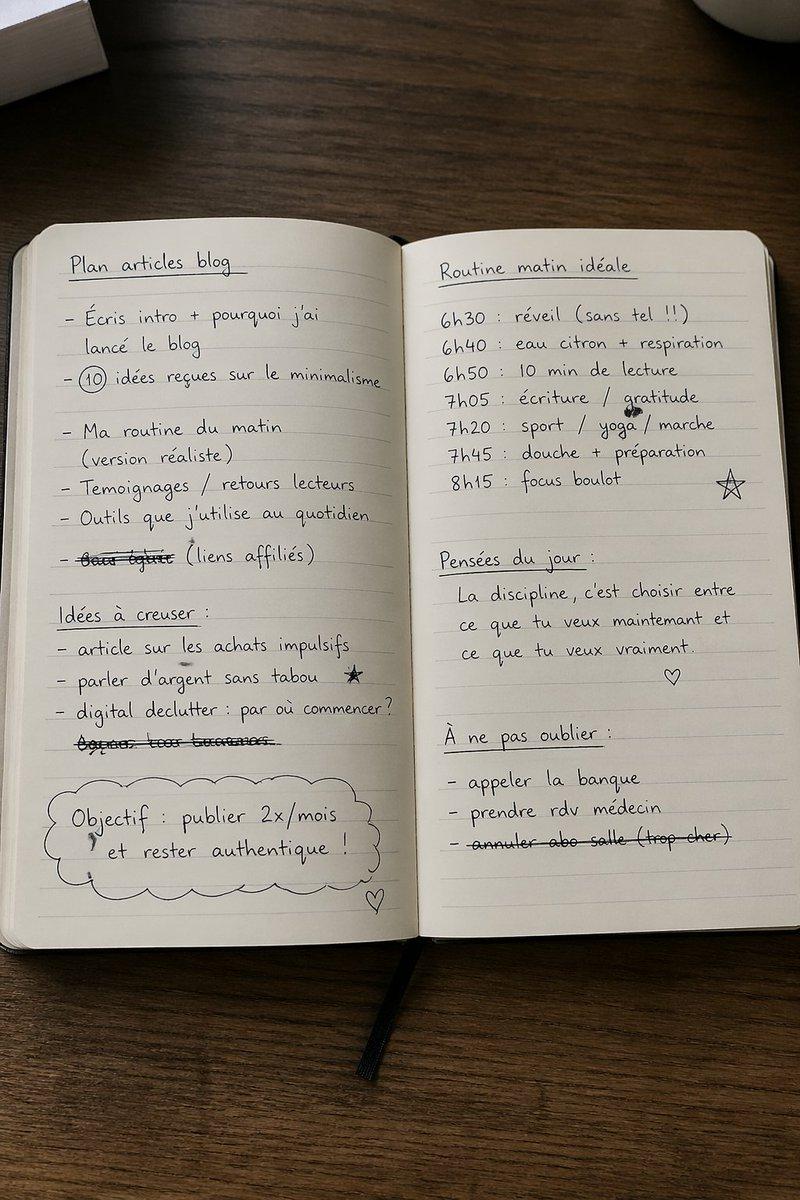
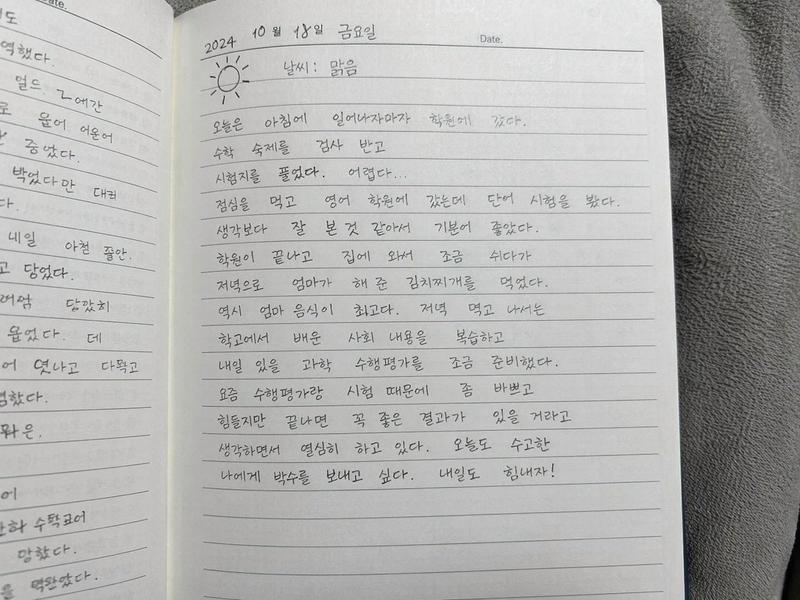
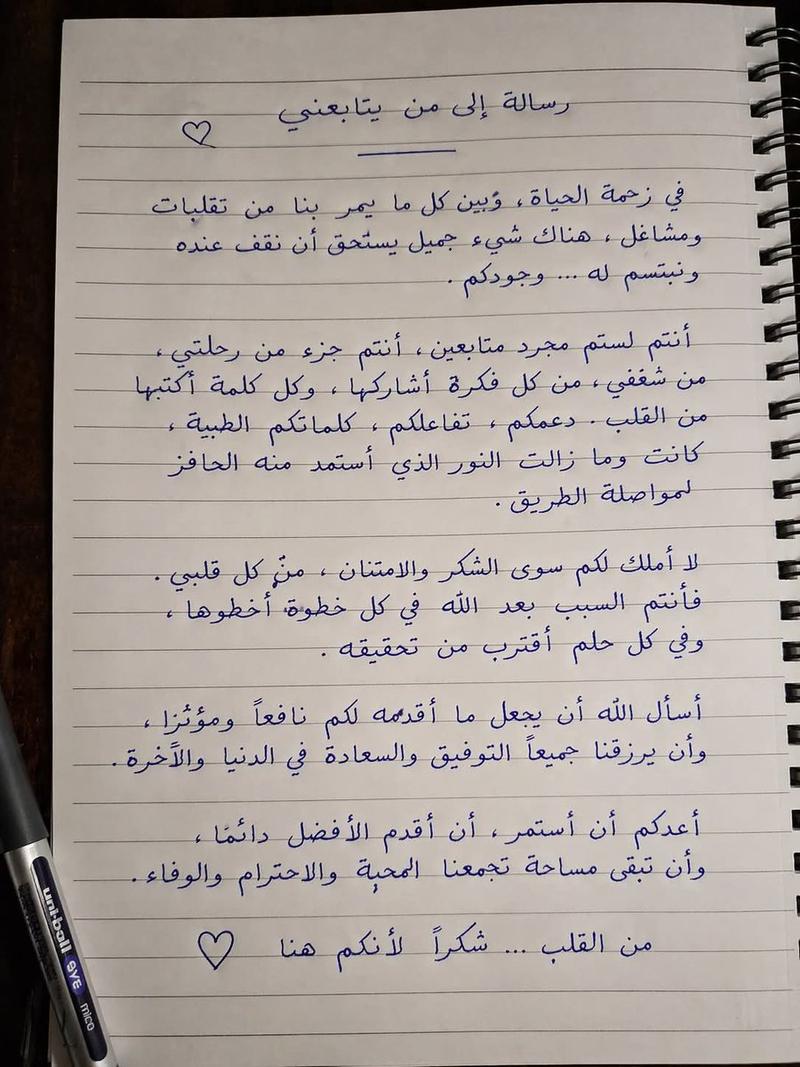
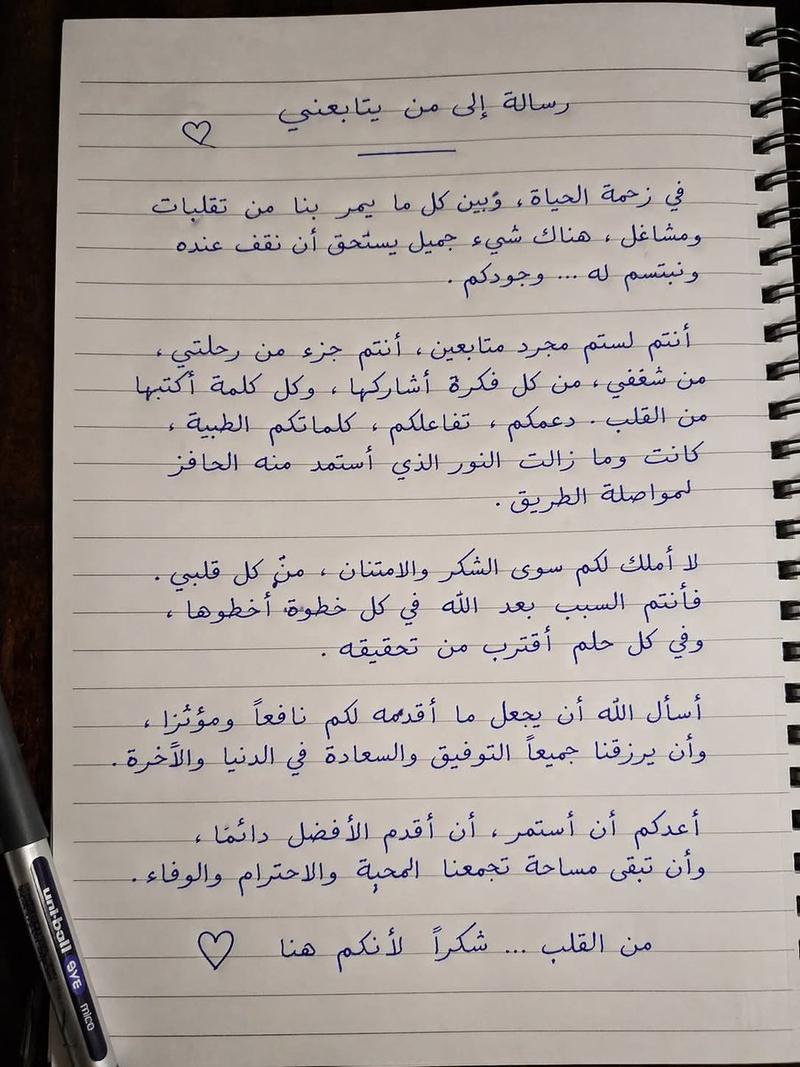
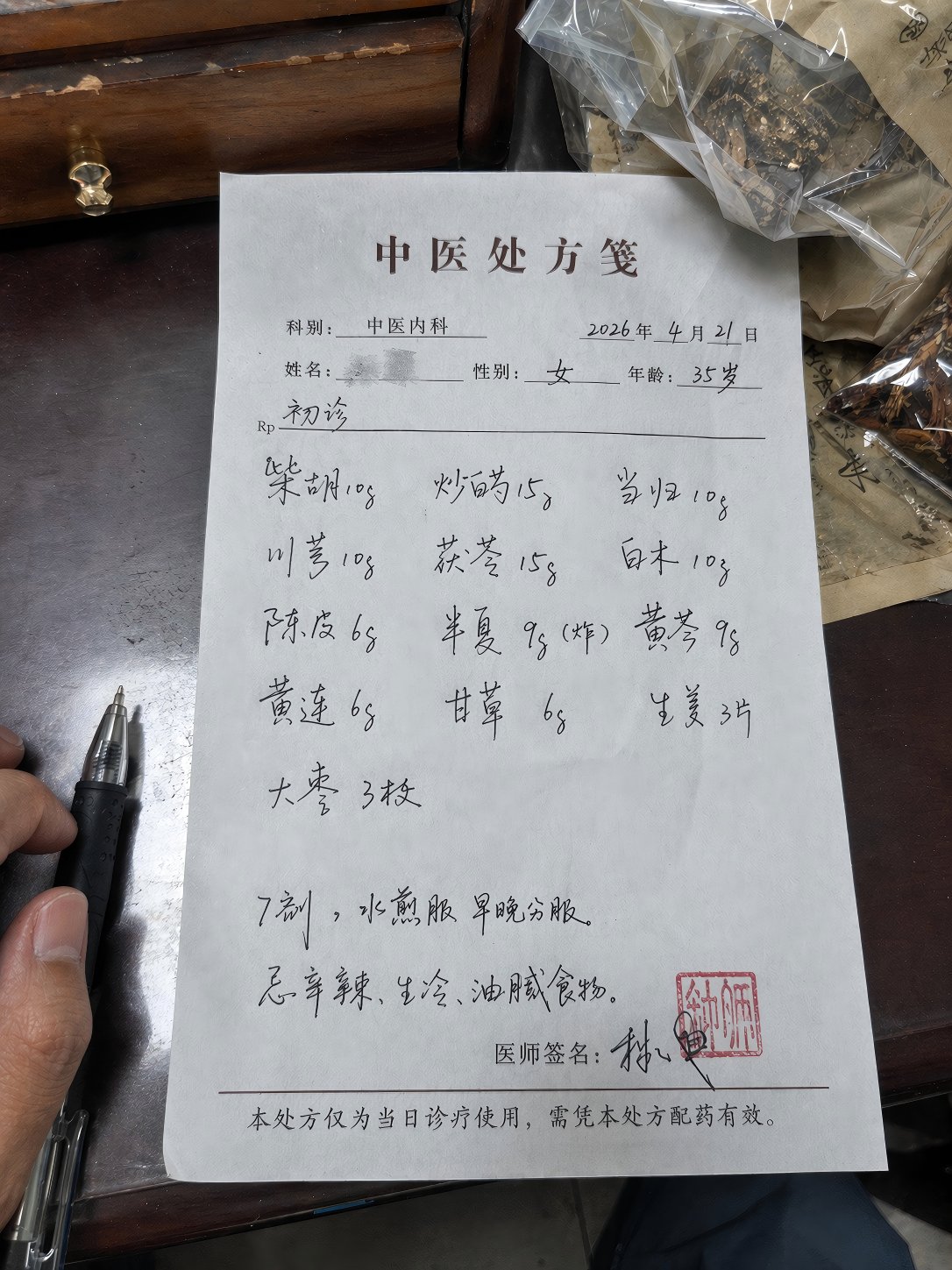
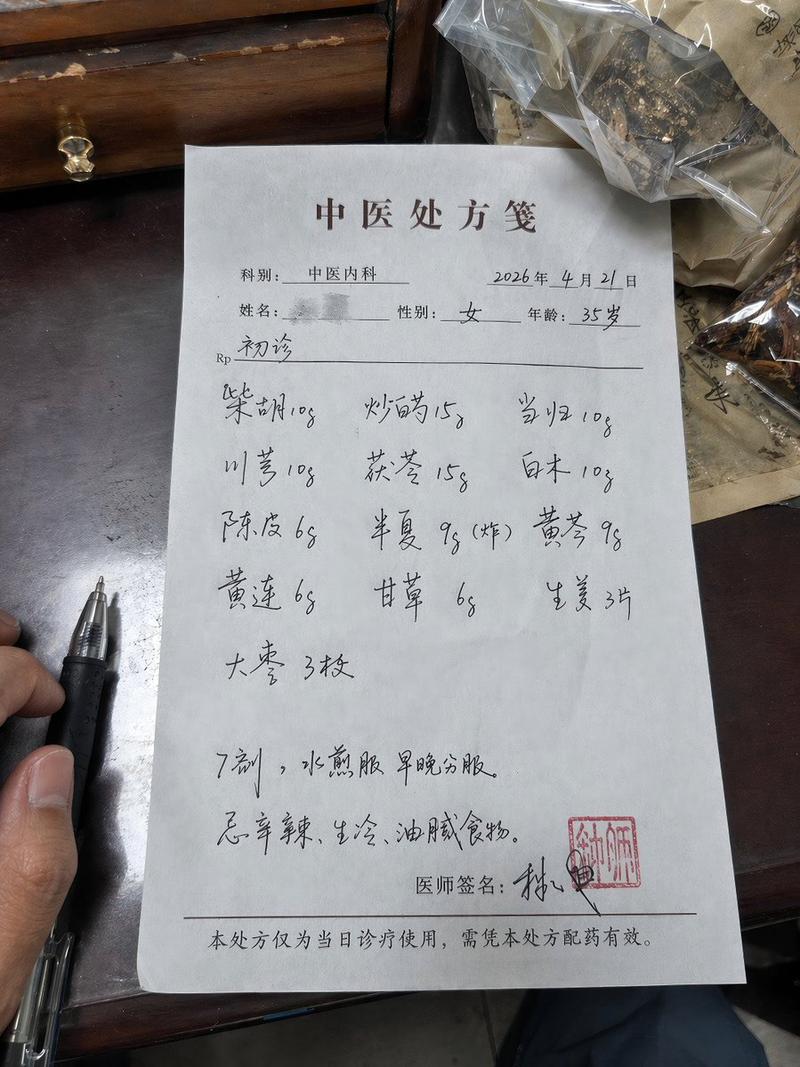
iPhone 拍摄的随手拍手写笔记本照片
Enlarge

Example images

iPhone 拍摄的随手拍手写笔记本照片

Prompt
Amateur photo of an {argument name="object" default="open notebook lying flat"}, filled with handwritten notes in {argument name="pen type" default="black ballpoint pen"}. The handwriting is casual and slightly messy, like personnal notes, natural imperfections, crossed out words, underlined headings. Shot from slightly above, natural daylight from a window, no flash. Casual desk setting, shot on iPhone
Category
Posters & Typography
Model
GPT Image 2
Views5
Source ID
19470
Published
May 10, 2026

Guide

About "iPhone 拍摄的随手拍手写笔记本照片"

What is this prompt for?

"iPhone 拍摄的随手拍手写笔记本照片" AI image prompt for GPT Image 2 (Posters & Typography). 一个用于生成业余风格 iPhone 照片的提示词,画面为平铺的笔记本,上面写满了逼真、略显凌乱的黑色笔迹。 Copy it on Picva and recre…

The full copyable prompt and example visuals above are ready for AI image generation or one-click recreate in Picva.

How to use this prompt

  1. Step 1

    Open the prompt detail

    Review the example visuals, category, and full prompt text for "iPhone 拍摄的随手拍手写笔记本照片".

  2. Step 2

    Copy the prompt

    Copy the prompt body from this page, or load it directly in Studio.

  3. Step 3

    Pick a model (GPT Image 2)

    Prefer GPT Image 2. If you switch models, keep subject and composition and tweak style terms.

  4. Step 4

    Generate and export

    Recreate the look in Picva, or export into your workflow for editing and publishing.

FAQ

What is the "iPhone 拍摄的随手拍手写笔记本照片" prompt?
It is an AI image-generation prompt for GPT Image 2 in the Posters & Typography category. This page includes the full prompt text, example visuals, and a one-click recreate path in Picva.
How do I use this prompt to generate an image?
Copy the prompt from this page, or use Generate / Studio. Paste it into a compatible image model, or recreate the look in Picva with optional reference images.
Which model is this prompt for?
This page lists GPT Image 2. Most descriptive prompts also transfer to nearby image models such as GPT Image, Flux, or Midjourney with light style tweaks.
Can I use the result commercially?
You can usually copy the prompt for creation, but commercial use of the final image depends on the model terms, reference-image rights, and the generated content. Follow the source author and platform rules.