16

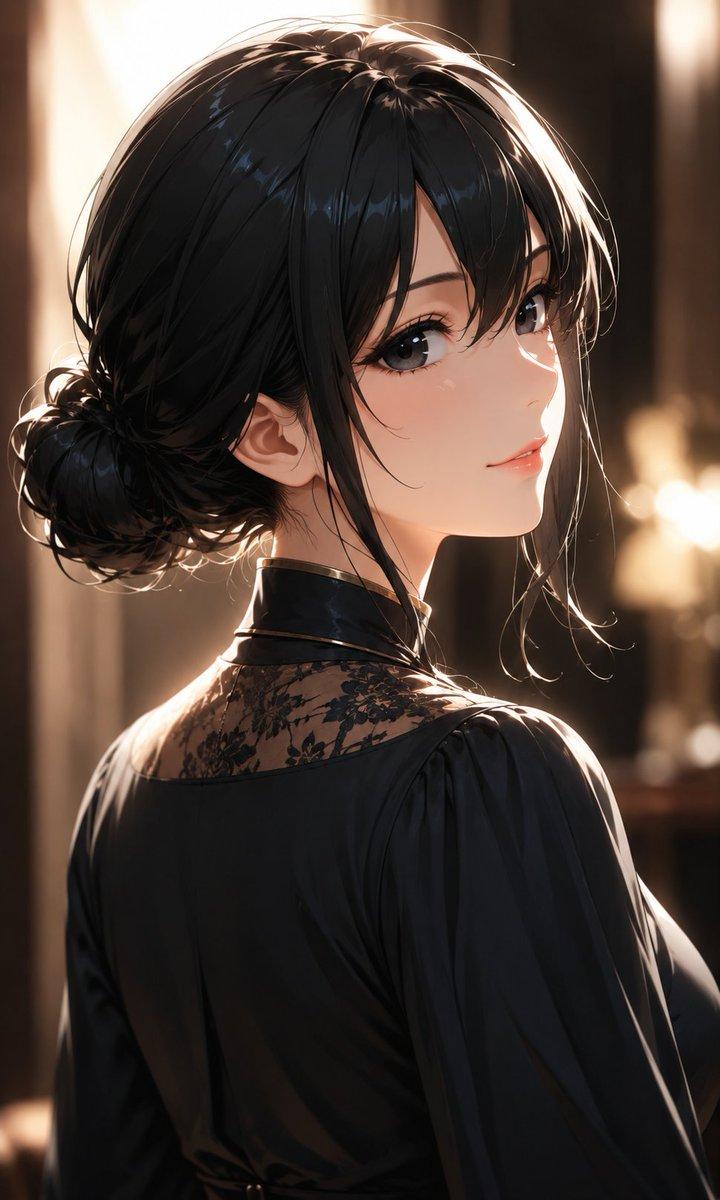
哥特风血腥女王肖像(遮挡版)
Enlarge

哥特风血腥女王肖像(遮挡版)

Prompt
Create a dark gothic anime portrait of {argument name="character name" default="Bloody Queen"}, shown from the chest up in a dramatic three-quarter pose against a nearly black greenish background. She has voluminous {argument name="hair color" default="pale silver-white"} hair swept back from a center part, with loose curling ringlets on both sides and delicate inked strands, rendered with high-contrast highlights and shadow. Her face is intentionally hidden by one large centered opaque square censor block in muted gray-brown, covering the eyes, nose, mouth, and most facial features while leaving the hair, jawline, neck, and clothing visible. She wears a deep {argument name="dress color" default="blood red"} Victorian blouse or dress with a plunging neckline, layered ruffled collar, structured shoulders, and heavy black shadow folds, evoking a sinister royal vampire aesthetic. Use an elegant horror-manga illustration style with painterly shading, fine linework, muted desaturated colors, moody chiaroscuro lighting, and a tense aristocratic atmosphere, vertical portrait composition, no text, no border.
Category
Posters & Typography
Model
GPT Image 2
Creator
Z3iXoa
Views11
Source ID
19494
Published
May 10, 2026

Guide

About "哥特风血腥女王肖像(遮挡版)"

What is this prompt for?

"哥特风血腥女王肖像(遮挡版)" AI image prompt for GPT Image 2 (Posters & Typography). 生成一张带有忧郁动漫风格的哥特女王肖像,拥有银色卷发、红色荷叶边礼服,面部经过刻意遮挡,适用于暗黑奇幻角色艺术。 Copy it on Picva and recreate…

The full copyable prompt and example visuals above are ready for AI image generation or one-click recreate in Picva.

How to use this prompt

  1. Step 1

    Open the prompt detail

    Review the example visuals, category, and full prompt text for "哥特风血腥女王肖像(遮挡版)".

  2. Step 2

    Copy the prompt

    Copy the prompt body from this page, or load it directly in Studio.

  3. Step 3

    Pick a model (GPT Image 2)

    Prefer GPT Image 2. If you switch models, keep subject and composition and tweak style terms.

  4. Step 4

    Generate and export

    Recreate the look in Picva, or export into your workflow for editing and publishing.

FAQ

What is the "哥特风血腥女王肖像(遮挡版)" prompt?
It is an AI image-generation prompt for GPT Image 2 in the Posters & Typography category. This page includes the full prompt text, example visuals, and a one-click recreate path in Picva.
How do I use this prompt to generate an image?
Copy the prompt from this page, or use Generate / Studio. Paste it into a compatible image model, or recreate the look in Picva with optional reference images.
Which model is this prompt for?
This page lists GPT Image 2. Most descriptive prompts also transfer to nearby image models such as GPT Image, Flux, or Midjourney with light style tweaks.
Can I use the result commercially?
You can usually copy the prompt for creation, but commercial use of the final image depends on the model terms, reference-image rights, and the generated content. Follow the source author and platform rules.