18

男子在日落时分与红龙建立羁绊
Enlarge

男子在日落时分与红龙建立羁绊

Prompt
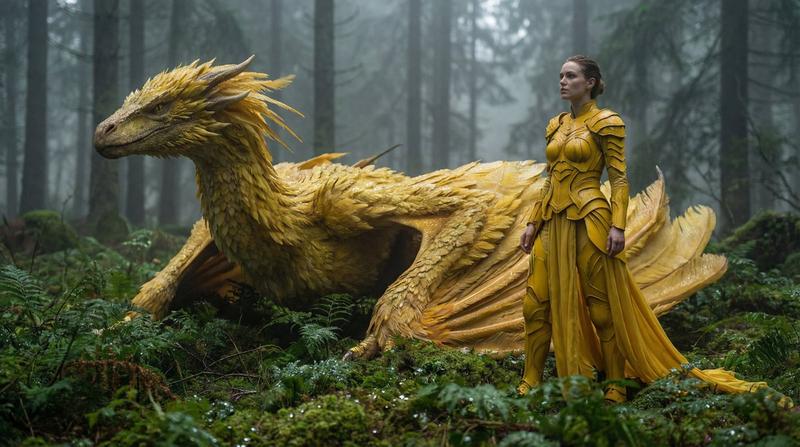
Create a cinematic photorealistic fantasy scene at golden hour: a young man with a deliberately blurred square over his face sits cross-legged in a grassy meadow on a hilltop, wearing a {argument name="shirt color" default="dark navy blue"} long-sleeve button-up shirt, dark pants, white sneakers, and a small red wristband. He gently reaches out with one hand to touch the snout of a large {argument name="dragon color" default="red"} dragon standing beside him. The dragon has realistic detailed scales, expressive eyes, curved horns, facial spikes, a long arched neck, beige underbelly plates, sharp claws, and one partially visible leathery wing glowing with warm backlight. The mood is peaceful and trusting, like a quiet bond between human and dragon. Set the scene in {argument name="setting" default="a mountain meadow"} with layered distant mountains, soft haze, wild grass in the foreground, scattered glowing clouds, and the low sun near the horizon behind them. Use dramatic warm sunset lighting, rim light around the dragon, shallow depth of field, high-detail fantasy realism, natural proportions, cinematic composition, 16:9 landscape framing, ultra-detailed textures, and a serene magical atmosphere.
Category
Photography & Realism
Model
GPT Image 2
Creator
PARAM
Views3
Source ID
19497
Published
May 10, 2026

Guide

About "男子在日落时分与红龙建立羁绊"

What is this prompt for?

"男子在日落时分与红龙建立羁绊" AI image prompt for GPT Image 2 (Photography & Realism). 生成一幅电影级写实风格的奇幻场景,描绘一个人在温暖的山间日落景观中平静地触摸龙的画面。 Copy it on Picva and recreate the look in…

The full copyable prompt and example visuals above are ready for AI image generation or one-click recreate in Picva.

How to use this prompt

  1. Step 1

    Open the prompt detail

    Review the example visuals, category, and full prompt text for "男子在日落时分与红龙建立羁绊".

  2. Step 2

    Copy the prompt

    Copy the prompt body from this page, or load it directly in Studio.

  3. Step 3

    Pick a model (GPT Image 2)

    Prefer GPT Image 2. If you switch models, keep subject and composition and tweak style terms.

  4. Step 4

    Generate and export

    Recreate the look in Picva, or export into your workflow for editing and publishing.

FAQ

What is the "男子在日落时分与红龙建立羁绊" prompt?
It is an AI image-generation prompt for GPT Image 2 in the Photography & Realism category. This page includes the full prompt text, example visuals, and a one-click recreate path in Picva.
How do I use this prompt to generate an image?
Copy the prompt from this page, or use Generate / Studio. Paste it into a compatible image model, or recreate the look in Picva with optional reference images.
Which model is this prompt for?
This page lists GPT Image 2. Most descriptive prompts also transfer to nearby image models such as GPT Image, Flux, or Midjourney with light style tweaks.
Can I use the result commercially?
You can usually copy the prompt for creation, but commercial use of the final image depends on the model terms, reference-image rights, and the generated content. Follow the source author and platform rules.