14

拉班舞谱转 4 拍动作展示图
Enlarge

拉班舞谱转 4 拍动作展示图

Prompt
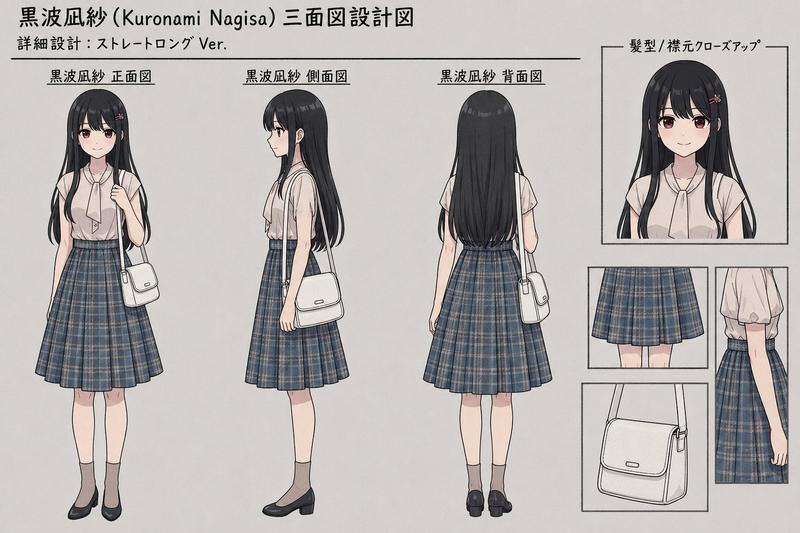
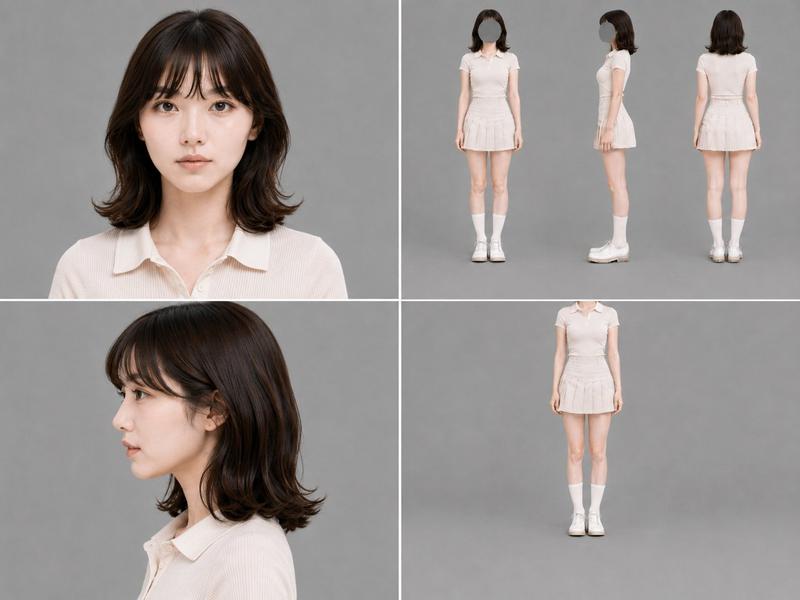
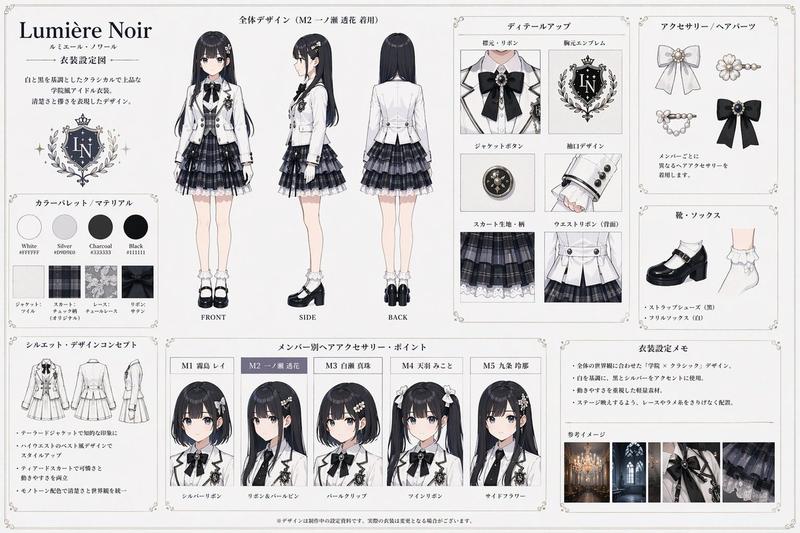
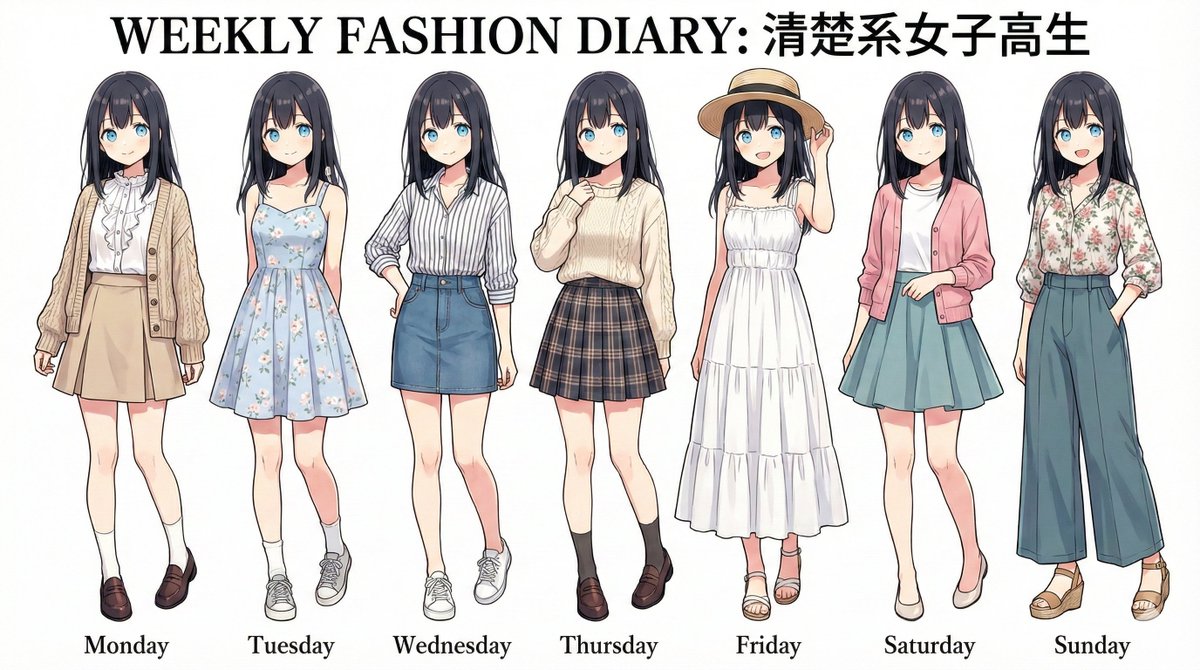
Using the provided reference image as a Labanotation-style dance score, interpret the 4-beat movement phrase and convert it into a pose-control character sheet. Create exactly 4 full-body panels arranged in a clean 2×2 grid on a plain white studio background, showing the same character performing the pose for each beat. Add bold Japanese beat labels in the upper-left of each panel: "1拍目", "2拍目", "3拍目", and "4拍目". Use a photorealistic young female model wearing a {argument name="outfit" default="white school-uniform blazer, black bow tie, gray plaid skirt, white socks, and black Mary Jane shoes"}, with {argument name="hairstyle" default="black twin tails"}. Translate the notation into these four poses: beat 1: standing on one leg with one arm raised straight upward and the opposite leg bent back; beat 2: one arm raised upward, body angled slightly, one knee lifted and crossed in front; beat 3: standing front-facing with both arms extended horizontally to the sides; beat 4: standing front-facing with both hands held together near the chest. Keep the character consistent across all four panels, use soft even lighting, minimal shadows, and a simple catalog-like dance reference layout.
Category
Photography & Realism
Model
GPT Image 2
Creator
WTR
Views5
Source ID
19518
Published
May 10, 2026

Guide

About "拉班舞谱转 4 拍动作展示图"

What is this prompt for?

"拉班舞谱转 4 拍动作展示图" AI image prompt for GPT Image 2 (Photography & Realism). 通过解读拉班舞谱(Labanotation)的舞蹈动作,将其转化为四格角色动作展示图。 Copy it on Picva and recreate the look in…

The full copyable prompt and example visuals above are ready for AI image generation or one-click recreate in Picva.

How to use this prompt

  1. Step 1

    Open the prompt detail

    Review the example visuals, category, and full prompt text for "拉班舞谱转 4 拍动作展示图".

  2. Step 2

    Copy the prompt

    Copy the prompt body from this page, or load it directly in Studio.

  3. Step 3

    Pick a model (GPT Image 2)

    Prefer GPT Image 2. If you switch models, keep subject and composition and tweak style terms.

  4. Step 4

    Generate and export

    Recreate the look in Picva, or export into your workflow for editing and publishing.

FAQ

What is the "拉班舞谱转 4 拍动作展示图" prompt?
It is an AI image-generation prompt for GPT Image 2 in the Photography & Realism category. This page includes the full prompt text, example visuals, and a one-click recreate path in Picva.
How do I use this prompt to generate an image?
Copy the prompt from this page, or use Generate / Studio. Paste it into a compatible image model, or recreate the look in Picva with optional reference images.
Which model is this prompt for?
This page lists GPT Image 2. Most descriptive prompts also transfer to nearby image models such as GPT Image, Flux, or Midjourney with light style tweaks.
Can I use the result commercially?
You can usually copy the prompt for creation, but commercial use of the final image depends on the model terms, reference-image rights, and the generated content. Follow the source author and platform rules.