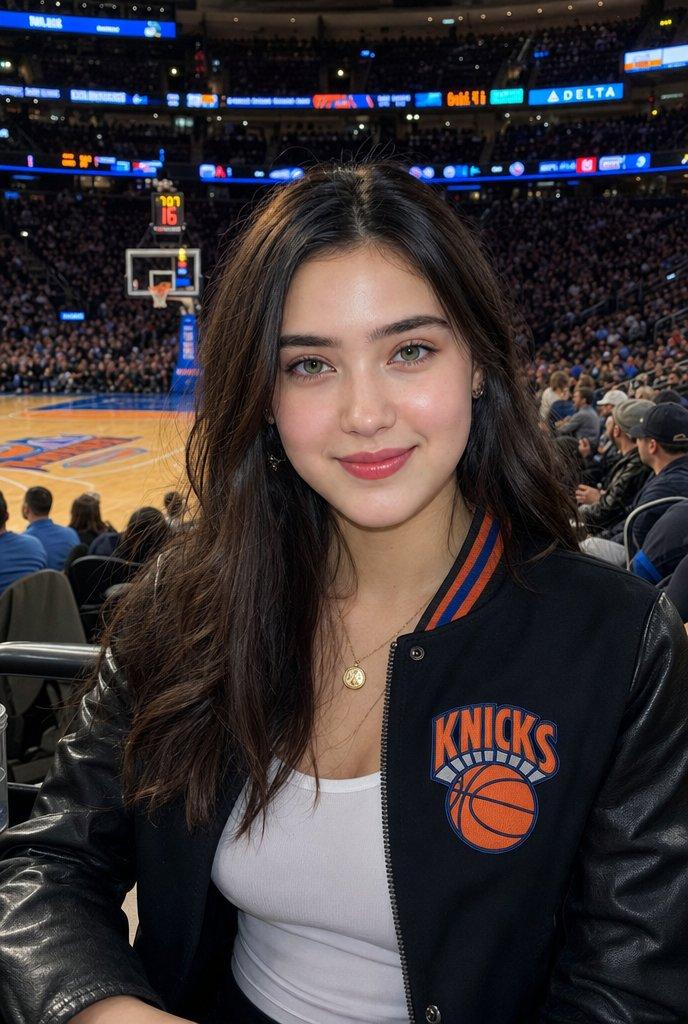
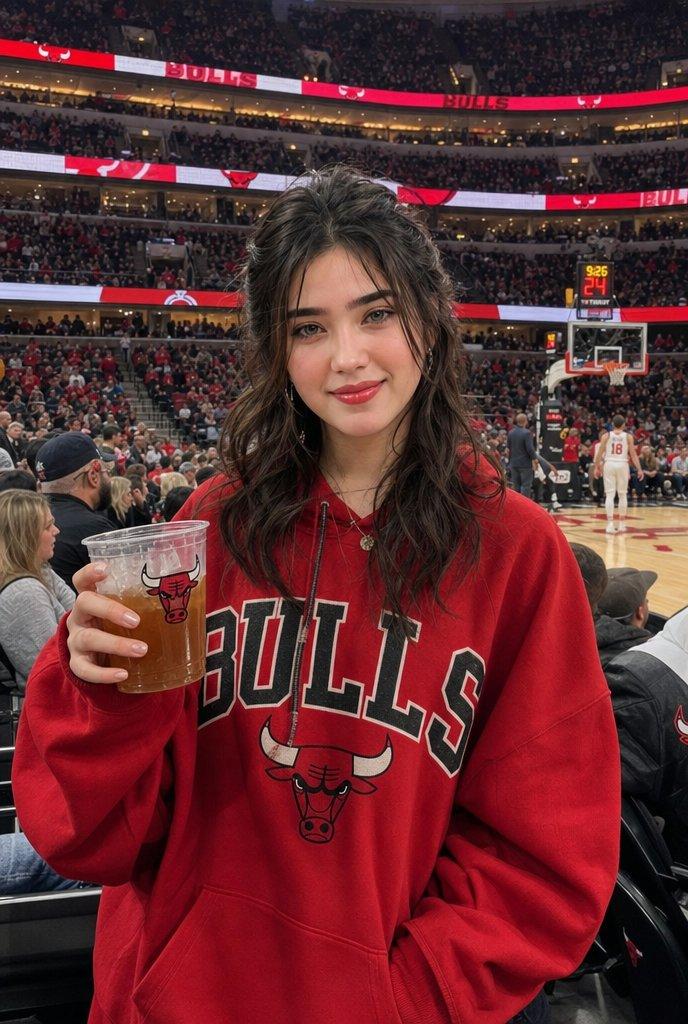
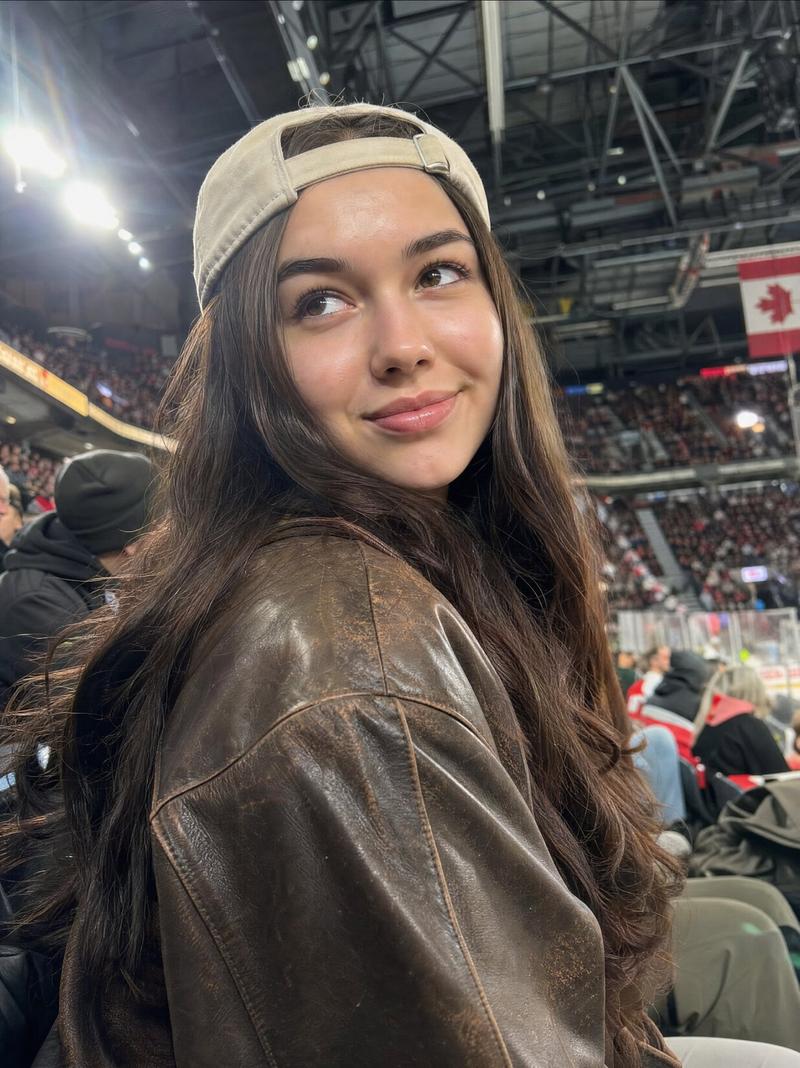
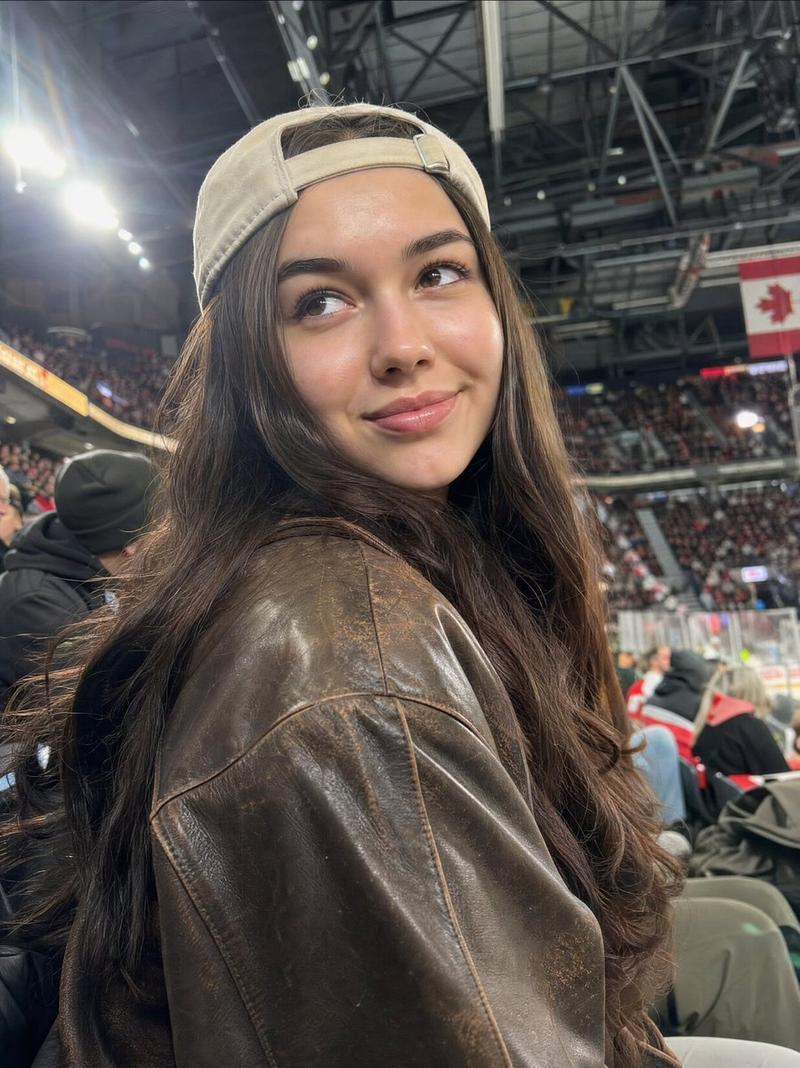
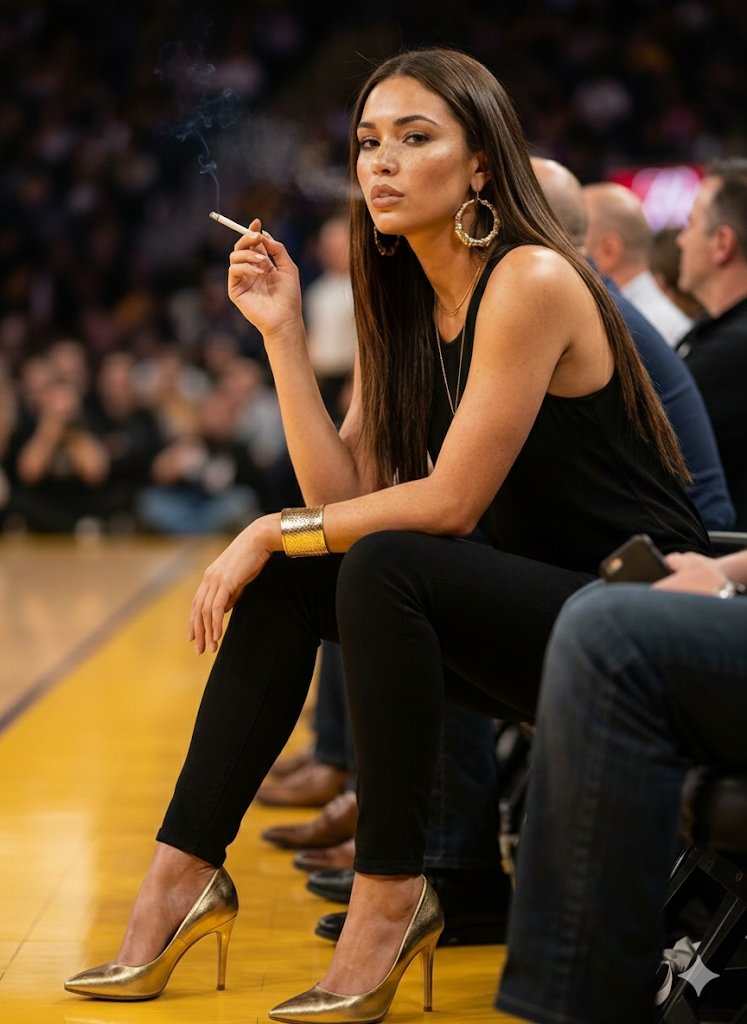
NBA 场边转播截图
Prompt
{"type":"realistic NBA broadcast screenshot photo","scene":"courtside crowd at a packed professional basketball arena during a live game, wide 16:9 TV broadcast frame, shallow depth of field, crisp sports photography, bright arena lighting, blue LED ribbon boards and blurred spectators in the background, hardwood court visible on the right with distant players in white and blue uniforms","main_subject":{"description":"a glamorous female courtside fan seated in the front row, centered slightly right, leaning forward toward the camera with confident celebrity-like presence","face":"intentionally obscured by one large opaque pixelated blur rectangle over the entire face for anonymized viral-template style","hair":"{argument name=\"hair color and style\" default=\"long glossy black wavy hair parted near the middle\"}","outfit":"{argument name=\"main subject outfit\" default=\"off-shoulder white top with thin straps, delicate layered necklace, bare shoulders\"}","pose":"seated close to camera, shoulders angled, relaxed courtside posture"},"surrounding_people":{"count":7,"description":"seven visible nearby spectators also anonymized with soft rectangular blur blocks over their faces","people":["left edge man in black Clippers hoodie, cropped face partly visible","rear-left standing fan in white shirt with large face blur","small rear-left fan wearing blue LA cap with vertical face blur","middle-left spectator in white shirt with small face blur","right-middle spectator behind main subject with small face blur","right-front man in black LA Clippers Basketball shirt and dark cap with face blur","far-right partial spectator with small face blur"]},"broadcast_graphics":{"count":4,"components":[{"position":"top-left","description":"NBA/TNT scoreboard overlay with two teams and game clock","visible_text":["GSW","68","LAC","80","3:21","3RD","24","TNT"]},{"position":"top-right","description":"network watermark","visible_text":["SPECTRUM","SPORTSNET","LIVE"]},{"position":"bottom-left to bottom-center","description":"social media lower-third ticker bar with Twitter icon, handle, caption, fire and raised-hands emojis, and hashtag","visible_text":["@BballFanatic24","She’s locked in! Best courtside energy 🔥🙌 #ClipperNation"]},{"position":"bottom-right","description":"camera recording HUD label with corner brackets and red recording dot","visible_text":["CAM 02","REC"]}]},"sports_context":{"teams":"{argument name=\"teams on scoreboard\" default=\"GSW vs LAC\"}","score":"{argument name=\"score and clock\" default=\"GSW 68, LAC 80, 3:21 remaining in 3rd quarter, 24 shot clock\"}","arena_details":"Los Angeles Clippers courtside atmosphere, black Clippers hoodies, towels stacked near seats, packed crowd, broadcast camera angle as if from sideline media row"},"style":"hyper-realistic candid TV sports broadcast still, authentic NBA arena atmosphere, high-resolution photojournalism, realistic skin tones and fabric textures, slight motion blur in distant background, dramatic courtside perspective, viral social-media sports screenshot aesthetic","composition":"main subject dominates foreground center, scoreboard in upper left, watermark in upper right, lower-third caption spans the bottom, REC overlay at lower right, court and players recede into background on the right","negative_prompt":"no illustration, no cartoon, no fantasy uniforms, no extra limbs, no distorted hands, no readable brand errors beyond broadcast overlays, no unblurred faces for background spectators"}- Category
- Charts & Infographics
- Model
- GPT Image 2
- Creator
- DanFei
- Source ID
- 19525
- Published
- May 10, 2026
Views2