17

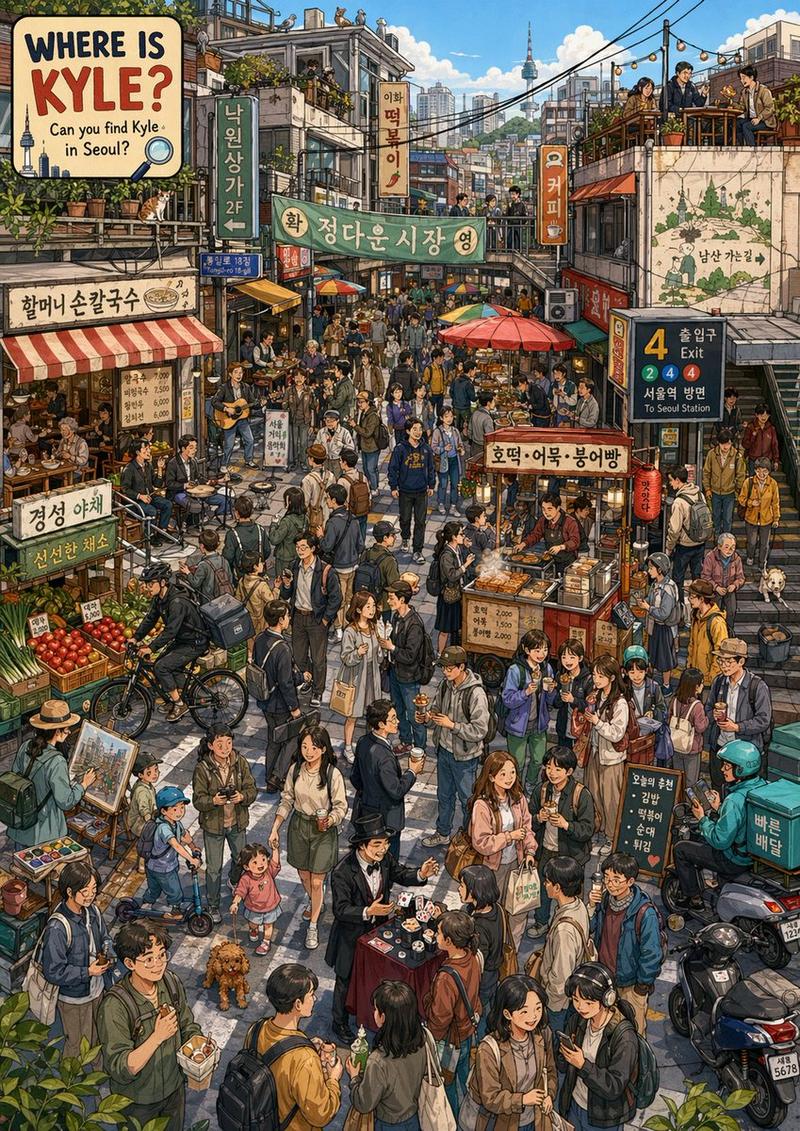
水彩旅行海报
Enlarge

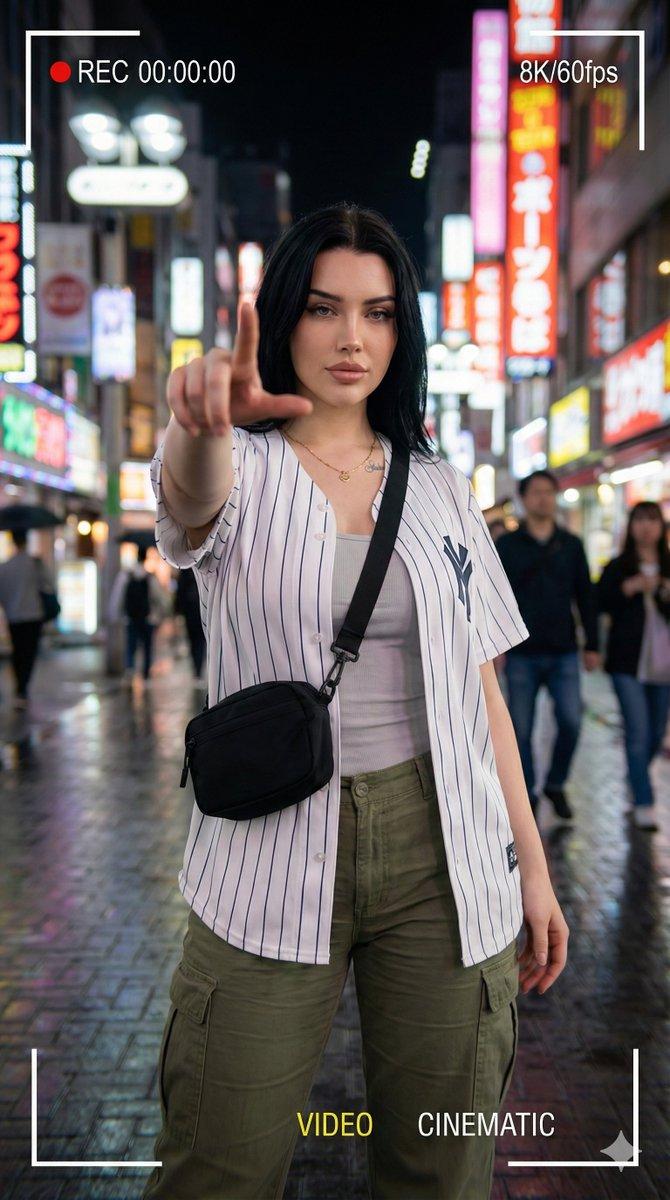
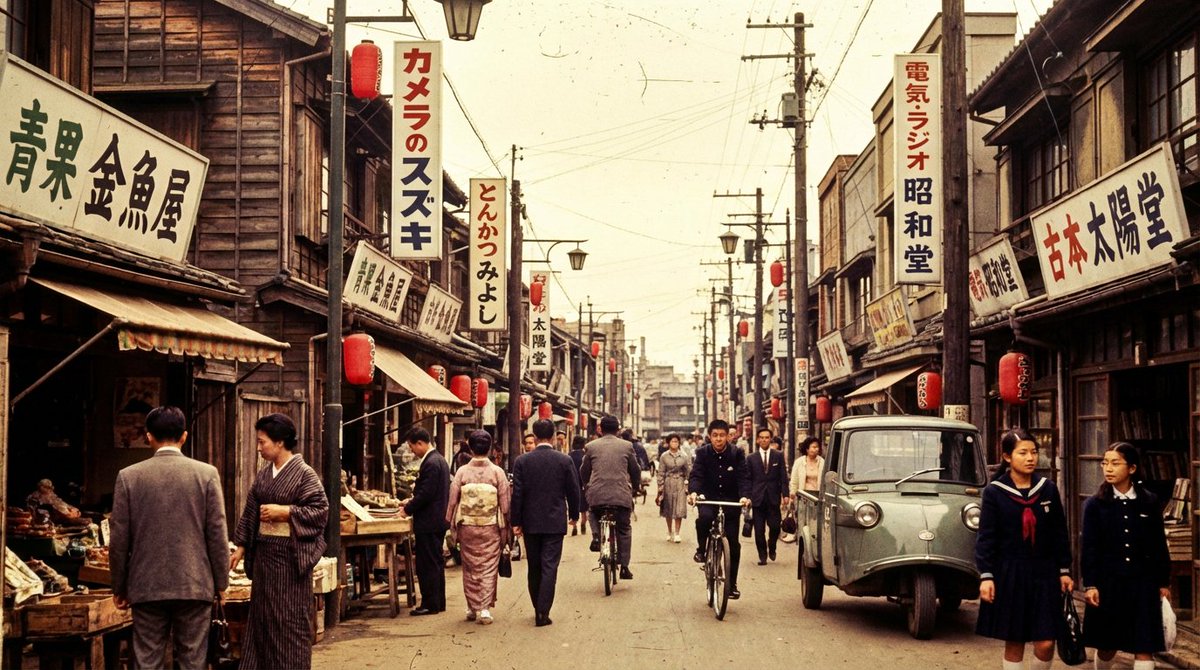
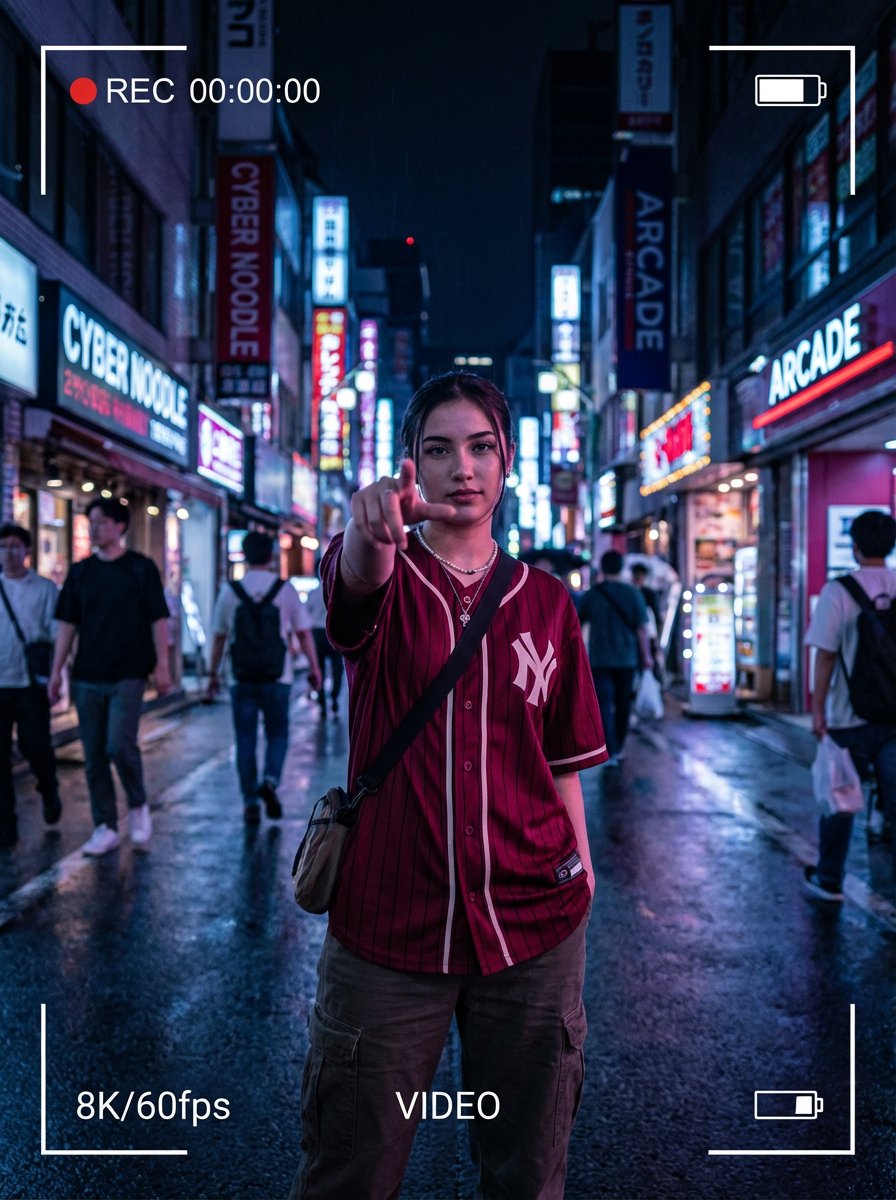
Example images

水彩旅行海报

Prompt
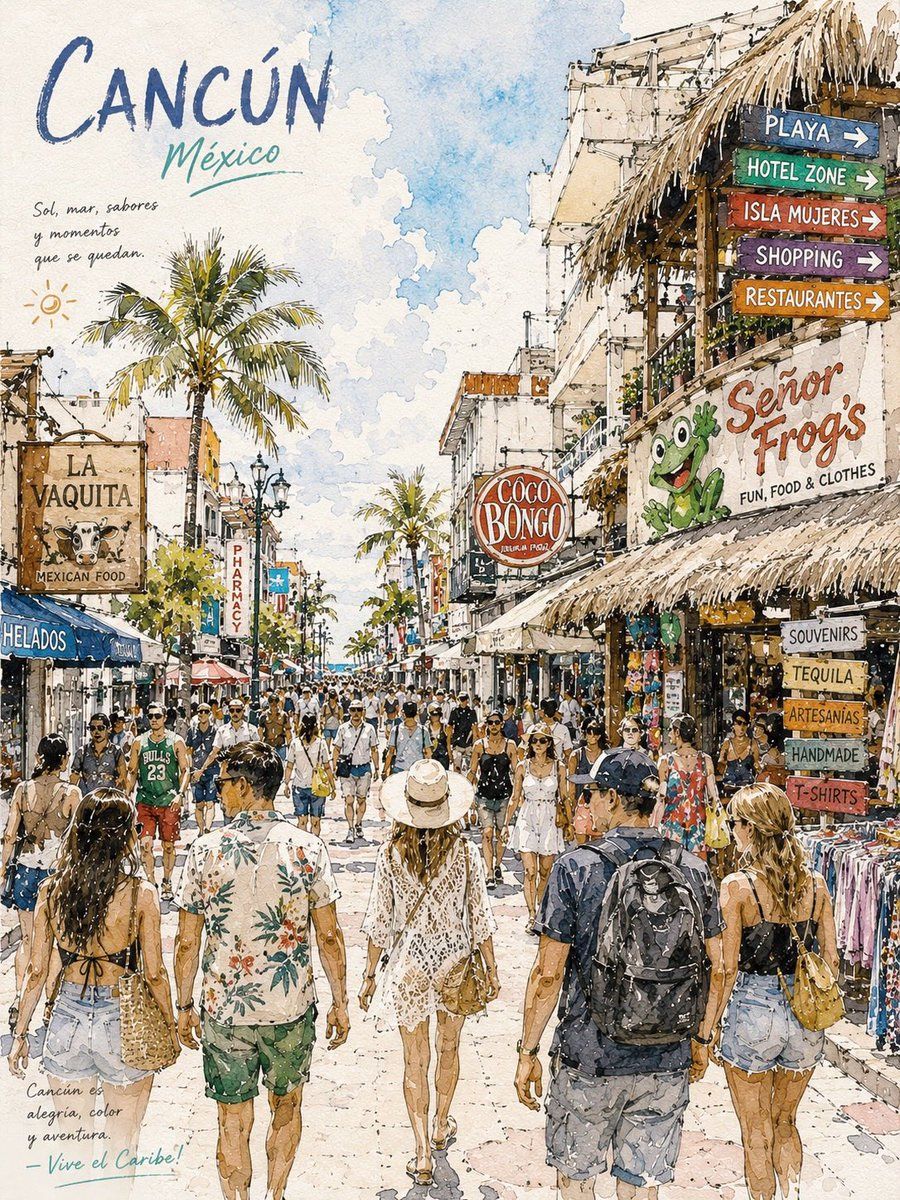
Watercolor travel poster illustration of {argument name="city name" default="Cancun"} busy tropical street scene in the Hotel Zone, sunny Caribbean atmosphere, tourists walking through colorful market street, palm trees lining the road, straw roof shops, vibrant hand painted signboards, “Señor Frog’s”, “Coco Bongo”, Mexican souvenir stores, beachwear shops, restaurants and tequila signs, soft watercolor texture, ink sketch outlines, warm pastel palette, blue sky with fluffy clouds, lively vacation mood, highly detailed urban travel art, loose brush strokes, textured paper background, cinematic composition, travel postcard aesthetic, realistic crowd perspective, summer holiday vibe, handcrafted watercolor illustration style, ultra detailed, airy lighting, artistic tourism poster design.
Category
Posters & Typography
Model
GPT Image 2
Creator
K
Views4
Source ID
19639
Published
May 11, 2026

Guide

About "水彩旅行海报"

What is this prompt for?

"水彩旅行海报" AI image prompt for GPT Image 2 (Posters & Typography). 生成充满活力的水彩旅行海报,展现细腻的城市街景,结合墨线勾勒与温暖的柔和色调。 Copy it on Picva and recreate the look in one click.

The full copyable prompt and example visuals above are ready for AI image generation or one-click recreate in Picva.

How to use this prompt

  1. Step 1

    Open the prompt detail

    Review the example visuals, category, and full prompt text for "水彩旅行海报".

  2. Step 2

    Copy the prompt

    Copy the prompt body from this page, or load it directly in Studio.

  3. Step 3

    Pick a model (GPT Image 2)

    Prefer GPT Image 2. If you switch models, keep subject and composition and tweak style terms.

  4. Step 4

    Generate and export

    Recreate the look in Picva, or export into your workflow for editing and publishing.

FAQ

What is the "水彩旅行海报" prompt?
It is an AI image-generation prompt for GPT Image 2 in the Posters & Typography category. This page includes the full prompt text, example visuals, and a one-click recreate path in Picva.
How do I use this prompt to generate an image?
Copy the prompt from this page, or use Generate / Studio. Paste it into a compatible image model, or recreate the look in Picva with optional reference images.
Which model is this prompt for?
This page lists GPT Image 2. Most descriptive prompts also transfer to nearby image models such as GPT Image, Flux, or Midjourney with light style tweaks.
Can I use the result commercially?
You can usually copy the prompt for creation, but commercial use of the final image depends on the model terms, reference-image rights, and the generated content. Follow the source author and platform rules.