18

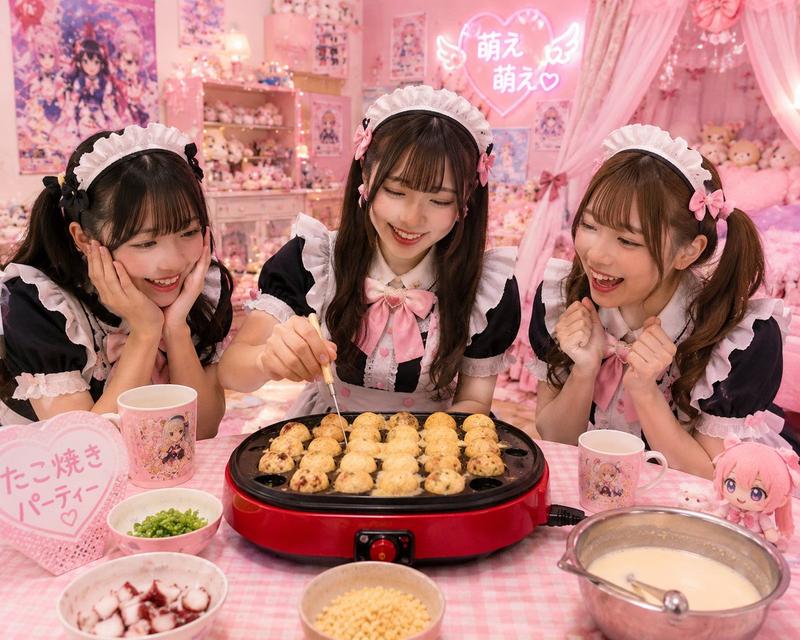
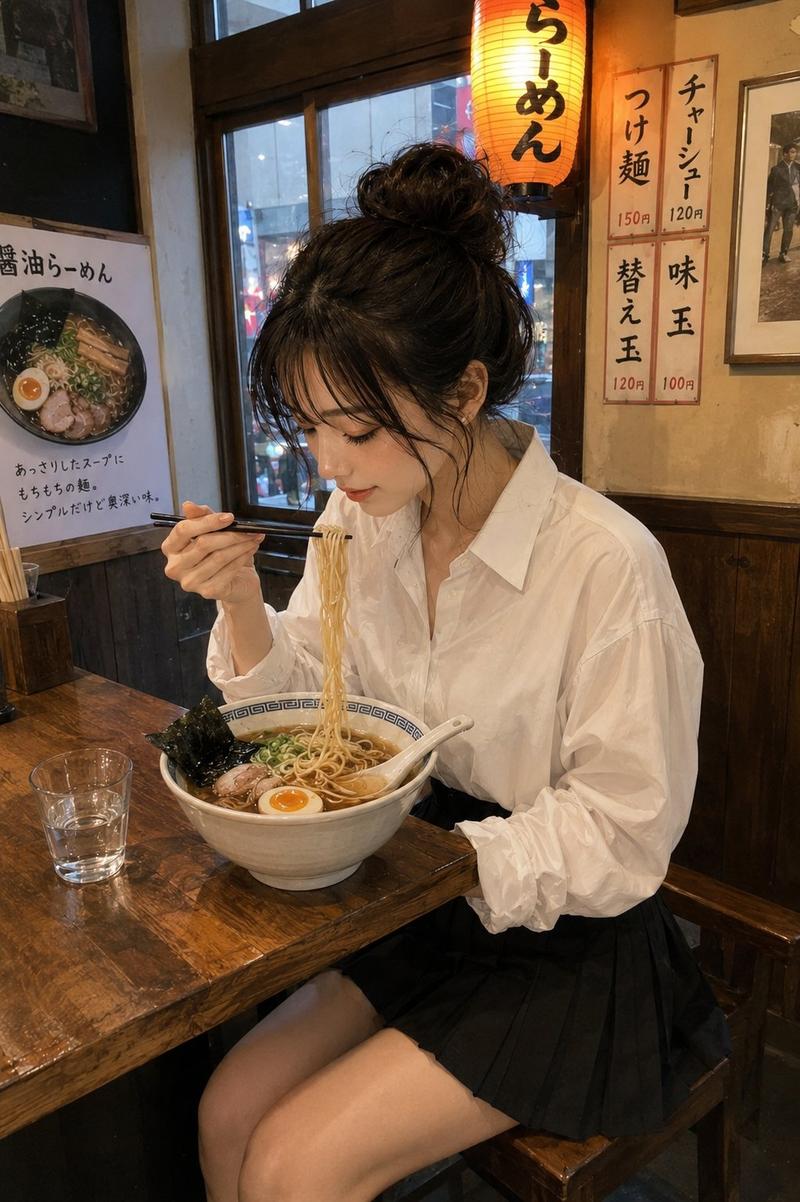
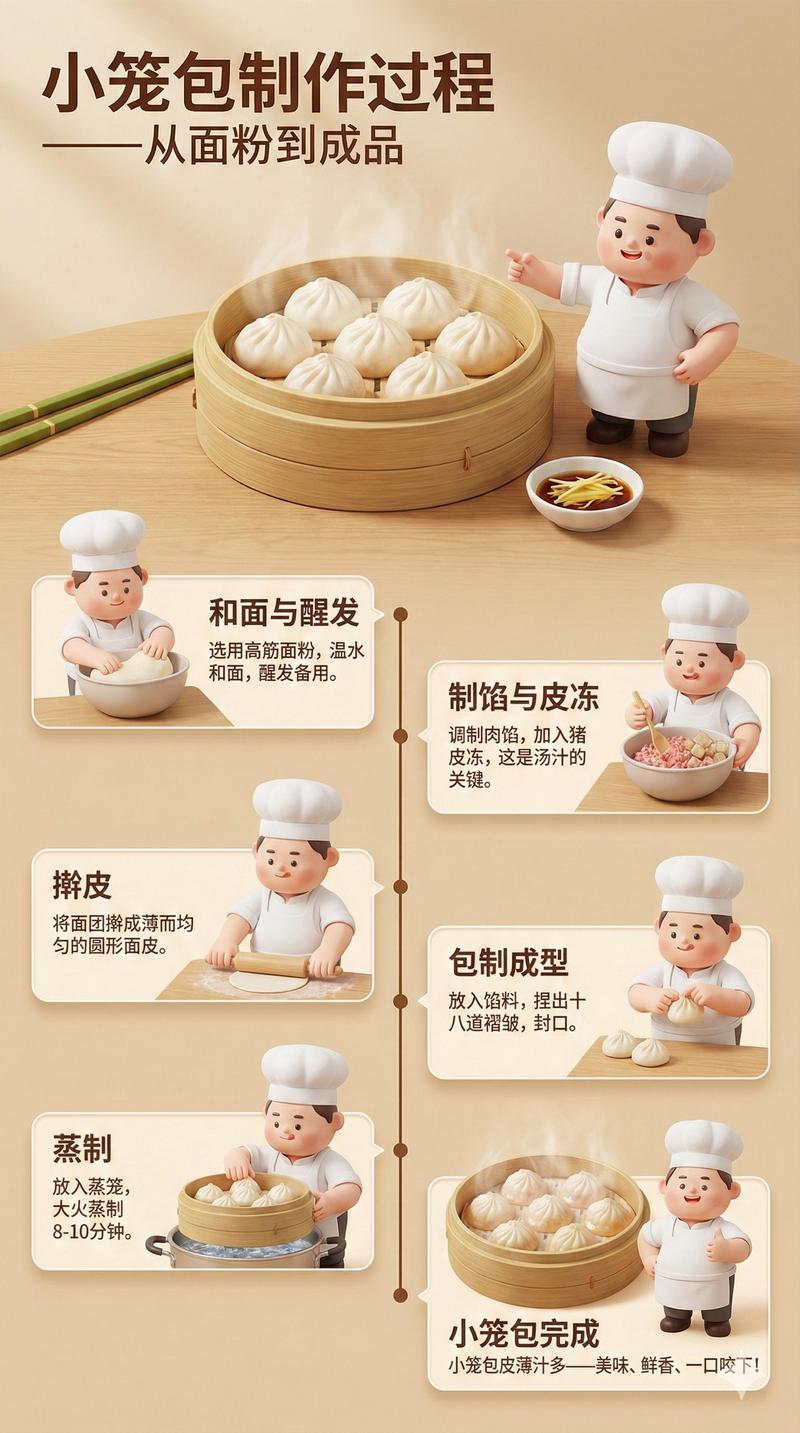
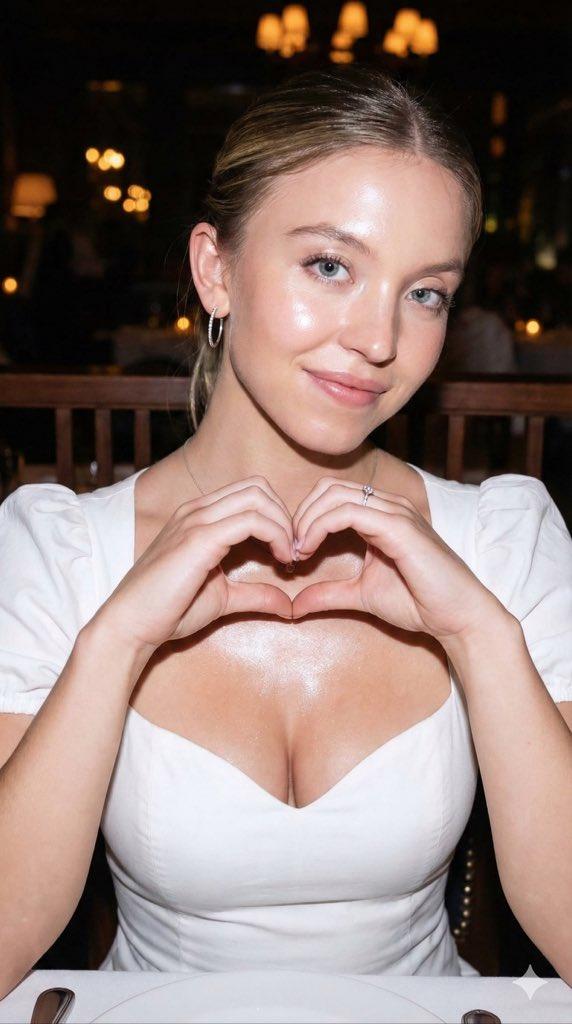
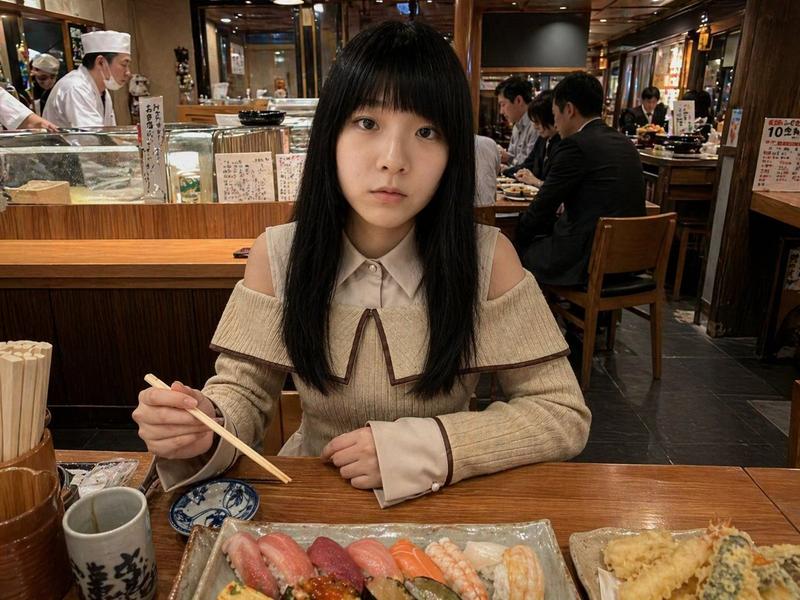
逼真的 LEGO 食物微缩模型
Enlarge

Example images

逼真的 LEGO 食物微缩模型

Prompt
Transform only the {argument name="target object" default="food items"} in the image into tiny {argument name="style" default="LEGO-style miniature sculptures"} while keeping everything else completely unchanged and realistic. Preserve the original composition, lighting, camera angle, perspective, background, hands, table, people, utensils, and environment exactly as they are. The food should appear rebuilt from authentic LEGO bricks and pieces: visible studs, blocky geometry, plastic texture, tiny LEGO tiles, rounded brick edges, and miniature construction details. Keep the food instantly recognizable while translating it into a highly detailed LEGO miniature aesthetic. The LEGO food should match the original food’s colors, proportions, toppings, and arrangement. Maintain realistic shadows, reflections, depth of field, and interaction with the environment so the LEGO food feels naturally placed inside the real photograph. The contrast between the realistic world and the giant LEGO food sculptures should feel playful, surreal, and highly believable. Add 3-4 big {argument name="extras" default="emojis"} to the picture.
Category
Charts & Infographics
Model
GPT Image 2
Views3
Source ID
19689
Published
May 11, 2026

Guide

About "逼真的 LEGO 食物微缩模型"

What is this prompt for?

"逼真的 LEGO 食物微缩模型" AI image prompt for GPT Image 2 (Charts & Infographics). 一个专门用于将照片中的特定食物转化为 LEGO 积木,同时保持照片级真实环境和透视效果的提示词。 Copy it on Picva and recreate the l…

The full copyable prompt and example visuals above are ready for AI image generation or one-click recreate in Picva.

How to use this prompt

  1. Step 1

    Open the prompt detail

    Review the example visuals, category, and full prompt text for "逼真的 LEGO 食物微缩模型".

  2. Step 2

    Copy the prompt

    Copy the prompt body from this page, or load it directly in Studio.

  3. Step 3

    Pick a model (GPT Image 2)

    Prefer GPT Image 2. If you switch models, keep subject and composition and tweak style terms.

  4. Step 4

    Generate and export

    Recreate the look in Picva, or export into your workflow for editing and publishing.

FAQ

What is the "逼真的 LEGO 食物微缩模型" prompt?
It is an AI image-generation prompt for GPT Image 2 in the Charts & Infographics category. This page includes the full prompt text, example visuals, and a one-click recreate path in Picva.
How do I use this prompt to generate an image?
Copy the prompt from this page, or use Generate / Studio. Paste it into a compatible image model, or recreate the look in Picva with optional reference images.
Which model is this prompt for?
This page lists GPT Image 2. Most descriptive prompts also transfer to nearby image models such as GPT Image, Flux, or Midjourney with light style tweaks.
Can I use the result commercially?
You can usually copy the prompt for creation, but commercial use of the final image depends on the model terms, reference-image rights, and the generated content. Follow the source author and platform rules.