14

动漫工作室摄影风格转换
Enlarge

动漫工作室摄影风格转换

Prompt
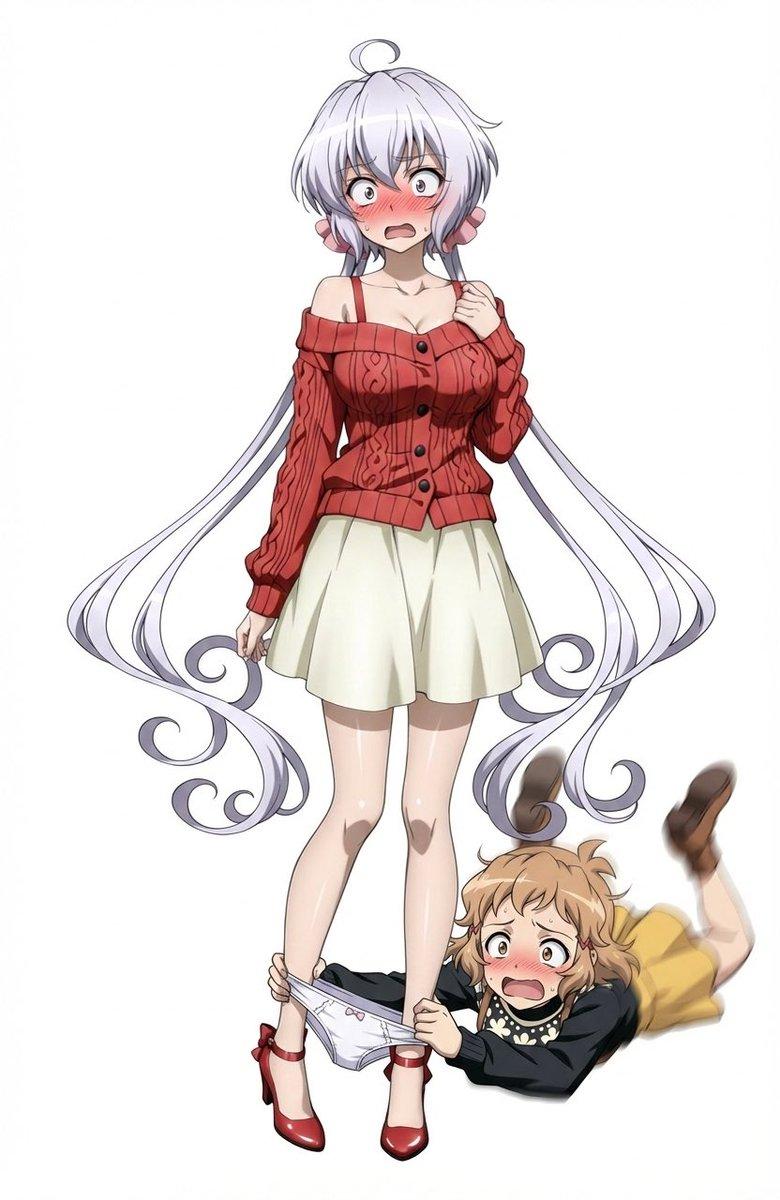
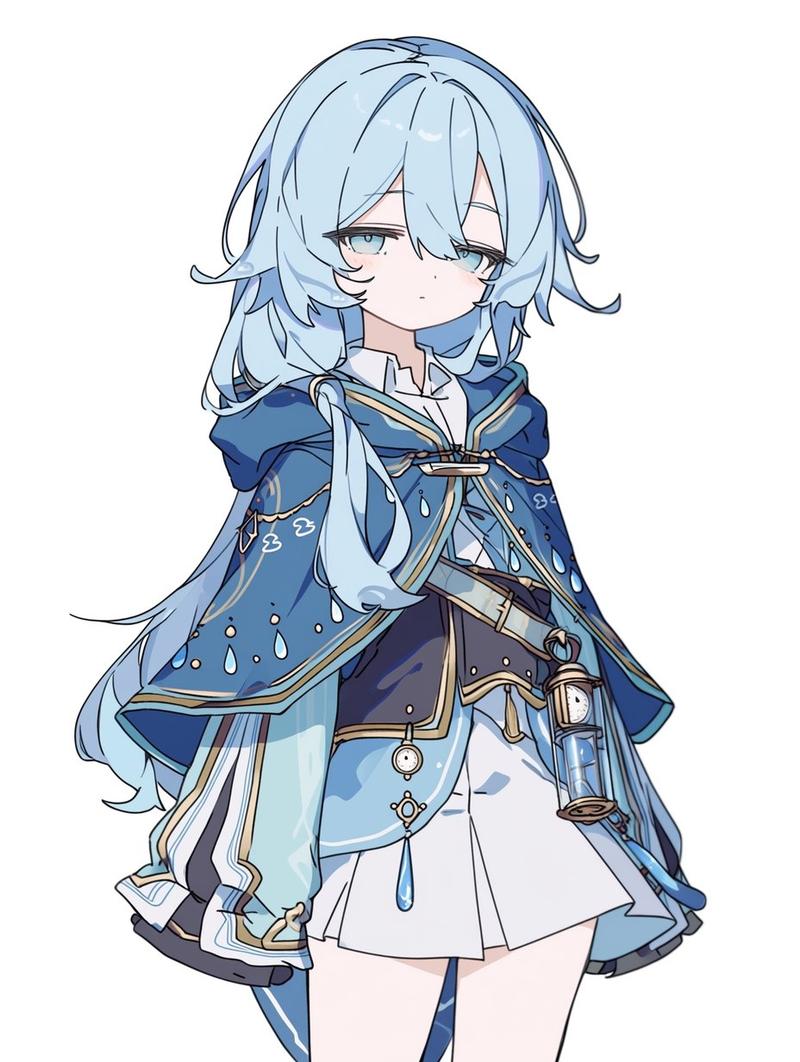
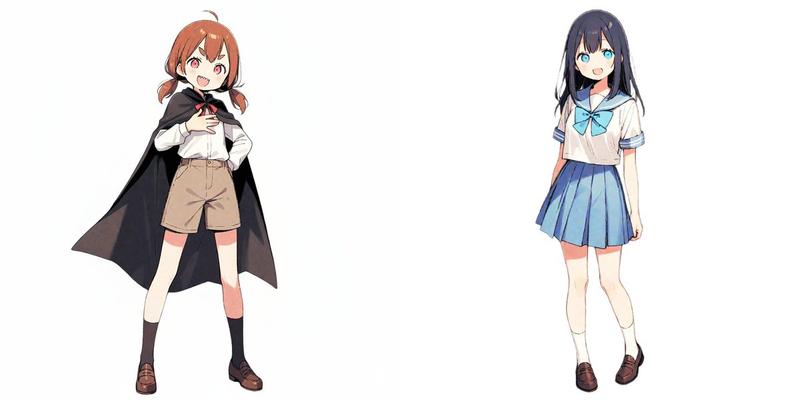
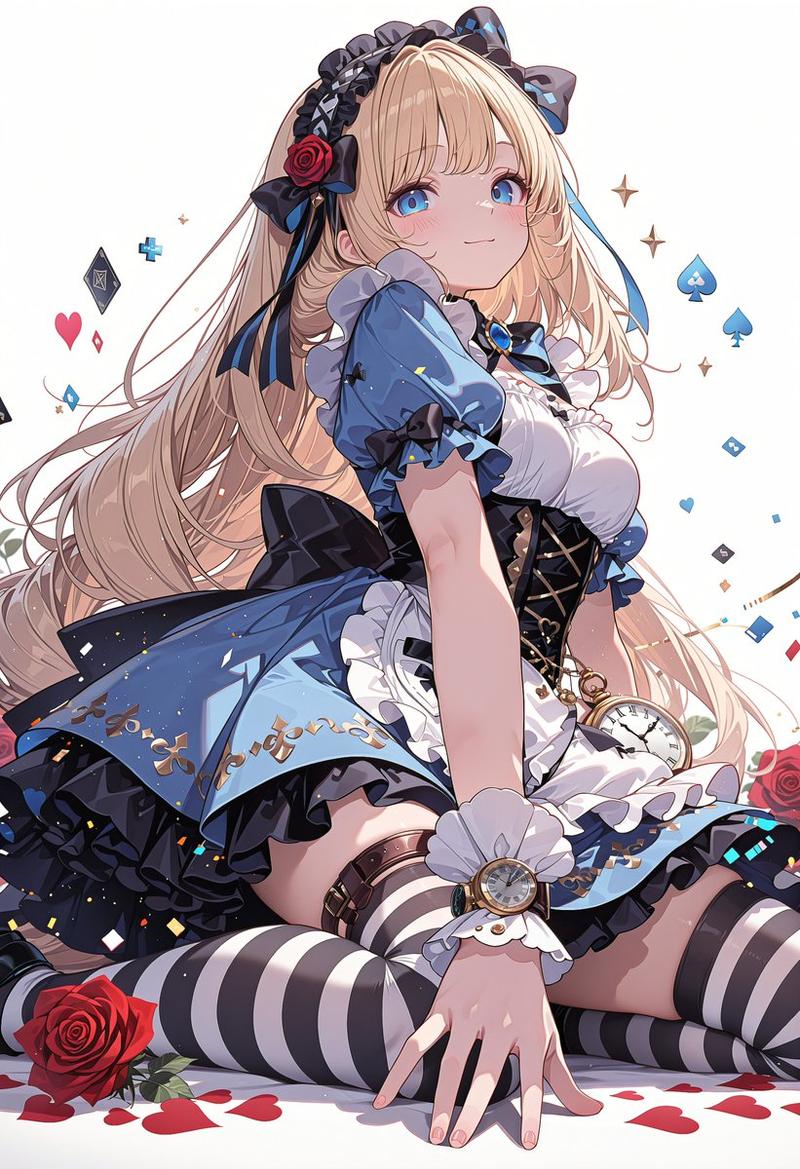
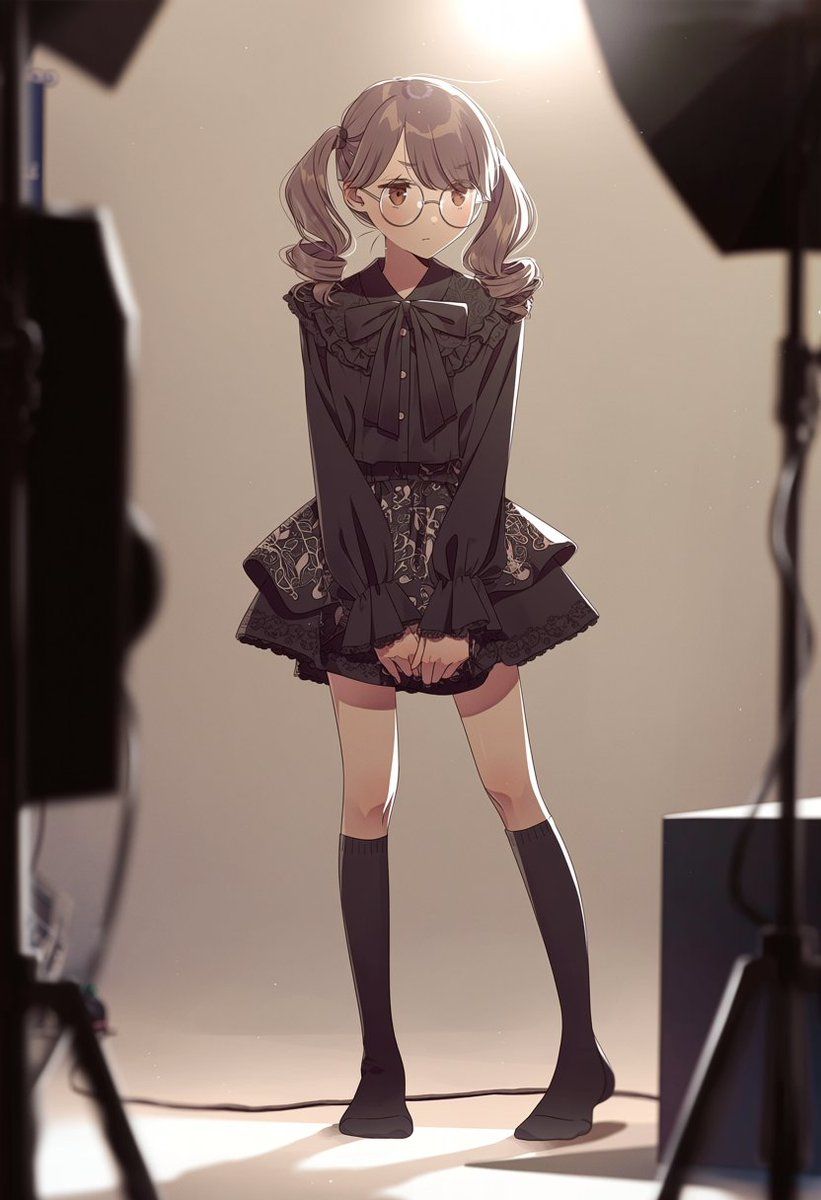
Using REFERENCE_0 as a loose source for the vertical composition and bright high backlight, transform the scene into a warm anime-style behind-the-scenes fashion studio photoshoot. Remove the stairwell, window, handrail, floor numbering, tactile paving, and wall fixtures. Add exactly 1 full-body anime girl centered in frame, standing shyly with knees slightly inward and hands clasped in front, wearing {argument name="outfit style" default="a black gothic-lolita blouse with a large bow, ruffled collar, ornate short skirt, and knee-high socks"}. Give her {argument name="hair style" default="soft twin ponytails"} and {argument name="accessory" default="round glasses"}. Add exactly 4 visible studio-production elements around the edges: 1 dark blurred lighting/camera rig on the left foreground, 1 black softbox at the upper right, 1 light stand on the right, and 1 rectangular equipment block at the lower right. Keep the background simple beige, with strong warm overhead spotlight glow, rim light, soft shadows on the floor, shallow depth of field, and cinematic anime illustration rendering.
Category
Posters & Typography
Model
GPT Image 2
Views4
Source ID
19740
Published
May 11, 2026

Guide

About "动漫工作室摄影风格转换"

What is this prompt for?

"动漫工作室摄影风格转换" AI image prompt for GPT Image 2 (Posters & Typography). 将参考照片转换为温馨的动漫时尚摄影场景,包含居中人物及可见的摄影棚灯光设备。 Copy it on Picva and recreate the look in one clic…

The full copyable prompt and example visuals above are ready for AI image generation or one-click recreate in Picva.

How to use this prompt

  1. Step 1

    Open the prompt detail

    Review the example visuals, category, and full prompt text for "动漫工作室摄影风格转换".

  2. Step 2

    Copy the prompt

    Copy the prompt body from this page, or load it directly in Studio.

  3. Step 3

    Pick a model (GPT Image 2)

    Prefer GPT Image 2. If you switch models, keep subject and composition and tweak style terms.

  4. Step 4

    Generate and export

    Recreate the look in Picva, or export into your workflow for editing and publishing.

FAQ

What is the "动漫工作室摄影风格转换" prompt?
It is an AI image-generation prompt for GPT Image 2 in the Posters & Typography category. This page includes the full prompt text, example visuals, and a one-click recreate path in Picva.
How do I use this prompt to generate an image?
Copy the prompt from this page, or use Generate / Studio. Paste it into a compatible image model, or recreate the look in Picva with optional reference images.
Which model is this prompt for?
This page lists GPT Image 2. Most descriptive prompts also transfer to nearby image models such as GPT Image, Flux, or Midjourney with light style tweaks.
Can I use the result commercially?
You can usually copy the prompt for creation, but commercial use of the final image depends on the model terms, reference-image rights, and the generated content. Follow the source author and platform rules.