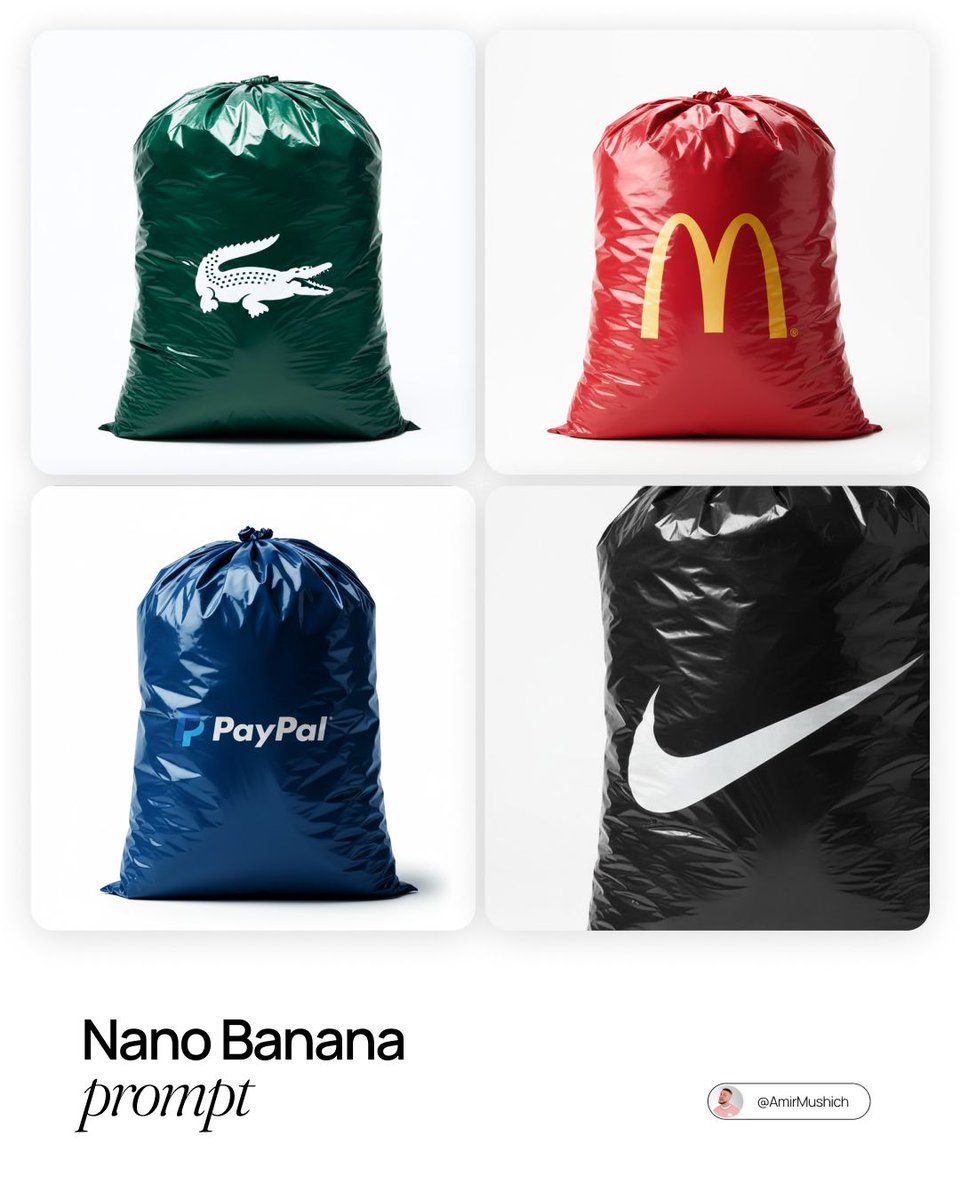
定制品牌黑色垃圾袋
Prompt
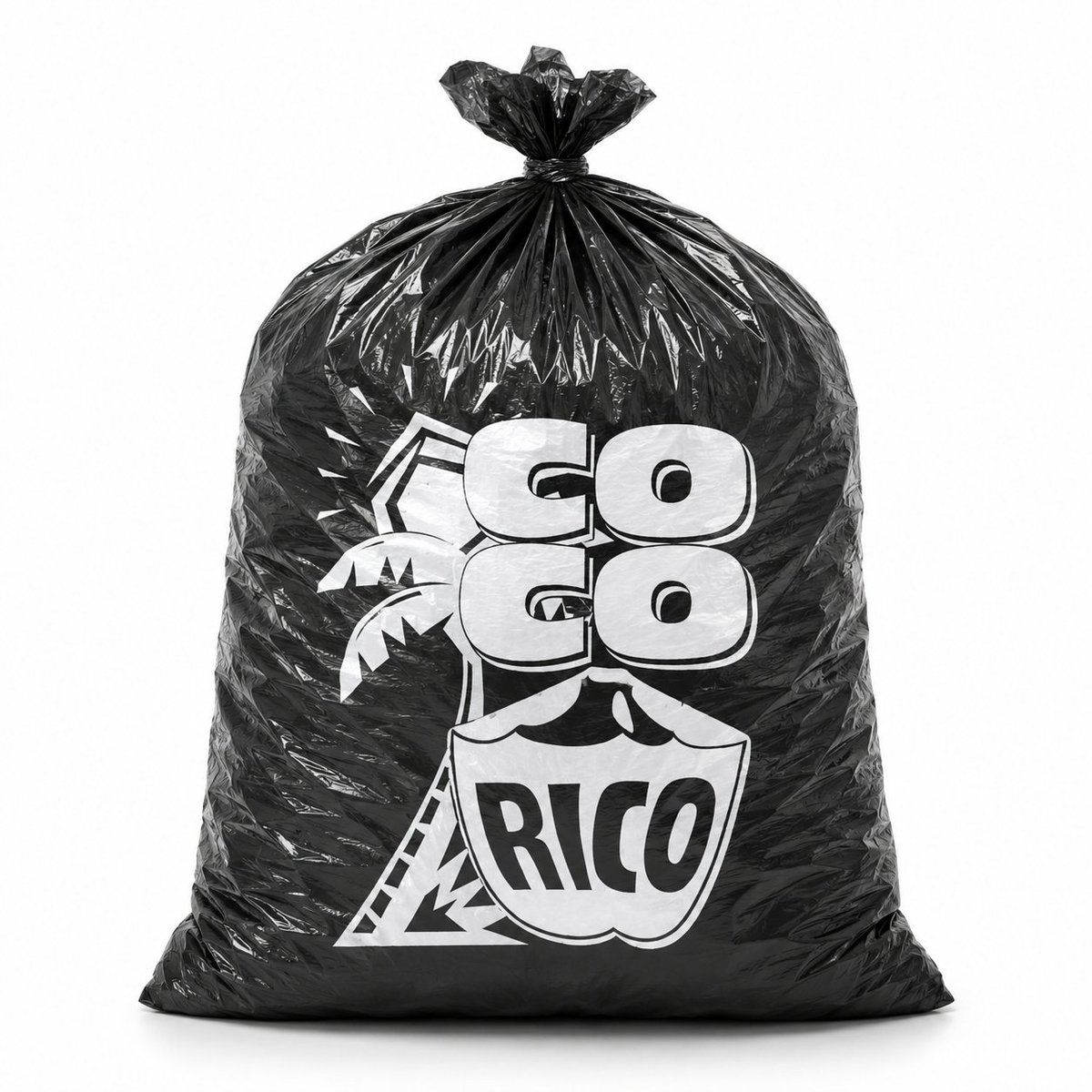
Create a photorealistic studio product shot of a single large black plastic garbage bag standing upright on a clean white seamless background. The bag is overfilled into a rounded rectangular sack shape with a flat heavy base, glossy crinkled polyethylene texture, sharp specular highlights, many wrinkles and folds, and the top gathered tightly and tied into a small knotted tuft. Centered on the front is a bold white custom printed logo: the words {argument name="brand text" default="GO GO RICO"} in chunky rounded block letters, arranged as two stacked “GO” words above a shield-shaped badge containing “RICO”; include a simple tropical palm tree graphic and angular geometric outline behind the lettering. Make the print look like real white ink on black plastic, slightly distorted by the wrinkles and bag curvature. Use front-facing composition, full bag visible, soft studio lighting, subtle floor shadow, high contrast black-and-white branding, minimal commercial mockup style, no extra objects, no people.- Category
- Charts & Infographics
- Model
- GPT Image 2
- Creator
- Henry M. | IA Práctica
- Source ID
- 19759
- Published
- May 11, 2026
Views4

![[brand name], minimalist studio product photo, single black plastic bag tied at](https://i.pixshop.app/storage/v1/render/image/public/prompt-source-media/promptsref/work-373/image-1-0e45b769c833c3af.png?width=800&quality=75&resize=contain)