19

暗黑奇幻大魔导师宣传插画
Enlarge

暗黑奇幻大魔导师宣传插画

Prompt
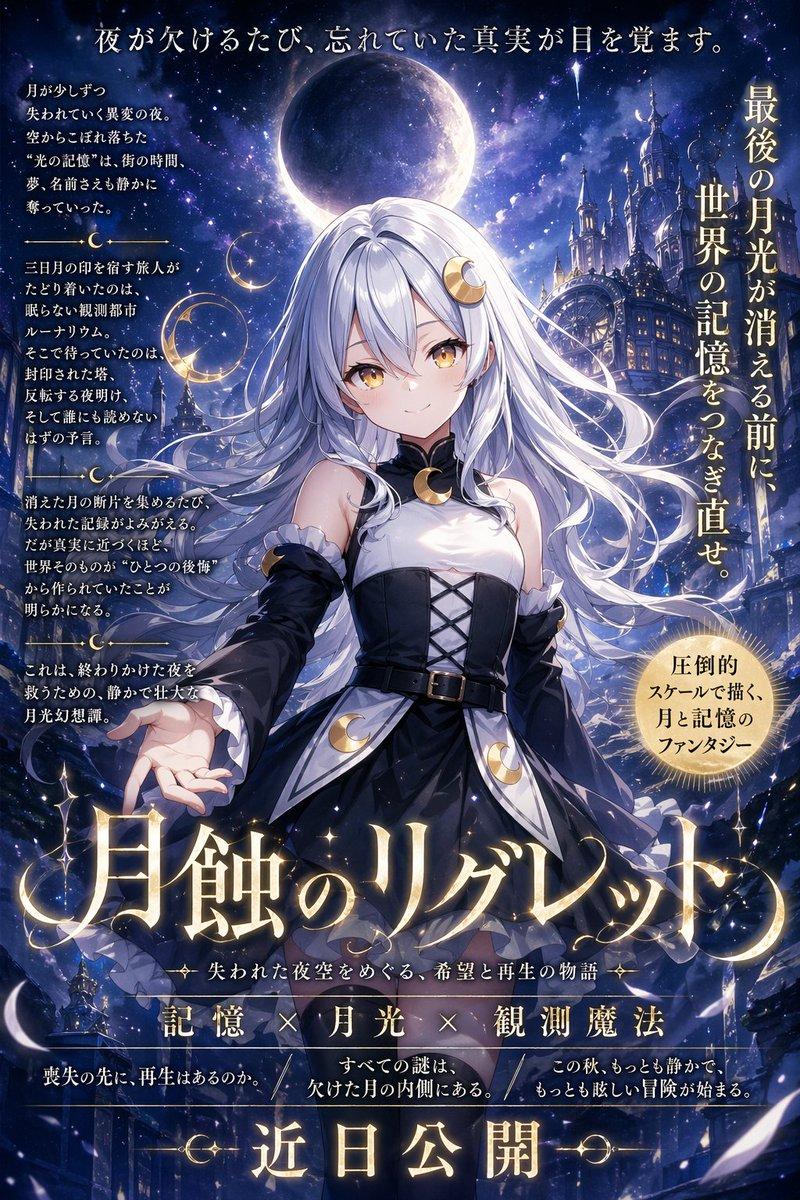
Create a dramatic dark fantasy anime key art illustration in the style of high-detail Korean action RPG promotional art, featuring {argument name="character name" default="a mysterious female archmage"} standing in a ruined cathedral under a starry night sky. She has {argument name="hair color" default="long flowing silver-white hair with lavender highlights"}, an elegant curvy silhouette, and a white-and-black ornate sorceress outfit: cropped white hooded cloak with gold embroidery, black corset bodice, layered white skirt panels, belts, chains, dangling charms, thigh straps, sheer black stockings, and tall dark boots. Her face is intentionally covered by a soft-edged square blur censor block, while her body and costume remain sharply detailed. She extends her left hand toward the viewer, conjuring a glowing purple magical orb inside a golden astrolabe-like ring with sparks and arcane energy; her right hand holds an ancient dark spellbook with gold filigree. Behind her is a huge circular celestial clock or magic sigil halo with radial lines and constellations, broken stone pillars, flying parchment, torn white ribbons, violet smoke, and distant ruins. Add the white stylized logo text {argument name="logo text" default="Dungeon & Fighter"} in the top-left corner. Use cinematic rim lighting, purple and gold highlights, high contrast shadows, intricate linework, dynamic flowing hair and fabric, ultra-detailed fantasy illustration, vertical poster composition, polished game splash art quality.
Category
Charts & Infographics
Model
GPT Image 2
Creator
WisGate
Views4
Source ID
19869
Published
May 12, 2026

Guide

About "暗黑奇幻大魔导师宣传插画"

What is this prompt for?

"暗黑奇幻大魔导师宣传插画" AI image prompt for GPT Image 2 (Charts & Infographics). 生成一张电影级动漫 RPG 宣传插画,描绘一位银发华丽女法师在废墟大教堂场景中施展紫色魔法。 Copy it on Picva and recreate the look i…

The full copyable prompt and example visuals above are ready for AI image generation or one-click recreate in Picva.

How to use this prompt

  1. Step 1

    Open the prompt detail

    Review the example visuals, category, and full prompt text for "暗黑奇幻大魔导师宣传插画".

  2. Step 2

    Copy the prompt

    Copy the prompt body from this page, or load it directly in Studio.

  3. Step 3

    Pick a model (GPT Image 2)

    Prefer GPT Image 2. If you switch models, keep subject and composition and tweak style terms.

  4. Step 4

    Generate and export

    Recreate the look in Picva, or export into your workflow for editing and publishing.

FAQ

What is the "暗黑奇幻大魔导师宣传插画" prompt?
It is an AI image-generation prompt for GPT Image 2 in the Charts & Infographics category. This page includes the full prompt text, example visuals, and a one-click recreate path in Picva.
How do I use this prompt to generate an image?
Copy the prompt from this page, or use Generate / Studio. Paste it into a compatible image model, or recreate the look in Picva with optional reference images.
Which model is this prompt for?
This page lists GPT Image 2. Most descriptive prompts also transfer to nearby image models such as GPT Image, Flux, or Midjourney with light style tweaks.
Can I use the result commercially?
You can usually copy the prompt for creation, but commercial use of the final image depends on the model terms, reference-image rights, and the generated content. Follow the source author and platform rules.