19

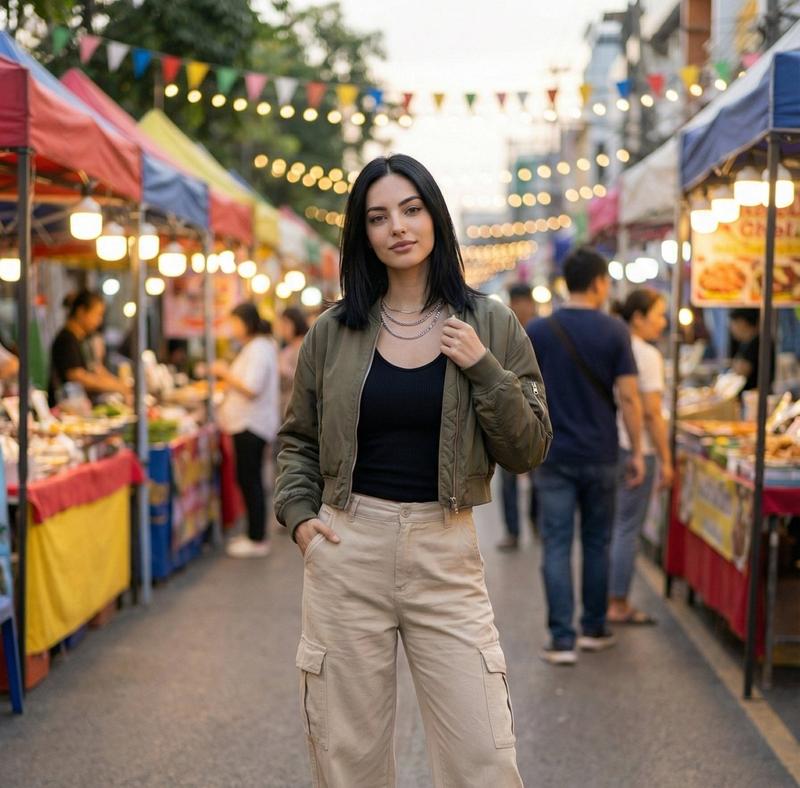
曼谷夜市街头摄影
Enlarge

Example images

曼谷夜市街头摄影

Prompt
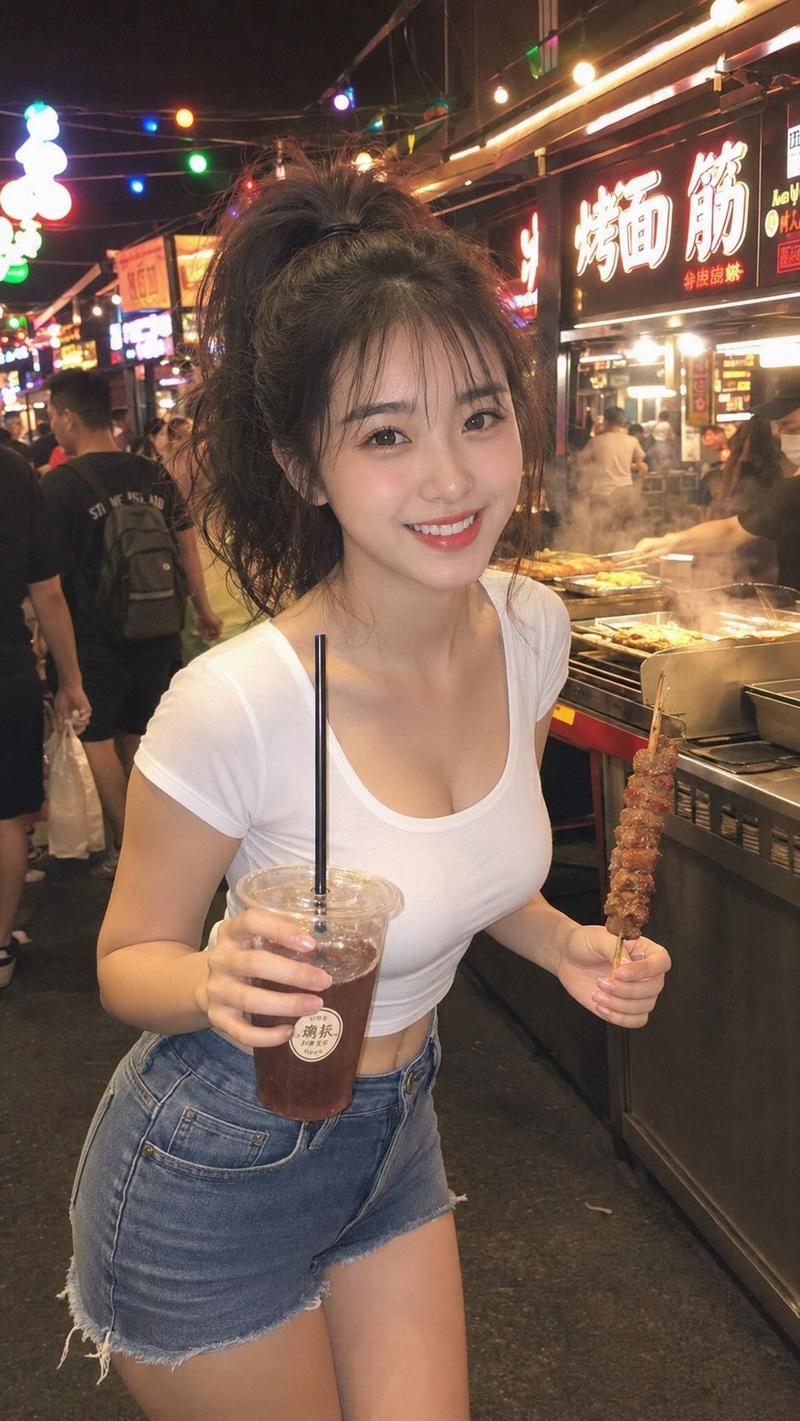
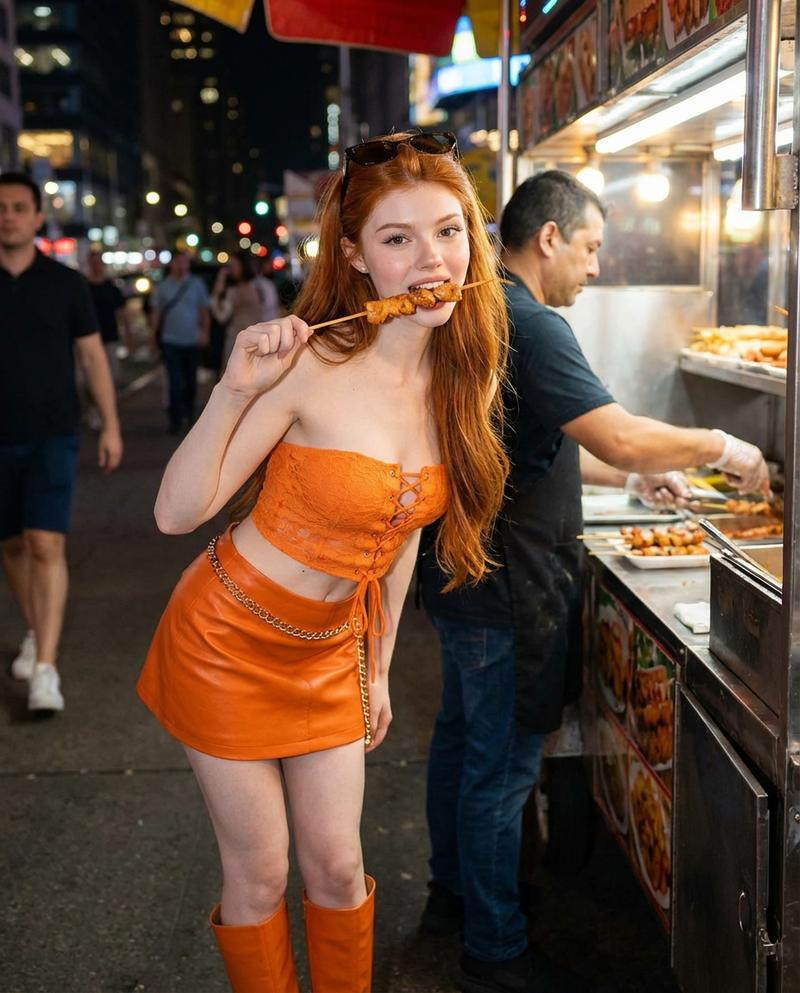
A candid street photograph of a {argument name="subject" default="young Thai woman"} at a {argument name="location" default="Bangkok night market food stall"}, well past midnight. The subject leans slightly forward examining {argument name="food item" default="charcoal-grilled skewers"}, wearing a casual crop top and denim shorts, expression relaxed and completely natural, not posed. The setting is a narrow market alley: charcoal smoke rising from the grill, handwritten Thai-script price tags taped to the stall edge, a neon beer sign partially visible in the far background. Lighting comes from the amber charcoal grill below her face mixing with a cool fluorescent tube above the stall, creating dual-toned shadows along her neck and jaw. Composition: medium close-up, eye-level, subject occupies left two-thirds of frame, blurred vendor and food stall crowd filling right side. Color palette: warm amber, deep shadow zones, subtle cool neon accent in distance, muted earthy market tones. Render with photographic realism: subtle film grain throughout, avoid over-smoothed CG textures, preserve natural imperfections. Skin should show subsurface scattering and micro-texture, not digital smoothing. Hair: subtle natural imperfection, not geometric perfection. Photorealistic rendering, no watermark.
Category
Charts & Infographics
Model
GPT Image 2
Views2
Source ID
20034
Published
May 13, 2026

Guide

About "曼谷夜市街头摄影"

What is this prompt for?

"曼谷夜市街头摄影" AI image prompt for GPT Image 2 (Charts & Infographics). 一份详细的提示词,用于捕捉夜市场景中真实自然的街头摄影,呈现双色调光影与自然的皮肤纹理。 Copy it on Picva and recreate the look in one…

The full copyable prompt and example visuals above are ready for AI image generation or one-click recreate in Picva.

How to use this prompt

  1. Step 1

    Open the prompt detail

    Review the example visuals, category, and full prompt text for "曼谷夜市街头摄影".

  2. Step 2

    Copy the prompt

    Copy the prompt body from this page, or load it directly in Studio.

  3. Step 3

    Pick a model (GPT Image 2)

    Prefer GPT Image 2. If you switch models, keep subject and composition and tweak style terms.

  4. Step 4

    Generate and export

    Recreate the look in Picva, or export into your workflow for editing and publishing.

FAQ

What is the "曼谷夜市街头摄影" prompt?
It is an AI image-generation prompt for GPT Image 2 in the Charts & Infographics category. This page includes the full prompt text, example visuals, and a one-click recreate path in Picva.
How do I use this prompt to generate an image?
Copy the prompt from this page, or use Generate / Studio. Paste it into a compatible image model, or recreate the look in Picva with optional reference images.
Which model is this prompt for?
This page lists GPT Image 2. Most descriptive prompts also transfer to nearby image models such as GPT Image, Flux, or Midjourney with light style tweaks.
Can I use the result commercially?
You can usually copy the prompt for creation, but commercial use of the final image depends on the model terms, reference-image rights, and the generated content. Follow the source author and platform rules.