手写风早餐菜单照片编辑
Prompt
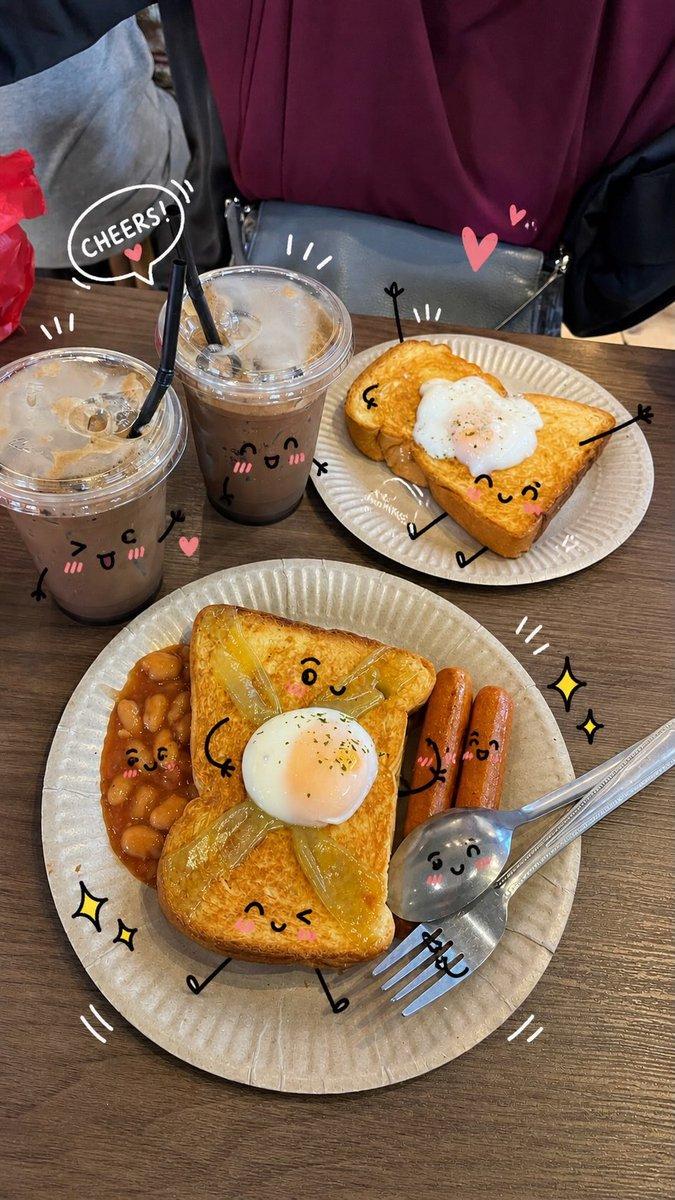
Using REFERENCE_0 as the base breakfast photo, transform it into a stylish social-media morning breakfast post. Keep the actual meal, plate, cup, and tabletop composition essentially the same, but remove the decorative sticker row at the bottom: exactly 6 sheep stickers and 1 pizza sticker must be gone. Add a warm, magazine-like food-photo finish with slightly cleaner lighting and sharper appetizing detail.

Overlay casual white handwritten Japanese annotations directly on the photo, as if drawn with a marker pen, with thin arrows, dotted circles, hearts, underline strokes, and one cloud-shaped callout. Use exactly 10 visible annotation text groups:
1. Large top-left headline: {argument name="headline text" default="朝のトーストアート*"}
2. Small subtitle under it: {argument name="subtitle text" default="チーズと野菜のとろ〜りピザトースト"}
3. Left cloud callout about onion and melted cheese: 「シャキシャキ玉ねぎと とろけるチーズが 最高の相性!♡」
4. Small note near the green pepper with a dotted circle: 「ピーマンのほろ苦さがアクセントに◎」
5. Note pointing to the banana: 「バナナで自然な甘みをプラス♡」
6. Circular note near the egg: 「たんぱく質で一日を元気に!」
7. Note pointing to ketchup on the toast: 「ケチャップはたっぷりめがおいしいよね!」
8. Bottom-left motivational handwritten message with pink underline and heart: {argument name="motivational message" default="ちゃんと食べて、今日もごきげんにいこう。"}
9. Bottom-center note pointing to the toast crust: 「こんがりトーストにチーズがとろ〜り♡」
10. Bottom-right note pointing to the fruit bowl: 「フルーツとナッツでさっぱり&カリッといいバランス♪」

Style constraints: make the handwriting look natural, playful, and hand-drawn; keep all text legible in white except the pink underline and heart accent at bottom left. Do not add any new food items, people, logos, watermarks, borders, or extra stickers.- Category
- Charts & Infographics
- Model
- GPT Image 2
- Creator
- chi Okey
- Source ID
- 20089
- Published
- May 12, 2026
Views3