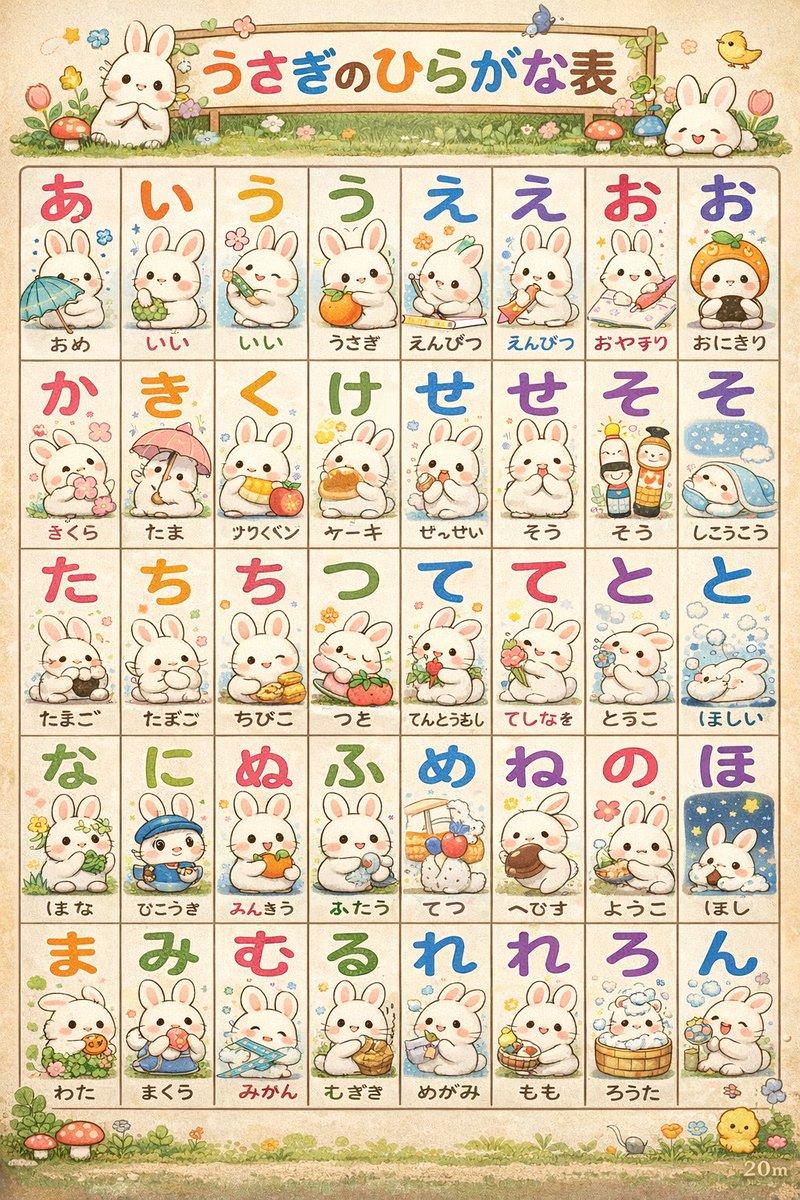
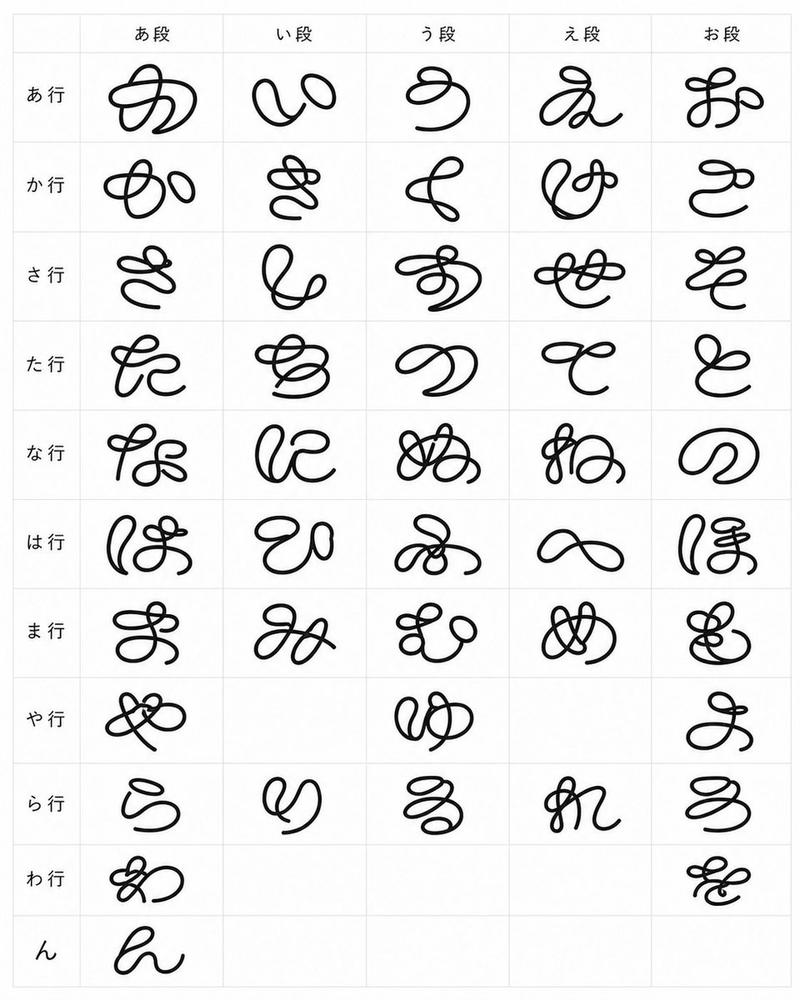
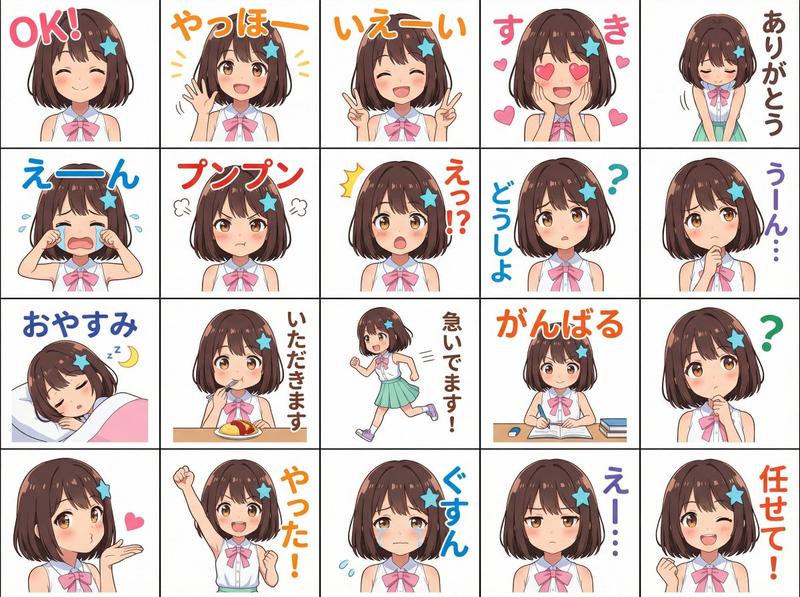
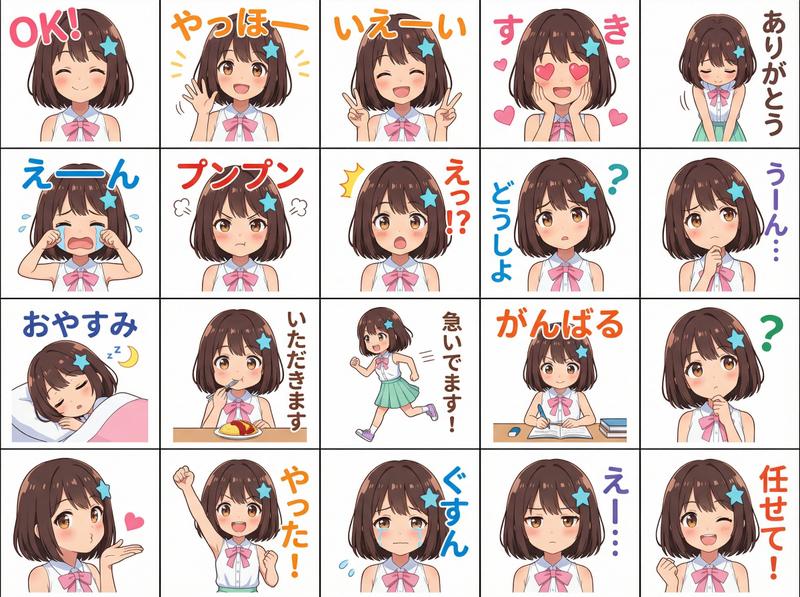
可爱平假名挂图海报
Prompt
Goal: Create a cute nursery-style Japanese hiragana learning poster on a light wood wall, as if generated from text only, with a slightly imperfect AI-made alphabet chart look.

Canvas: Square 1:1 image, softly lit by daylight from a window on the left. The poster is an off-white sheet pinned to the wall with four small round wooden tacks, one near each corner. Include a small potted plant and low bookshelf partially visible at the lower left for a cozy classroom or child room setting.

Main subject: A large hiragana chart poster titled {argument name="headline text" default="あいうえおひょう"} in rounded pink-red lettering with a white outline at the top center. Below the title, make a neat grid of exactly 63 rounded rectangular tiles, arranged as 9 rows by 7 columns. Each tile contains one large dark navy handwritten-style kana or punctuation mark, sometimes with tiny superscript-like numbers, dakuten marks, or small decorative icons. The text should look charming but not fully correct, like an AI-generated hiragana table.

Grid content: Use exactly 63 visible tiles. Row 1: あ, へ, う, よ, ー with tiny blue fish, う, あ with tiny apple. Row 2: と, ば, う, て, い with tiny apple, う, bunny icon. Row 3: い, ん with small 6, え, い with tiny yellow fruit, お with small 1, い with tiny apple, う with tiny orange. Row 4: お, い with comma, お with tiny green grapes, り with tiny apple, ま, す with tiny rabbit face, ば with small 6. Row 5: じ with tiny apple, い with tiny yellow chick face, さ with tiny pink fruit, い with small 2, あ with small 2, う with tiny green grapes, あ with small 2. Row 6: て with comma, よ with small 3, ち with tiny chick face, と with tiny green grapes, 々, か with tiny yellow fruit, が with tiny orange. Row 7: も with exclamation, い with tiny chick face, あ with small 2, よ, う with tiny chick face, ひ with tiny apple, も with small 2. Row 8: お with small 3, と, ら with small 3, え, ! with tiny blue fish, す with small 3, ! with tiny squirrel icon. Row 9: あ with tiny apple, う with tiny apple, て with tiny cat icon, ら with tiny orange, お with small 1, お with tiny f-like mark, ひ with tiny yellow chick.

Visual style: Soft warm pastel palette, clean rounded poster design, child-friendly educational wall chart, subtle paper texture, thin pale beige tile borders, dark blue brush-calligraphy kana, small kawaii fruit and animal stickers. Use {argument name="wall material" default="pale vertical wood paneling"}, {argument name="poster paper color" default="warm ivory"}, and {argument name="letter color" default="deep navy blue"}.

Constraints: Keep the image square, front-facing with slight natural perspective, no watermark, no extra text beyond the title and grid characters, and keep the poster readable while retaining the whimsical imperfect AI-generated kana-chart quality.- Category
- Charts & Infographics
- Model
- GPT Image 2
- Creator
- いくら|AIを我が子と遊びたい人。遊びながら学ぶ。
- Source ID
- 20108
- Published
- May 13, 2026
Views2