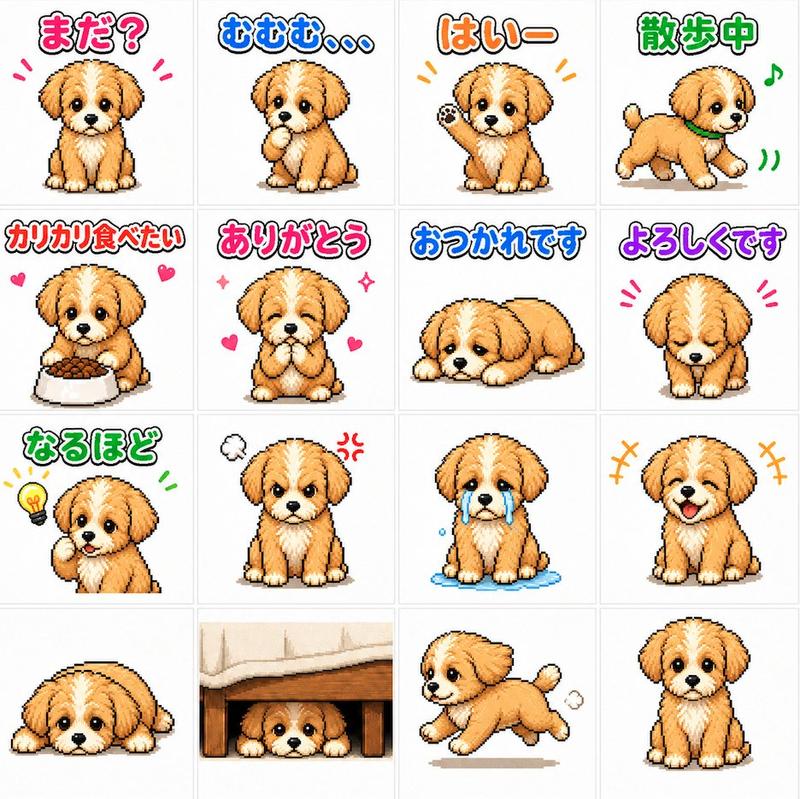
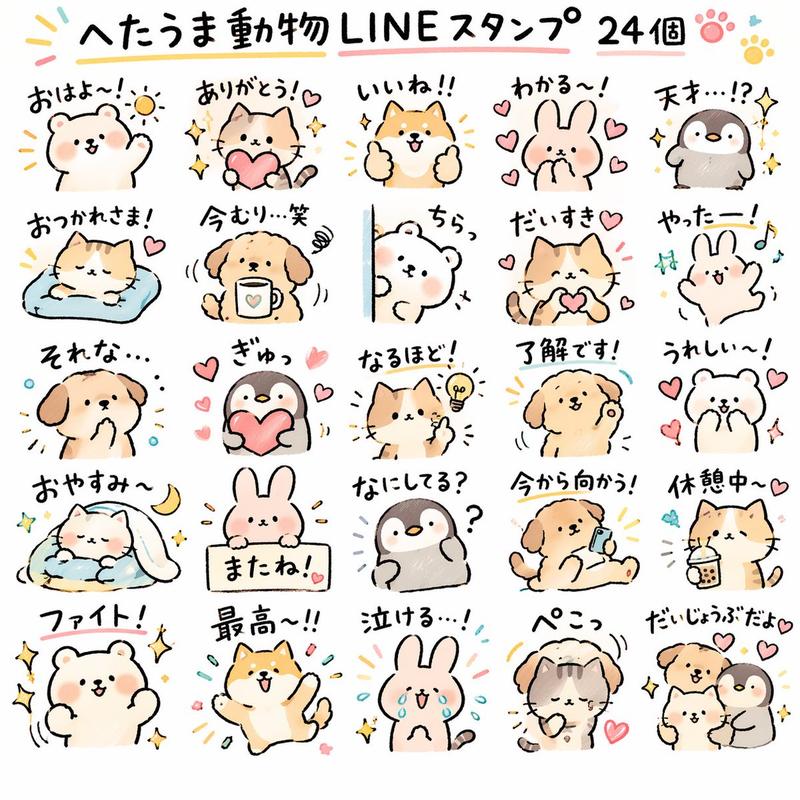
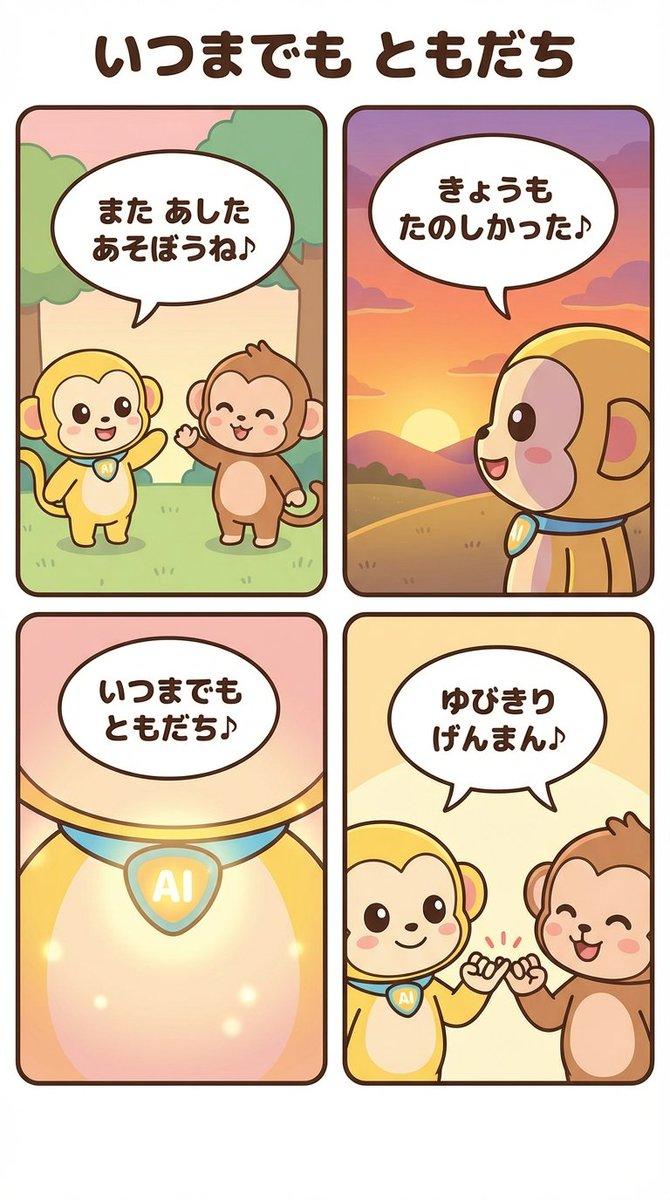
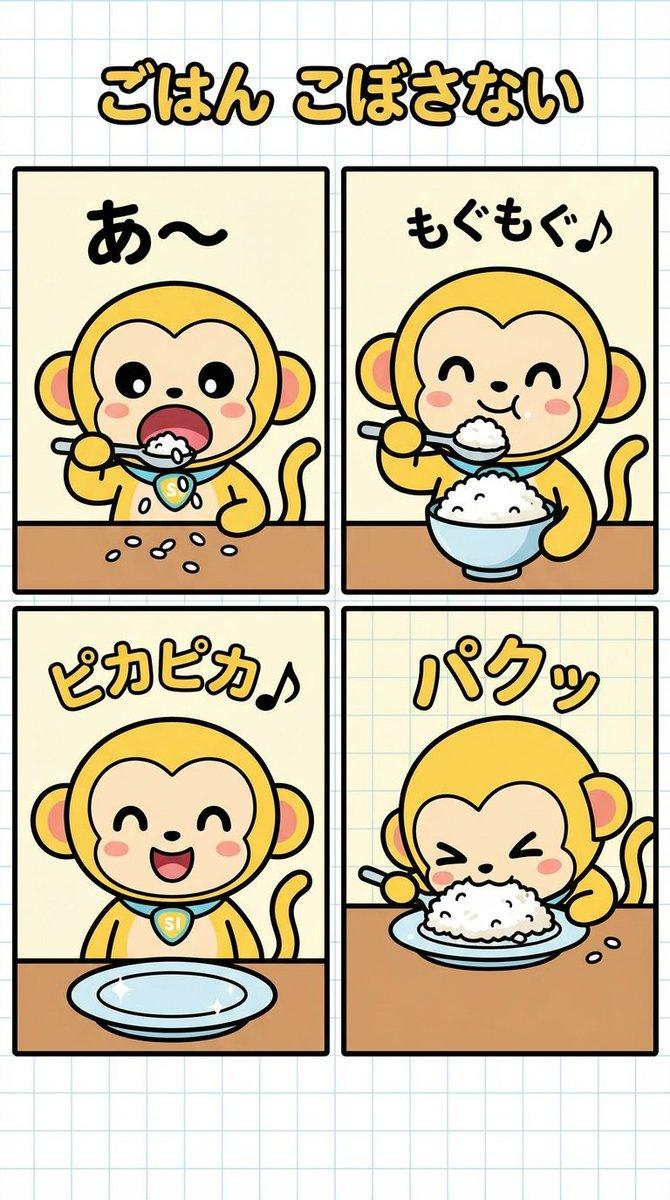
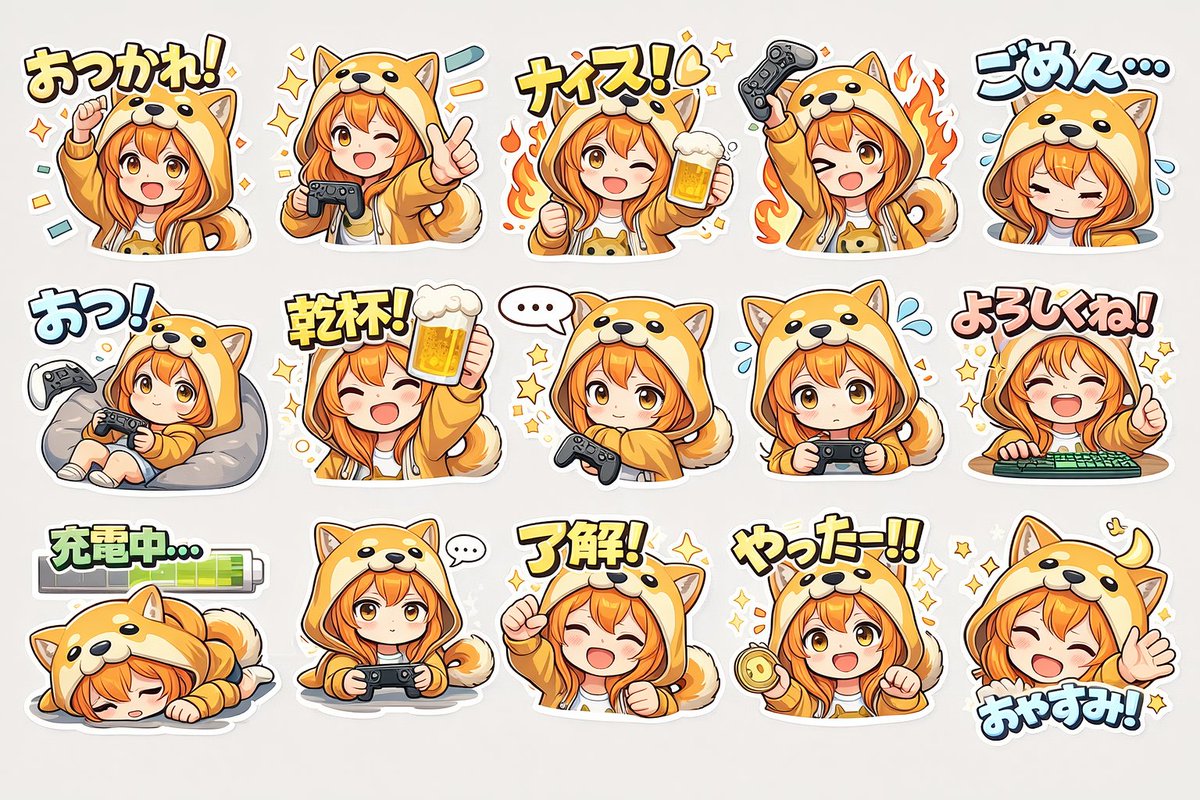
可爱小狗表情贴纸集
Prompt
Create a cute sticker-sheet style character illustration on a clean white background: exactly 9 small chibi mascot drawings arranged in a neat 3-by-3 grid with generous spacing. The character is a fluffy cream puppy-like creature with floppy ears tipped in turquoise-blue, a small blue tuft/mark on the chest, big glossy dark eyes, blushy pink cheeks, tiny paws, and a stylized lightning-bolt tail colored yellow with blue accents. Use soft hand-drawn anime line art, slightly sketchy black outlines, pastel watercolor/crayon shading, rounded proportions, and expressive kawaii faces. Show these 9 distinct poses and expressions: top left surprised with mouth open, one paw raised, black exclamation marks around the head; top center delighted and waving both arms, tongue out, smiling; top right pouting/annoyed with one eye squeezed shut, cheeks puffed, small steam-puff marks around the head; middle left crying sadly with downturned mouth and exactly 4 blue teardrops around/under the eyes; middle center happily giggling with eyes closed, one paw raised, pink blush, a small pink heart and handwritten Japanese text “え〜” beside it; middle right confused and bashful, looking upward with exactly 2 black question marks and a small black heart-like doodle above; bottom left sleepy with eyes closed, droopy posture, and exactly 3 handwritten “z” sleep marks; bottom center shy/cute neutral expression with big eyes, tiny mouth, and exactly 3 small pink hearts around it; bottom right cheerful approval pose with one paw making a gesture, tongue out, energetic marks near the paw, and handwritten text “OK!” above. Keep all characters the same design and scale, no borders, no background props, no extra characters, no watermark.
- Category
- Brand & Logos
- Model
- GPT Image 2
- Creator
- いくら|AIを我が子と遊びたい人。遊びながら学ぶ。
- Source ID
- 20133
- Published
- May 13, 2026
Views12