18

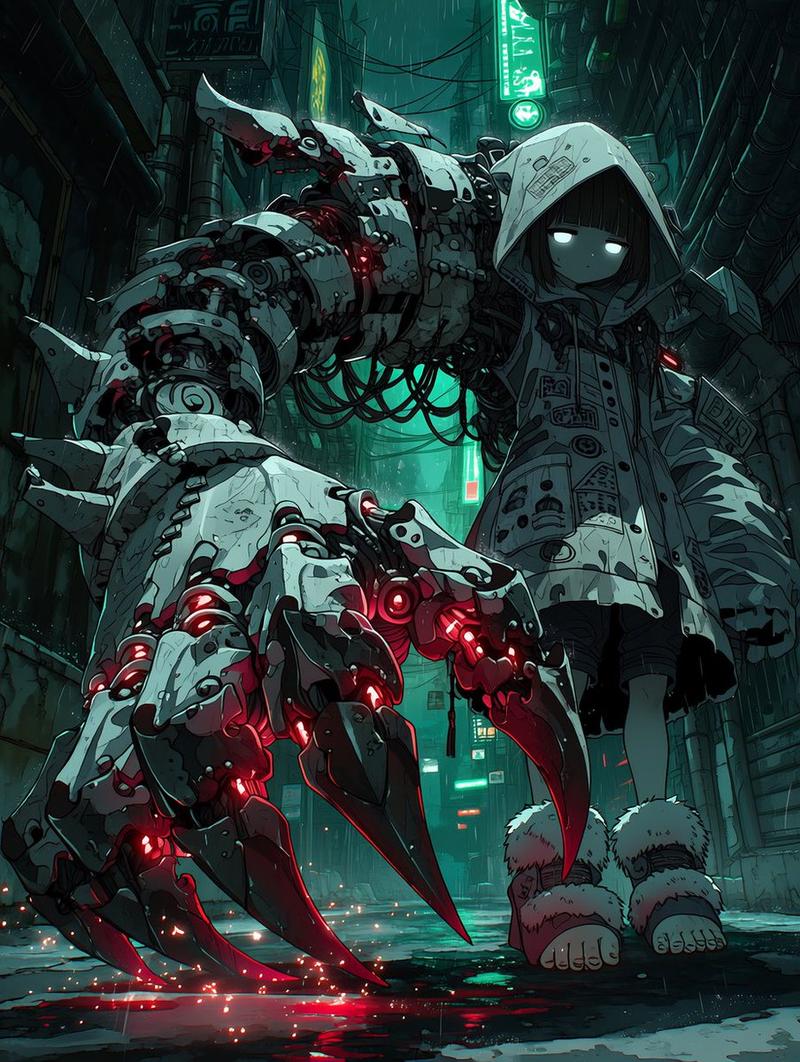
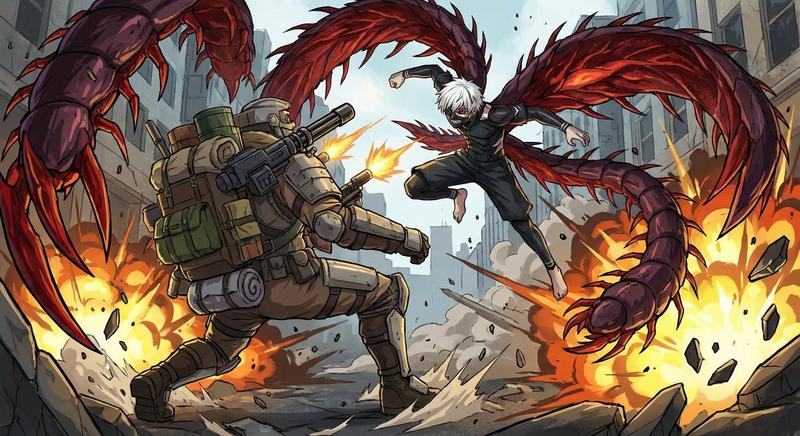
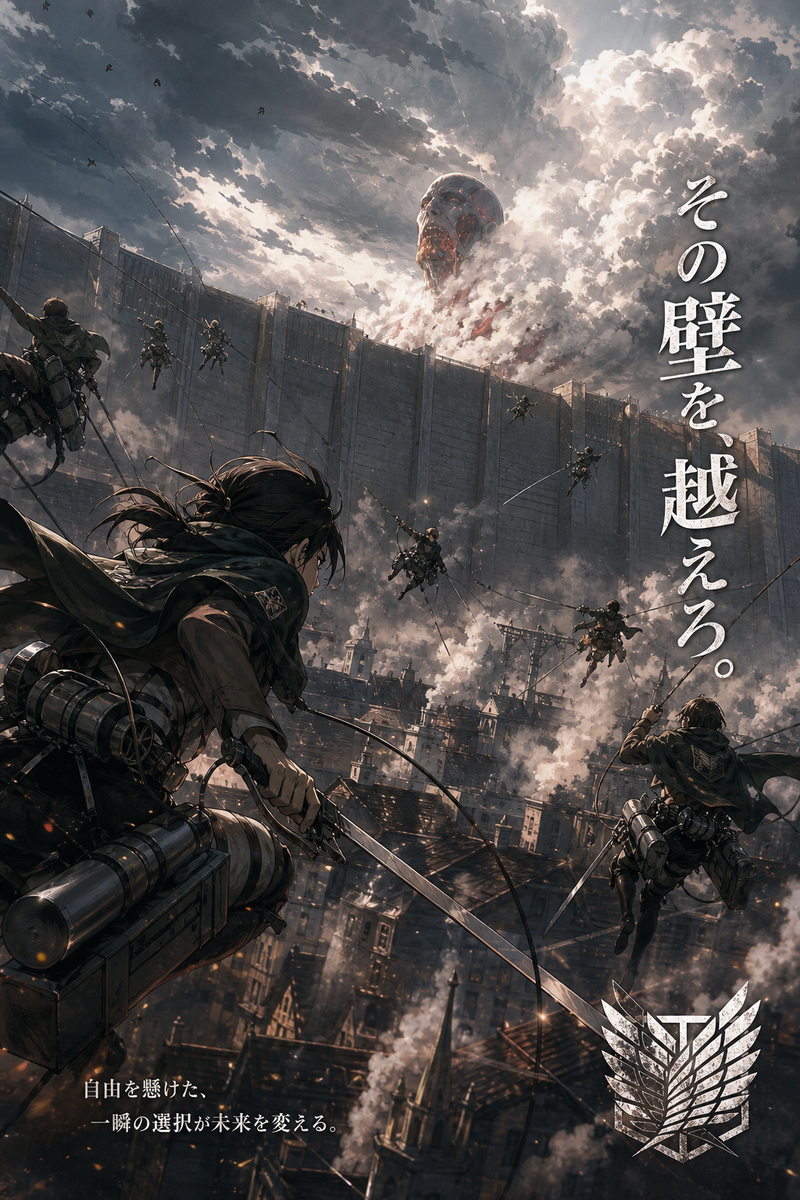
AI 插画重绘与精修
Enlarge

AI 插画重绘与精修

Prompt
请基于参考图像,使用最新一代的 ChatGPT 将其重绘为高端插画。请保持原始的角色设计、构图、氛围、轮廓以及整体印象。在此基础上,显著提升细节密度、材质表现、光影效果、空间感、色彩设计以及面部质量。关于角色的面部和配色,请参考目前在社交媒体、社交游戏和高端动漫插画中流行的精致艺术风格。请优先考虑自然演进,使其看起来像是旧图像的高质量重制版。
Category
Characters & People
Model
GPT Image 2
Views2
Source ID
20221
Published
May 14, 2026

Guide

About "AI 插画重绘与精修"

What is this prompt for?

"AI 插画重绘与精修" AI image prompt for GPT Image 2 (Characters & People). 此提示词专为将现有插画通过最新的 GPT 图像功能重绘为高端艺术作品而设计,在保持原始设计的基础上,显著提升光影、细节和面部质量。 Copy it on Picva and recr…

The full copyable prompt and example visuals above are ready for AI image generation or one-click recreate in Picva.

How to use this prompt

  1. Step 1

    Open the prompt detail

    Review the example visuals, category, and full prompt text for "AI 插画重绘与精修".

  2. Step 2

    Copy the prompt

    Copy the prompt body from this page, or load it directly in Studio.

  3. Step 3

    Pick a model (GPT Image 2)

    Prefer GPT Image 2. If you switch models, keep subject and composition and tweak style terms.

  4. Step 4

    Generate and export

    Recreate the look in Picva, or export into your workflow for editing and publishing.

FAQ

What is the "AI 插画重绘与精修" prompt?
It is an AI image-generation prompt for GPT Image 2 in the Characters & People category. This page includes the full prompt text, example visuals, and a one-click recreate path in Picva.
How do I use this prompt to generate an image?
Copy the prompt from this page, or use Generate / Studio. Paste it into a compatible image model, or recreate the look in Picva with optional reference images.
Which model is this prompt for?
This page lists GPT Image 2. Most descriptive prompts also transfer to nearby image models such as GPT Image, Flux, or Midjourney with light style tweaks.
Can I use the result commercially?
You can usually copy the prompt for creation, but commercial use of the final image depends on the model terms, reference-image rights, and the generated content. Follow the source author and platform rules.