14

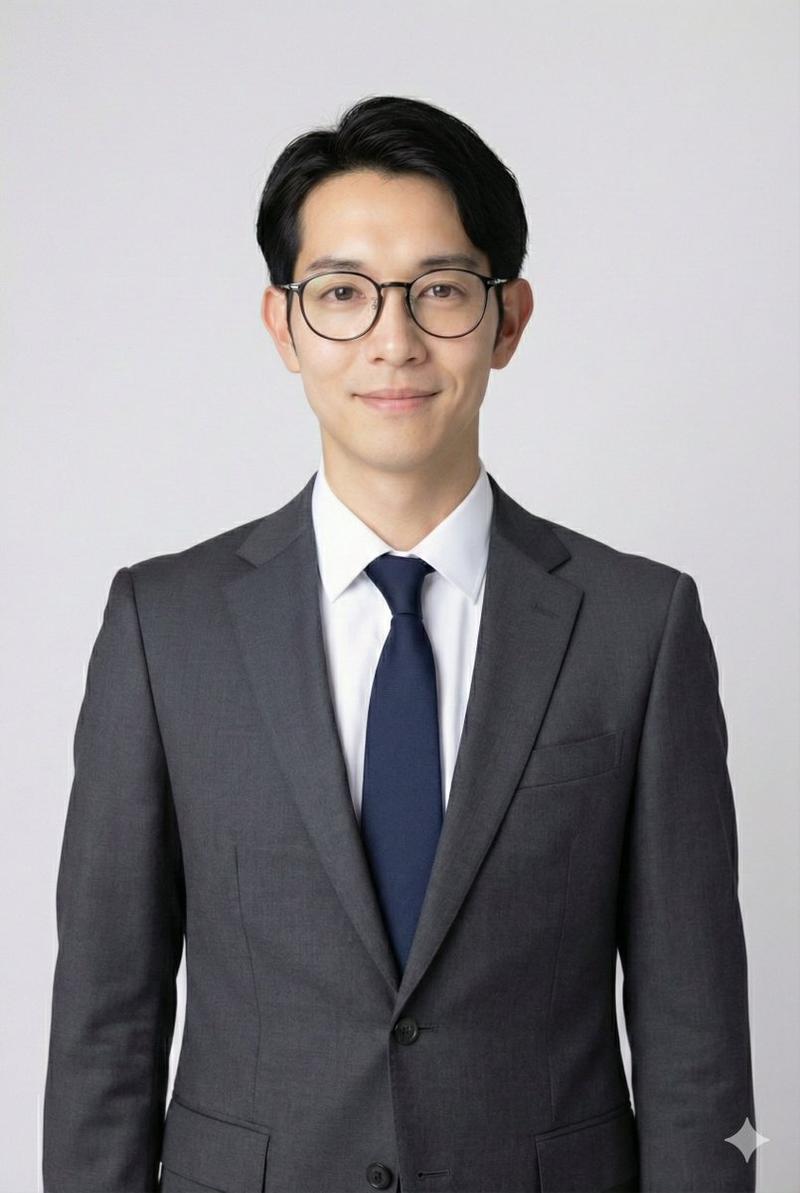
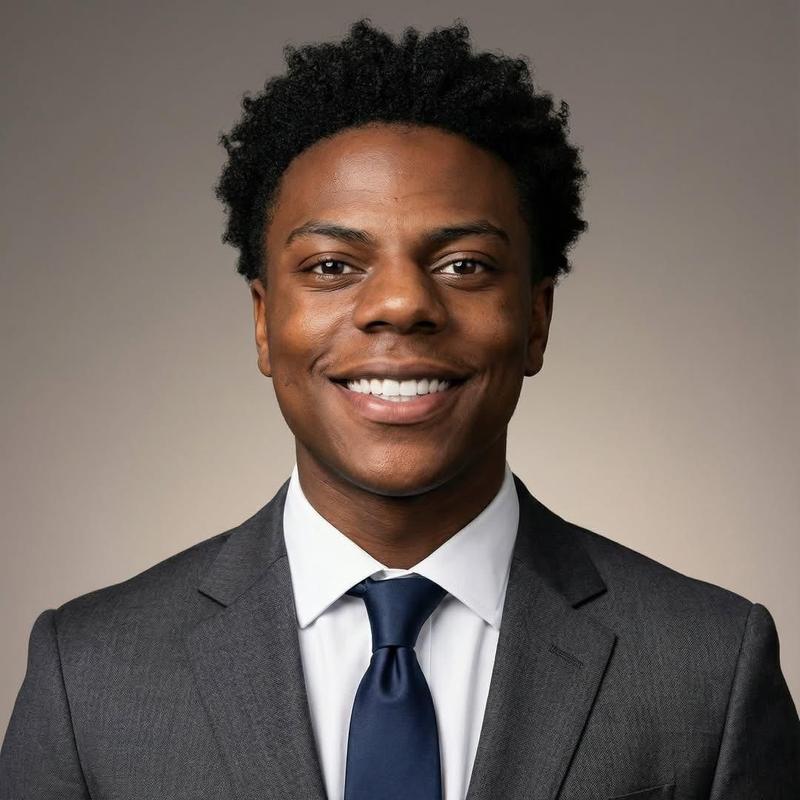
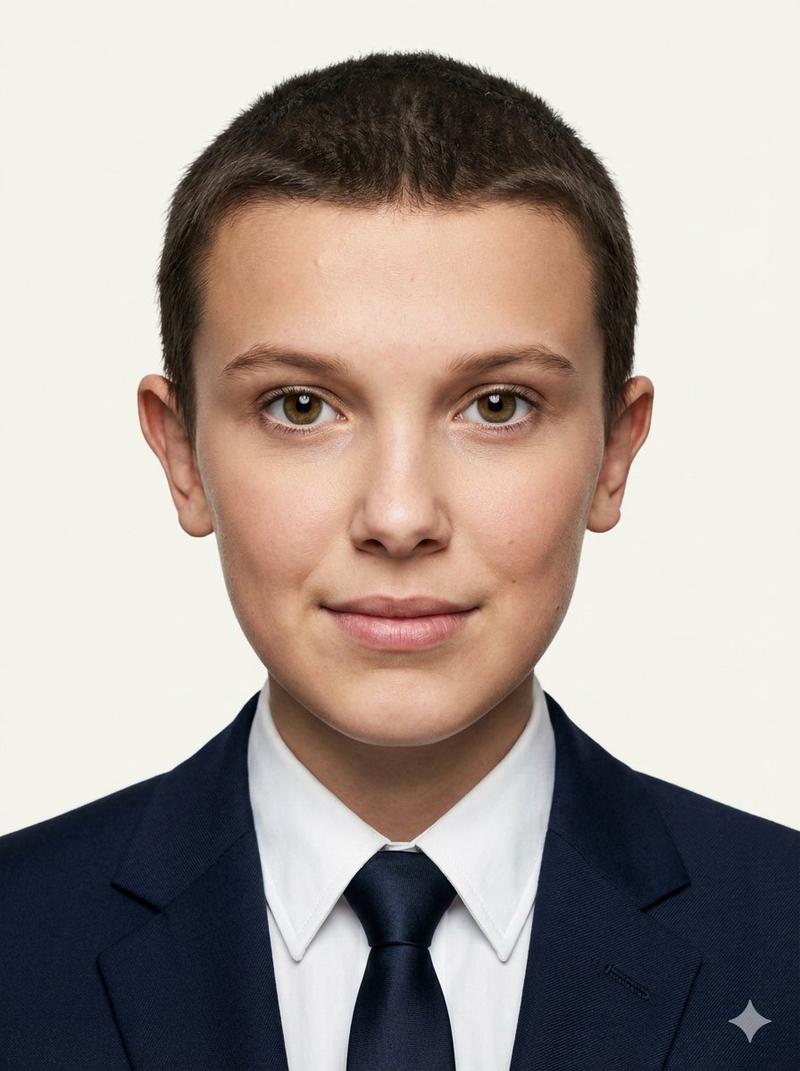
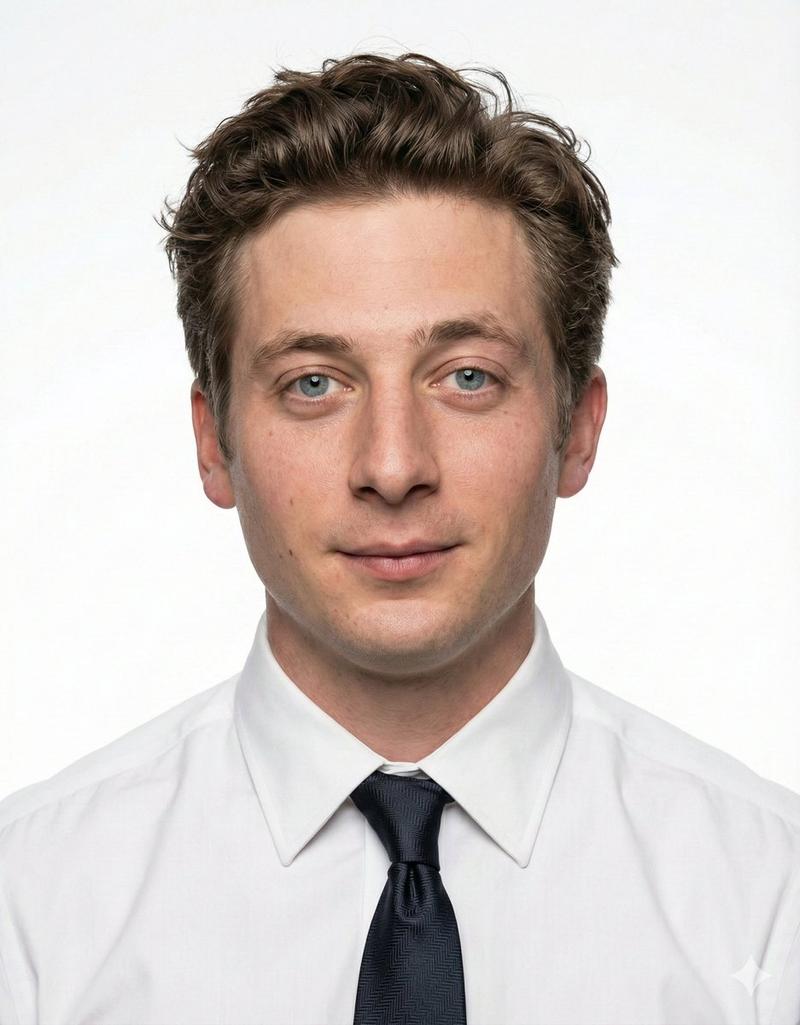
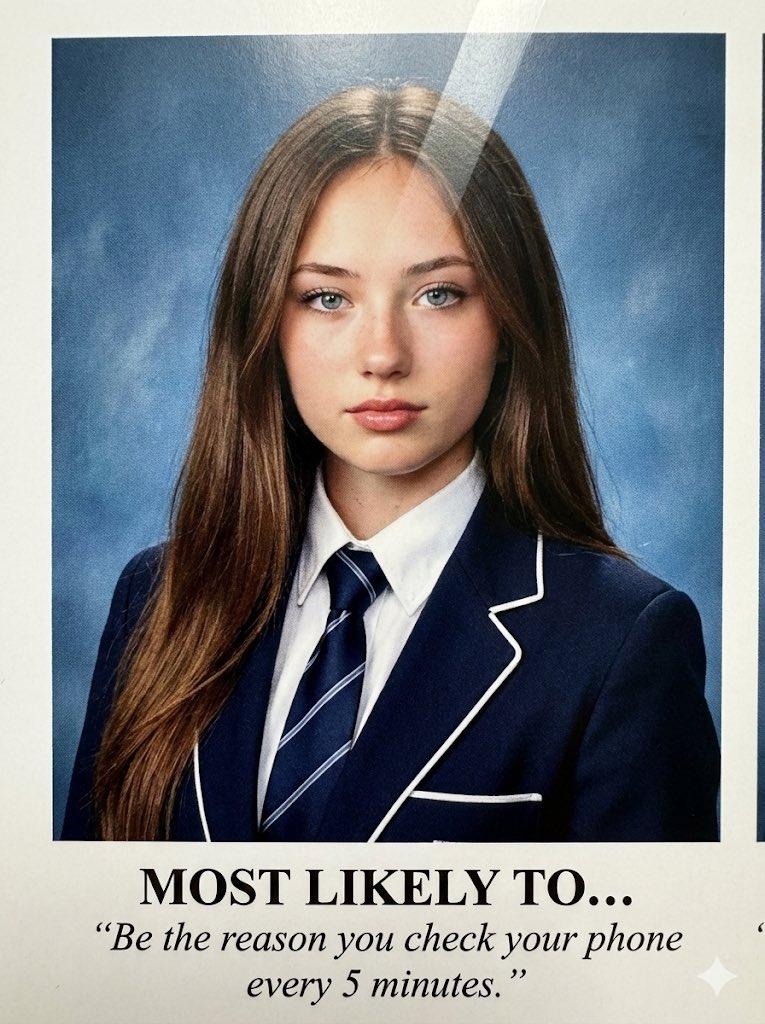
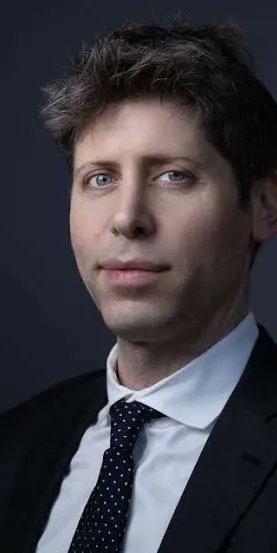
美式 LinkedIn 商务职业头像
Enlarge

美式 LinkedIn 商务职业头像

Prompt
请基于我上传的本人照片生成一张美式 LinkedIn 风格的专业商务头像。务必严格参考我上传的所有本人照片,重点保留我的真实五官特征、脸型、眼睛、鼻子、嘴巴、肤色和整体气质,不要把脸生成得不像本人。

画面要求如下:

风格:American-style LinkedIn professional headshot,美式企业高管商务头像风格
构图:半身肖像,胸部以上构图,人物居中偏微微侧一点,头部轻微自然倾斜,姿态放松但专业
表情:自然、自信、克制,带一点轻微微笑,眼神明亮,直视镜头
发型:短发,顶部略微蓬松、有纹理感、自然利落,发型参考我上传照片中的真实发型,不要参考其他人的脸
服装:深海军蓝商务西装,白色衬衫,深蓝色细条纹领带,整体简洁、正式、现代
背景:美式淡蓝色影棚背景,带轻微纹理与渐变层次,干净、柔和、高级
光线:柔和自然的专业棚拍布光,面部受光均匀,有轻微立体感,肤色真实,不要过度磨皮
质感:Sony 相机拍摄质感,高清细腻,真实写实,专业人像摄影效果
景深与镜头感:85mm 人像镜头效果,f/5.6,人物面部清晰锐利,背景轻微虚化
整体氛围:职业、可信、精英感、适合 LinkedIn 头像,简洁高级
文字要求:不要添加任何文字、名字、水印或标志

重点要求:一定优先保留本人真实长相,不要把脸美化得失真,不要变成另一个人。
Category
Brand & Logos
Model
GPT Image 2
Creator
狗蛋Mark
Views8
Source ID
20226
Published
May 14, 2026

Guide

About "美式 LinkedIn 商务职业头像"

What is this prompt for?

"美式 LinkedIn 商务职业头像" AI image prompt for GPT Image 2 (Brand & Logos). 一份详细的专业提示词,用于生成美式 LinkedIn 高管风格头像,强调面部特征还原及企业级摄影棚质感。 Copy it on Picva and recreate the lo…

The full copyable prompt and example visuals above are ready for AI image generation or one-click recreate in Picva.

How to use this prompt

  1. Step 1

    Open the prompt detail

    Review the example visuals, category, and full prompt text for "美式 LinkedIn 商务职业头像".

  2. Step 2

    Copy the prompt

    Copy the prompt body from this page, or load it directly in Studio.

  3. Step 3

    Pick a model (GPT Image 2)

    Prefer GPT Image 2. If you switch models, keep subject and composition and tweak style terms.

  4. Step 4

    Generate and export

    Recreate the look in Picva, or export into your workflow for editing and publishing.

FAQ

What is the "美式 LinkedIn 商务职业头像" prompt?
It is an AI image-generation prompt for GPT Image 2 in the Brand & Logos category. This page includes the full prompt text, example visuals, and a one-click recreate path in Picva.
How do I use this prompt to generate an image?
Copy the prompt from this page, or use Generate / Studio. Paste it into a compatible image model, or recreate the look in Picva with optional reference images.
Which model is this prompt for?
This page lists GPT Image 2. Most descriptive prompts also transfer to nearby image models such as GPT Image, Flux, or Midjourney with light style tweaks.
Can I use the result commercially?
You can usually copy the prompt for creation, but commercial use of the final image depends on the model terms, reference-image rights, and the generated content. Follow the source author and platform rules.