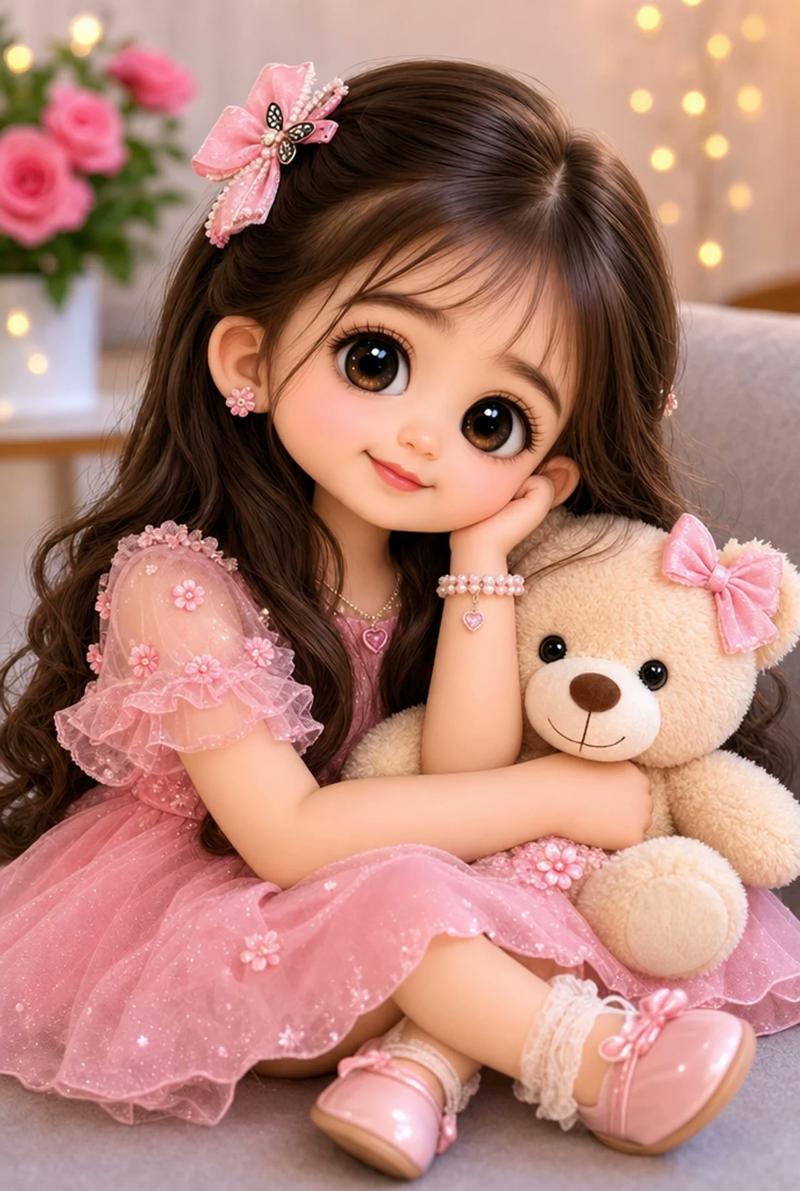
18

复古 Monchhichi 玩偶转换
Enlarge

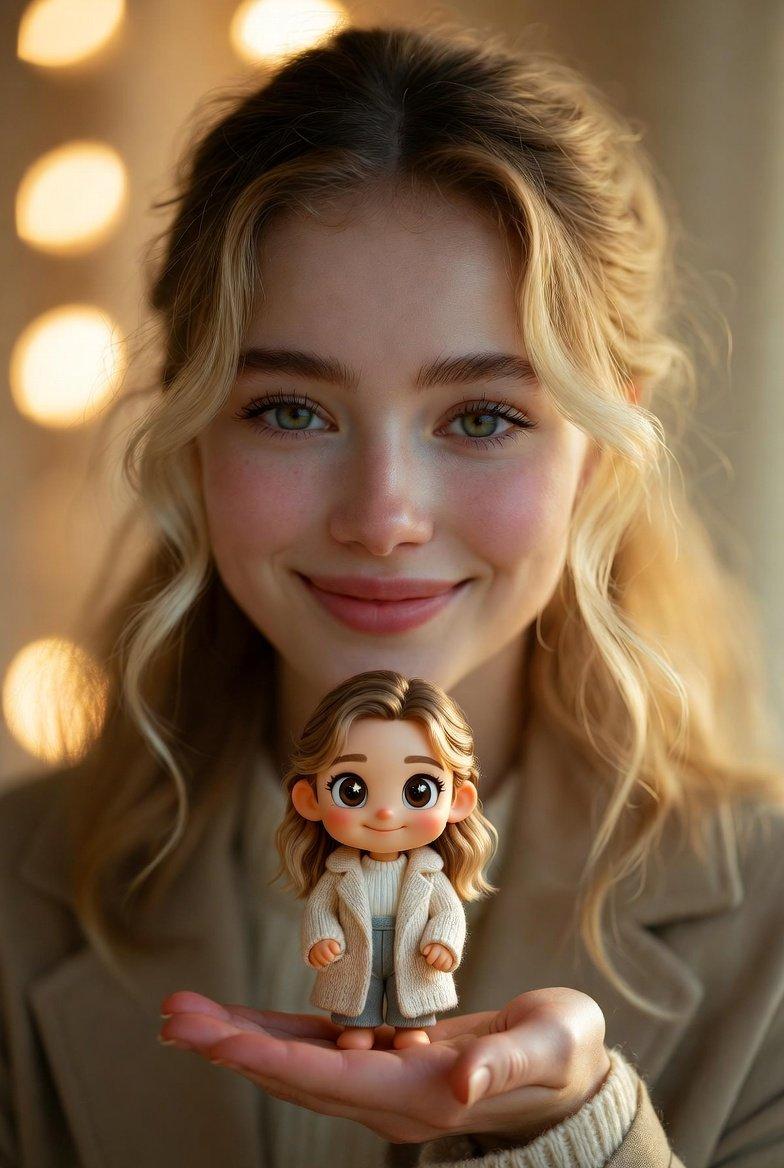
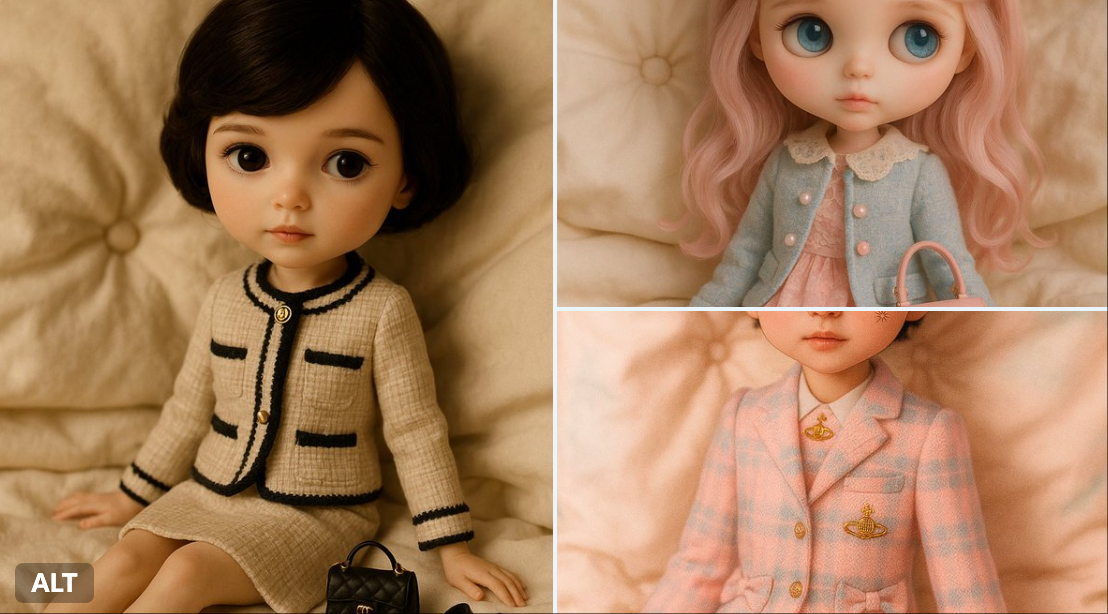
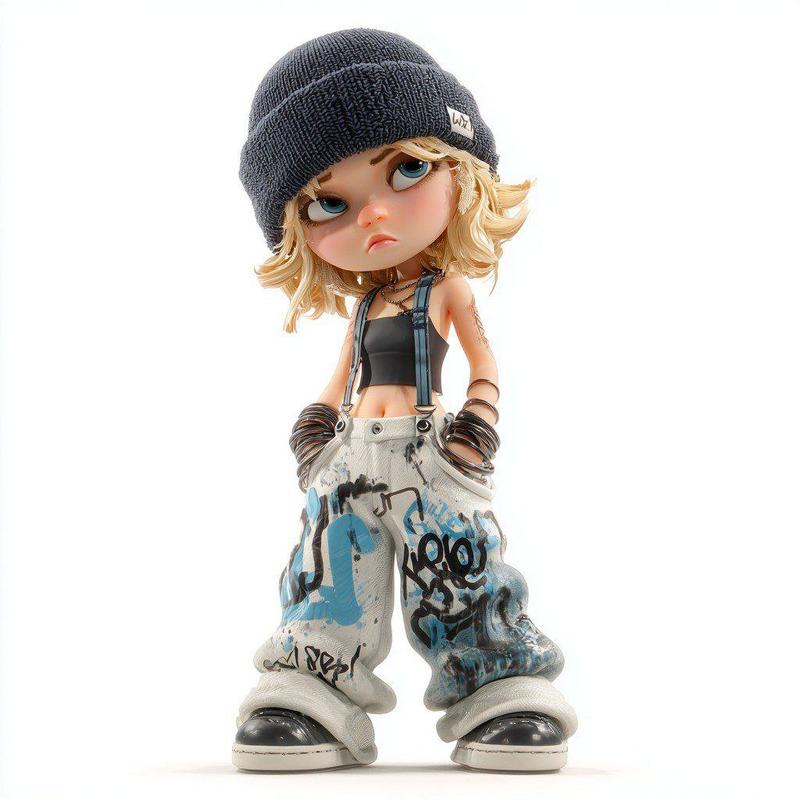
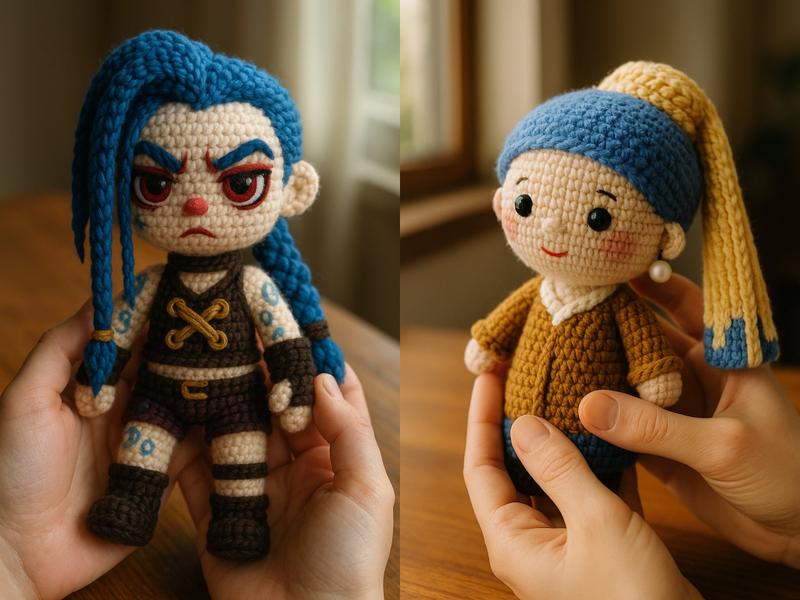
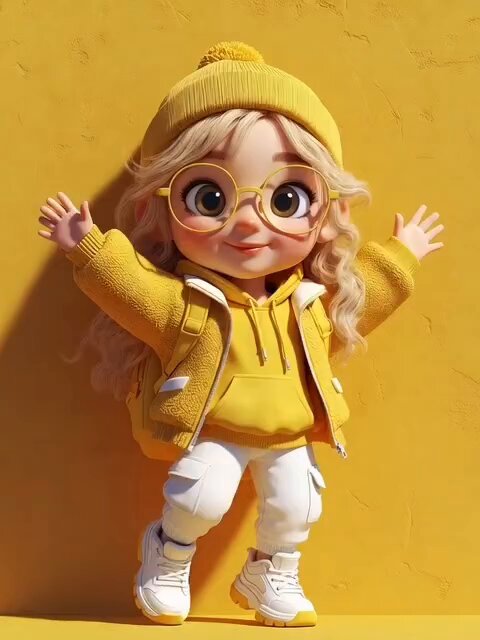
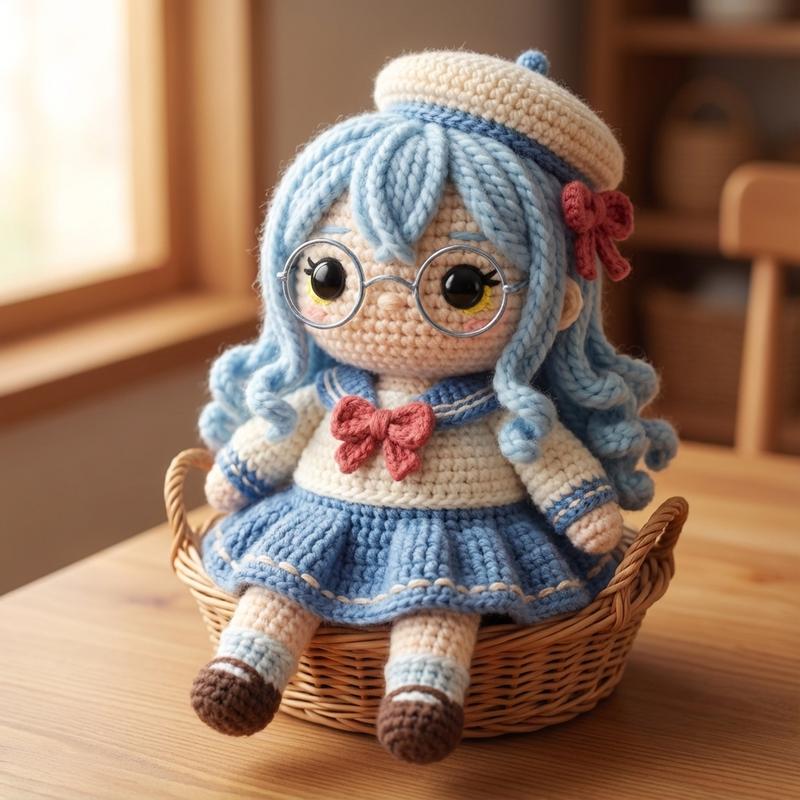
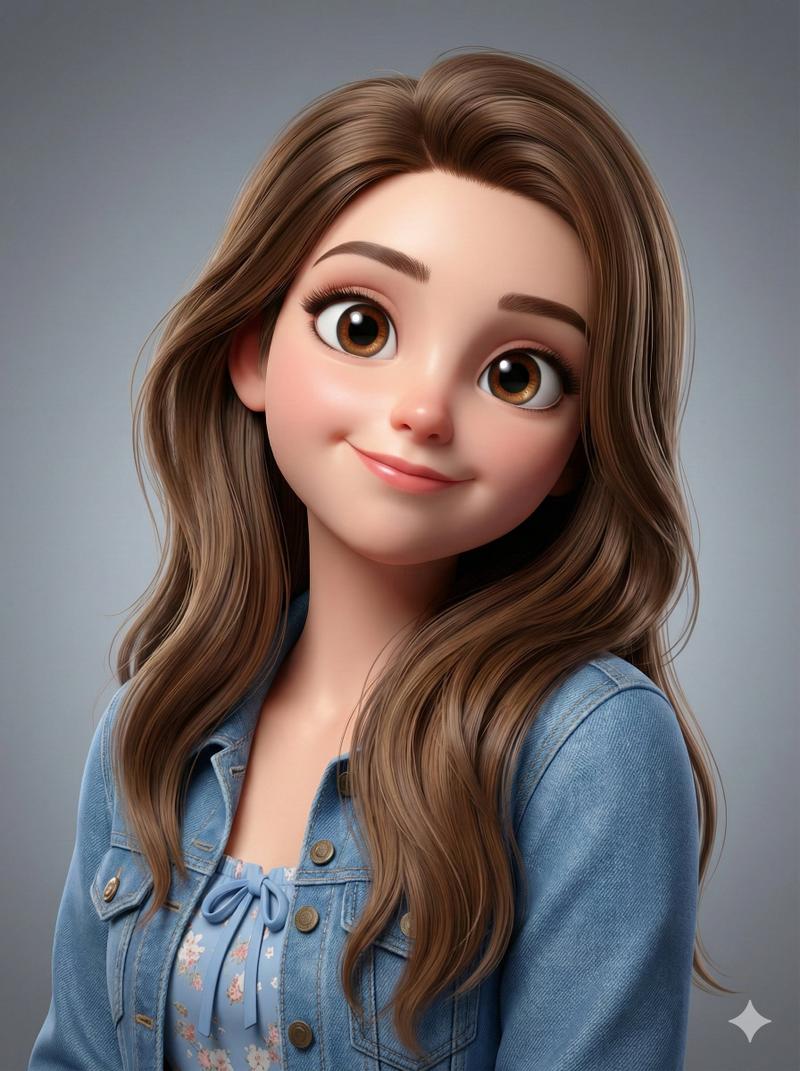
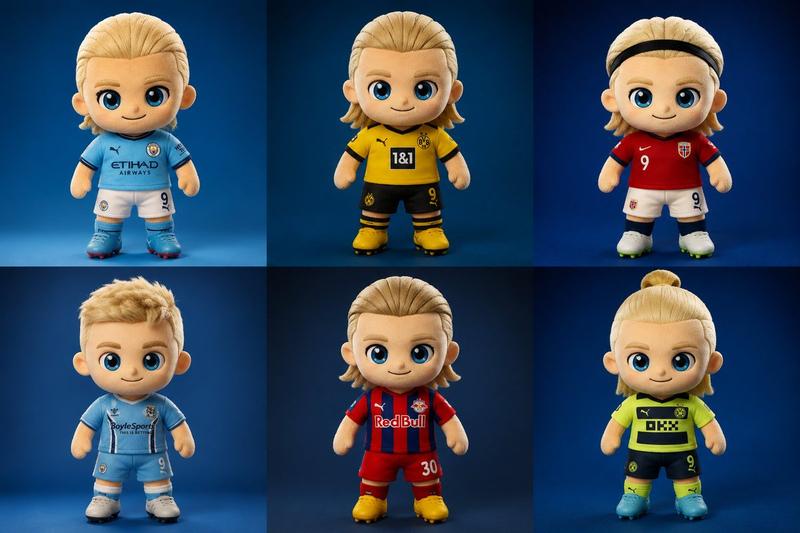
Example images

复古 Monchhichi 玩偶转换

Prompt
请将照片中的人物转换为逼真的复古 Monchhichi 玩偶,风格为 {argument name="doll style" default="1970-80 年代 Sekiguchi 风格"}。请准确保留原图人物的面部结构、发型、发色、表情、姿势、构图和拍摄角度,确保人物在玩偶形态下依然具有辨识度。遵循经典的 Monchhichi 设计,即大头、短小结实的毛绒身体(比例约为 1:1)以及简化的四肢。面部应呈现哑光乙烯基材质,并带有细微划痕和褪色等岁月痕迹,配以明亮的小黑眼睛、光泽感鼻头和柔和的微笑。身体覆盖着浓密且略显褪色的 {argument name="fur color" default="棕色人造毛皮"}。使用 {argument name="outfit material" default="褪色的简约棉布"} 重现原图中的服装。场景设定在温暖的室内灯光下,带有复古胶片颗粒感和泛黄的色调,呈现为一张背景干净、居中的全身收藏级玩偶照片。不要包含任何文字。
Category
Creative Use Cases
Model
GPT Image 2
Views2
Source ID
20238
Published
May 14, 2026

Guide

About "复古 Monchhichi 玩偶转换"

What is this prompt for?

"复古 Monchhichi 玩偶转换" AI image prompt for GPT Image 2 (Creative Use Cases). 一个精妙的提示词,可将参考人物转换为 20 世纪 70-80 年代风格的复古 Monchhichi 玩偶,同时保留其可辨识的特征及逼真的玩具质感。 Copy it on…

The full copyable prompt and example visuals above are ready for AI image generation or one-click recreate in Picva.

How to use this prompt

  1. Step 1

    Open the prompt detail

    Review the example visuals, category, and full prompt text for "复古 Monchhichi 玩偶转换".

  2. Step 2

    Copy the prompt

    Copy the prompt body from this page, or load it directly in Studio.

  3. Step 3

    Pick a model (GPT Image 2)

    Prefer GPT Image 2. If you switch models, keep subject and composition and tweak style terms.

  4. Step 4

    Generate and export

    Recreate the look in Picva, or export into your workflow for editing and publishing.

FAQ

What is the "复古 Monchhichi 玩偶转换" prompt?
It is an AI image-generation prompt for GPT Image 2 in the Creative Use Cases category. This page includes the full prompt text, example visuals, and a one-click recreate path in Picva.
How do I use this prompt to generate an image?
Copy the prompt from this page, or use Generate / Studio. Paste it into a compatible image model, or recreate the look in Picva with optional reference images.
Which model is this prompt for?
This page lists GPT Image 2. Most descriptive prompts also transfer to nearby image models such as GPT Image, Flux, or Midjourney with light style tweaks.
Can I use the result commercially?
You can usually copy the prompt for creation, but commercial use of the final image depends on the model terms, reference-image rights, and the generated content. Follow the source author and platform rules.