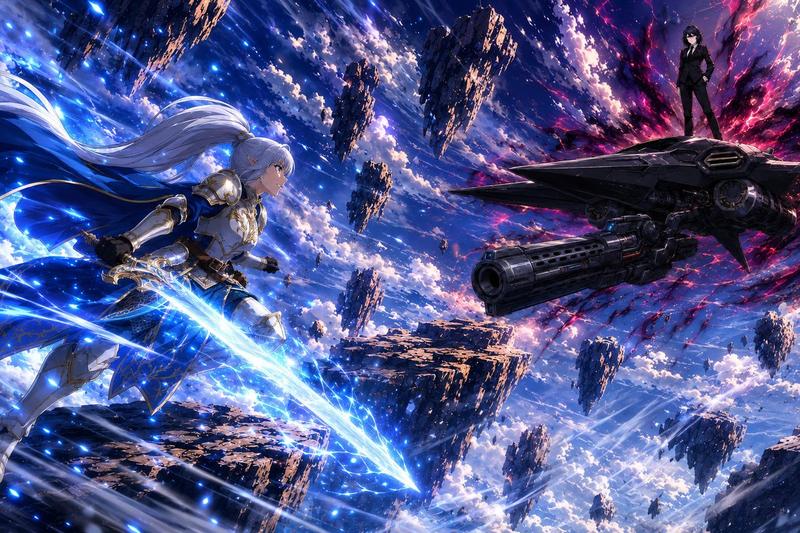
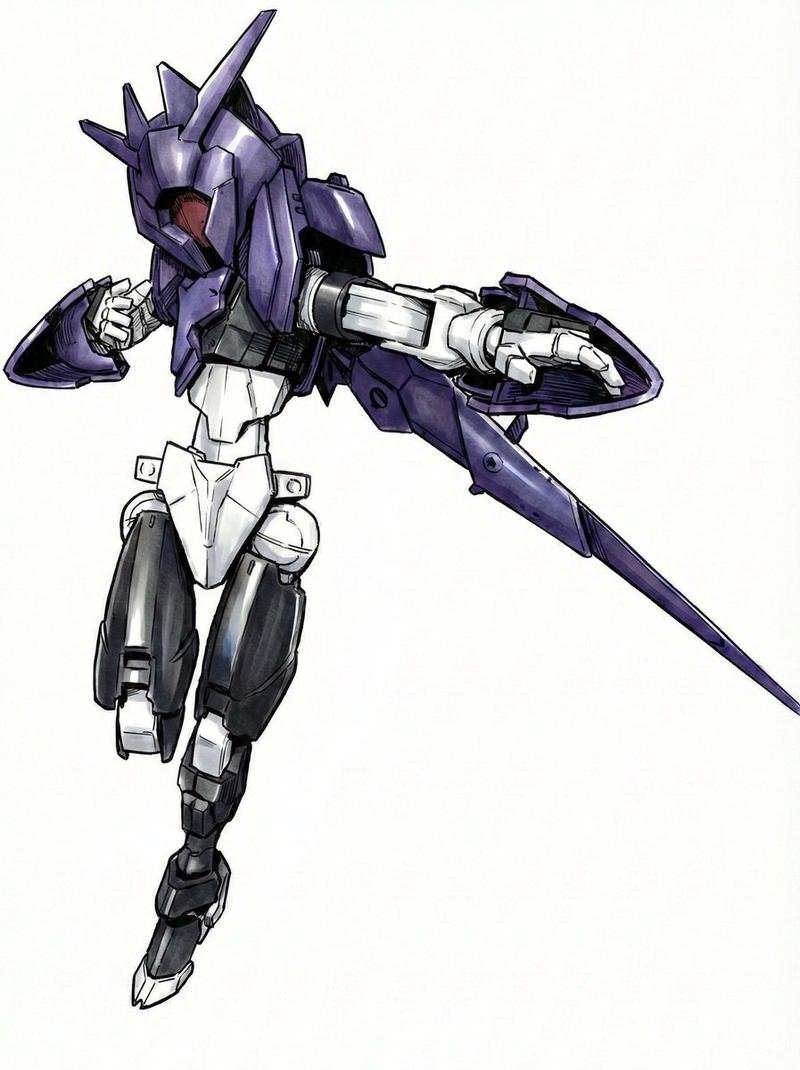
翼装机甲光束炮激战
Prompt
Create a dynamic high-detail anime mecha battle illustration in a cinematic 4:3 landscape frame. Show a single futuristic humanoid giant robot resembling a dark navy blue and white super robot, with angular Gundam-like armor, sharp V-fin helmet, glowing green forehead and chest sensors, yellow accent panels, red chin detail, layered shoulder armor, large wing-like backpack thrusters, and bulky mechanical legs. The mecha is flying diagonally from the upper left toward the lower right, viewed from a low three-quarter front angle, gripping an oversized rectangular beam cannon with both hands. The cannon fires one enormous blinding {argument name="beam color" default="hot pink and white"} energy blast to the right edge of the image, surrounded by a circular glowing energy ring, electric arcs, streaking particles, and radial motion lines. Add two bright blue thruster flames from the rear backpack on the left side. The background is a chaotic aerial battlefield at sunset or dusk with smoky purple clouds, orange explosions, burning debris, sparks, and small dark fragments flying through the sky. Use dramatic foreshortening, intense motion blur on the energy beam, crisp cel-shaded anime linework, highly polished mechanical panel detail, high contrast lighting, vibrant neon effects, and epic sci-fi action composition. The main subject should be {argument name="mecha design" default="dark navy angular winged humanoid battle robot"}; keep exactly one robot, one beam cannon, one main energy beam, one circular energy ring, and two visible blue thruster plumes. No text, no logos, no watermark.- Category
- Posters & Typography
- Model
- GPT Image 2
- Creator
- まろちん
- Source ID
- 20282
- Published
- May 14, 2026
Views3