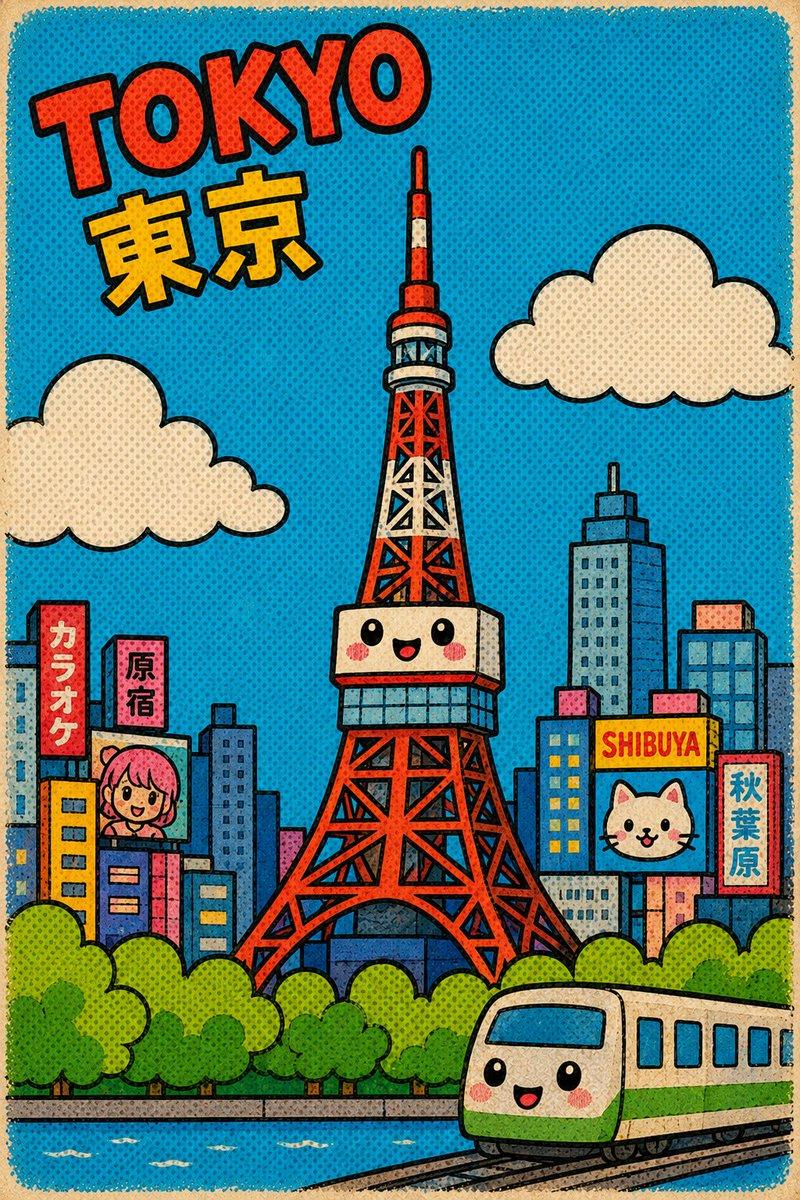
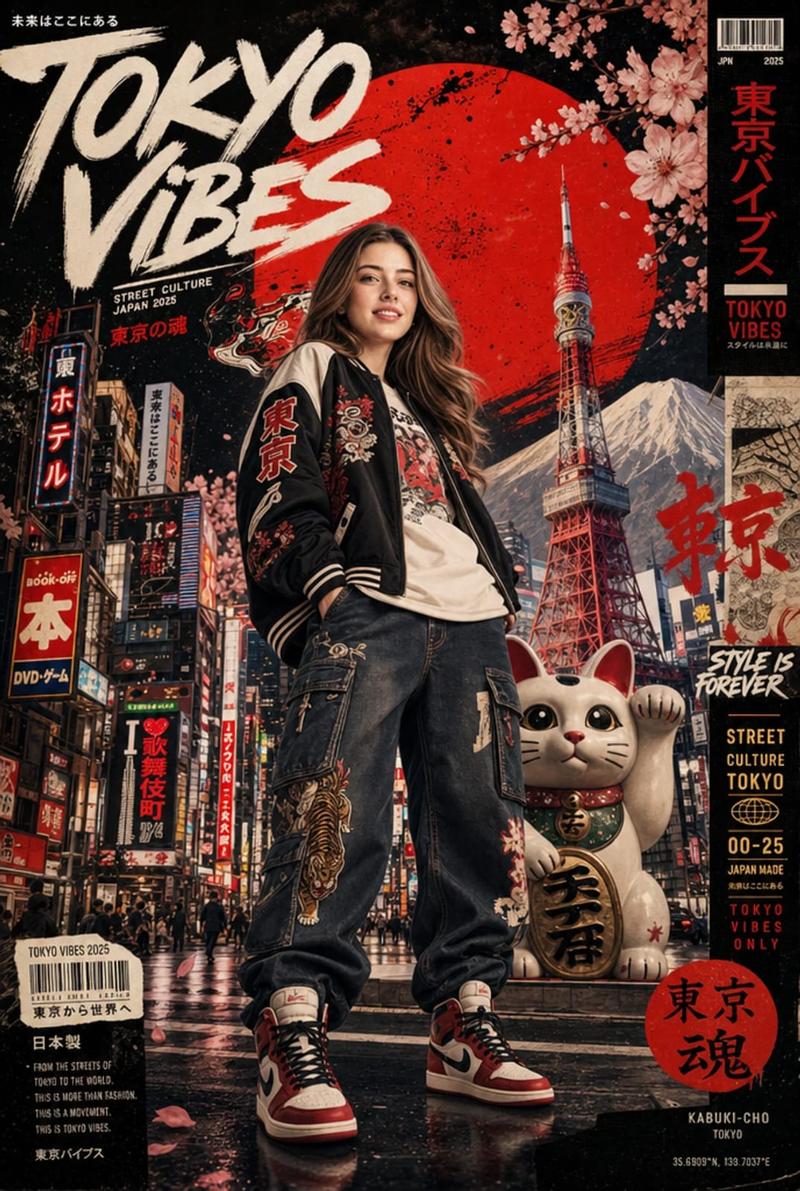
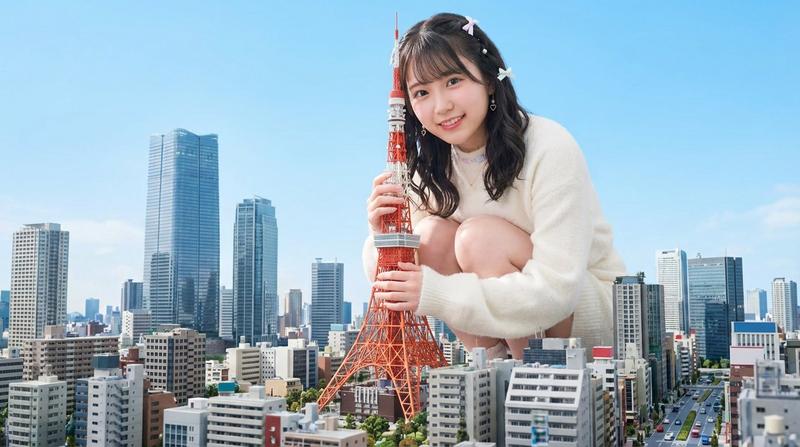
复古可爱风东京明信片
Prompt
Create a cute retro cartoon postcard cityscape of {argument name="city name" default="Tokyo"}, with the city’s most iconic landmark as the clear central focus: a kawaii Tokyo Tower in the middle, red and white lattice structure, simplified chunky geometry, thick black outlines, a smiling face with rosy cheeks on the observation deck, and exaggerated children’s picture-book proportions. Use a vertical 2:3 postcard composition with a turquoise-blue sky, cream paper border, visible vintage print texture, halftone dots, slight ink misregistration, and bold pop-art colors. At the top left, add large tilted red block letters spelling {argument name="headline text" default="TOKYO"} with black outline, and below it large yellow Japanese characters {argument name="local city text" default="東京"}. Surround the tower with an ultra-simplified skyline of colorful rectangular buildings in blues, pinks, oranges, and yellows. Include exactly 5 visible sign or billboard text elements in the city: a red vertical sign reading 「カラオケ」, a pink vertical sign reading 「原宿」, a yellow horizontal sign reading “SHIBUYA”, a blue billboard with a cute cat face, and a red vertical sign reading 「秋葉原」. Add exactly 2 cream-colored rounded cartoon clouds, one on the left and one on the right. In the foreground, create a band of bright green rounded treetops, a blue river or canal with small white water strokes, and a cute green-and-cream commuter train at the bottom right with a smiling face, black tracks, and rounded windows. Keep all architecture extremely simplified with minimal detail, chunky geometric shapes, naive children’s illustration style, bold thick black outlines, cheerful kawaii expressions, retro comic halftone shading, saturated pop palette, and no photorealism.- Category
- Brand & Logos
- Model
- GPT Image 2
- Creator
- 两斤
- Source ID
- 20323
- Published
- May 14, 2026
Views3