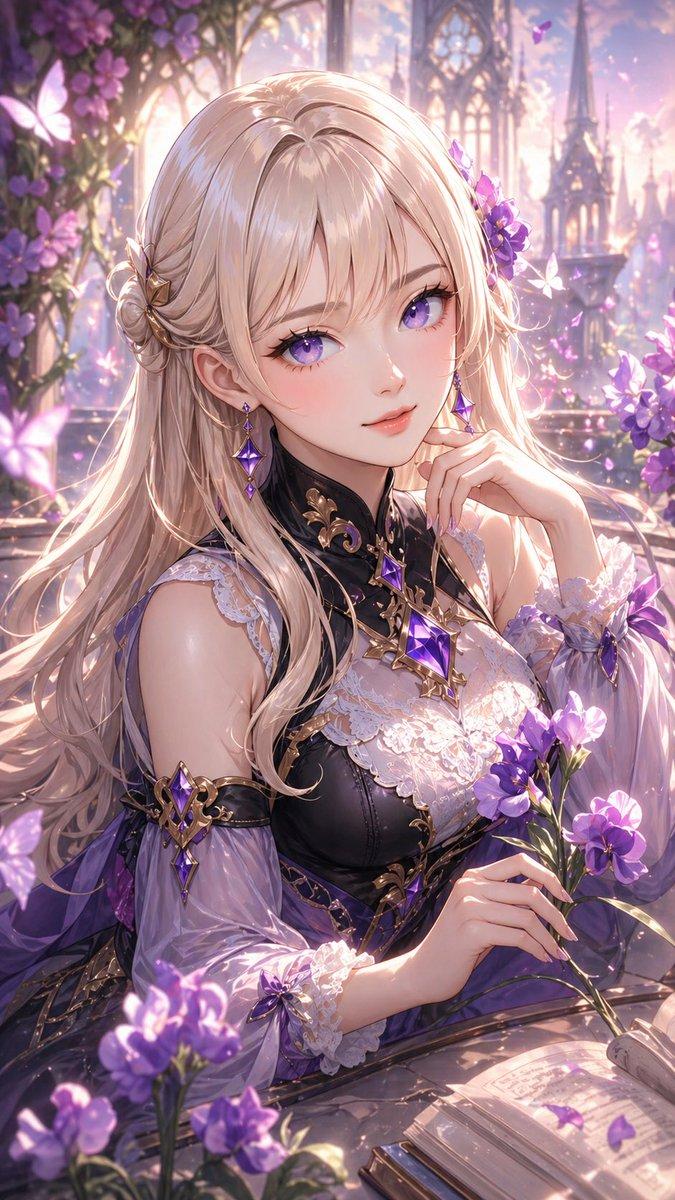
无面精灵天使图书馆
Prompt
Goal: Create a dreamy vertical anime-style fantasy library illustration of a serene elf-like angel scholar seated in front of packed bookshelves, with her face deliberately hidden by a flat overlay.

Canvas: Portrait 3:4 composition, warm late-afternoon sunlight from the upper left, soft high-detail digital painting, delicate linework, pale gold and cream palette.

Main subject: A young feminine elf angel occupies the lower-left and center foreground. She has very long flowing {argument name="hair color" default="silver-white"} hair cascading over her shoulders and lap, pointed elf ears, a thin glowing golden halo tilted above her head, and a small flower hair ornament near one ear. Her face is obscured by {argument name="face covering" default="a plain warm beige square centered over the face"}, with no facial features visible. She rests one hand thoughtfully near her chin and wears a loose white robe with gold trim, layered drapery, and a large gold pendant on her chest.

Background and setting: An antique study or sacred library with three visible wooden bookshelf levels filled with exactly 45 visible book spines. Use vertical book titles in {argument name="book spine language" default="Japanese"}, with elegant fantasy-academic titles such as mythology, theology, constellations, architecture, ancient records, western art history, and encyclopedias. The spines are cream, tan, gray, muted blue, brown, and black, with small gold decorations and aged paper texture.

Counted objects and decorations: Include exactly 45 visible book spines; exactly 1 owl figurine on the top-right shelf; exactly 1 white feather quill standing in an ink bottle beside the owl; exactly 1 open-looking constellation chart or dark star map board on the right middle shelf; exactly 1 pale feather lying horizontally on the middle shelf; exactly 1 small rectangular standing card with a sun motif near the star map; exactly 1 antique globe on the lower-right pedestal; exactly 1 carved stone column or pedestal at far left; exactly 1 carved pedestal at lower right; exactly 2 ivy clusters, one climbing near the upper-left window/column and one trailing near the lower-right globe.

Lighting and mood: Use {argument name="overall palette" default="warm ivory, champagne gold, sepia beige, and soft gray"}. Add sunbeams, leaf shadows, dust motes, soft bloom, and a nostalgic sacred-library atmosphere. The left side should be brighter and washed with sunlight, while the right shelves remain softly shaded.

Style constraints: Highly detailed anime illustration, ethereal fantasy realism, ornate but gentle, no modern objects, no readable modern signage, no extra characters, no watermark, no border. Keep the beige face-covering square perfectly flat and opaque, contrasting with the painterly rendering beneath it.- Category
- Charts & Infographics
- Model
- GPT Image 2
- Creator
- 黒猫さん🐈⬛
- Source ID
- 20413
- Published
- May 14, 2026
Views6